
Azure Storage Explorer PC
my.app.factory
گیم لوپ ایمولیٹر کے ساتھ PC پر Azure Storage Explorer ڈاؤن لوڈ کریں۔
پی سی پر Azure Storage Explorer
Azure Storage Explorer، جو ڈویلپر my.app.factory سے آرہا ہے، ماضی میں اینڈرائیڈ سسٹم پر چل رہا ہے۔
اب، آپ پی سی پر Azure Storage Explorer آسانی سے GameLoop کے ساتھ چلا سکتے ہیں۔
اسے GameLoop لائبریری یا تلاش کے نتائج میں ڈاؤن لوڈ کریں۔ مزید غلط وقت پر بیٹری یا مایوس کن کالوں پر نظر نہیں ڈالی جائے گی۔
بس بڑی سکرین پر Azure Storage Explorer PC کا مفت میں لطف اٹھائیں!
Azure Storage Explorer تعارف
**IMPORTANT!**: Personal accounts with an @outlook.com/hotmail.com domain cannot be used with this app. This is a limitation with Microsoft AAD unfortunately. You will need to use an organizational account or add a user in your tenant which has your tenant's domain. For ex: user@yourtenantname.onmicrosoft.com.
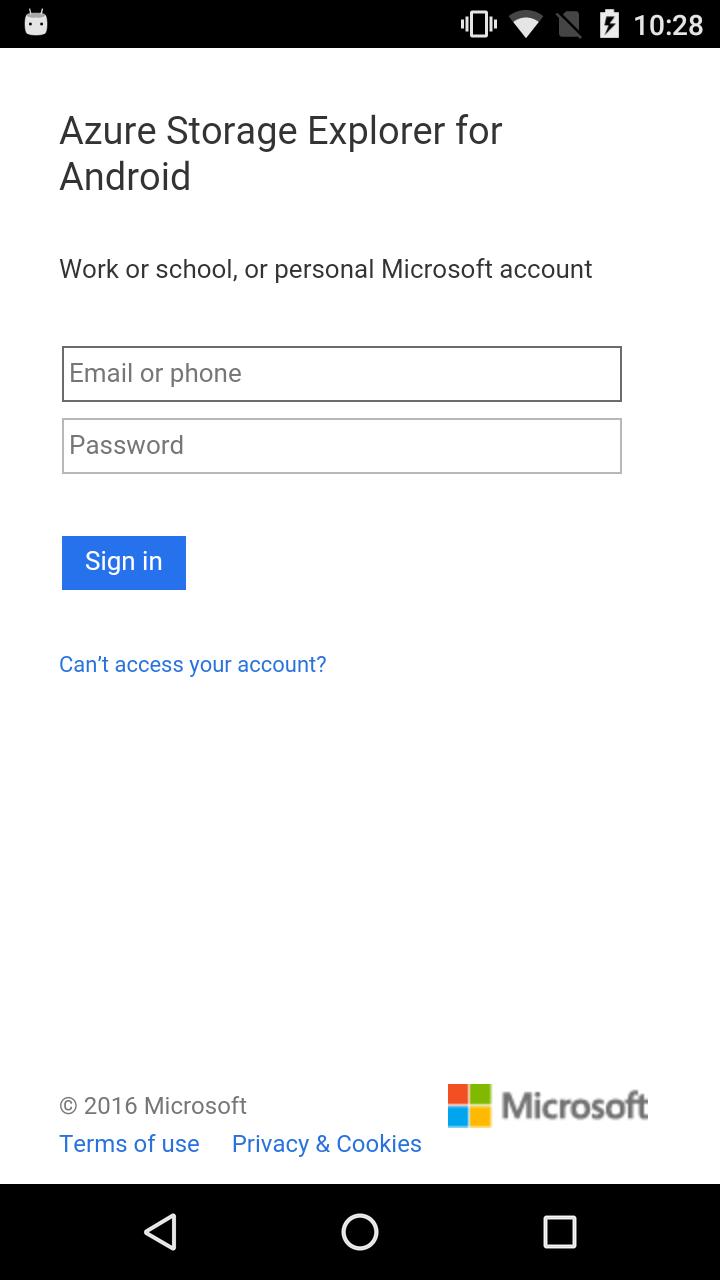
This app allows you to sign-in with you Azure credentials and automatically pulls all of your subscriptions and the (classic and ARM) storage accounts associated with them.
Features:
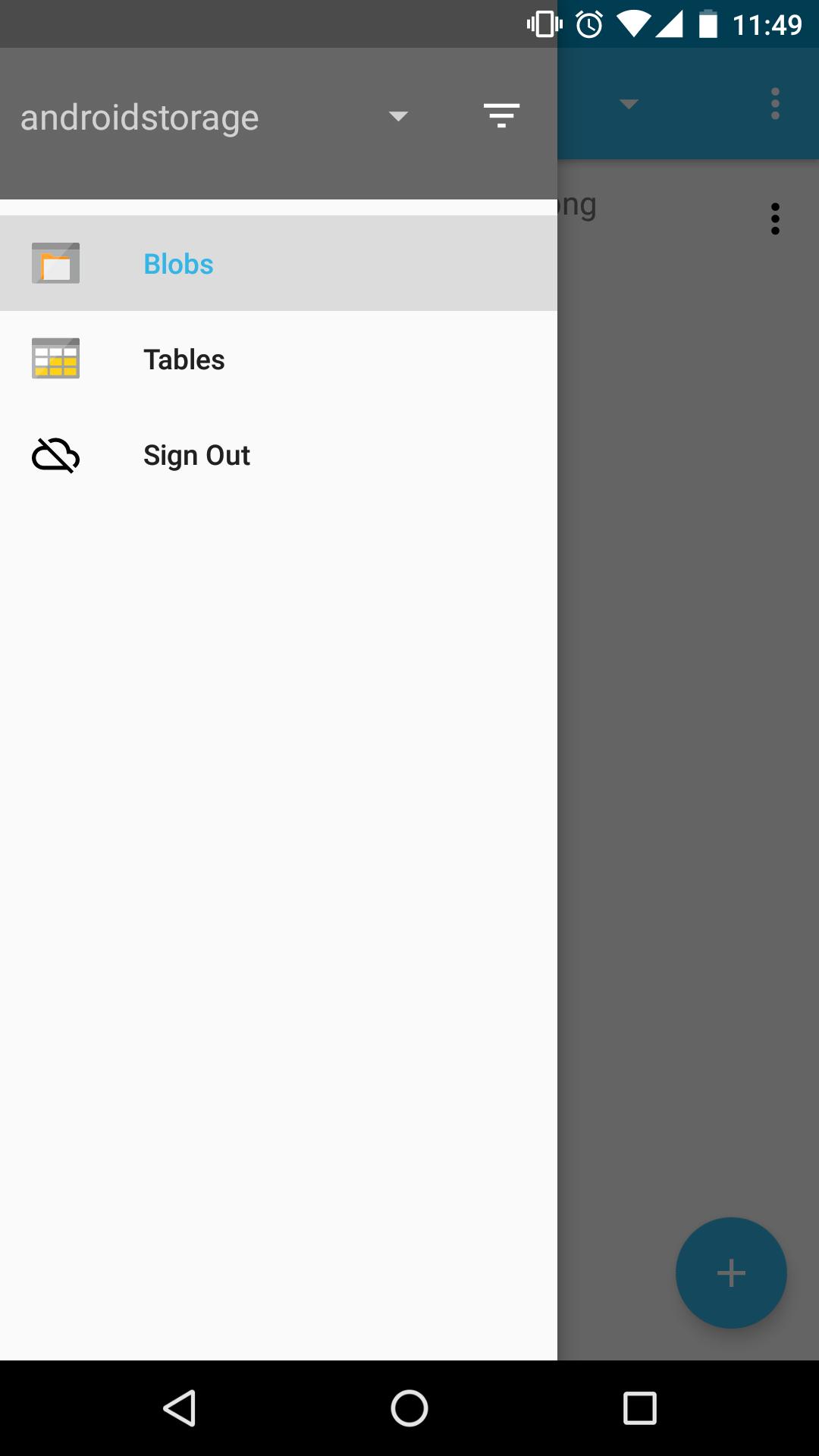
- View all of your storage accounts
- Filter and view storage accounts from specific subscriptions
- Navigate through your blob directories
- Preview blobs
- View blob properties
- Upload/download/delete blobs
- Create blob containers
- View storage tables
- View table entities
Coming soon!
- View entity metadata
- Create storage table
This app is open-sourced on GitHub! https://github.com/praneetloke/AzureStorageExplorerAndroid. Have a problem with the app? Submit an issue https://github.com/praneetloke/AzureStorageExplorerAndroid/issues.
پیش نظارہ
معلومات
ڈویلپر
my.app.factory
تازہ ترین ورژن
1.0.0
آخری تازہ کاری
2018-10-19
قسم
اوزار
پر دستیاب ہے۔
Google Play
مزید دکھائیں
پی سی پر گیم لوپ کے ساتھ Azure Storage Explorer کیسے کھیلا جائے۔
1. آفیشل ویب سائٹ سے گیم لوپ ڈاؤن لوڈ کریں، پھر گیم لوپ انسٹال کرنے کے لیے exe فائل چلائیں۔
2. گیم لوپ کھولیں اور "Azure Storage Explorer" تلاش کریں، تلاش کے نتائج میں Azure Storage Explorer تلاش کریں اور "انسٹال کریں" پر کلک کریں۔
3. گیم لوپ پر Azure Storage Explorer کھیلنے کا لطف اٹھائیں۔
Minimum requirements
OS
Windows 8.1 64-bit or Windows 10 64-bit
GPU
GTX 1050
CPU
i3-8300
Memory
8GB RAM
Storage
1GB available space
Recommended requirements
OS
Windows 8.1 64-bit or Windows 10 64-bit
GPU
GTX 1050
CPU
i3-9320
Memory
16GB RAM
Storage
1GB available space