Assistive Touch for Android PC
Pak cottage
گیم لوپ ایمولیٹر کے ساتھ PC پر Assistive Touch for Android ڈاؤن لوڈ کریں۔
پی سی پر Assistive Touch for Android
Assistive Touch for Android، جو ڈویلپر Pak cottage سے آرہا ہے، ماضی میں اینڈرائیڈ سسٹم پر چل رہا ہے۔
اب، آپ پی سی پر Assistive Touch for Android آسانی سے GameLoop کے ساتھ چلا سکتے ہیں۔
اسے GameLoop لائبریری یا تلاش کے نتائج میں ڈاؤن لوڈ کریں۔ مزید غلط وقت پر بیٹری یا مایوس کن کالوں پر نظر نہیں ڈالی جائے گی۔
بس بڑی سکرین پر Assistive Touch for Android PC کا مفت میں لطف اٹھائیں!
Assistive Touch for Android تعارف
Assistive Touch for Android
Assistive Touch iOS 15 Bubble
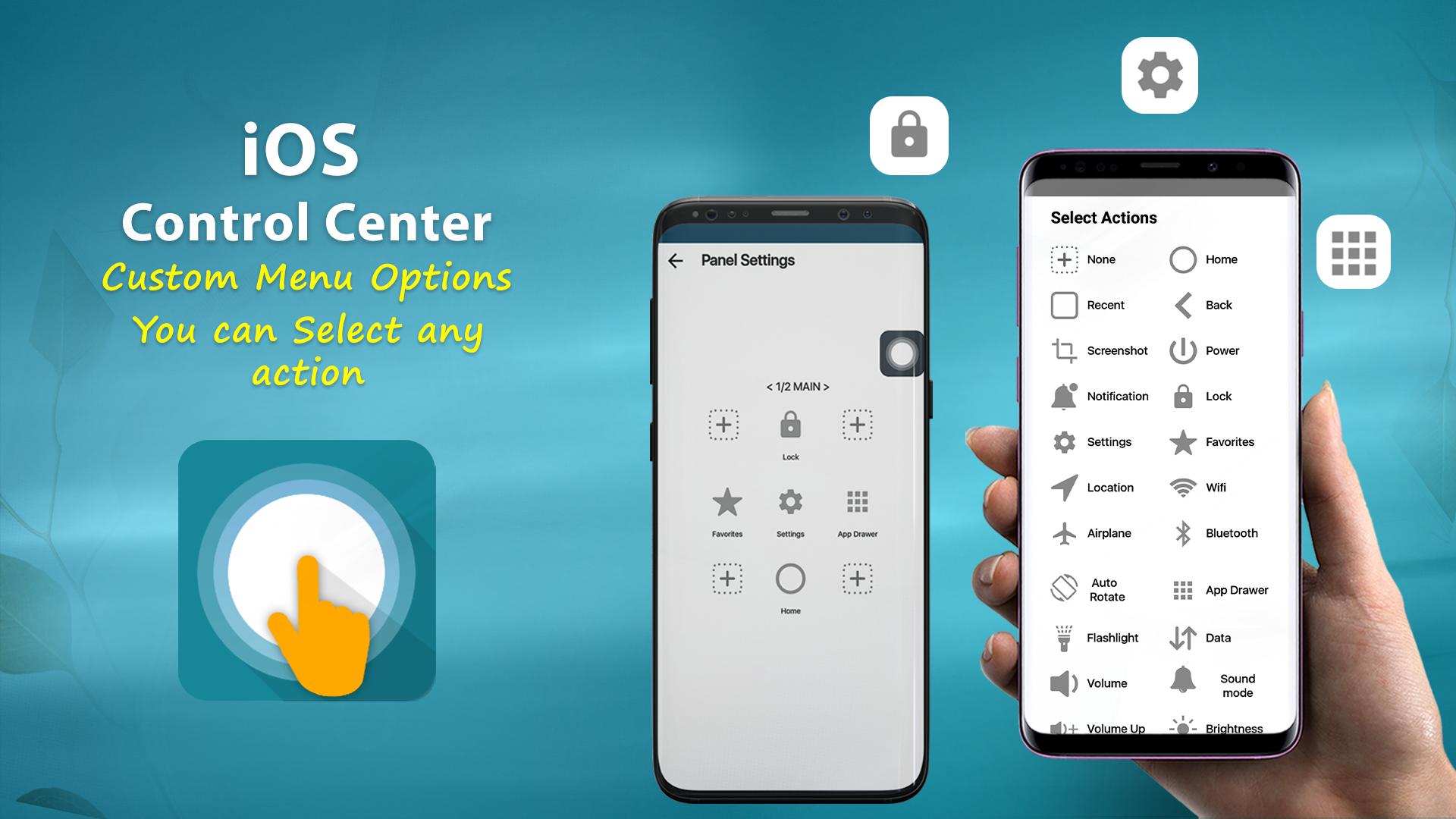
Virtual Home button, easy touch to lock screen and open recent task
- Virtual Volume button, quick touch to change volume and change sound mode
- Virtual Back button
- Clean ram, boost speed, one tap ram booster.
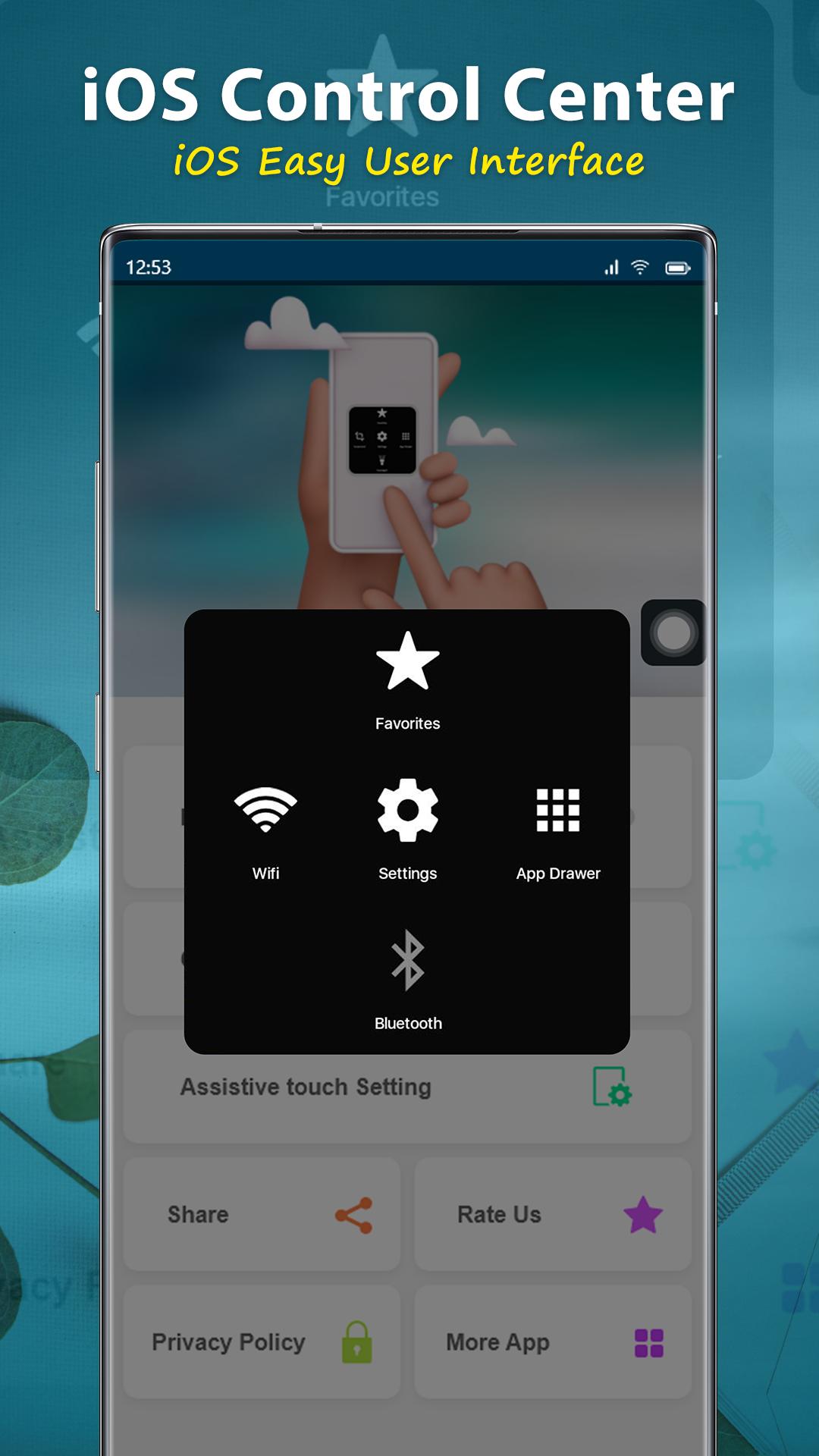
- Easy touch to open your favorite application
- Go to all setting very quick with a touch
NOTE: DON'T REPORT BUGS, SUGGESTION NEW FEATURES VIA COMMENT AND RATE. PLEASE REQUEST BUG FIX AND IMPLEMENT NEW FEATURES VIA EMAIL: pakcottage@gmail.com
Permission Declarations for Assistive Touch:
+ CAMERA: to turn on Flashlight, not take a photo.
+ READ/WRITE_EXTERNAL_STORAGE: To download and save icon for Assistive Touch.
+ DRAW OVER SCREEN: To show Assistive Touch in over all apps.
+ BIND_ACCESSIBILITY_SERVICE: To allow apps to draw in HOME SCREEN. App does not use the permission for any other purpose. The application is only allowed to use this permission with the consent of the user.
- We never publicly disclose any personal or sensitive user data related to financial or payment activities or any government identification numbers, photos and contacts, etc.
This app uses Accessibility services.
Let install and enjoy ^^
Thank for your support
پیش نظارہ
ٹیگز
اوزارپرسنلائزیشنمعلومات
ڈویلپر
Pak cottage
تازہ ترین ورژن
1.1.3
آخری تازہ کاری
2022-12-13
قسم
اوزار
پر دستیاب ہے۔
Google Play
مزید دکھائیں
پی سی پر گیم لوپ کے ساتھ Assistive Touch for Android کیسے کھیلا جائے۔
1. آفیشل ویب سائٹ سے گیم لوپ ڈاؤن لوڈ کریں، پھر گیم لوپ انسٹال کرنے کے لیے exe فائل چلائیں۔
2. گیم لوپ کھولیں اور "Assistive Touch for Android" تلاش کریں، تلاش کے نتائج میں Assistive Touch for Android تلاش کریں اور "انسٹال کریں" پر کلک کریں۔
3. گیم لوپ پر Assistive Touch for Android کھیلنے کا لطف اٹھائیں۔
Minimum requirements
OS
Windows 8.1 64-bit or Windows 10 64-bit
GPU
GTX 1050
CPU
i3-8300
Memory
8GB RAM
Storage
1GB available space
Recommended requirements
OS
Windows 8.1 64-bit or Windows 10 64-bit
GPU
GTX 1050
CPU
i3-9320
Memory
16GB RAM
Storage
1GB available space