
Aryzon AR Studio PC
Aryzon
گیم لوپ ایمولیٹر کے ساتھ PC پر Aryzon AR Studio ڈاؤن لوڈ کریں۔
پی سی پر Aryzon AR Studio
Aryzon AR Studio، جو ڈویلپر Aryzon سے آرہا ہے، ماضی میں اینڈرائیڈ سسٹم پر چل رہا ہے۔
اب، آپ پی سی پر Aryzon AR Studio آسانی سے GameLoop کے ساتھ چلا سکتے ہیں۔
اسے GameLoop لائبریری یا تلاش کے نتائج میں ڈاؤن لوڈ کریں۔ مزید غلط وقت پر بیٹری یا مایوس کن کالوں پر نظر نہیں ڈالی جائے گی۔
بس بڑی سکرین پر Aryzon AR Studio PC کا مفت میں لطف اٹھائیں!
Aryzon AR Studio تعارف
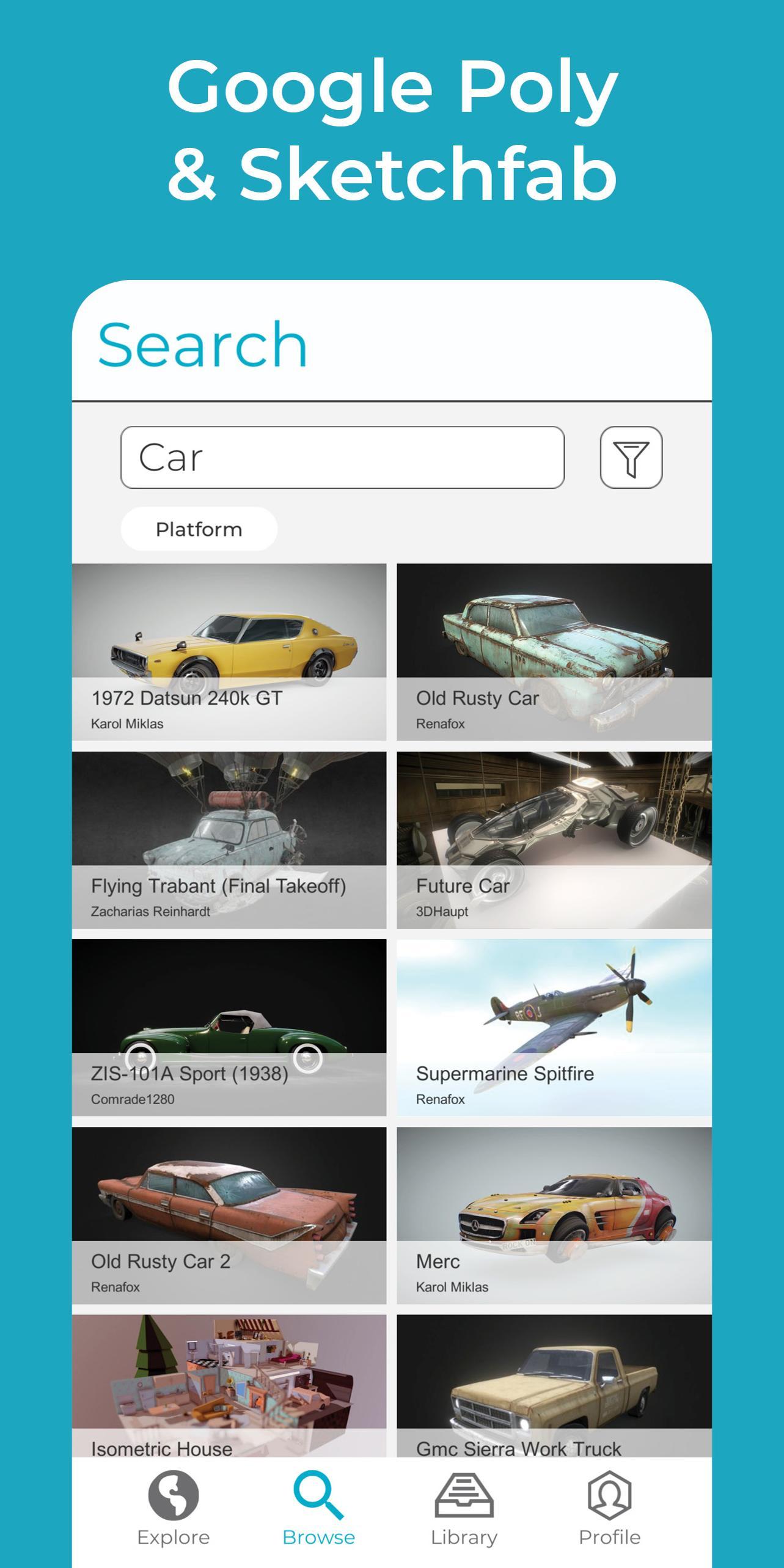
Aryzon's AR Studio brings Augmented Reality to a whole new dimension. Browse for 3D models from Sketchfab and Google Poly, store them in your library and view them in AR!
FEATURES:
+ Thousands directly viewable 3D models
+ Google Poly and Sketchfab integration
+ Supports textures and animations
+ Scan with ARKit
+ Build your own library of models
+ Share models, videos and photos with friends
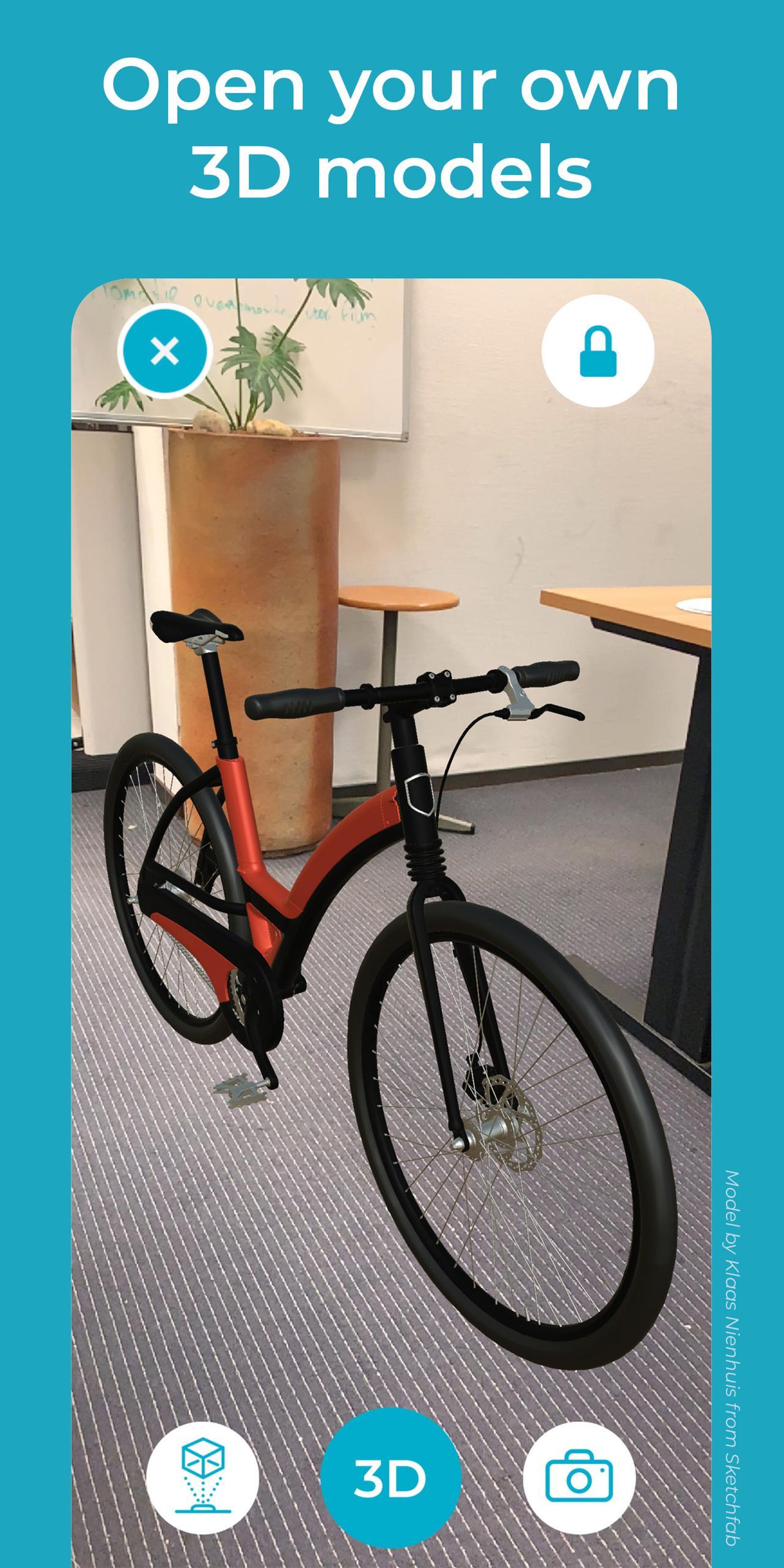
+ Open your own 3D models
+ Compatible with the Aryzon AR Headset
Scale, rotate and place your 3D model realistically in your environment. Once done, move around and examine the 3D model from every angle. This app is excellent for testing out an objects scale in a real AR environment. Additionally any textures and/or animations can be embedded to the 3D model and can be viewed with this application.
Want to see your own 3D model in AR? Simply open the file and add it to your library. See below for the supported file types. Use this app to take your 3D models with you to see them anywhere, anytime in your own environment!
SUPPORTED FILE TYPES:
3D, 3DS, 3MF, AC, AMF, ASE, ASSBIN, ASSXML, B3D, BLEND, BSP, BVH, COB, CSM, DAE, DXF, FBX, GLTF, HMP, IFC, IRR, IRRMESH, LWO, LWS, MD2, MD3, MD5, MDC, MDL, MS3D, NDO, NFF, OBJ, OFF, OGEX, PLY, Q3D, Q3S, RAW, SCN, SIB, SMD, STL, TER, VTA, X, X3D, XGL, XML, ZGL.
Aryzon's mission is to make 3D Augmented Reality available to anyone with a smartphone!
**Use of the Aryzon AR Headset is advised but not necessary. Our AR headset advances the Augmented Reality effect into the 3rd dimension and allows you to truly visualize the volumetric 3D model in a real world environment.**
پیش نظارہ
ٹیگز
اوزارمعلومات
ڈویلپر
Aryzon
تازہ ترین ورژن
2.4
آخری تازہ کاری
2020-09-16
قسم
اوزار
پر دستیاب ہے۔
Google Play
مزید دکھائیں
پی سی پر گیم لوپ کے ساتھ Aryzon AR Studio کیسے کھیلا جائے۔
1. آفیشل ویب سائٹ سے گیم لوپ ڈاؤن لوڈ کریں، پھر گیم لوپ انسٹال کرنے کے لیے exe فائل چلائیں۔
2. گیم لوپ کھولیں اور "Aryzon AR Studio" تلاش کریں، تلاش کے نتائج میں Aryzon AR Studio تلاش کریں اور "انسٹال کریں" پر کلک کریں۔
3. گیم لوپ پر Aryzon AR Studio کھیلنے کا لطف اٹھائیں۔
Minimum requirements
OS
Windows 8.1 64-bit or Windows 10 64-bit
GPU
GTX 1050
CPU
i3-8300
Memory
8GB RAM
Storage
1GB available space
Recommended requirements
OS
Windows 8.1 64-bit or Windows 10 64-bit
GPU
GTX 1050
CPU
i3-9320
Memory
16GB RAM
Storage
1GB available space