AppLock With Intruder alarm PC
AM Company
گیم لوپ ایمولیٹر کے ساتھ PC پر AppLock With Intruder alarm ڈاؤن لوڈ کریں۔
پی سی پر AppLock With Intruder alarm
AppLock With Intruder alarm، جو ڈویلپر AM Company سے آرہا ہے، ماضی میں اینڈرائیڈ سسٹم پر چل رہا ہے۔
اب، آپ پی سی پر AppLock With Intruder alarm آسانی سے GameLoop کے ساتھ چلا سکتے ہیں۔
اسے GameLoop لائبریری یا تلاش کے نتائج میں ڈاؤن لوڈ کریں۔ مزید غلط وقت پر بیٹری یا مایوس کن کالوں پر نظر نہیں ڈالی جائے گی۔
بس بڑی سکرین پر AppLock With Intruder alarm PC کا مفت میں لطف اٹھائیں!
AppLock With Intruder alarm تعارف
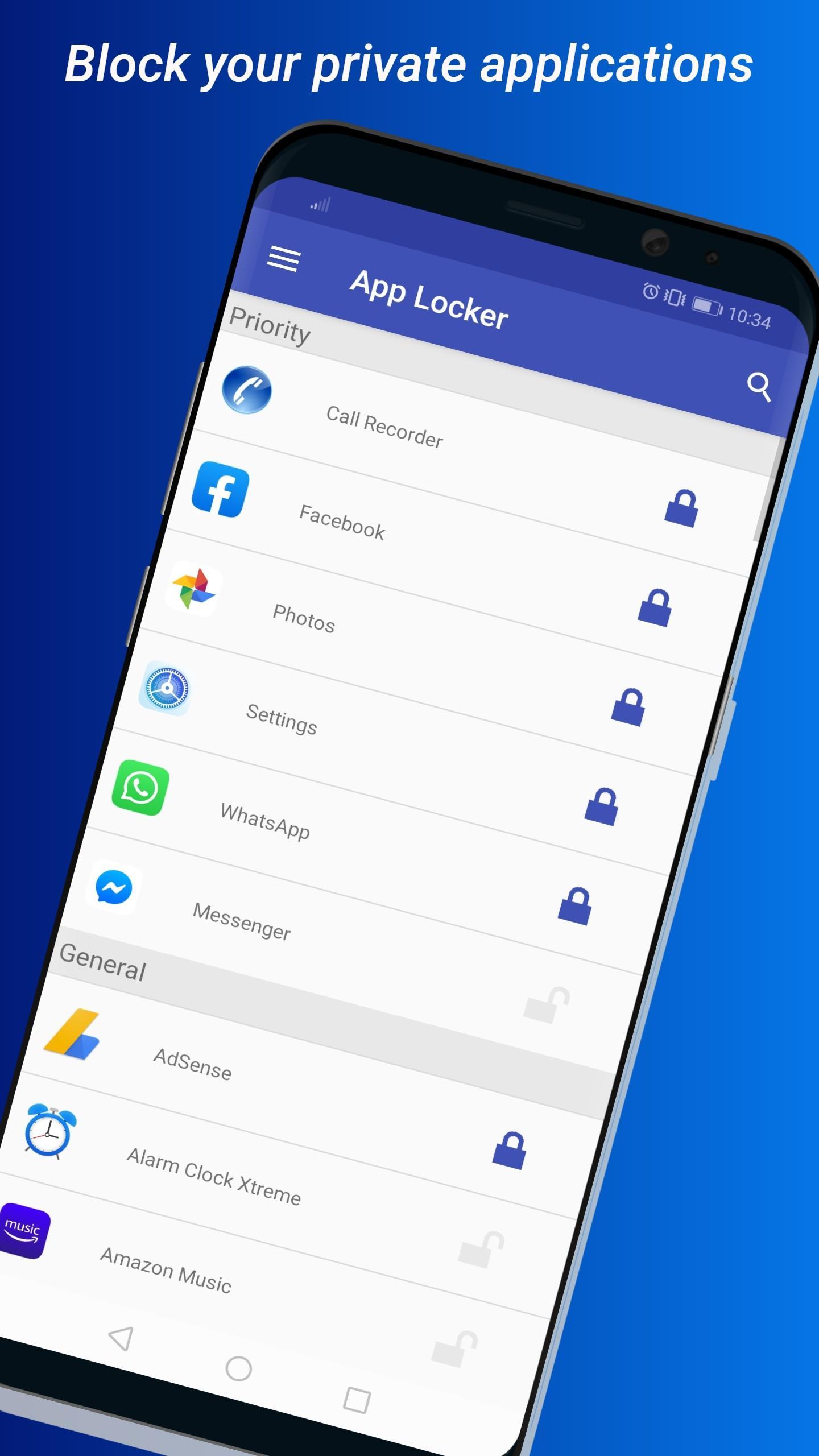
AppLock with intruder alert is a must-have app for anyone who values privacy and security. With AppLock, you can easily lock any app on your Android device using a pattern or PIN lock. Whether it's your social media apps, banking apps, or photo gallery, you can rest assured that your private information is safe and secure.
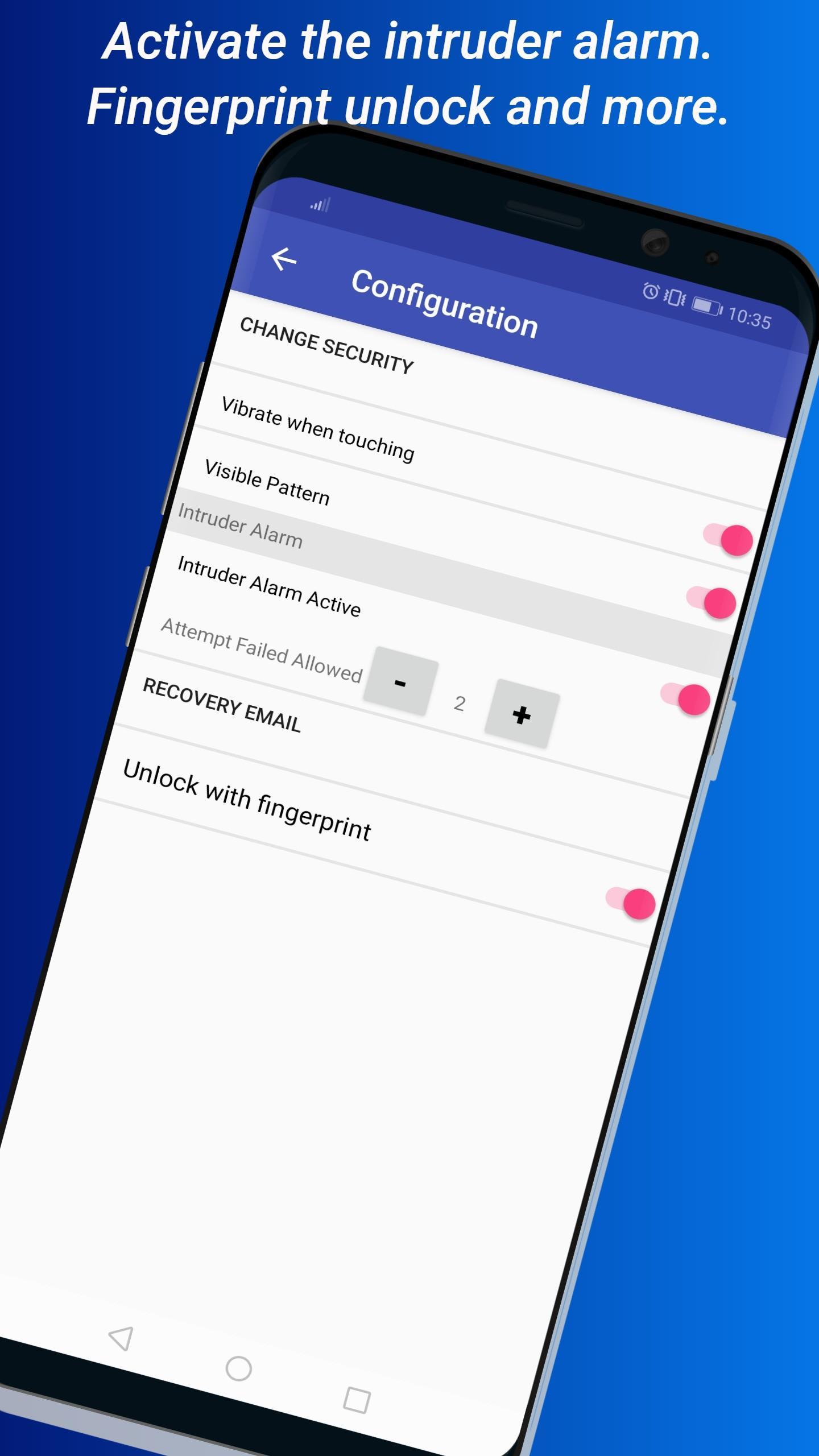
But that's not all. AppLock also comes with an intruder alert feature that notifies you when someone tries to access your apps without authorization. You can even set the number of failed attempts before the alarm goes off. This added layer of security ensures that no one can access your apps without your knowledge.
AppLock is easy to use and highly reliable. Once you download and install it, you can start protecting your private apps immediately. You don't have to worry about anyone reading your confidential information, changing your phone settings, or playing games on your device without your permission.
We take your privacy seriously, which is why we only request the necessary permissions to manage access to your apps. We don't access any private data of the user with the requested permissions, so you can trust AppLock to keep your personal information safe.
Download AppLock now and take control of your privacy. Whether you're at home, at work, or on the go, you can rest assured that your private information is secure with AppLock.
پیش نظارہ
ٹیگز
اوزارمعلومات
ڈویلپر
AM Company
تازہ ترین ورژن
4.6.1
آخری تازہ کاری
2023-08-22
قسم
اوزار
پر دستیاب ہے۔
Google Play
مزید دکھائیں
پی سی پر گیم لوپ کے ساتھ AppLock With Intruder alarm کیسے کھیلا جائے۔
1. آفیشل ویب سائٹ سے گیم لوپ ڈاؤن لوڈ کریں، پھر گیم لوپ انسٹال کرنے کے لیے exe فائل چلائیں۔
2. گیم لوپ کھولیں اور "AppLock With Intruder alarm" تلاش کریں، تلاش کے نتائج میں AppLock With Intruder alarm تلاش کریں اور "انسٹال کریں" پر کلک کریں۔
3. گیم لوپ پر AppLock With Intruder alarm کھیلنے کا لطف اٹھائیں۔
Minimum requirements
OS
Windows 8.1 64-bit or Windows 10 64-bit
GPU
GTX 1050
CPU
i3-8300
Memory
8GB RAM
Storage
1GB available space
Recommended requirements
OS
Windows 8.1 64-bit or Windows 10 64-bit
GPU
GTX 1050
CPU
i3-9320
Memory
16GB RAM
Storage
1GB available space