Amoled Clock On Display - AOD PC
Bhatrani Apps
گیم لوپ ایمولیٹر کے ساتھ PC پر Amoled Clock On Display - AOD ڈاؤن لوڈ کریں۔
پی سی پر Amoled Clock On Display - AOD
Amoled Clock On Display - AOD، جو ڈویلپر Bhatrani Apps سے آرہا ہے، ماضی میں اینڈرائیڈ سسٹم پر چل رہا ہے۔
اب، آپ پی سی پر Amoled Clock On Display - AOD آسانی سے GameLoop کے ساتھ چلا سکتے ہیں۔
اسے GameLoop لائبریری یا تلاش کے نتائج میں ڈاؤن لوڈ کریں۔ مزید غلط وقت پر بیٹری یا مایوس کن کالوں پر نظر نہیں ڈالی جائے گی۔
بس بڑی سکرین پر Amoled Clock On Display - AOD PC کا مفت میں لطف اٹھائیں!
Amoled Clock On Display - AOD تعارف
To show digital clock always on display we use AMOLED feature of smart phone. This super amoled feature is called ambient display or active display. Always on display (AOD) keep a limited portion of the screen on during sleep mode.
Super amoled lock screen clock widget does not drain battery because, always on display clock on screen just turns on those pixels LED required to show text, image or graphics while other pixels turned off.
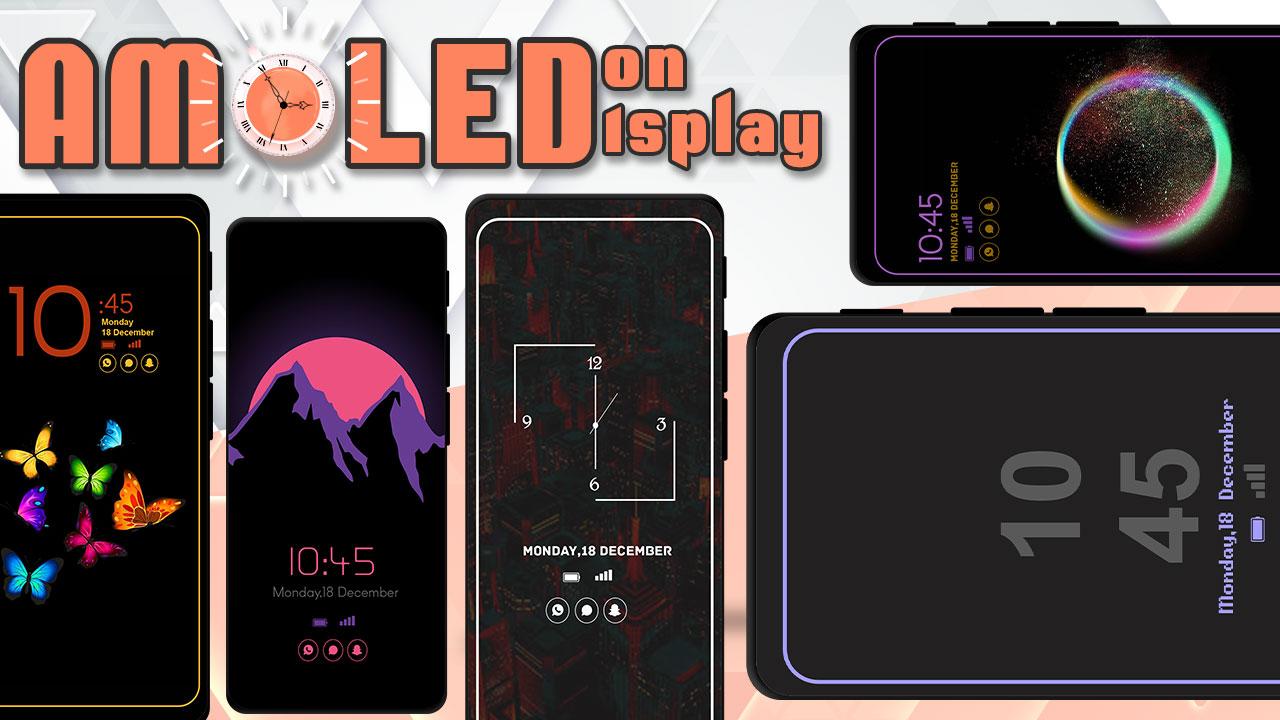
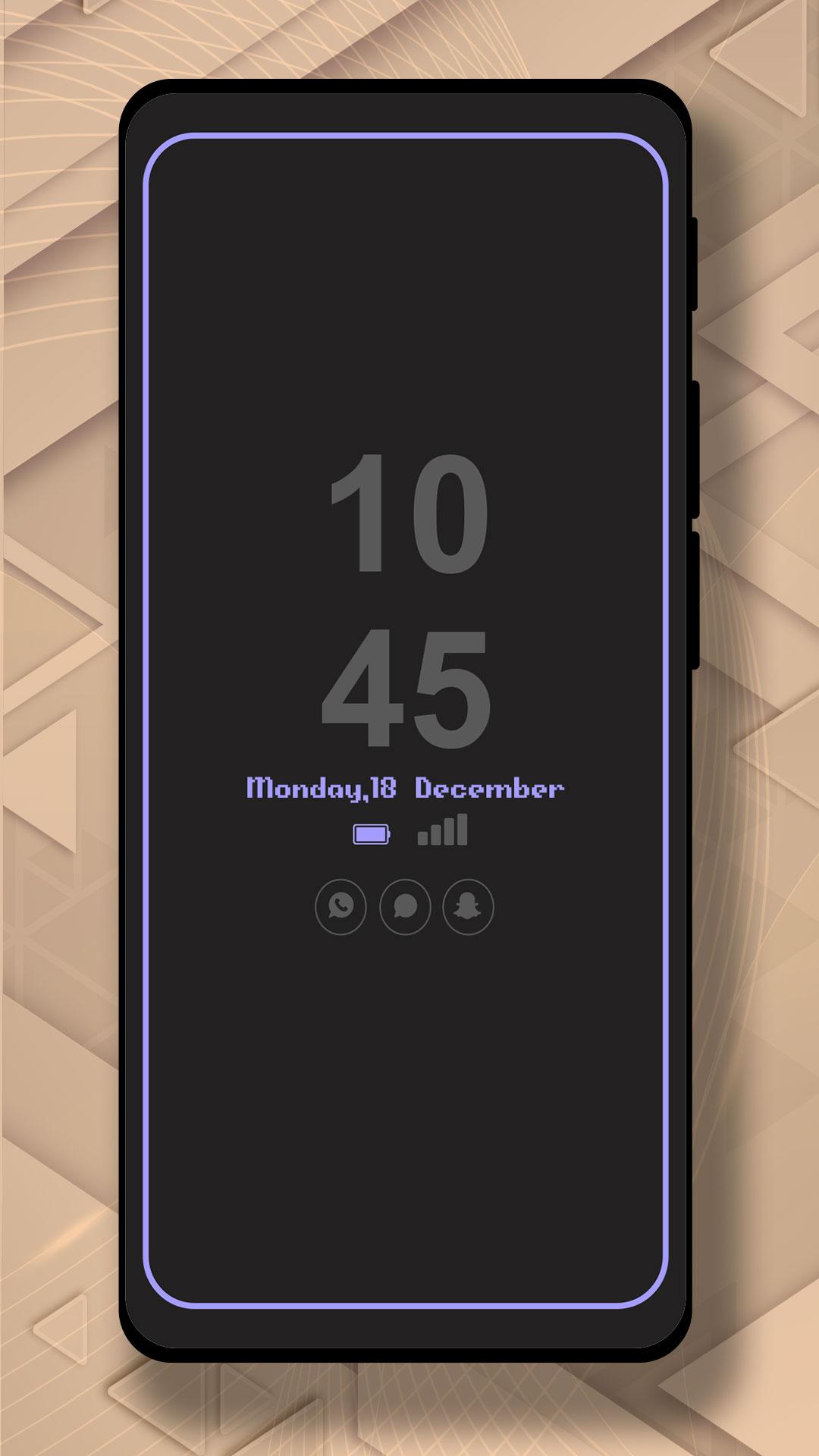
It will display the Amoled Clock on your mobile screens with the Digital clock AMOLED Display, Analog clock AMOLED Display, Calendar clock, Emoji clock, Picture Display clock, Funny clock, with notifications, and Time at your screen without having to touch the phone.
Now, screen time or digital clock is right in front of your eyes. The app provides you information about the date, time, notifications, and more. You won't even have to touch your phone screen to get all of the information as mentioned above. The Always on Display app is developed to show basic information on the black screen.
Settings:-
* Collection of Awesome digital clock and analog clocks
* Amazing UI/UX design and very easy to use
* Show battery level and less battery consumption
* Highly in-demand of these days Always On Display Screen
* Enable/Disable showing notifications
* Stunning Black Backgrounds
* Change clock style there a vast variety of styles of clocks like Analog and Digital Formates
* Social Media Notifications
* Always on Display - AOD
* Variety of AMOLED Clock styles always on display
* Can be used as a night clock
پیش نظارہ
ٹیگز
اوزارمعلومات
ڈویلپر
Bhatrani Apps
تازہ ترین ورژن
5.0.0
آخری تازہ کاری
2022-08-20
قسم
اوزار
پر دستیاب ہے۔
Google Play
مزید دکھائیں
پی سی پر گیم لوپ کے ساتھ Amoled Clock On Display - AOD کیسے کھیلا جائے۔
1. آفیشل ویب سائٹ سے گیم لوپ ڈاؤن لوڈ کریں، پھر گیم لوپ انسٹال کرنے کے لیے exe فائل چلائیں۔
2. گیم لوپ کھولیں اور "Amoled Clock On Display - AOD" تلاش کریں، تلاش کے نتائج میں Amoled Clock On Display - AOD تلاش کریں اور "انسٹال کریں" پر کلک کریں۔
3. گیم لوپ پر Amoled Clock On Display - AOD کھیلنے کا لطف اٹھائیں۔
Minimum requirements
OS
Windows 8.1 64-bit or Windows 10 64-bit
GPU
GTX 1050
CPU
i3-8300
Memory
8GB RAM
Storage
1GB available space
Recommended requirements
OS
Windows 8.1 64-bit or Windows 10 64-bit
GPU
GTX 1050
CPU
i3-9320
Memory
16GB RAM
Storage
1GB available space