Mini Golf 3D Classic PC
5amStudios
گیم لوپ ایمولیٹر کے ساتھ PC پر Mini Golf 3D Classic ڈاؤن لوڈ کریں۔
پی سی پر Mini Golf 3D Classic
Mini Golf 3D Classic، جو ڈویلپر 5amStudios سے آرہا ہے، ماضی میں اینڈرائیڈ سسٹم پر چل رہا ہے۔
اب، آپ پی سی پر Mini Golf 3D Classic آسانی سے GameLoop کے ساتھ چلا سکتے ہیں۔
اسے GameLoop لائبریری یا تلاش کے نتائج میں ڈاؤن لوڈ کریں۔ مزید غلط وقت پر بیٹری یا مایوس کن کالوں پر نظر نہیں ڈالی جائے گی۔
بس بڑی سکرین پر Mini Golf 3D Classic PC کا مفت میں لطف اٹھائیں!
Mini Golf 3D Classic تعارف
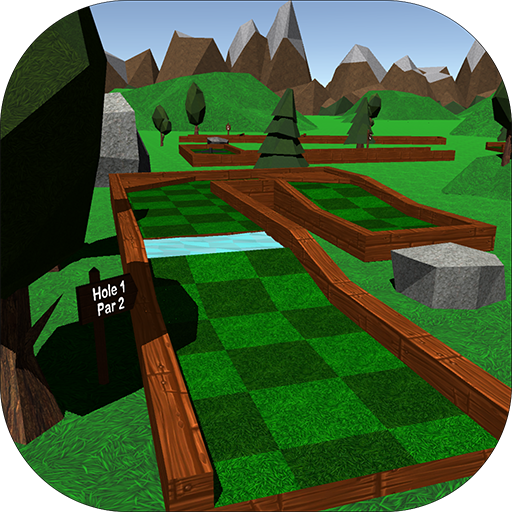
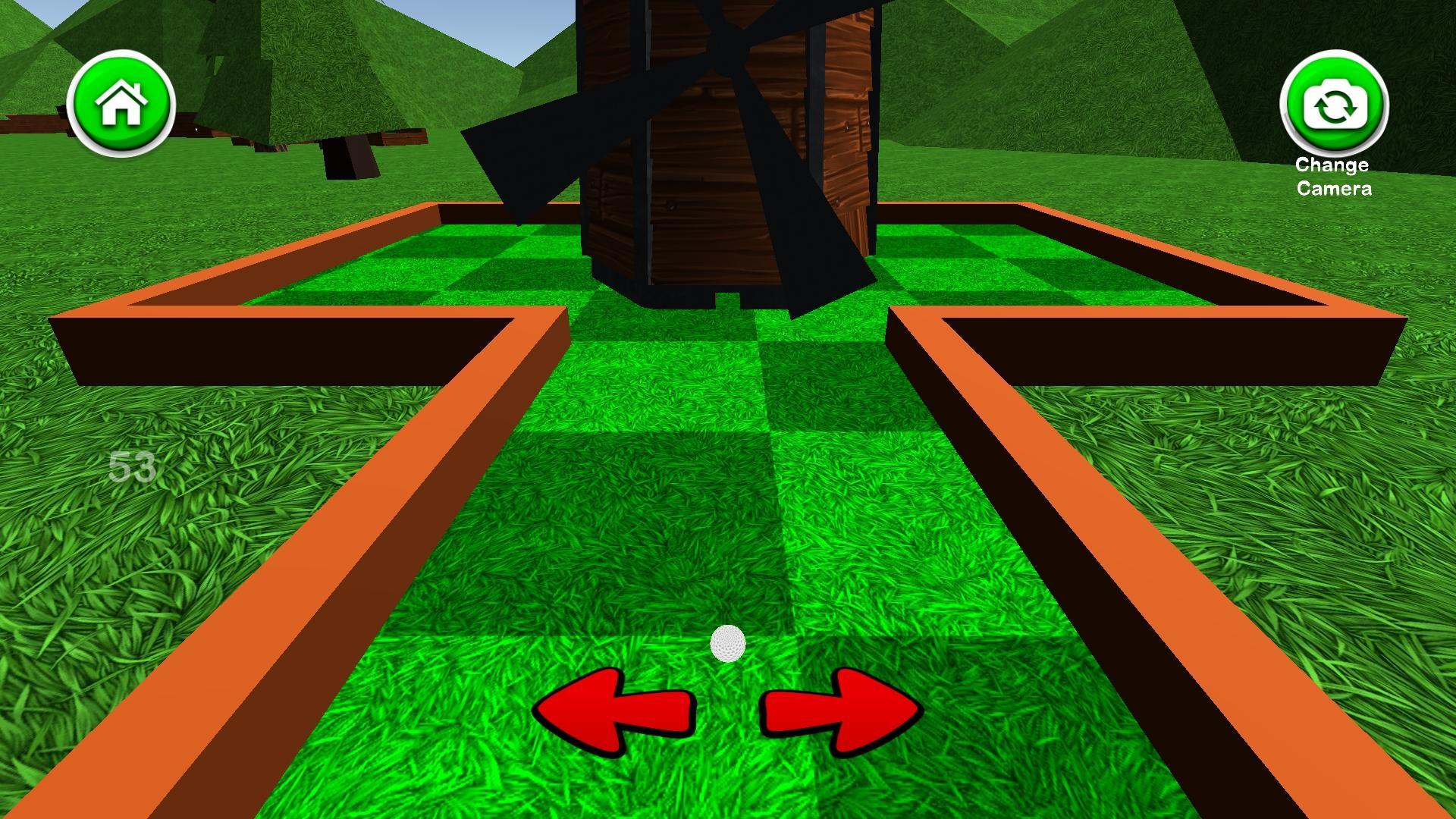
Mini Golf 3D Classic is a free mini golf game that includes six 18 hole courses with a simple to use interface and appealing graphics. Mini Golf 3D Classic features normal mode, where you can compare your high scores with people around the world and unlock achievements, and a practice mode where you can skip around the course and play any hole you like. You can earn coins by getting hole-in-ones and completing rounds, which can be spent on unlocking new ball colors, removing advertisements, and purchasing mulligans. There are also 3 different camera modes to cycle through including a behind-the-ball view, aerial view, and another view that gives you a preview of the hole. You can sign in to the Google Play Games Service to compete against friends on the global leader boards and earn achievements as well. The leader boards rank the best scores for the current day, week, and all time, as well as the total number of holes-in-one and rounds completed. If you enjoy mini golf, you'll love this relaxing, yet challenging mini golf game. See if you can set the high score and become the mini golf champion!
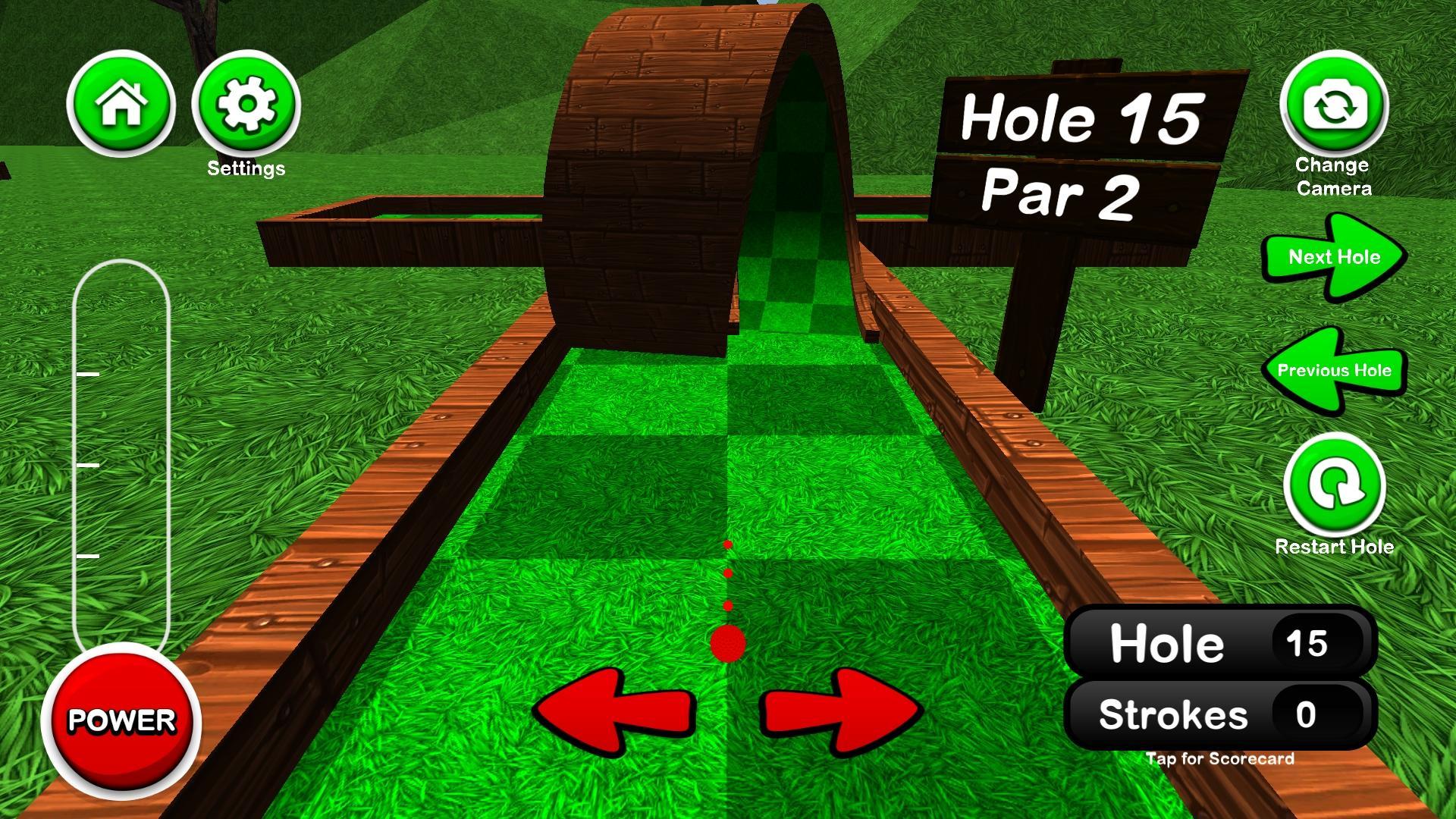
Interface Tutorial:
Tap or hold the left and right arrows to adjust your aim
Tap the power button once to start the power meter, then again to stop it at the desired power
Pressing the camera button in the top right cycles through the different camera views
Pressing the score in the bottom right opens/closes the scorecard
پیش نظارہ
ٹیگز
گالفروزانہواحد کھلاڑیاسٹائلائزڈآف لائنمعلومات
ڈویلپر
5amStudios
تازہ ترین ورژن
5.5
آخری تازہ کاری
2024-01-01
قسم
کھیل
پر دستیاب ہے۔
Google Play
مزید دکھائیں
پی سی پر گیم لوپ کے ساتھ Mini Golf 3D Classic کیسے کھیلا جائے۔
1. آفیشل ویب سائٹ سے گیم لوپ ڈاؤن لوڈ کریں، پھر گیم لوپ انسٹال کرنے کے لیے exe فائل چلائیں۔
2. گیم لوپ کھولیں اور "Mini Golf 3D Classic" تلاش کریں، تلاش کے نتائج میں Mini Golf 3D Classic تلاش کریں اور "انسٹال کریں" پر کلک کریں۔
3. گیم لوپ پر Mini Golf 3D Classic کھیلنے کا لطف اٹھائیں۔
Minimum requirements
OS
Windows 8.1 64-bit or Windows 10 64-bit
GPU
GTX 1050
CPU
i3-8300
Memory
8GB RAM
Storage
1GB available space
Recommended requirements
OS
Windows 8.1 64-bit or Windows 10 64-bit
GPU
GTX 1050
CPU
i3-9320
Memory
16GB RAM
Storage
1GB available space