
Football Stickers For WhAtsApp PC
Naila Inc
گیم لوپ ایمولیٹر کے ساتھ PC پر Football Stickers For WhAtsApp ڈاؤن لوڈ کریں۔
پی سی پر Football Stickers For WhAtsApp
Football Stickers For WhAtsApp، جو ڈویلپر Naila Inc سے آرہا ہے، ماضی میں اینڈرائیڈ سسٹم پر چل رہا ہے۔
اب، آپ پی سی پر Football Stickers For WhAtsApp آسانی سے GameLoop کے ساتھ چلا سکتے ہیں۔
اسے GameLoop لائبریری یا تلاش کے نتائج میں ڈاؤن لوڈ کریں۔ مزید غلط وقت پر بیٹری یا مایوس کن کالوں پر نظر نہیں ڈالی جائے گی۔
بس بڑی سکرین پر Football Stickers For WhAtsApp PC کا مفت میں لطف اٹھائیں!
Football Stickers For WhAtsApp تعارف
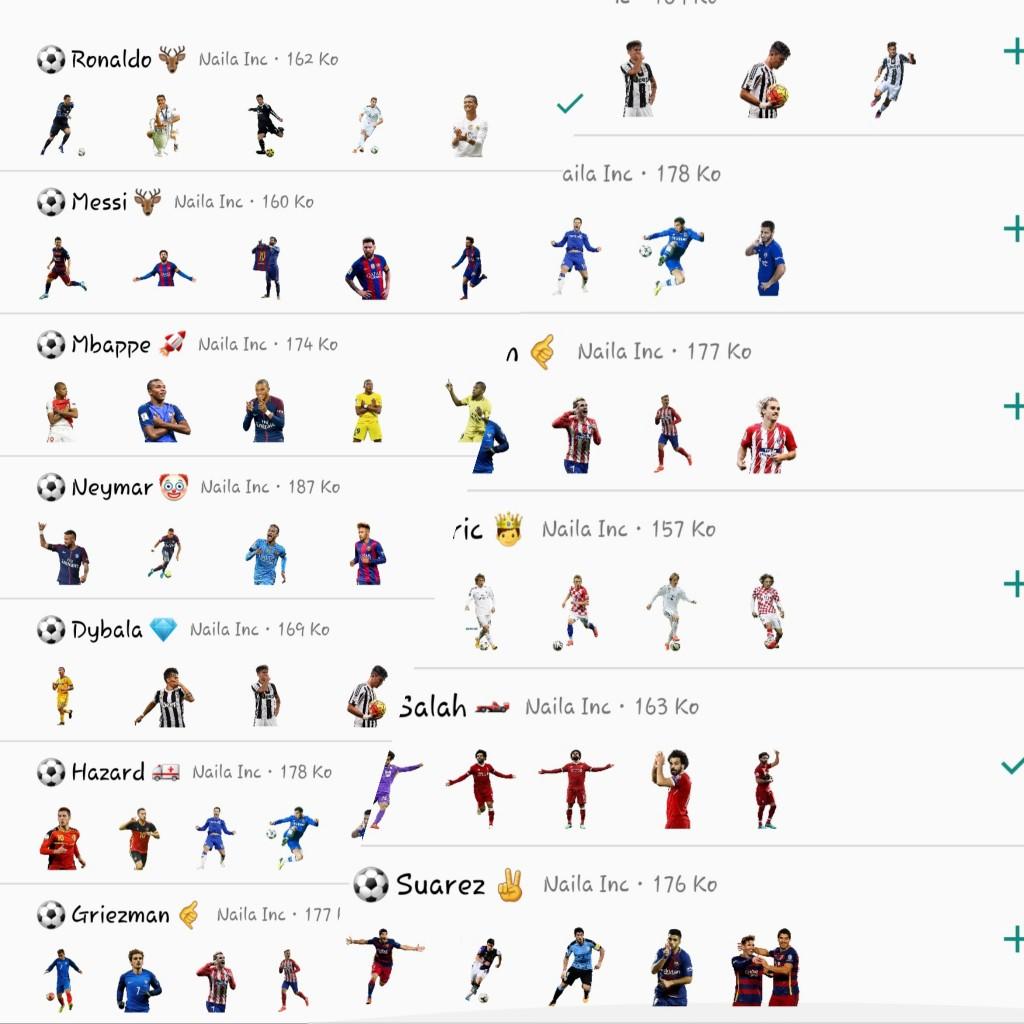
In this world, there are thousands of famous football players. However, only a few are able to compete to be the best. Footballers are currently more popular that celebrities or movie stars. They are crazy about so many people that the various merchandise offered is always purchased. One of the most widely used people today is Football Stickers for Whatsapp, and because of that, we make you a Football Stickers for Whatsapp application that contains world-famous football players. We apologize because not all of famous football players have presented it to you. Later, we will update so that you will get more Football Stickers for Whatsapp.
How do you use this application?
1. Download the Football Stickers for Whatsapp application
2. Open the Football Stickers for Whatsapp application
3. Select the Football Stickers for Whatsapp package
4. After selecting one of the sticker packages, click Add to Whatsapp
5. Football Stickers for Whatsapp package automatically added to your WhatsApp
6. Open your Whatsapp, Tap the chat column
7. Tap the Emoji Whatsapp icon
8. You will see a new sticker icon at the bottom
9. The Stickers package is ready for use
Football Stickers for Whatsapp, Messi , Neymar , Cristiano Ronaldo , Mohammed Salah.
پیش نظارہ

ٹیگز
کھیلمعلومات
ڈویلپر
Naila Inc
تازہ ترین ورژن
Football
آخری تازہ کاری
2022-10-17
قسم
کھیل
پر دستیاب ہے۔
Google Play
مزید دکھائیں
پی سی پر گیم لوپ کے ساتھ Football Stickers For WhAtsApp کیسے کھیلا جائے۔
1. آفیشل ویب سائٹ سے گیم لوپ ڈاؤن لوڈ کریں، پھر گیم لوپ انسٹال کرنے کے لیے exe فائل چلائیں۔
2. گیم لوپ کھولیں اور "Football Stickers For WhAtsApp" تلاش کریں، تلاش کے نتائج میں Football Stickers For WhAtsApp تلاش کریں اور "انسٹال کریں" پر کلک کریں۔
3. گیم لوپ پر Football Stickers For WhAtsApp کھیلنے کا لطف اٹھائیں۔
Minimum requirements
OS
Windows 8.1 64-bit or Windows 10 64-bit
GPU
GTX 1050
CPU
i3-8300
Memory
8GB RAM
Storage
1GB available space
Recommended requirements
OS
Windows 8.1 64-bit or Windows 10 64-bit
GPU
GTX 1050
CPU
i3-9320
Memory
16GB RAM
Storage
1GB available space