Bryton Active PC
Bryton Inc.
گیم لوپ ایمولیٹر کے ساتھ PC پر Bryton Active ڈاؤن لوڈ کریں۔
پی سی پر Bryton Active
Bryton Active، جو ڈویلپر Bryton Inc. سے آرہا ہے، ماضی میں اینڈرائیڈ سسٹم پر چل رہا ہے۔
اب، آپ پی سی پر Bryton Active آسانی سے GameLoop کے ساتھ چلا سکتے ہیں۔
اسے GameLoop لائبریری یا تلاش کے نتائج میں ڈاؤن لوڈ کریں۔ مزید غلط وقت پر بیٹری یا مایوس کن کالوں پر نظر نہیں ڈالی جائے گی۔
بس بڑی سکرین پر Bryton Active PC کا مفت میں لطف اٹھائیں!
Bryton Active تعارف
Spend more time riding and less time worrying! The easy-to-use Bryton Active app allows you to track/plan workouts, customize your device, plan trips, sync to popular 3rd party platforms, and much more!
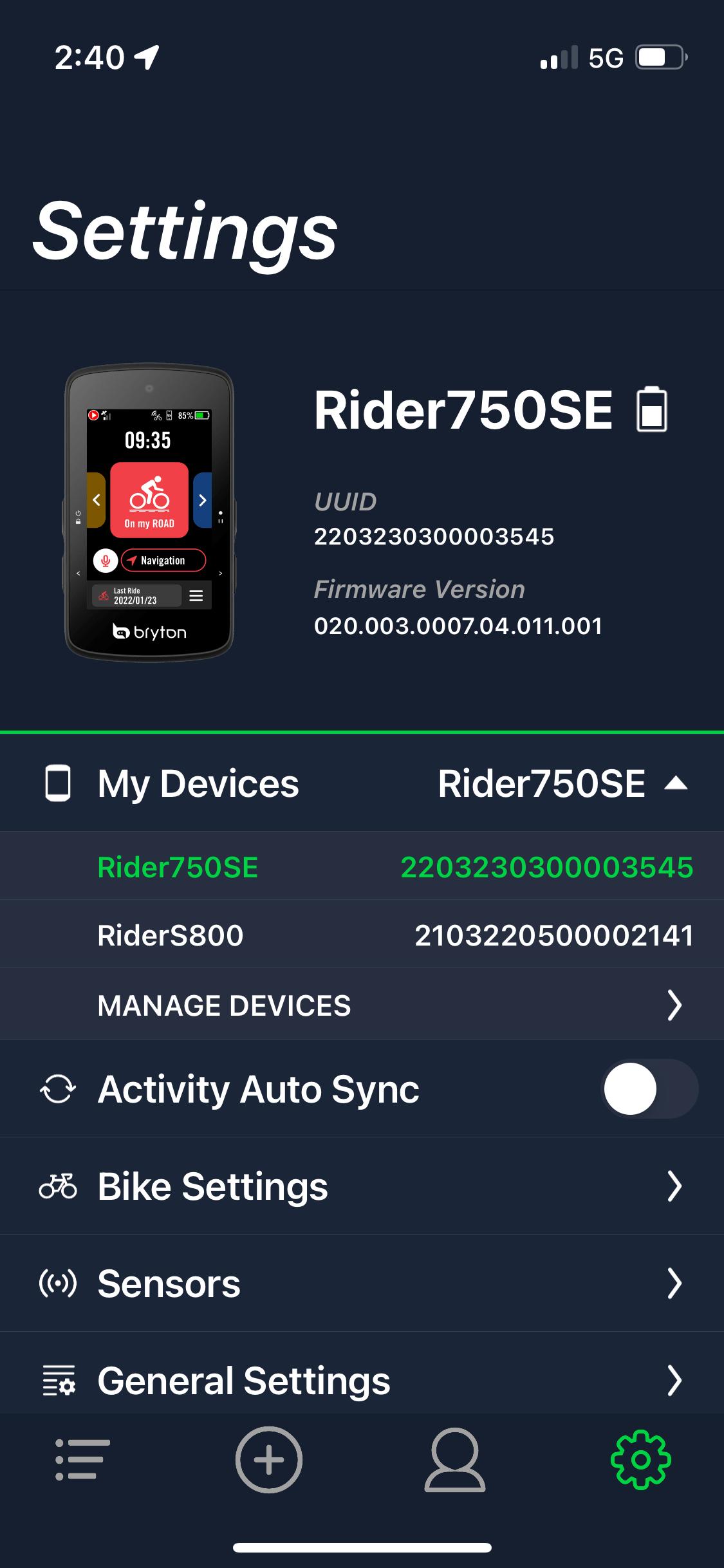
User-Friendly Interface
The Bryton Active app offers whole new experience with a more Intuitive and easier to navigate user interface, reorganized and categorized app menus, and more user-friendly design, all while incorporating powerful features and functions!
Zero-Touch Setup
Setup just became even easier! Conveniently customize almost any setting in REAL TIME with a simple push of a button without navigating through device menus!
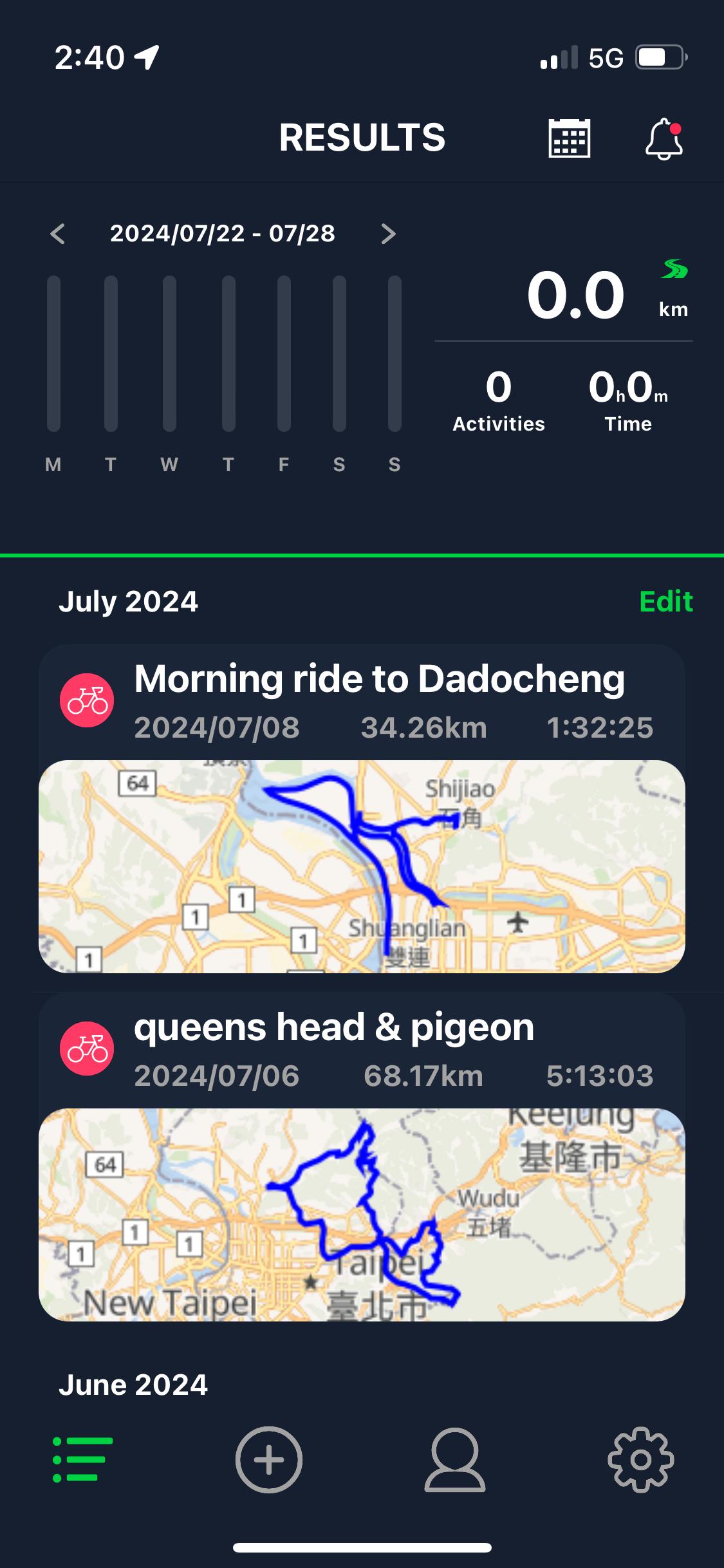
Conveniently Upload Activities
Cut the cord on PC uploads! With improved Bluetooth communication. It is now easier than ever to sync your rides and view detailed ride overviews and analysis whenever and wherever you are riding with Bryton Active!
Plan Trips and Navigate Easily
Easily plan trips on your trip-enabled Bryton computer! Either enter an address or point of interest and let the app automatically find the best route for you or define your own routes with touch-enabled points and multi-destination custom routes!
Auto Sync to 3rd Party Platforms
The Bryton Active app can automatically sync your workouts with your favorite 3rd party platforms such as Strava, TrainingPeaks, Selfloops, and Relive after simple set up, so you can share your rides with friends and family or be fully prepared for race day!
Easily Update Firmware/GPS Data
After pairing your computer with the Active app, it will automatically check the firmware version and current GPS data on the device and notify you when updates become available so you are always have the newest and best updates and features!
New Automatic Features
With Bryton Active, it is now possible to automatically sync tracks from your device to the Active app, automatically calibrate altitude, and set up the auto pause feature of the Bryton device.
Stay connected
With the Bryton Active app and Bluetooth connection, riders will be able to receive call, SMS and emails on the cycle computer. Enjoy the ride without missing any important messages. Choose any kind of notifications you want to receive in the app and leave the rest behind.
Features:
• Add/Remove/Edit Data Screens
• Upload Activities
• Configure User/Bike Profiles
• Set Smart Notifications for compatible devices
• Manage Bryton Devices
• Modify General Device Settings
• Set up Heart Rate & Power Zones
• Plan/Download Trips and Workouts
• View activities and workout data with detailed overviews
• Configure device settings and WiFi on your WiFi enabled Bryton computers
• Calibrate Altitude
• AutoSync workouts to Strava/TrainingPeaks/SelfLoops
• Change Device/App Language
• Update Firmware/GPS Data
• Receive messages, phone calls, emails on your Bryton Rider series
*Compatibility*
Rider 10, Rider 15, Rider 310,Rider 320, Rider 330, Rider 530, Rider 410, Rider 420, Rider 450, Aero 60, Rider 750, Rider 860, Rider S500, Rider S800, Rider 750 SE, and Rider 460
Visit https://www.brytonsport.com/#/ for more information or contact support@brytonsport.com with any questions.
پیش نظارہ
ٹیگز
کھیلHealth-&معلومات
ڈویلپر
Bryton Inc.
تازہ ترین ورژن
3.0.80
آخری تازہ کاری
2025-04-22
قسم
کھیل
پر دستیاب ہے۔
Google Play
مزید دکھائیں
پی سی پر گیم لوپ کے ساتھ Bryton Active کیسے کھیلا جائے۔
1. آفیشل ویب سائٹ سے گیم لوپ ڈاؤن لوڈ کریں، پھر گیم لوپ انسٹال کرنے کے لیے exe فائل چلائیں۔
2. گیم لوپ کھولیں اور "Bryton Active" تلاش کریں، تلاش کے نتائج میں Bryton Active تلاش کریں اور "انسٹال کریں" پر کلک کریں۔
3. گیم لوپ پر Bryton Active کھیلنے کا لطف اٹھائیں۔
Minimum requirements
OS
Windows 8.1 64-bit or Windows 10 64-bit
GPU
GTX 1050
CPU
i3-8300
Memory
8GB RAM
Storage
1GB available space
Recommended requirements
OS
Windows 8.1 64-bit or Windows 10 64-bit
GPU
GTX 1050
CPU
i3-9320
Memory
16GB RAM
Storage
1GB available space