
Zimmedaar Nagrik PC
JUSCO (IT DEPARTMENT)
گیم لوپ ایمولیٹر کے ساتھ PC پر Zimmedaar Nagrik ڈاؤن لوڈ کریں۔
پی سی پر Zimmedaar Nagrik
Zimmedaar Nagrik، جو ڈویلپر JUSCO (IT DEPARTMENT) سے آرہا ہے، ماضی میں اینڈرائیڈ سسٹم پر چل رہا ہے۔
اب، آپ پی سی پر Zimmedaar Nagrik آسانی سے GameLoop کے ساتھ چلا سکتے ہیں۔
اسے GameLoop لائبریری یا تلاش کے نتائج میں ڈاؤن لوڈ کریں۔ مزید غلط وقت پر بیٹری یا مایوس کن کالوں پر نظر نہیں ڈالی جائے گی۔
بس بڑی سکرین پر Zimmedaar Nagrik PC کا مفت میں لطف اٹھائیں!
Zimmedaar Nagrik تعارف
In a first of a kind initiative in India, the Jamshedpur Utilities and Services Company Limited (JUSCO) was carved out of Tata Steel in 2004. JUSCO is today India's only comprehensive urban infrastructure service provider. A Tata Enterprise, its services focus on the Tata Group Purpose "to improve the quality of life of the communities we serve".
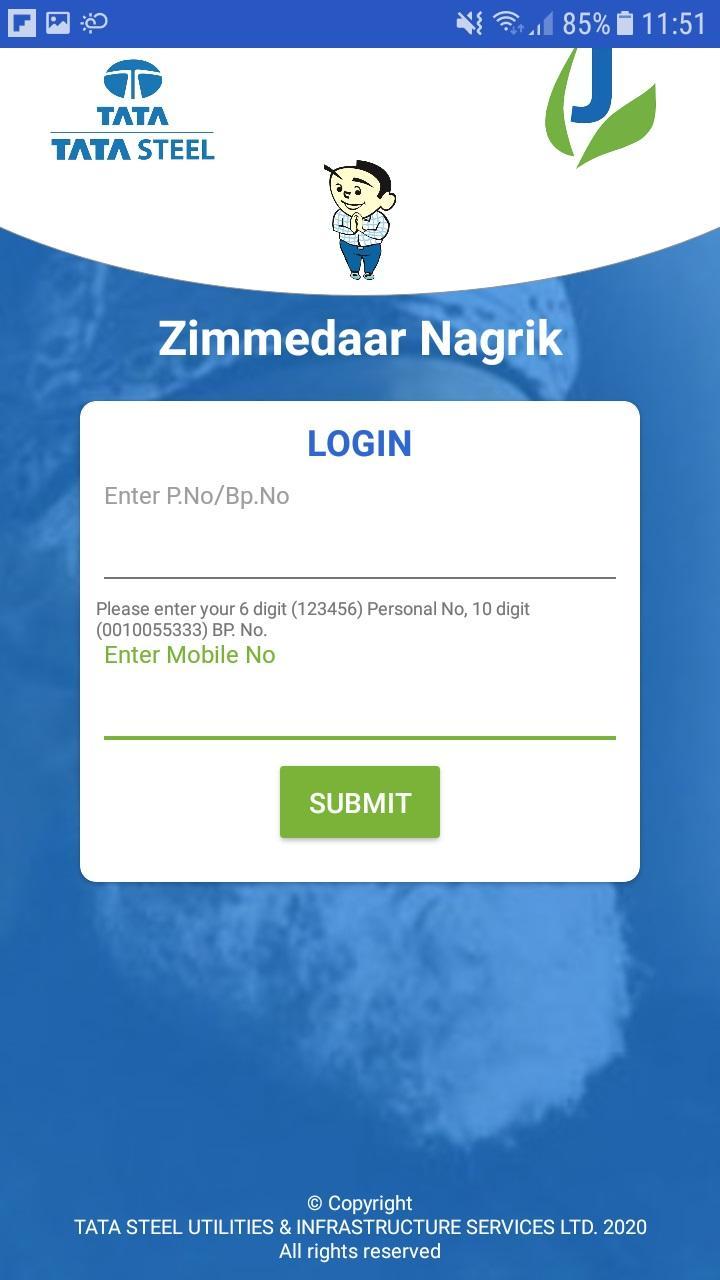
The Zimmedaar Nagrik App an effort to reach out to citizens on a newer way. The App aims to improve the communication with the customers in a smart Zimmedaar way to strengthening our service delivery to enhance customer experience.
It provides a platform to customers to log their complaints with photos , escalate complaints to higher authorities, give transactional feedback against attended complaints, report misuse of companies properties, power & water theft, Fogging schedule, OHT Cleaning schedule at Co. premises, Meter reading of Co. Premises, Utility Bill Query, Make payment & download bill in PDF, Makes aware of latest events etc.
پیش نظارہ

ٹیگز
سماجیمعلومات
ڈویلپر
JUSCO (IT DEPARTMENT)
تازہ ترین ورژن
1.1.22
آخری تازہ کاری
2023-09-04
قسم
سماجی
پر دستیاب ہے۔
Google Play
مزید دکھائیں
پی سی پر گیم لوپ کے ساتھ Zimmedaar Nagrik کیسے کھیلا جائے۔
1. آفیشل ویب سائٹ سے گیم لوپ ڈاؤن لوڈ کریں، پھر گیم لوپ انسٹال کرنے کے لیے exe فائل چلائیں۔
2. گیم لوپ کھولیں اور "Zimmedaar Nagrik" تلاش کریں، تلاش کے نتائج میں Zimmedaar Nagrik تلاش کریں اور "انسٹال کریں" پر کلک کریں۔
3. گیم لوپ پر Zimmedaar Nagrik کھیلنے کا لطف اٹھائیں۔
Minimum requirements
OS
Windows 8.1 64-bit or Windows 10 64-bit
GPU
GTX 1050
CPU
i3-8300
Memory
8GB RAM
Storage
1GB available space
Recommended requirements
OS
Windows 8.1 64-bit or Windows 10 64-bit
GPU
GTX 1050
CPU
i3-9320
Memory
16GB RAM
Storage
1GB available space