
UC Browser Tips Private PC
CostingPP
گیم لوپ ایمولیٹر کے ساتھ PC پر UC Browser Tips Private ڈاؤن لوڈ کریں۔
پی سی پر UC Browser Tips Private
UC Browser Tips Private، جو ڈویلپر CostingPP سے آرہا ہے، ماضی میں اینڈرائیڈ سسٹم پر چل رہا ہے۔
اب، آپ پی سی پر UC Browser Tips Private آسانی سے GameLoop کے ساتھ چلا سکتے ہیں۔
اسے GameLoop لائبریری یا تلاش کے نتائج میں ڈاؤن لوڈ کریں۔ مزید غلط وقت پر بیٹری یا مایوس کن کالوں پر نظر نہیں ڈالی جائے گی۔
بس بڑی سکرین پر UC Browser Tips Private PC کا مفت میں لطف اٹھائیں!
UC Browser Tips Private تعارف
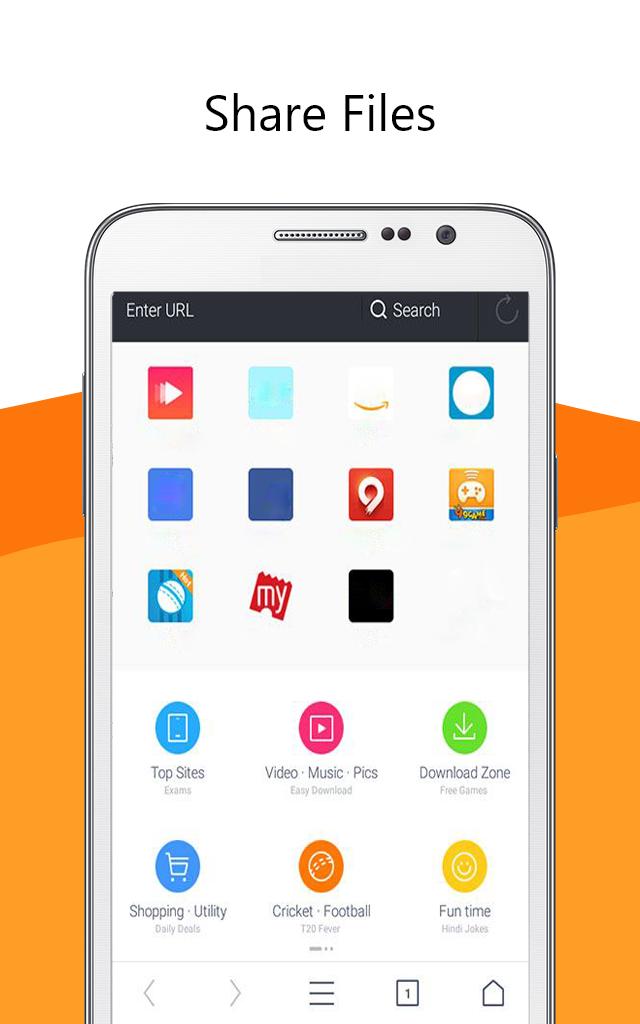
UC Browser software 🌐 is a secure and fast web browser for mobile devices. It is a free mobile browser with a simple and easy-to-use interface. It has a built-in ad blocker, smart downloads, video support, and data saving features.
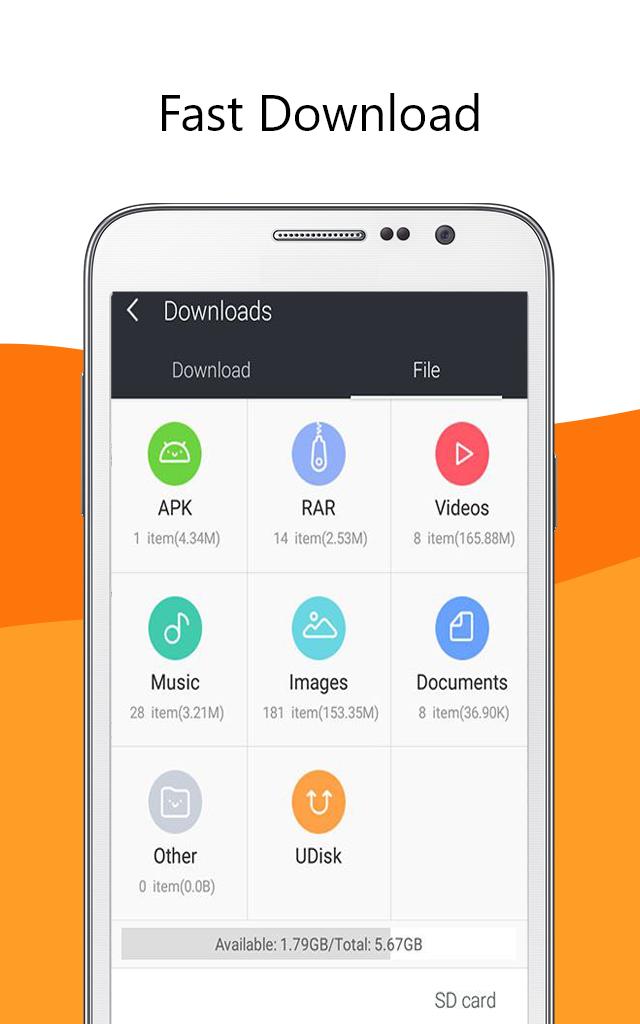
UC Browser app provides fast and secure web browsing with an intuitive and easy to use interface. Its built-in ad blocker blocks🔒 annoying ads, pop-ups, and malware. It also has a smart download feature📥 which allows you to download multiple files in parallel and resume interrupted downloads. It has a secure connection feature which encrypts your data and keeps it safe from snoopers and hackers. It also provides anti-tracking features which protect your privacy by blocking tracking cookies.
Uc browser fast app also supports video streaming 📹with optimized video playback. You can watch online videos without buffering and enjoy a smooth playback experience
Overall, UC Browser is a fast and secure web browser for mobile devices. It has a simple and easy-to-use interface with a built-in ad blocker, smart downloads, video support, and data saving features. It is a great choice for those who want a fast and secure web browsing experience.😉
Disclaimer: ❗
This is an unofficial app. Just be aware of the app and in case of any questions, give us feedback.
پیش نظارہ
معلومات
ڈویلپر
CostingPP
تازہ ترین ورژن
1.0.0
آخری تازہ کاری
2023-03-16
قسم
سماجی
پر دستیاب ہے۔
Google Play
مزید دکھائیں
پی سی پر گیم لوپ کے ساتھ UC Browser Tips Private کیسے کھیلا جائے۔
1. آفیشل ویب سائٹ سے گیم لوپ ڈاؤن لوڈ کریں، پھر گیم لوپ انسٹال کرنے کے لیے exe فائل چلائیں۔
2. گیم لوپ کھولیں اور "UC Browser Tips Private" تلاش کریں، تلاش کے نتائج میں UC Browser Tips Private تلاش کریں اور "انسٹال کریں" پر کلک کریں۔
3. گیم لوپ پر UC Browser Tips Private کھیلنے کا لطف اٹھائیں۔
Minimum requirements
OS
Windows 8.1 64-bit or Windows 10 64-bit
GPU
GTX 1050
CPU
i3-8300
Memory
8GB RAM
Storage
1GB available space
Recommended requirements
OS
Windows 8.1 64-bit or Windows 10 64-bit
GPU
GTX 1050
CPU
i3-9320
Memory
16GB RAM
Storage
1GB available space