
The Guest - Photo Sharing PC
The Knot
گیم لوپ ایمولیٹر کے ساتھ PC پر The Guest - Photo Sharing ڈاؤن لوڈ کریں۔
پی سی پر The Guest - Photo Sharing
The Guest - Photo Sharing، جو ڈویلپر The Knot سے آرہا ہے، ماضی میں اینڈرائیڈ سسٹم پر چل رہا ہے۔
اب، آپ پی سی پر The Guest - Photo Sharing آسانی سے GameLoop کے ساتھ چلا سکتے ہیں۔
اسے GameLoop لائبریری یا تلاش کے نتائج میں ڈاؤن لوڈ کریں۔ مزید غلط وقت پر بیٹری یا مایوس کن کالوں پر نظر نہیں ڈالی جائے گی۔
بس بڑی سکرین پر The Guest - Photo Sharing PC کا مفت میں لطف اٹھائیں!
The Guest - Photo Sharing تعارف
* Please read the details below before downloading.
As of October 12th 2022, you are not able to create new photo sharing events because The Guest app will be retiring. You can upload photos from pre-existing and past events until December 31, 2023. The app will not be available after December 31, 2023. Users with existing photos uploaded will receive instructions on how to download them.
We apologize for any inconvenience this may cause. Please read our FAQs (https://www.theknot.com/photo-sharing-app/faq/#appretirementinformation) for additional information or email us at theguest@theknot.com with any questions.
Getting married? Throwing a big event? Automatically get all of the photos and videos guests take at your wedding, reception or celebration with The Guest by The Knot! No uploading, no tagging, no separate camera apps. With The Guest (formerly known as Veri), all guests need is their normal Android camera to join in on the photo-sharing fun.
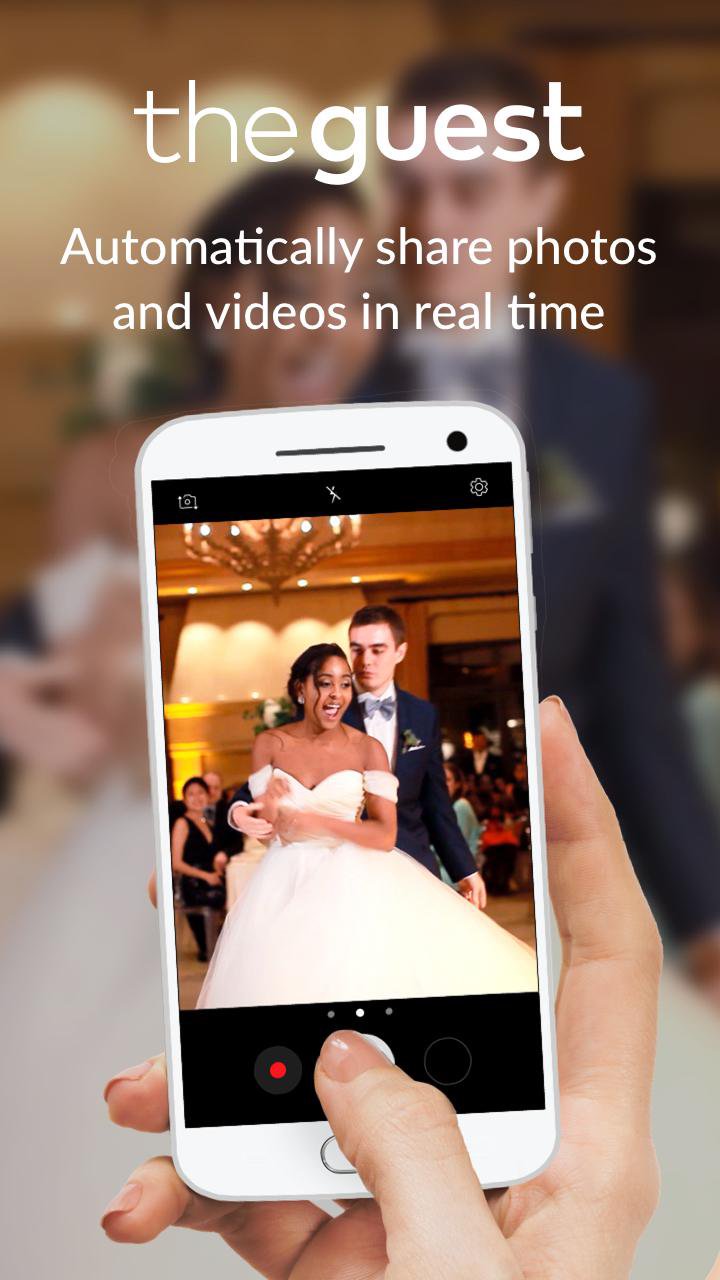
Simply create an event, invite guests via phone number or email address, and The Guest does the rest— for free! As soon as an event begins, The Guest will start sharing photos and videos guests are taking with their Android cameras in real time as they take them.
Use The Guest To:
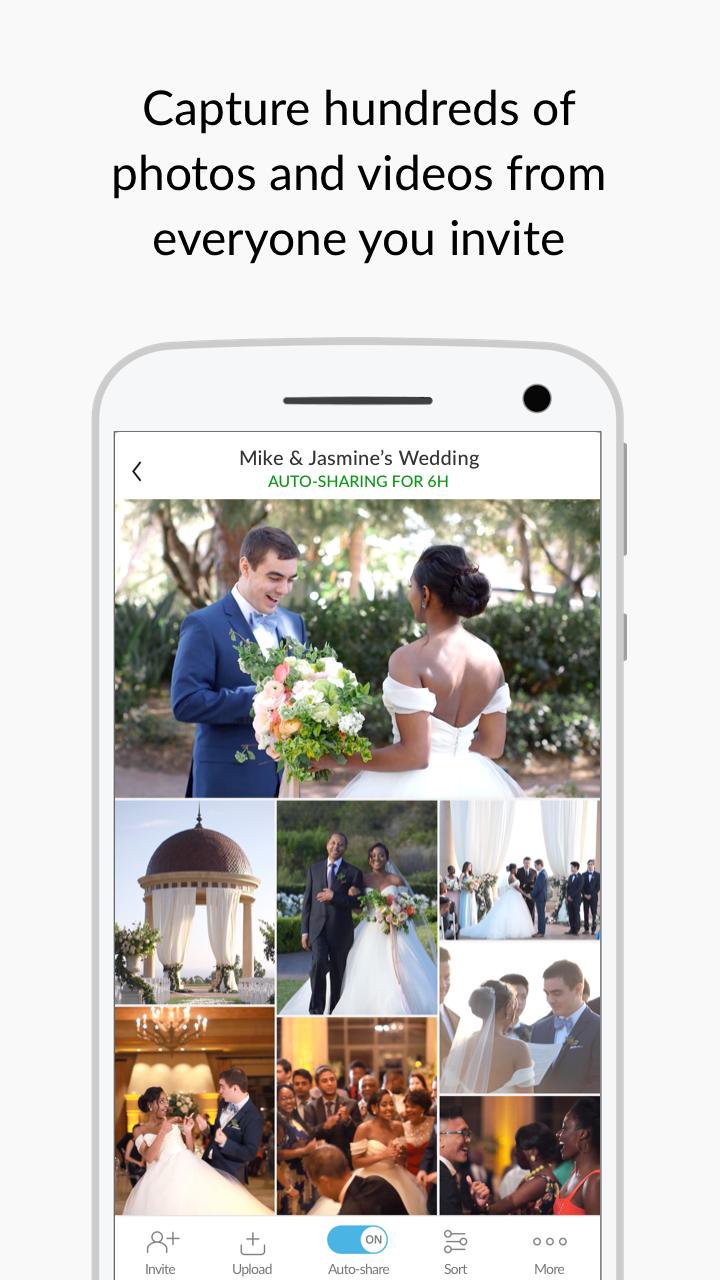
+ GET EVERYONE’S PHOTOS & VIDEOS - Wedding guests take 2000 pics on average— which the newlyweds will never see. Since The Guest automatically shares wedding pics and videos as guests take them, you’ll never have this issue!
+ SAY “BYE” TO UPLOADING AND SEPARATE CAMERA APPS - Guests use their normal Android camera, and photos & videos are instantly auto-shared to everyone who’s part of an event! Guests are in-control of their content, and can delete their pics or pause their auto-sharing at any time.
+ ACCESS FULL-RESOLUTION PHOTOS & FULL-LENGTH VIDEOS - Everyone can download any -or all!- of an event’s photos and videos in full resolution.
+ GET EVERYTHING INSTANTLY - No waiting weeks to get your wedding pics. With The Guest, photos & videos are shared in real time.
+ HAVE A BEAUTIFUL WEB ALBUM - Everyone can see, download and share all of the photos in the app’s event or in the web album The Guest automatically creates.
+SHOW LIVE WEB SLIDESHOWS - Display an event’s photos and videos on any screen as a live slideshow with just one simple web link.
+RELIVE IT WITH MAP VIEW - Guests can see where they went during an event with a completely private, real-time map view
+ ATTEND FROM ANYWHERE - Guests who couldn’t make it to an event in person can follow along in real time via The Guest.
What real couples are saying:
“The Guest is a must-have for every event/trip and shared moments! We used it twice. For our friends' wedding and for our wedding. So glad we had it! It was so much fun having our friends’ shots and moments in real time. It was like living our reception from everyone's perspective!” - Melanie R.
“We literally have pictures with everyone who came to our wedding thanks to this app. I highly recommend using this if you’re having a wedding or any event you want lots of pics of. Loved having this!!” - Brian S.
"Made sharing wedding pics so easy. Perfect for special days. Loved it." - Nikki M.
Questions, suggestions or feedback? Reach out to feedback@veri.com. We read and reply to every email.
The Knot Privacy Policy:
https://www.theknot.com/privacy-policy
The Knot Terms and Conditions:
https://www.theknot.com/terms-and-conditions
CA Privacy:
https://www.theknotww.com/ca-collection-notice
پیش نظارہ
ٹیگز
سماجیمعلومات
ڈویلپر
The Knot
تازہ ترین ورژن
2.0.16.1
آخری تازہ کاری
2022-09-23
قسم
سماجی
پر دستیاب ہے۔
Google Play
مزید دکھائیں
پی سی پر گیم لوپ کے ساتھ The Guest - Photo Sharing کیسے کھیلا جائے۔
1. آفیشل ویب سائٹ سے گیم لوپ ڈاؤن لوڈ کریں، پھر گیم لوپ انسٹال کرنے کے لیے exe فائل چلائیں۔
2. گیم لوپ کھولیں اور "The Guest - Photo Sharing" تلاش کریں، تلاش کے نتائج میں The Guest - Photo Sharing تلاش کریں اور "انسٹال کریں" پر کلک کریں۔
3. گیم لوپ پر The Guest - Photo Sharing کھیلنے کا لطف اٹھائیں۔
Minimum requirements
OS
Windows 8.1 64-bit or Windows 10 64-bit
GPU
GTX 1050
CPU
i3-8300
Memory
8GB RAM
Storage
1GB available space
Recommended requirements
OS
Windows 8.1 64-bit or Windows 10 64-bit
GPU
GTX 1050
CPU
i3-9320
Memory
16GB RAM
Storage
1GB available space