
status saver : story saver PC
Daily Life App Tech
گیم لوپ ایمولیٹر کے ساتھ PC پر status saver : story saver ڈاؤن لوڈ کریں۔
پی سی پر status saver : story saver
status saver : story saver، جو ڈویلپر Daily Life App Tech سے آرہا ہے، ماضی میں اینڈرائیڈ سسٹم پر چل رہا ہے۔
اب، آپ پی سی پر status saver : story saver آسانی سے GameLoop کے ساتھ چلا سکتے ہیں۔
اسے GameLoop لائبریری یا تلاش کے نتائج میں ڈاؤن لوڈ کریں۔ مزید غلط وقت پر بیٹری یا مایوس کن کالوں پر نظر نہیں ڈالی جائے گی۔
بس بڑی سکرین پر status saver : story saver PC کا مفت میں لطف اٹھائیں!
status saver : story saver تعارف
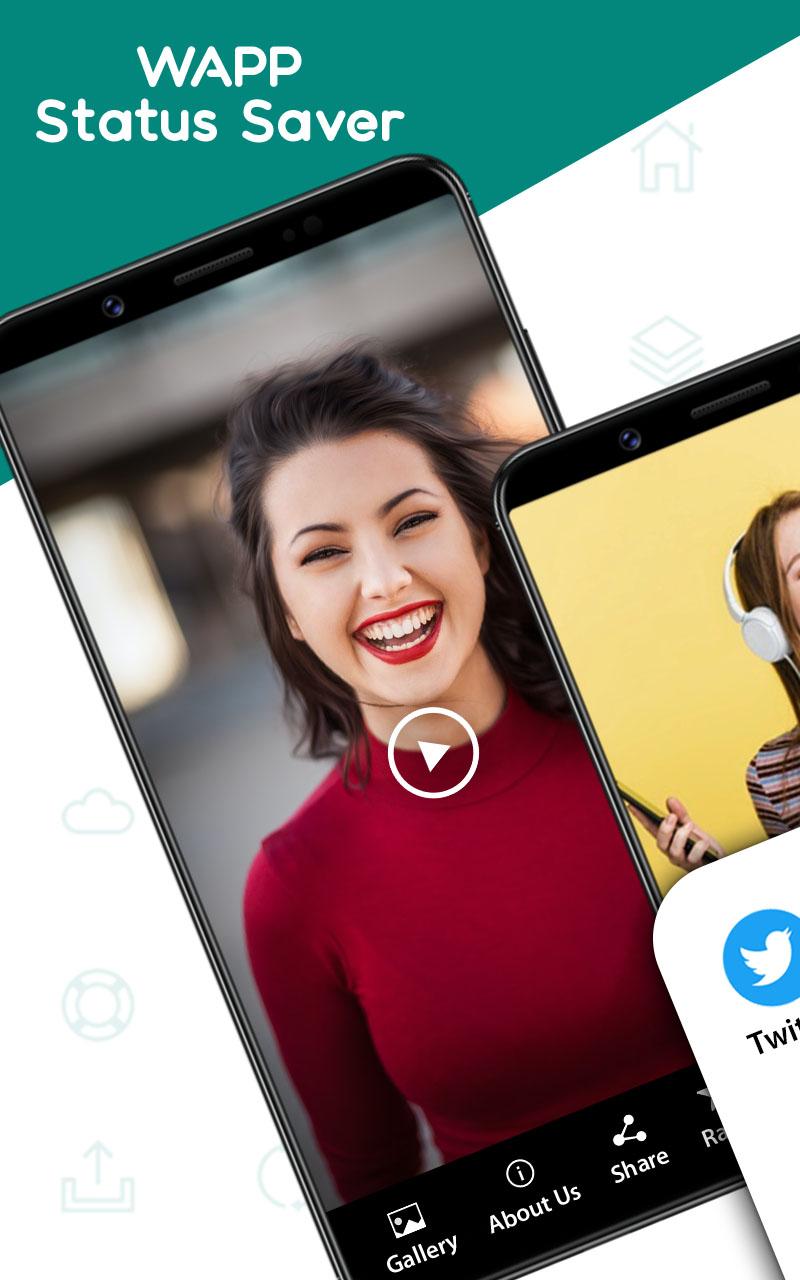
With this status saver app you can easily save image status and video status in your phone gallery. Status saver for whatsapp save you can easily repost your favorite status and you can save images and video on phone. Images are also set on wallpaper and just open the status saver download app automatically shows all contacts statuses you can watch and download. If you want to check your status and this status images and videos are directly saved in the status saver app. story saver allows you to view all new status.
Status saver app for whatsapp business is another option you can easily save business status on your phone. Status saver app save photos app allows you can save and share them directly without annoying your friends. Through downloader for whatsapp business, you can easily watch the recent Status. If you liked someone's status then with the help of this status saver images and video you can download this status with a single tap.
Save status for photo and video to phone gallery saves the memories that are more interesting, memorable for you in the future. Family and friend statuses download easily and share it with others at any time. Status for saver Images and videos saver downloads pictures and movie material separately.
How to use story saver app:
Just open the status downloader app and click on the button then all status is show and select your favorite status and easily repost share and save status.
Key features of save for status:
Easily save video and images in status saver.
Support all HD video status and photo
Easy to share or repost saved videos and photos.
User friendly interface
پیش نظارہ

ٹیگز
سماجیمعلومات
ڈویلپر
Daily Life App Tech
تازہ ترین ورژن
1.5
آخری تازہ کاری
2021-04-04
قسم
سماجی
پر دستیاب ہے۔
Google Play
مزید دکھائیں
پی سی پر گیم لوپ کے ساتھ status saver : story saver کیسے کھیلا جائے۔
1. آفیشل ویب سائٹ سے گیم لوپ ڈاؤن لوڈ کریں، پھر گیم لوپ انسٹال کرنے کے لیے exe فائل چلائیں۔
2. گیم لوپ کھولیں اور "status saver : story saver" تلاش کریں، تلاش کے نتائج میں status saver : story saver تلاش کریں اور "انسٹال کریں" پر کلک کریں۔
3. گیم لوپ پر status saver : story saver کھیلنے کا لطف اٹھائیں۔
Minimum requirements
OS
Windows 8.1 64-bit or Windows 10 64-bit
GPU
GTX 1050
CPU
i3-8300
Memory
8GB RAM
Storage
1GB available space
Recommended requirements
OS
Windows 8.1 64-bit or Windows 10 64-bit
GPU
GTX 1050
CPU
i3-9320
Memory
16GB RAM
Storage
1GB available space