
Oohla PC
Liang jiehong
گیم لوپ ایمولیٹر کے ساتھ PC پر Oohla ڈاؤن لوڈ کریں۔
پی سی پر Oohla
Oohla، جو ڈویلپر Liang jiehong سے آرہا ہے، ماضی میں اینڈرائیڈ سسٹم پر چل رہا ہے۔
اب، آپ پی سی پر Oohla آسانی سے GameLoop کے ساتھ چلا سکتے ہیں۔
اسے GameLoop لائبریری یا تلاش کے نتائج میں ڈاؤن لوڈ کریں۔ مزید غلط وقت پر بیٹری یا مایوس کن کالوں پر نظر نہیں ڈالی جائے گی۔
بس بڑی سکرین پر Oohla PC کا مفت میں لطف اٹھائیں!
Oohla تعارف
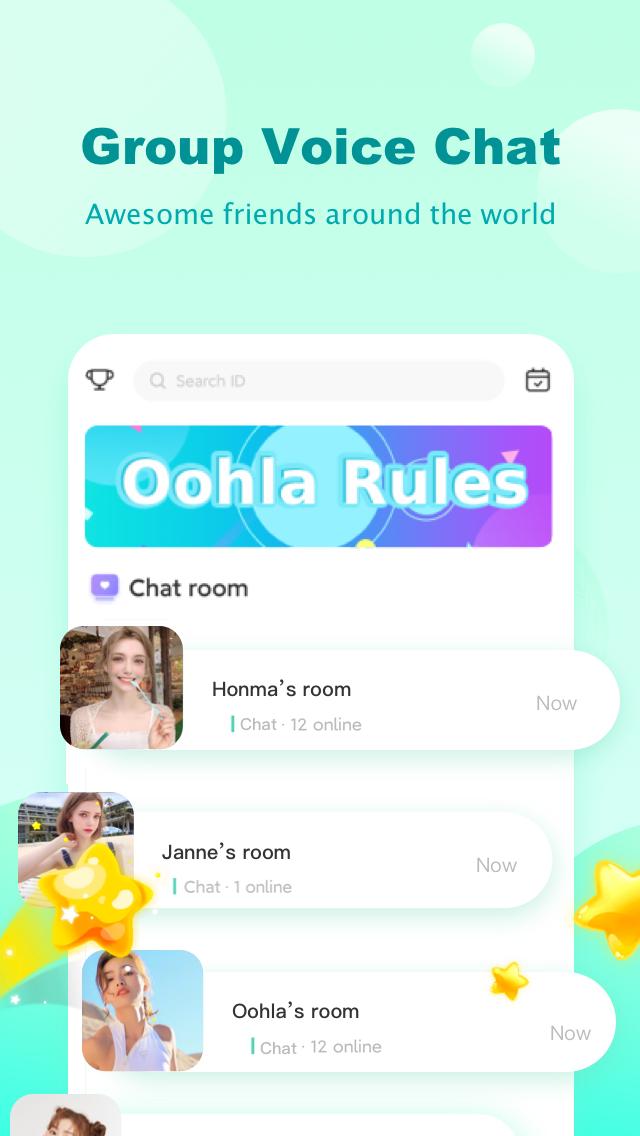
Oohla Voice Chat with the lighter package. Chat with people and have fun with friends who use Cuddle as well as Oohla. This is a clubhouse for you to talk, meet and make friends.
Oohla - Free and Lite version of Cuddle Group Voice Chat Room App 😊: \ Live Chat and have Fun with Friends; Sing, Karaoke & Play Music; ASMR Sleep & Join HQ trivia; Grow Fans & Get Famous! Have Fun with Friends at the Club House party Online!
📻Oohla is NOT a radio app, even though we have lots of DJs that host live shows, play music, and sing every day, all of whom engage and interact with their listeners!
🗣️Oohla is NOT a walkie talkie, even though people call in and talk with each other about all kinds of topics while having fun in the community.
🎙️Oohla is a group voice chat room app, where people can enjoy anything they want to kill time and have fun together.
پیش نظارہ

ٹیگز
سماجیمعلومات
ڈویلپر
Liang jiehong
تازہ ترین ورژن
2.5.5.6
آخری تازہ کاری
2025-11-04
قسم
سماجی
پر دستیاب ہے۔
Google Play
مزید دکھائیں
پی سی پر گیم لوپ کے ساتھ Oohla کیسے کھیلا جائے۔
1. آفیشل ویب سائٹ سے گیم لوپ ڈاؤن لوڈ کریں، پھر گیم لوپ انسٹال کرنے کے لیے exe فائل چلائیں۔
2. گیم لوپ کھولیں اور "Oohla" تلاش کریں، تلاش کے نتائج میں Oohla تلاش کریں اور "انسٹال کریں" پر کلک کریں۔
3. گیم لوپ پر Oohla کھیلنے کا لطف اٹھائیں۔
Minimum requirements
OS
Windows 8.1 64-bit or Windows 10 64-bit
GPU
GTX 1050
CPU
i3-8300
Memory
8GB RAM
Storage
1GB available space
Recommended requirements
OS
Windows 8.1 64-bit or Windows 10 64-bit
GPU
GTX 1050
CPU
i3-9320
Memory
16GB RAM
Storage
1GB available space