
Hugin Messenger PC
Harry Eriksson
گیم لوپ ایمولیٹر کے ساتھ PC پر Hugin Messenger ڈاؤن لوڈ کریں۔
پی سی پر Hugin Messenger
Hugin Messenger، جو ڈویلپر Harry Eriksson سے آرہا ہے، ماضی میں اینڈرائیڈ سسٹم پر چل رہا ہے۔
اب، آپ پی سی پر Hugin Messenger آسانی سے GameLoop کے ساتھ چلا سکتے ہیں۔
اسے GameLoop لائبریری یا تلاش کے نتائج میں ڈاؤن لوڈ کریں۔ مزید غلط وقت پر بیٹری یا مایوس کن کالوں پر نظر نہیں ڈالی جائے گی۔
بس بڑی سکرین پر Hugin Messenger PC کا مفت میں لطف اٹھائیں!
Hugin Messenger تعارف
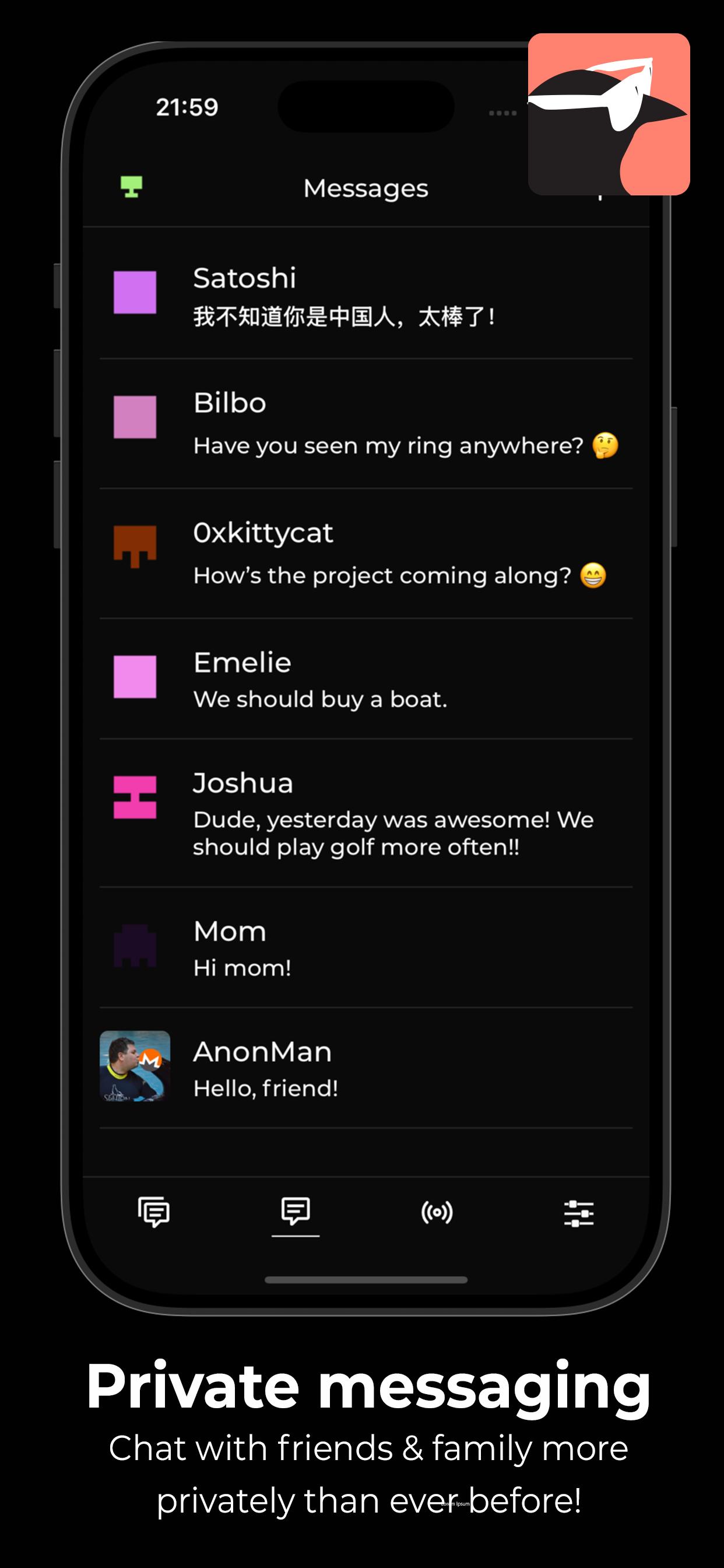
Hugin Messenger is a privacy-focused, peer-to-peer chat service built for secure, decentralized communication with crypto payments.
Connect with your friends and communities in group chats and direct messages — all without relying on central servers.
*** Why Hugin? ***
True Peer-to-Peer Communication
- No servers. No middlemen. Your data never touches a third party.
End-to-End Encryption by Default
- Messages and calls are secured using modern encryption technologies.
Easily Make Payments
- Together with a XKR wallet, you can send crypto payments to your friends, and tip strangers for good content!
Crystal Clear Voice & Video Calls
- Enjoy high-quality, low-latency calls with no compromise on privacy.
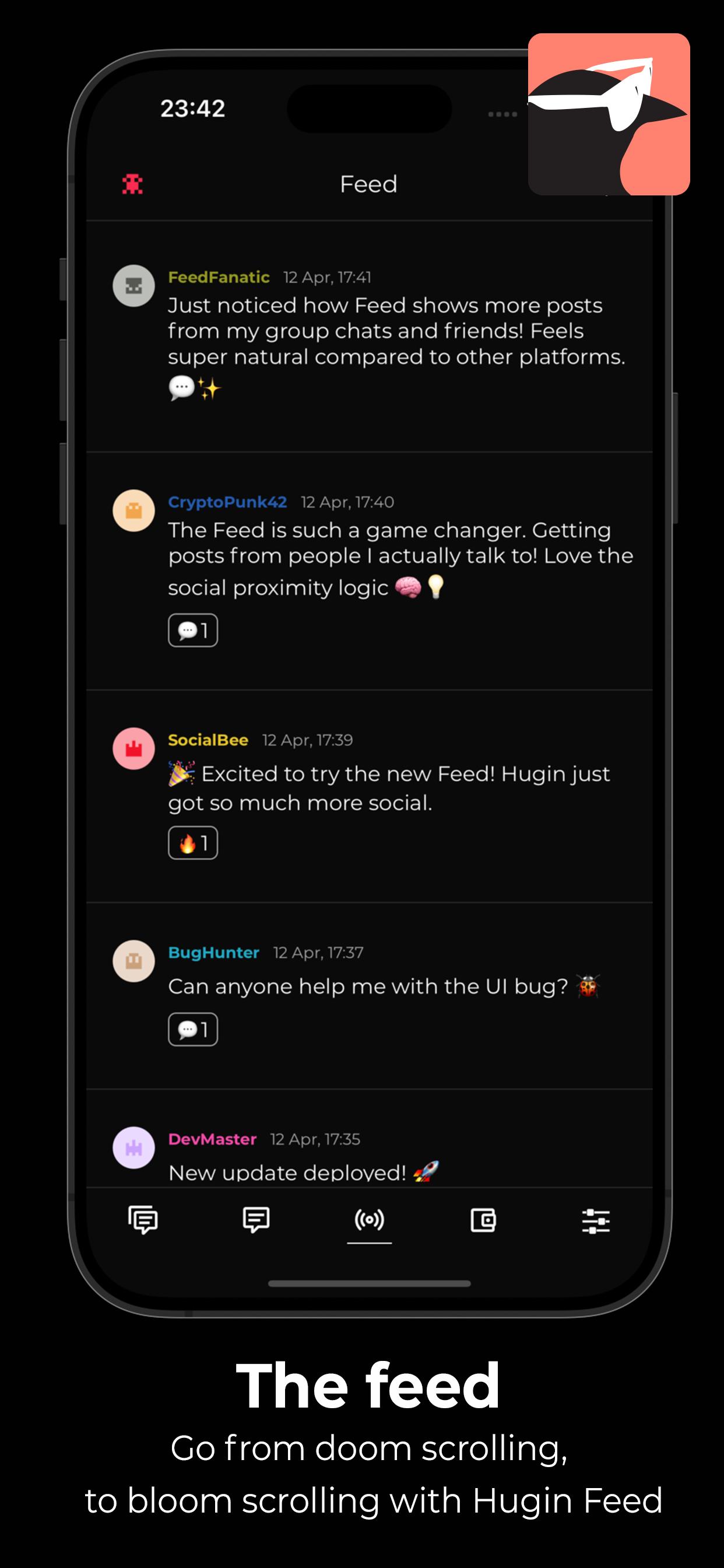
Decentralized Social Feed
- Discover new discussions and connect with others using the Hugin Feed — no algorithms, no tracking.
Zero Sign-Up, Zero Tracking
- No phone number. No email. No identity required. We don’t collect or store any personal data.
Powered by a Global P2P Network
- Built on top of a resilient, decentralized infrastructure — your messages flow directly between devices.
Take back control of your conversations.
- Download Hugin Messenger and experience private communication without compromise.
پیش نظارہ
ٹیگز
سماجیمعلومات
ڈویلپر
Harry Eriksson
تازہ ترین ورژن
1.0.8
آخری تازہ کاری
2025-06-14
قسم
سماجی
پر دستیاب ہے۔
Google Play
مزید دکھائیں
پی سی پر گیم لوپ کے ساتھ Hugin Messenger کیسے کھیلا جائے۔
1. آفیشل ویب سائٹ سے گیم لوپ ڈاؤن لوڈ کریں، پھر گیم لوپ انسٹال کرنے کے لیے exe فائل چلائیں۔
2. گیم لوپ کھولیں اور "Hugin Messenger" تلاش کریں، تلاش کے نتائج میں Hugin Messenger تلاش کریں اور "انسٹال کریں" پر کلک کریں۔
3. گیم لوپ پر Hugin Messenger کھیلنے کا لطف اٹھائیں۔
Minimum requirements
OS
Windows 8.1 64-bit or Windows 10 64-bit
GPU
GTX 1050
CPU
i3-8300
Memory
8GB RAM
Storage
1GB available space
Recommended requirements
OS
Windows 8.1 64-bit or Windows 10 64-bit
GPU
GTX 1050
CPU
i3-9320
Memory
16GB RAM
Storage
1GB available space