
Congrats Stickers PC
Ka Rim
گیم لوپ ایمولیٹر کے ساتھ PC پر Congrats Stickers ڈاؤن لوڈ کریں۔
پی سی پر Congrats Stickers
Congrats Stickers، جو ڈویلپر Ka Rim سے آرہا ہے، ماضی میں اینڈرائیڈ سسٹم پر چل رہا ہے۔
اب، آپ پی سی پر Congrats Stickers آسانی سے GameLoop کے ساتھ چلا سکتے ہیں۔
اسے GameLoop لائبریری یا تلاش کے نتائج میں ڈاؤن لوڈ کریں۔ مزید غلط وقت پر بیٹری یا مایوس کن کالوں پر نظر نہیں ڈالی جائے گی۔
بس بڑی سکرین پر Congrats Stickers PC کا مفت میں لطف اٹھائیں!
Congrats Stickers تعارف
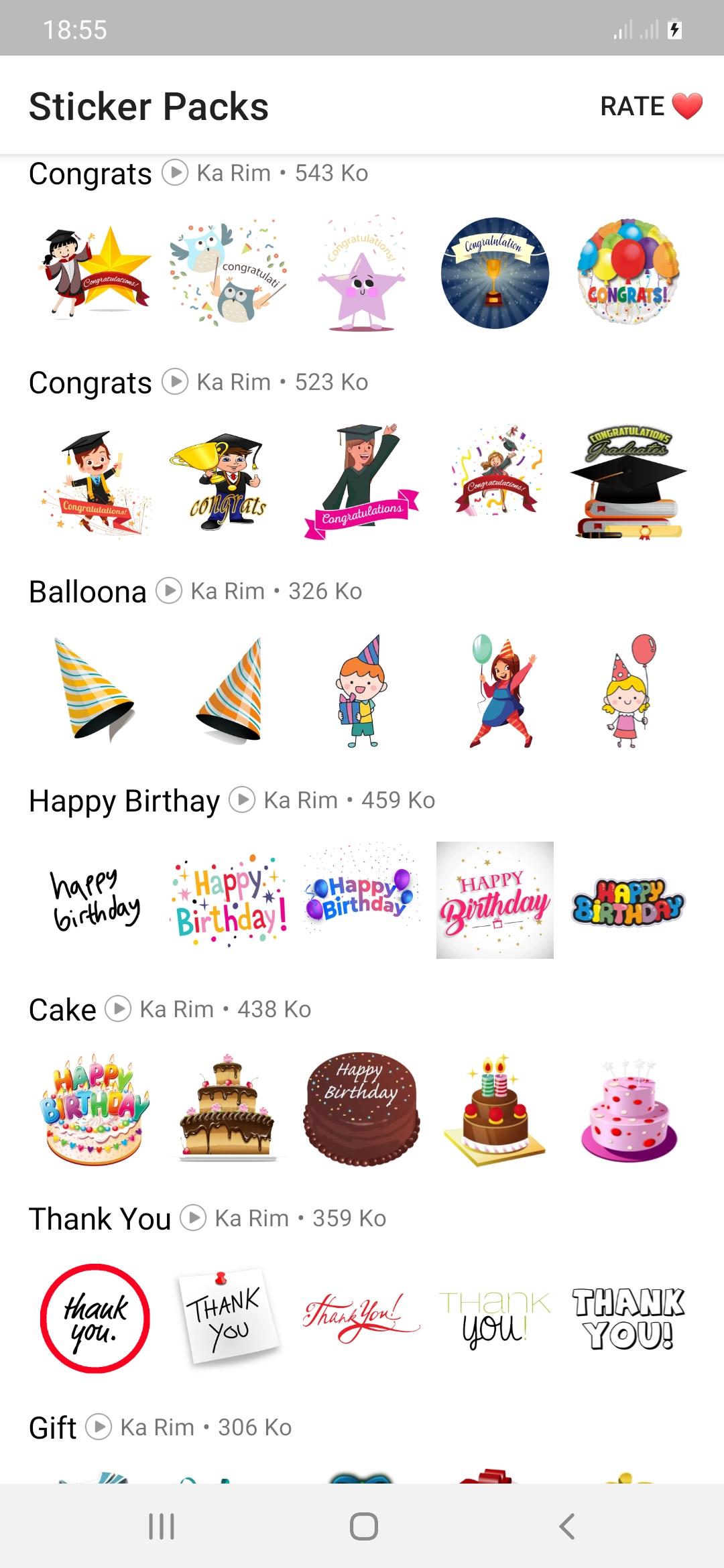
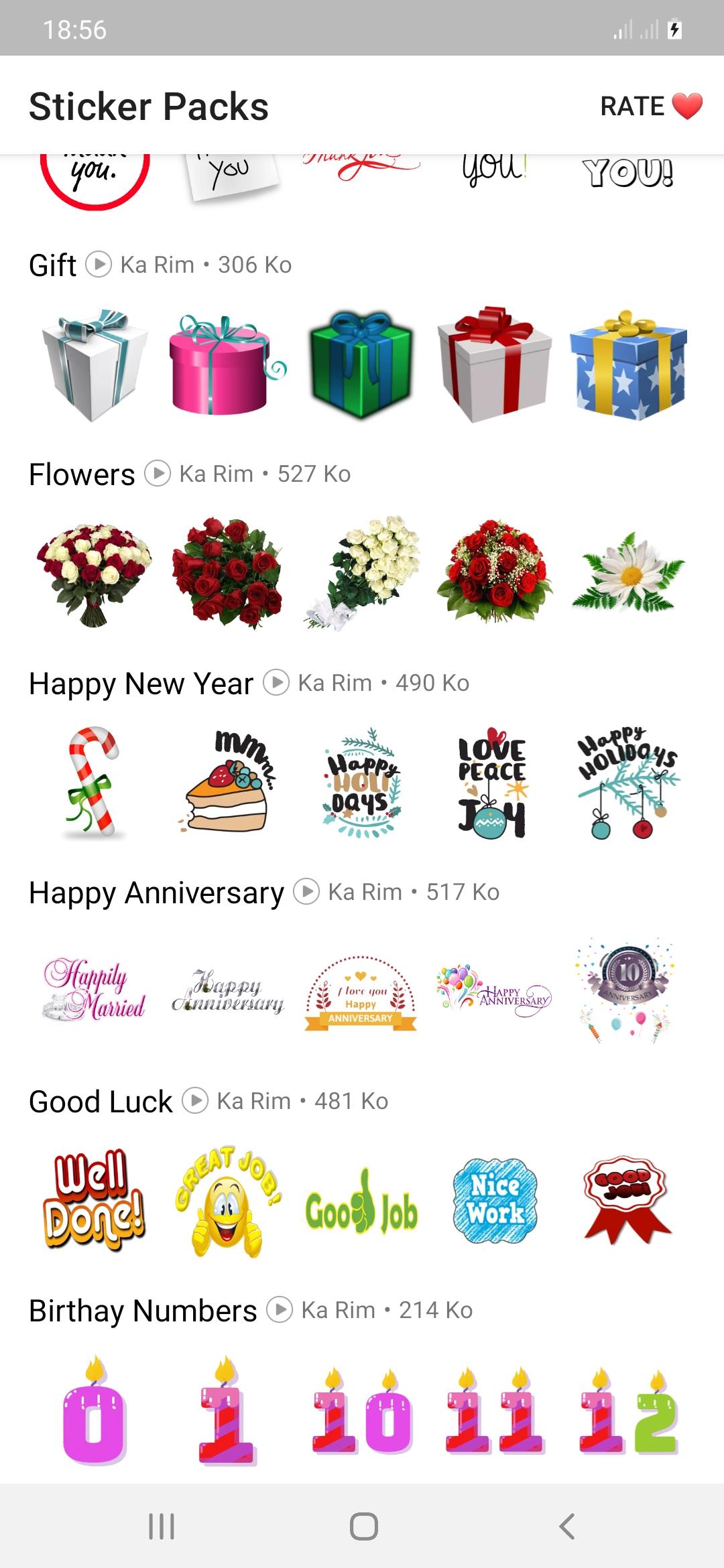
Now you can say congratulations to anyone on occasions such as congratulations on the wedding,
Congratulations on the anniversary, congratulations on the promotion, congratulations on
Graduation, congratulations to parents, congratulations for passing any exam, you will also be good at many occasions, happy birthday, presents, new year, flower stickers, cake, etc.
how to use:
- Download and open this app
- Tap on any sticker set you want.
- Select "Add to WhatsApp"
- Confirm your work
- Open WhatsApp and go to the chat
- Tap on the Emoji icon
- You will see a new sticker icon at the bottom and you can now use this best sticker pack.
Download the best thank you stickers for whatsapp and enjoy it with your friends.
Our goal is to provide you with an application that meets your needs while ensuring an excellent user experience.
Any request to remove a sticker will be honored. If you feel there is a right to a copyright infringement, please contact us.
karimfado00@gmail.com
پیش نظارہ
ٹیگز
سماجیمعلومات
ڈویلپر
Ka Rim
تازہ ترین ورژن
version V.1.2
آخری تازہ کاری
2022-06-20
قسم
سماجی
پر دستیاب ہے۔
Google Play
مزید دکھائیں
پی سی پر گیم لوپ کے ساتھ Congrats Stickers کیسے کھیلا جائے۔
1. آفیشل ویب سائٹ سے گیم لوپ ڈاؤن لوڈ کریں، پھر گیم لوپ انسٹال کرنے کے لیے exe فائل چلائیں۔
2. گیم لوپ کھولیں اور "Congrats Stickers" تلاش کریں، تلاش کے نتائج میں Congrats Stickers تلاش کریں اور "انسٹال کریں" پر کلک کریں۔
3. گیم لوپ پر Congrats Stickers کھیلنے کا لطف اٹھائیں۔
Minimum requirements
OS
Windows 8.1 64-bit or Windows 10 64-bit
GPU
GTX 1050
CPU
i3-8300
Memory
8GB RAM
Storage
1GB available space
Recommended requirements
OS
Windows 8.1 64-bit or Windows 10 64-bit
GPU
GTX 1050
CPU
i3-9320
Memory
16GB RAM
Storage
1GB available space