
PinDown Bulk (Pinterest Downloader/Slideshow) PC
Donut Pond
گیم لوپ ایمولیٹر کے ساتھ PC پر PinDown Bulk (Pinterest Downloader/Slideshow) ڈاؤن لوڈ کریں۔
پی سی پر PinDown Bulk (Pinterest Downloader/Slideshow)
PinDown Bulk (Pinterest Downloader/Slideshow)، جو ڈویلپر Donut Pond سے آرہا ہے، ماضی میں اینڈرائیڈ سسٹم پر چل رہا ہے۔
اب، آپ پی سی پر PinDown Bulk (Pinterest Downloader/Slideshow) آسانی سے GameLoop کے ساتھ چلا سکتے ہیں۔
اسے GameLoop لائبریری یا تلاش کے نتائج میں ڈاؤن لوڈ کریں۔ مزید غلط وقت پر بیٹری یا مایوس کن کالوں پر نظر نہیں ڈالی جائے گی۔
بس بڑی سکرین پر PinDown Bulk (Pinterest Downloader/Slideshow) PC کا مفت میں لطف اٹھائیں!
PinDown Bulk (Pinterest Downloader/Slideshow) تعارف
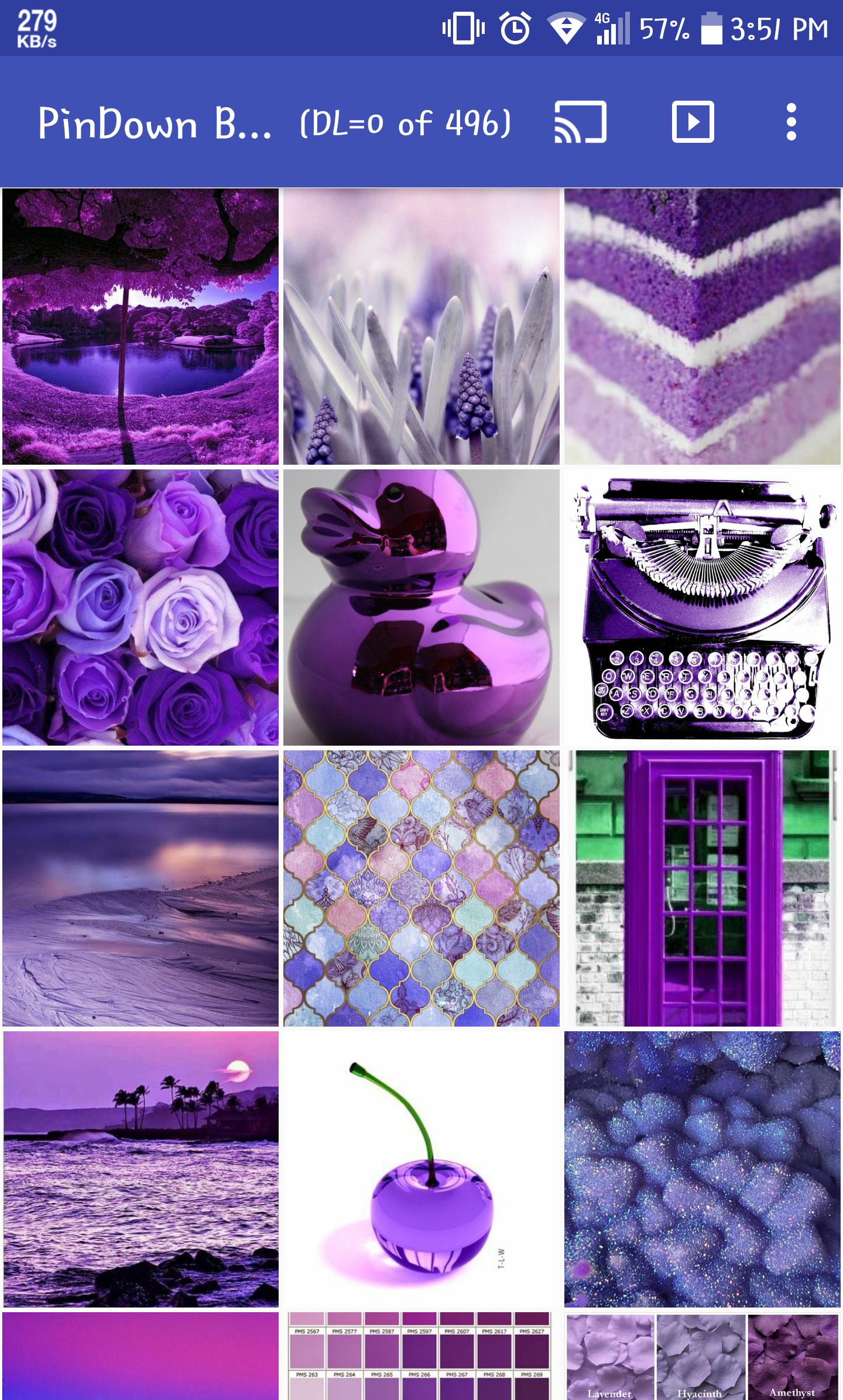
PinDown Bulk is a simple and lightweight Pinterest gallery, you can browse images similar to your photo gallery by sharing a pin or board to the app as a starting point. You can also download the original images to your device and play them as slideshow or cast them to chromecast
PinDown also provides a share pin function such that you can share an image directly (not a http link) to your instance messaging contact
Usage:
1. Open Pinterest
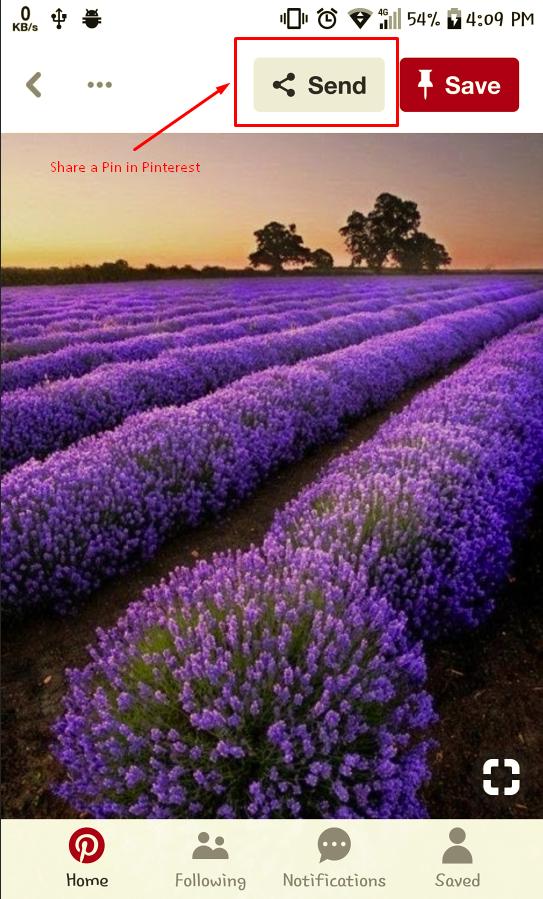
2. Inside a Pin or a Board, use the share icon and select this app
3. Pin images will be displayed just like your photo gallery
4. You can play it as slideshow or cast to your chromecast
If you wan to share an image directly to other app like instance messaging, just choose "Pin Image Direct Share" in step 2
DISCLAIMER: All Pinterest(tm) logos and trademarks displayed on this app are property of Pinterest. We are not related to the official Pinterest app and its makers in any way whatsoever. The contents of this app is directly from Pinterest(tm) and we are not responsible for them in any way whatsoever, you should respect the intellectual property rights when using any images.
پیش نظارہ
معلومات
ڈویلپر
Donut Pond
تازہ ترین ورژن
5.7
آخری تازہ کاری
2019-06-08
قسم
سماجی
پر دستیاب ہے۔
Google Play
مزید دکھائیں
پی سی پر گیم لوپ کے ساتھ PinDown Bulk (Pinterest Downloader/Slideshow) کیسے کھیلا جائے۔
1. آفیشل ویب سائٹ سے گیم لوپ ڈاؤن لوڈ کریں، پھر گیم لوپ انسٹال کرنے کے لیے exe فائل چلائیں۔
2. گیم لوپ کھولیں اور "PinDown Bulk (Pinterest Downloader/Slideshow)" تلاش کریں، تلاش کے نتائج میں PinDown Bulk (Pinterest Downloader/Slideshow) تلاش کریں اور "انسٹال کریں" پر کلک کریں۔
3. گیم لوپ پر PinDown Bulk (Pinterest Downloader/Slideshow) کھیلنے کا لطف اٹھائیں۔
Minimum requirements
OS
Windows 8.1 64-bit or Windows 10 64-bit
GPU
GTX 1050
CPU
i3-8300
Memory
8GB RAM
Storage
1GB available space
Recommended requirements
OS
Windows 8.1 64-bit or Windows 10 64-bit
GPU
GTX 1050
CPU
i3-9320
Memory
16GB RAM
Storage
1GB available space