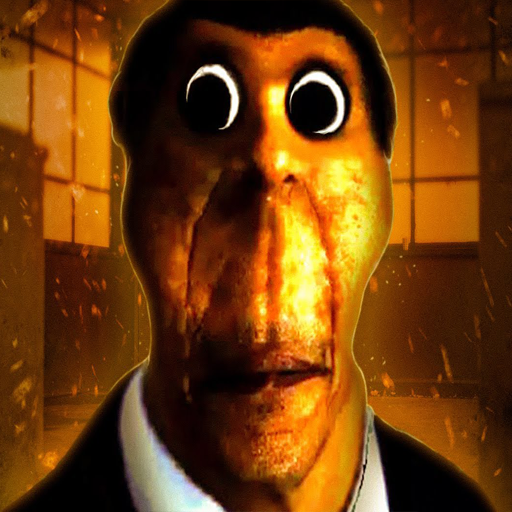
Obunga Follow Us PC
HALILO GAMES LCC
گیم لوپ ایمولیٹر کے ساتھ PC پر Obunga Follow Us ڈاؤن لوڈ کریں۔
پی سی پر Obunga Follow Us
Obunga Follow Us، جو ڈویلپر HALILO GAMES LCC سے آرہا ہے، ماضی میں اینڈرائیڈ سسٹم پر چل رہا ہے۔
اب، آپ پی سی پر Obunga Follow Us آسانی سے GameLoop کے ساتھ چلا سکتے ہیں۔
اسے GameLoop لائبریری یا تلاش کے نتائج میں ڈاؤن لوڈ کریں۔ مزید غلط وقت پر بیٹری یا مایوس کن کالوں پر نظر نہیں ڈالی جائے گی۔
بس بڑی سکرین پر Obunga Follow Us PC کا مفت میں لطف اٹھائیں!
Obunga Follow Us تعارف
Enjoy playing |Obunga NEXTBOTS| horror games. By playing bhootni wala game everything can create noise and noise can be dangerous in danger ghost games. When you are trying to find out the |Obunga NEXTBOTS| to release yourself many horrible things can create problems many ghosts.
Have you ever face Obunga, if not so let's escape the obunga chase in nextbots game.
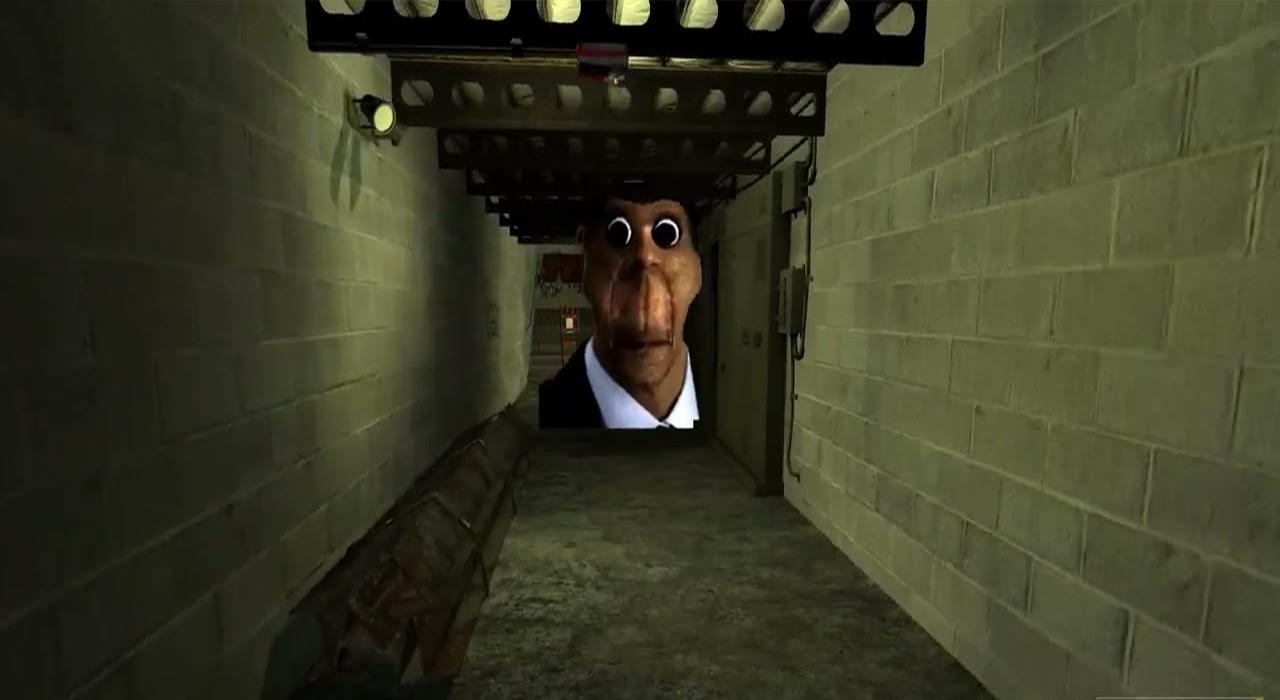
Obunga is very angry and tries to catch up with you, What will you do in escape Nextbots game? Will you be able to make escape. Let's see if you can escape scary Obunga chase in nextbots game
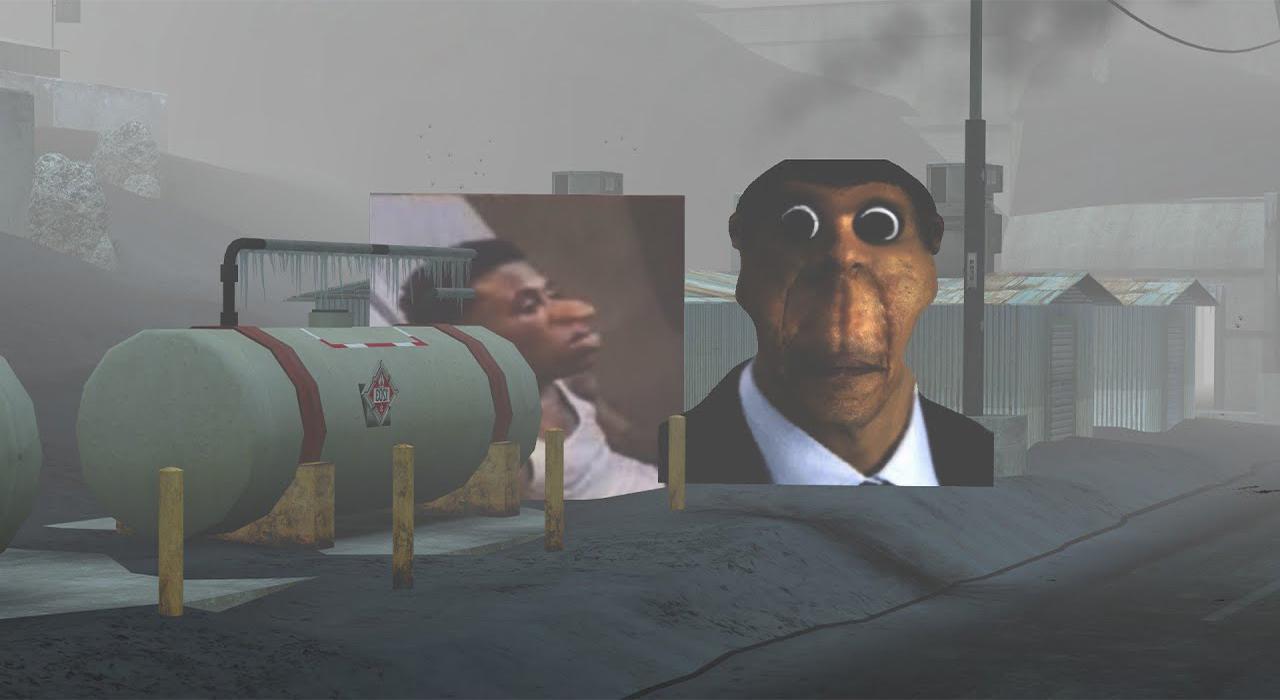
Obunga - Nextbot, have multiple characters to fight and hide from, Obunga will keep chasing you and you have to keep running and hiding and solve puzzles, Obunga - Nextbot is a character that you need to run from,
he mod of obunga is available on android it is one of the most famous mod horror escape game , obunga will chase you you have to dodge him this mod is very scary and funny at the same time
Obunga regained online popularity as a bot used in the NextBot Chase G Mod game. The mod was submitted on android now
پیش نظارہ
ٹیگز
تخروپنمعلومات
ڈویلپر
HALILO GAMES LCC
تازہ ترین ورژن
2.0
آخری تازہ کاری
2022-08-13
قسم
تخروپن
مزید دکھائیں
پی سی پر گیم لوپ کے ساتھ Obunga Follow Us کیسے کھیلا جائے۔
1. آفیشل ویب سائٹ سے گیم لوپ ڈاؤن لوڈ کریں، پھر گیم لوپ انسٹال کرنے کے لیے exe فائل چلائیں۔
2. گیم لوپ کھولیں اور "Obunga Follow Us" تلاش کریں، تلاش کے نتائج میں Obunga Follow Us تلاش کریں اور "انسٹال کریں" پر کلک کریں۔
3. گیم لوپ پر Obunga Follow Us کھیلنے کا لطف اٹھائیں۔
Minimum requirements
OS
Windows 8.1 64-bit or Windows 10 64-bit
GPU
GTX 1050
CPU
i3-8300
Memory
8GB RAM
Storage
1GB available space
Recommended requirements
OS
Windows 8.1 64-bit or Windows 10 64-bit
GPU
GTX 1050
CPU
i3-9320
Memory
16GB RAM
Storage
1GB available space