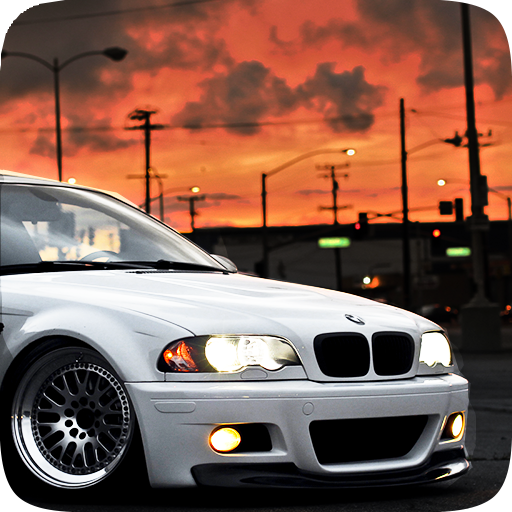
M3 E46 Drift Simulator PC
Process Games
گیم لوپ ایمولیٹر کے ساتھ PC پر M3 E46 Drift Simulator ڈاؤن لوڈ کریں۔
پی سی پر M3 E46 Drift Simulator
M3 E46 Drift Simulator، جو ڈویلپر Process Games سے آرہا ہے، ماضی میں اینڈرائیڈ سسٹم پر چل رہا ہے۔
اب، آپ پی سی پر M3 E46 Drift Simulator آسانی سے GameLoop کے ساتھ چلا سکتے ہیں۔
اسے GameLoop لائبریری یا تلاش کے نتائج میں ڈاؤن لوڈ کریں۔ مزید غلط وقت پر بیٹری یا مایوس کن کالوں پر نظر نہیں ڈالی جائے گی۔
بس بڑی سکرین پر M3 E46 Drift Simulator PC کا مفت میں لطف اٹھائیں!
M3 E46 Drift Simulator تعارف
☆ Optimized for low-end phones. ☆
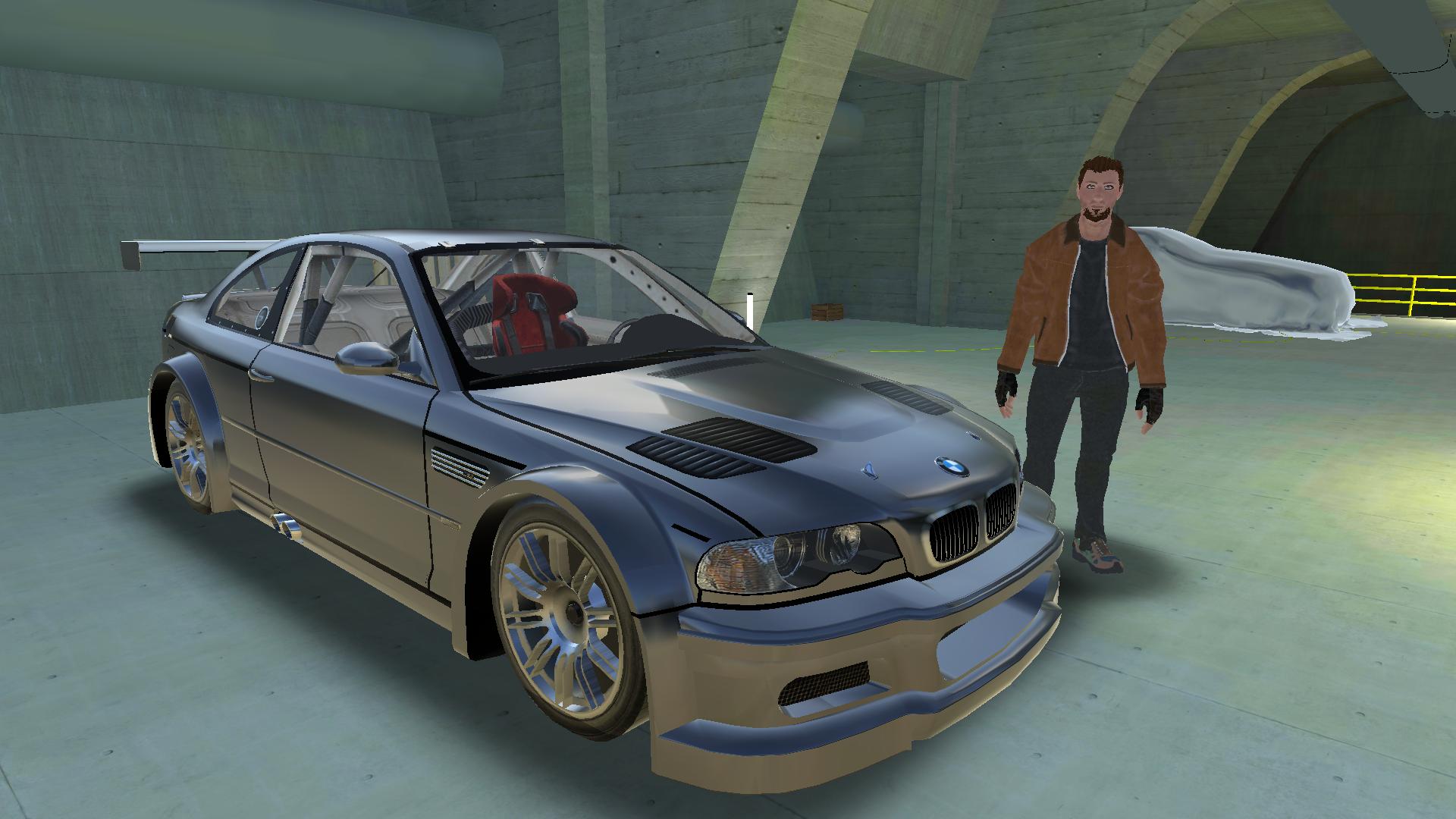
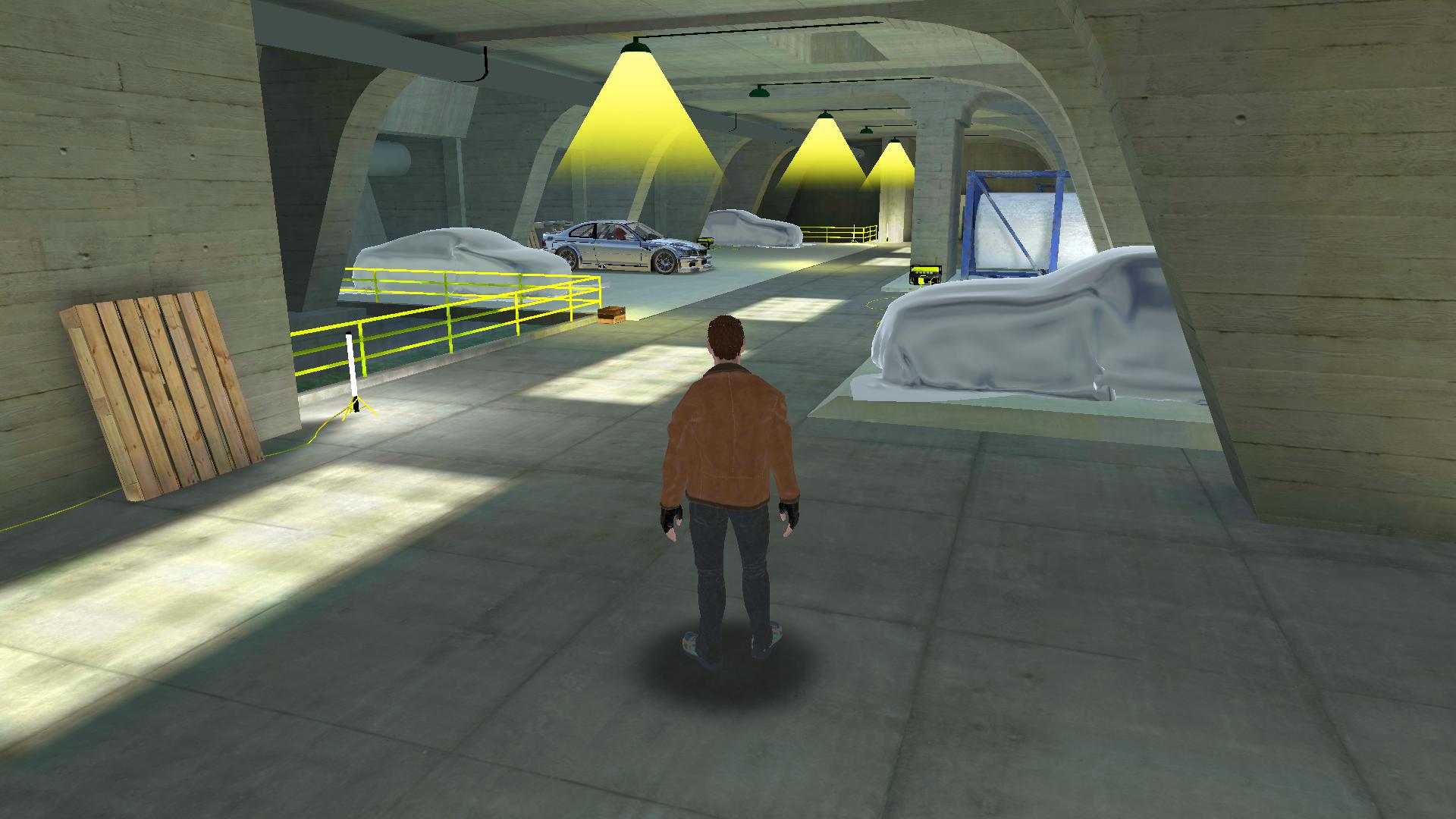
Navigate the city with the best M3 E46 Simulator. M3 E46 Simulator on the market. M3 E46 fans are designed for you. Walk freely through your garage and use the M3 E46. Experience the car with the M3 E46 Drift Simulator.
✓ In-car driver
✓ Real motor sounds
✓ Bumpy steering wheel, buttons and touch steering
✓ Easy and realistic driving experience
✓ Color palette for your car and your modifications
✓ Interesting HD graphics
✓ High poly M3 E46 model
✓ Realistic sound effects
✓ Senior vehicle simulation
✓ Large city map
✓ Freewheeling mode
✓ Drift based on personal skills
Suggestions and Complaints:
☏ Contact: process.games67@hotmail.com
پیش نظارہ
معلومات
ڈویلپر
Process Games
تازہ ترین ورژن
1.1
آخری تازہ کاری
2017-02-11
قسم
تخروپن
پر دستیاب ہے۔
Google Play
مزید دکھائیں
پی سی پر گیم لوپ کے ساتھ M3 E46 Drift Simulator کیسے کھیلا جائے۔
1. آفیشل ویب سائٹ سے گیم لوپ ڈاؤن لوڈ کریں، پھر گیم لوپ انسٹال کرنے کے لیے exe فائل چلائیں۔
2. گیم لوپ کھولیں اور "M3 E46 Drift Simulator" تلاش کریں، تلاش کے نتائج میں M3 E46 Drift Simulator تلاش کریں اور "انسٹال کریں" پر کلک کریں۔
3. گیم لوپ پر M3 E46 Drift Simulator کھیلنے کا لطف اٹھائیں۔
Minimum requirements
OS
Windows 8.1 64-bit or Windows 10 64-bit
GPU
GTX 1050
CPU
i3-8300
Memory
8GB RAM
Storage
1GB available space
Recommended requirements
OS
Windows 8.1 64-bit or Windows 10 64-bit
GPU
GTX 1050
CPU
i3-9320
Memory
16GB RAM
Storage
1GB available space