
Học Sa Hình GPLX 3D - Ôn thi G PC
CDT Edu Software
گیم لوپ ایمولیٹر کے ساتھ PC پر Học Sa Hình GPLX 3D - Ôn thi G ڈاؤن لوڈ کریں۔
پی سی پر Học Sa Hình GPLX 3D - Ôn thi G
Học Sa Hình GPLX 3D - Ôn thi G، جو ڈویلپر CDT Edu Software سے آرہا ہے، ماضی میں اینڈرائیڈ سسٹم پر چل رہا ہے۔
اب، آپ پی سی پر Học Sa Hình GPLX 3D - Ôn thi G آسانی سے GameLoop کے ساتھ چلا سکتے ہیں۔
اسے GameLoop لائبریری یا تلاش کے نتائج میں ڈاؤن لوڈ کریں۔ مزید غلط وقت پر بیٹری یا مایوس کن کالوں پر نظر نہیں ڈالی جائے گی۔
بس بڑی سکرین پر Học Sa Hình GPLX 3D - Ôn thi G PC کا مفت میں لطف اٹھائیں!
Học Sa Hình GPLX 3D - Ôn thi G تعارف
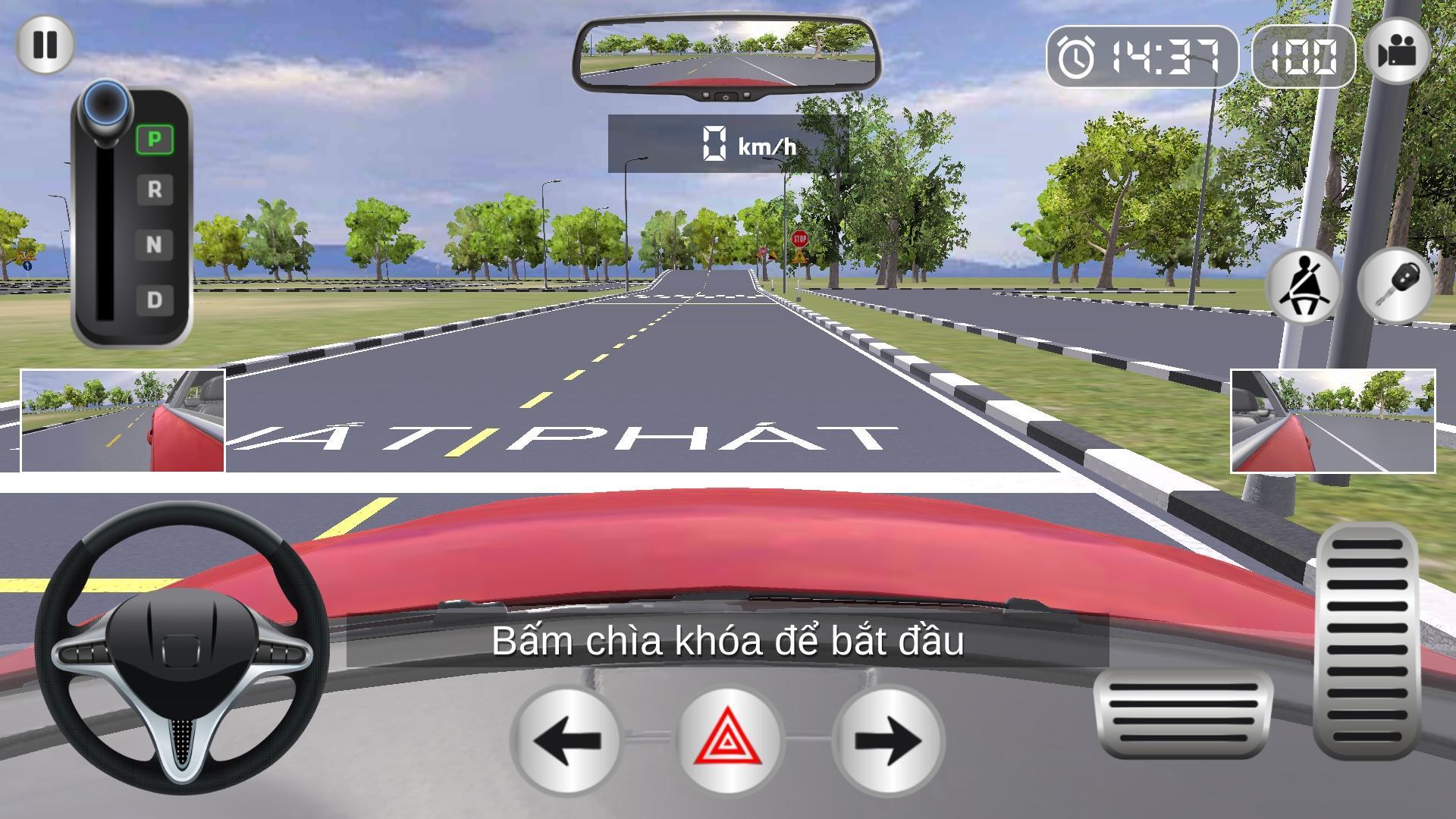
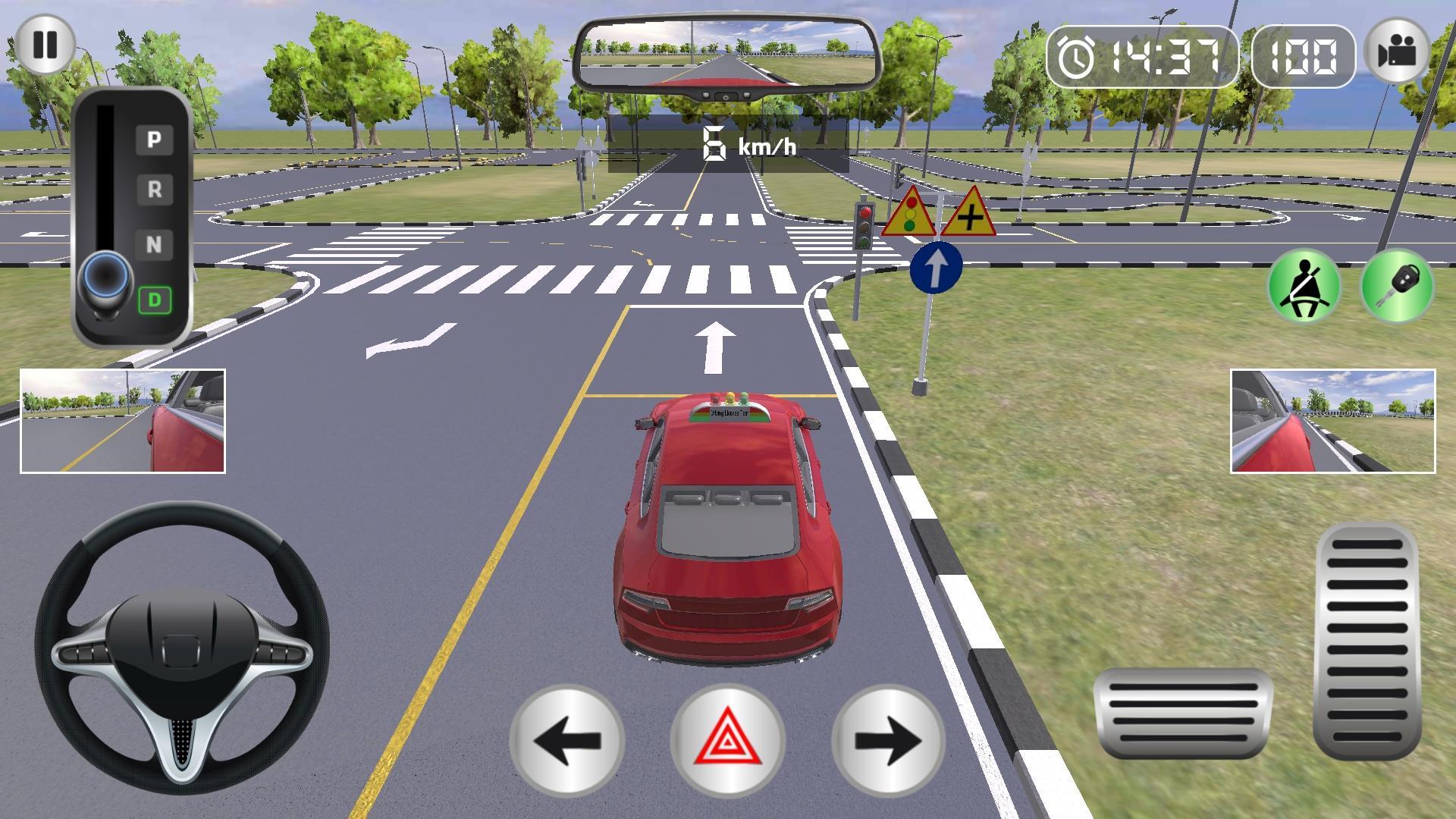
Learning Sa GPLX 3D Images - Learning 3D chip cars
Big Update:
- Additional learning theory, sign and taking the exam
- Adding field exam right to the actual part
The application was created with the purpose of serving learning and driving cars in accordance with the test of Vietnamese people. With high-precision simulation of the tests and exams, 3D Chip Learning desires to provide better support for people who are reviewing their driving license. The application helps you to remember the stigma, better reflexes in the cases and is practiced more often.
In the application, there is a general exam, complete like a real test, to help you get the best experience like a real exam in reality, in addition, we also broken down into 11 tests. Main help you easily practice:
1. Starting
2. Stopping vehicles to give way to pedestrians
3. Stopping or starting a vehicle on an uphill slope (usually called rolling up)
4. Ride through the row of nails, cross the perpendicular line (letter Z)
5. Ride through an intersection with traffic control signals.
6. Ride through a winding road (S)
7. Pairing vehicles along (back to the garage)
8. Stop the car where the railway meets
9. Speed up the gear.
10. Pairing vehicles - parallel parking
11. Finish.
I wish you all the best in the upcoming exam, thank you for your support!
پیش نظارہ
ٹیگز
گاڑیگاڑیCar-Simمعلومات
ڈویلپر
CDT Edu Software
تازہ ترین ورژن
1.1.7
آخری تازہ کاری
2020-12-30
قسم
تخروپن
پر دستیاب ہے۔
Google Play
مزید دکھائیں
پی سی پر گیم لوپ کے ساتھ Học Sa Hình GPLX 3D - Ôn thi G کیسے کھیلا جائے۔
1. آفیشل ویب سائٹ سے گیم لوپ ڈاؤن لوڈ کریں، پھر گیم لوپ انسٹال کرنے کے لیے exe فائل چلائیں۔
2. گیم لوپ کھولیں اور "Học Sa Hình GPLX 3D - Ôn thi G" تلاش کریں، تلاش کے نتائج میں Học Sa Hình GPLX 3D - Ôn thi G تلاش کریں اور "انسٹال کریں" پر کلک کریں۔
3. گیم لوپ پر Học Sa Hình GPLX 3D - Ôn thi G کھیلنے کا لطف اٹھائیں۔
Minimum requirements
OS
Windows 8.1 64-bit or Windows 10 64-bit
GPU
GTX 1050
CPU
i3-8300
Memory
8GB RAM
Storage
1GB available space
Recommended requirements
OS
Windows 8.1 64-bit or Windows 10 64-bit
GPU
GTX 1050
CPU
i3-9320
Memory
16GB RAM
Storage
1GB available space