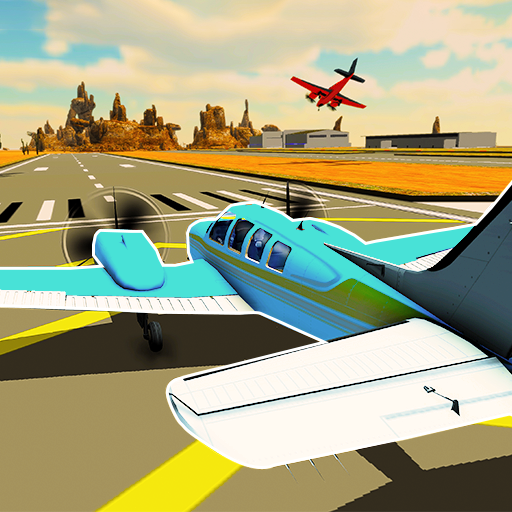
Airplane flying simulator PC
Limitless Games Studio
گیم لوپ ایمولیٹر کے ساتھ PC پر Airplane flying simulator ڈاؤن لوڈ کریں۔
پی سی پر Airplane flying simulator
Airplane flying simulator، جو ڈویلپر Limitless Games Studio سے آرہا ہے، ماضی میں اینڈرائیڈ سسٹم پر چل رہا ہے۔
اب، آپ پی سی پر Airplane flying simulator آسانی سے GameLoop کے ساتھ چلا سکتے ہیں۔
اسے GameLoop لائبریری یا تلاش کے نتائج میں ڈاؤن لوڈ کریں۔ مزید غلط وقت پر بیٹری یا مایوس کن کالوں پر نظر نہیں ڈالی جائے گی۔
بس بڑی سکرین پر Airplane flying simulator PC کا مفت میں لطف اٹھائیں!
Airplane flying simulator تعارف
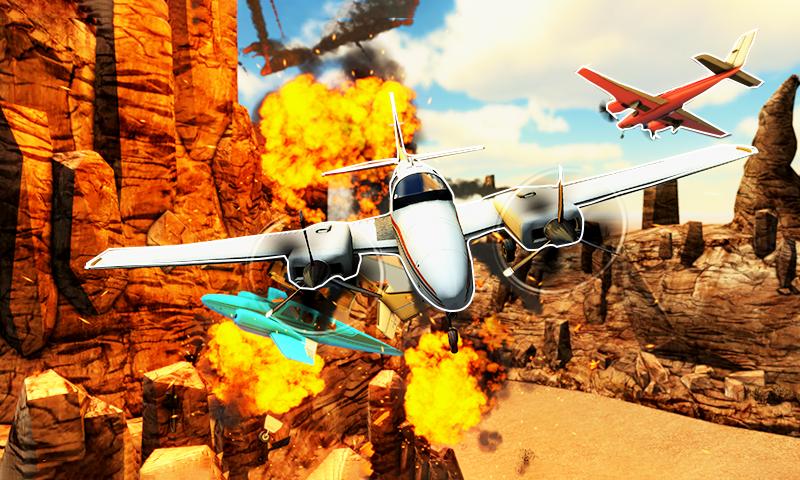
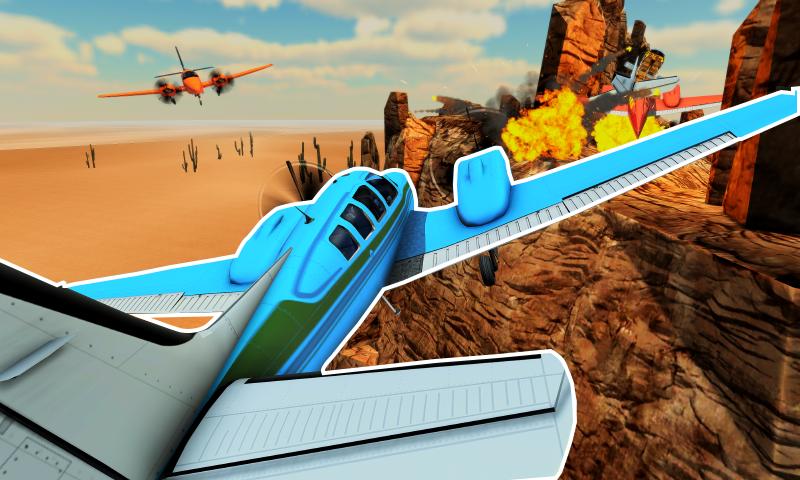
Airplane flying simulator is a plane flying simulator game. There are 10 levels in this game. Each level contains puzzle and airplane driving skills to complete it. You can also unlock many other planes in this game and upgrade it by using coins and gems. Complete every level before the fuel runs out. Do not crash into rocks or mountains in the desert. Plane will explode if it collides with mountains or rocks. After completing a level, you will be rewarded with coins and gems. Coins and gems can be used to purchase more airplanes and buy more upgrades.
MAIN FEATURES
REALISTIC GRAPHICS
EASY CONTROLS
UPTO 10 UNIQUE LEVELS
MANY TYPES OF AIRPLANES
پیش نظارہ
ٹیگز
تخروپنمعلومات
ڈویلپر
Limitless Games Studio
تازہ ترین ورژن
1.03
آخری تازہ کاری
2022-05-26
قسم
تخروپن
پر دستیاب ہے۔
Google Play
مزید دکھائیں
پی سی پر گیم لوپ کے ساتھ Airplane flying simulator کیسے کھیلا جائے۔
1. آفیشل ویب سائٹ سے گیم لوپ ڈاؤن لوڈ کریں، پھر گیم لوپ انسٹال کرنے کے لیے exe فائل چلائیں۔
2. گیم لوپ کھولیں اور "Airplane flying simulator" تلاش کریں، تلاش کے نتائج میں Airplane flying simulator تلاش کریں اور "انسٹال کریں" پر کلک کریں۔
3. گیم لوپ پر Airplane flying simulator کھیلنے کا لطف اٹھائیں۔
Minimum requirements
OS
Windows 8.1 64-bit or Windows 10 64-bit
GPU
GTX 1050
CPU
i3-8300
Memory
8GB RAM
Storage
1GB available space
Recommended requirements
OS
Windows 8.1 64-bit or Windows 10 64-bit
GPU
GTX 1050
CPU
i3-9320
Memory
16GB RAM
Storage
1GB available space