
TomatoStores PC
Webkul
گیم لوپ ایمولیٹر کے ساتھ PC پر TomatoStores ڈاؤن لوڈ کریں۔
پی سی پر TomatoStores
TomatoStores، جو ڈویلپر Webkul سے آرہا ہے، ماضی میں اینڈرائیڈ سسٹم پر چل رہا ہے۔
اب، آپ پی سی پر TomatoStores آسانی سے GameLoop کے ساتھ چلا سکتے ہیں۔
اسے GameLoop لائبریری یا تلاش کے نتائج میں ڈاؤن لوڈ کریں۔ مزید غلط وقت پر بیٹری یا مایوس کن کالوں پر نظر نہیں ڈالی جائے گی۔
بس بڑی سکرین پر TomatoStores PC کا مفت میں لطف اٹھائیں!
TomatoStores تعارف
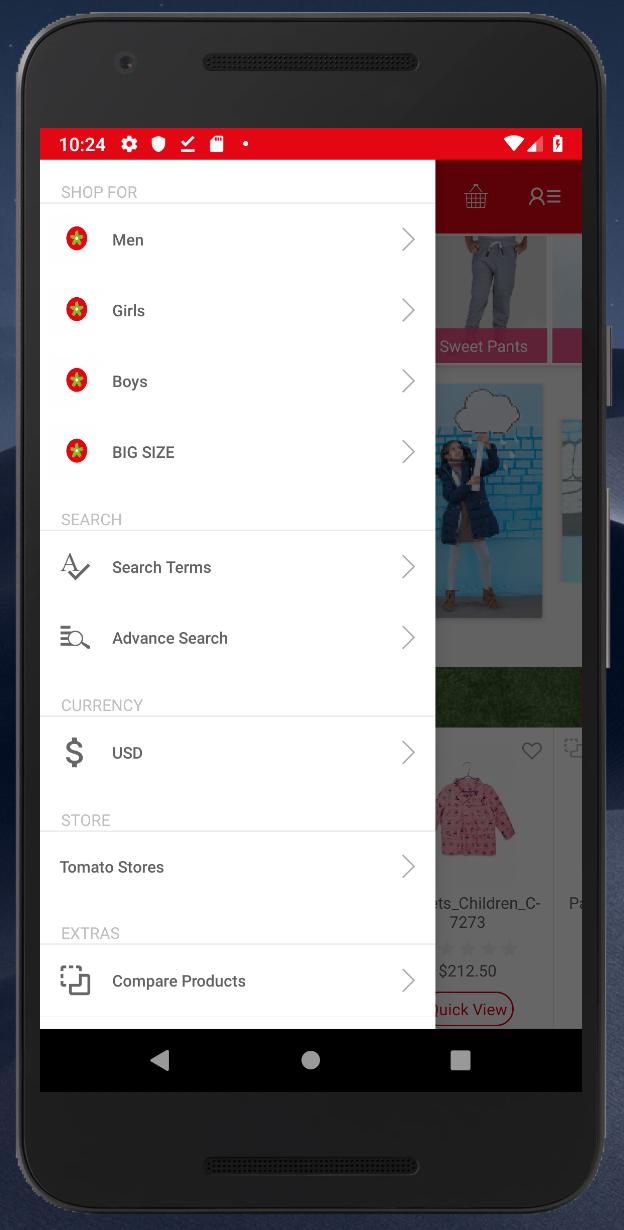
Historically, Egyptian clothing was known worldwide for its high-quality materials and manufacturing mastery. Based on that legacy, TOMATO began a journey to build a strong entity and reclaim consumer confidence in the value and modernism of our national products by offering competitive prices and internationally renowned quality.
Established over 20 years ago (1994, to be exact), TOMATO’s policy has been to provide products that are special and unique in the fashion industry. Initially, our activities focused on import and distribution, until we took the turn to the direct customer sales through our extended chain of stores across the country.
Our first store was opened at Loran, Alexandria, where manufacturing perfection and collection diversity were merged with competitive prices. It was not long before we launched other stores in Alexandria and expanded to other governorates
پیش نظارہ

معلومات
ڈویلپر
Webkul
تازہ ترین ورژن
1.01
آخری تازہ کاری
2019-03-04
قسم
خریداری
پر دستیاب ہے۔
Google Play
مزید دکھائیں
پی سی پر گیم لوپ کے ساتھ TomatoStores کیسے کھیلا جائے۔
1. آفیشل ویب سائٹ سے گیم لوپ ڈاؤن لوڈ کریں، پھر گیم لوپ انسٹال کرنے کے لیے exe فائل چلائیں۔
2. گیم لوپ کھولیں اور "TomatoStores" تلاش کریں، تلاش کے نتائج میں TomatoStores تلاش کریں اور "انسٹال کریں" پر کلک کریں۔
3. گیم لوپ پر TomatoStores کھیلنے کا لطف اٹھائیں۔
Minimum requirements
OS
Windows 8.1 64-bit or Windows 10 64-bit
GPU
GTX 1050
CPU
i3-8300
Memory
8GB RAM
Storage
1GB available space
Recommended requirements
OS
Windows 8.1 64-bit or Windows 10 64-bit
GPU
GTX 1050
CPU
i3-9320
Memory
16GB RAM
Storage
1GB available space