
Heja+ PC
M+W Müller & Weygandt GmbH
گیم لوپ ایمولیٹر کے ساتھ PC پر Heja+ ڈاؤن لوڈ کریں۔
پی سی پر Heja+
Heja+، جو ڈویلپر M+W Müller & Weygandt GmbH سے آرہا ہے، ماضی میں اینڈرائیڈ سسٹم پر چل رہا ہے۔
اب، آپ پی سی پر Heja+ آسانی سے GameLoop کے ساتھ چلا سکتے ہیں۔
اسے GameLoop لائبریری یا تلاش کے نتائج میں ڈاؤن لوڈ کریں۔ مزید غلط وقت پر بیٹری یا مایوس کن کالوں پر نظر نہیں ڈالی جائے گی۔
بس بڑی سکرین پر Heja+ PC کا مفت میں لطف اٹھائیں!
Heja+ تعارف
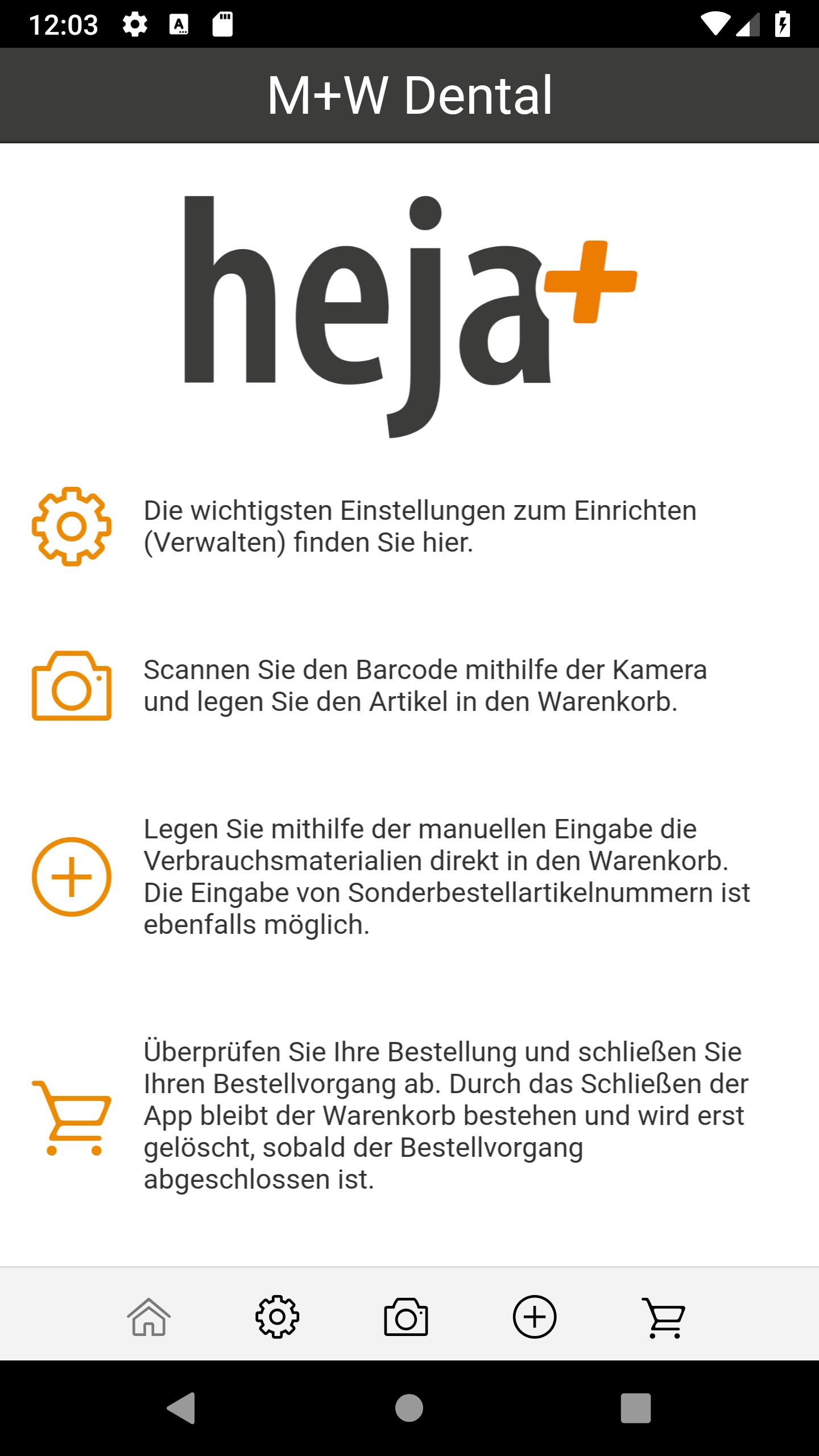
The entire M + W range, over 42,000 dental consumables, in your hands.
Simply M + W Scan the QR code or enter and order the article number.
Quick and easy. More overview. Less paper.
Simplify your order process today!
The best reasons to download the M + W order app directly,
can be found here at a glance:
- Quickly scan M + W QR codes and order them directly via app
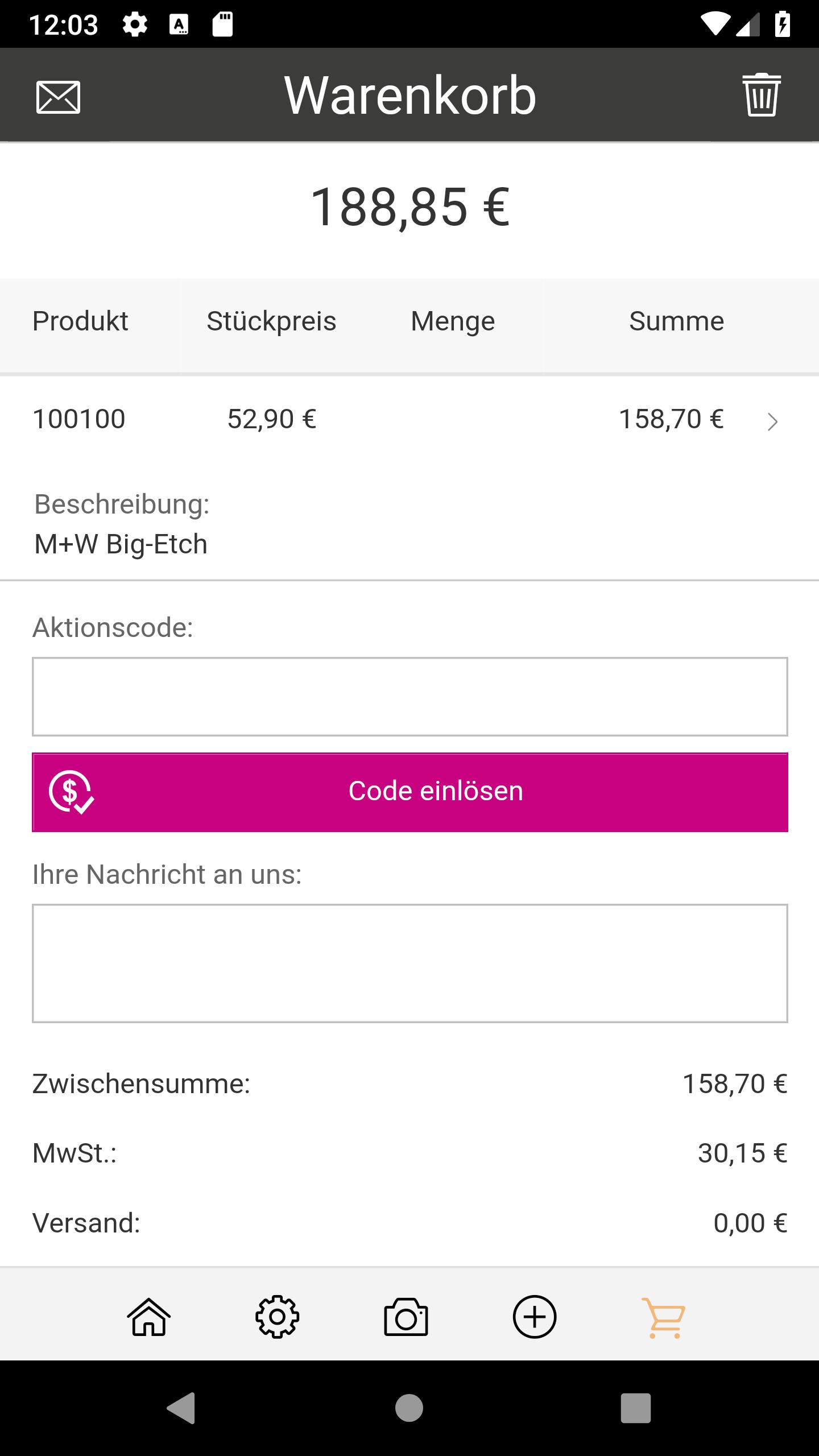
- Send an overview of the basket of goods by e-mail
- Exclusive discounts in the app
- Also order by entering the M + W article number
- Used fast delivery. Ordered by 5pm, delivered tomorrow!
Contact your account representative for your free QR codes
to request articles or product groups:
060 42/88 00 88
Currently available in Germany
پیش نظارہ
ٹیگز
خریداریمعلومات
ڈویلپر
M+W Müller & Weygandt GmbH
تازہ ترین ورژن
1.7.8
آخری تازہ کاری
2024-10-28
قسم
خریداری
پر دستیاب ہے۔
Google Play
مزید دکھائیں
پی سی پر گیم لوپ کے ساتھ Heja+ کیسے کھیلا جائے۔
1. آفیشل ویب سائٹ سے گیم لوپ ڈاؤن لوڈ کریں، پھر گیم لوپ انسٹال کرنے کے لیے exe فائل چلائیں۔
2. گیم لوپ کھولیں اور "Heja+" تلاش کریں، تلاش کے نتائج میں Heja+ تلاش کریں اور "انسٹال کریں" پر کلک کریں۔
3. گیم لوپ پر Heja+ کھیلنے کا لطف اٹھائیں۔
Minimum requirements
OS
Windows 8.1 64-bit or Windows 10 64-bit
GPU
GTX 1050
CPU
i3-8300
Memory
8GB RAM
Storage
1GB available space
Recommended requirements
OS
Windows 8.1 64-bit or Windows 10 64-bit
GPU
GTX 1050
CPU
i3-9320
Memory
16GB RAM
Storage
1GB available space