WOTU Legends: Adventure RPG PC
Gamer Mind
گیم لوپ ایمولیٹر کے ساتھ PC پر WOTU Legends: Adventure RPG ڈاؤن لوڈ کریں۔
پی سی پر WOTU Legends: Adventure RPG
WOTU Legends: Adventure RPG، جو ڈویلپر Gamer Mind سے آرہا ہے، ماضی میں اینڈرائیڈ سسٹم پر چل رہا ہے۔
اب، آپ پی سی پر WOTU Legends: Adventure RPG آسانی سے GameLoop کے ساتھ چلا سکتے ہیں۔
اسے GameLoop لائبریری یا تلاش کے نتائج میں ڈاؤن لوڈ کریں۔ مزید غلط وقت پر بیٹری یا مایوس کن کالوں پر نظر نہیں ڈالی جائے گی۔
بس بڑی سکرین پر WOTU Legends: Adventure RPG PC کا مفت میں لطف اٹھائیں!
WOTU Legends: Adventure RPG تعارف
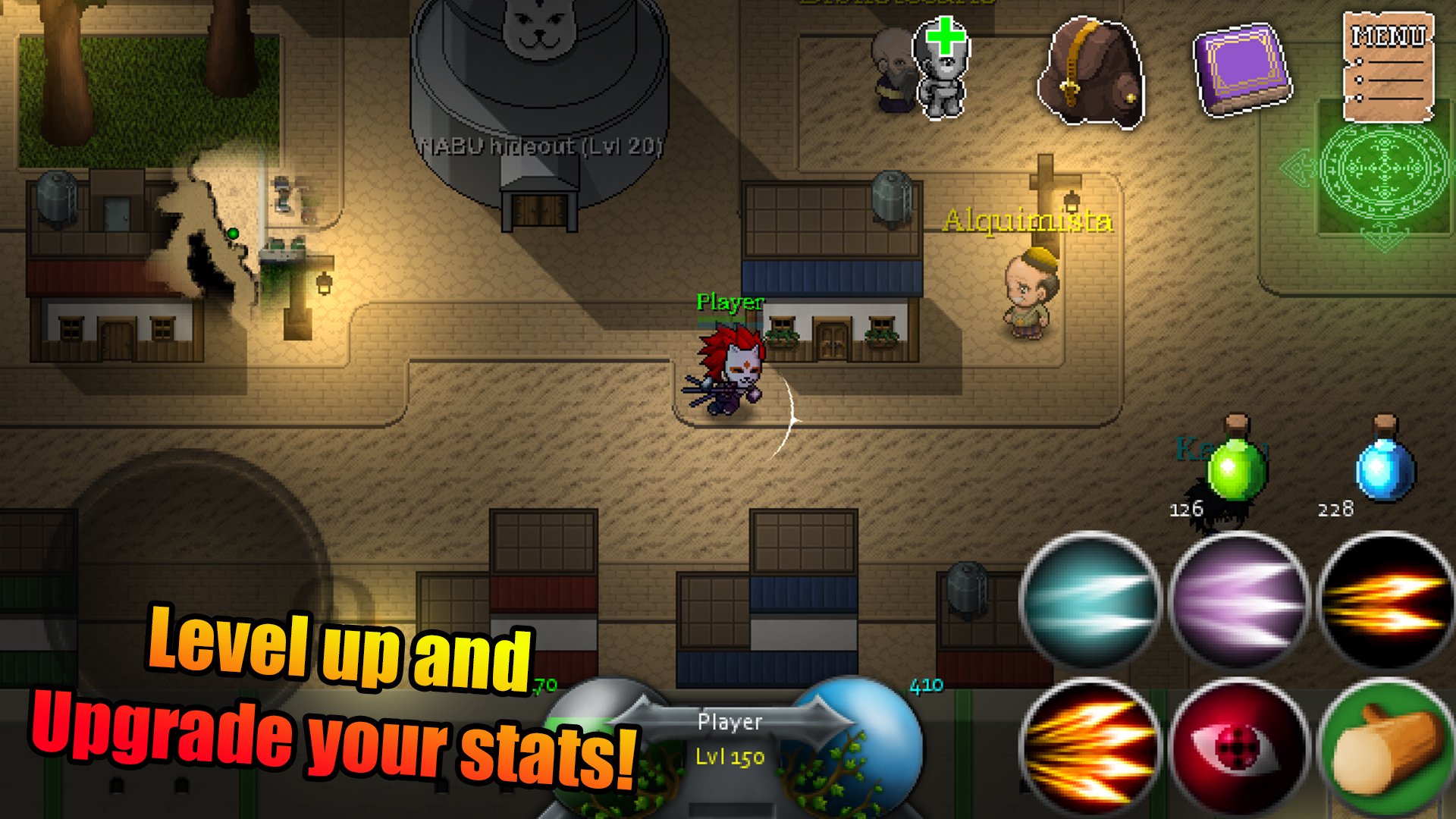
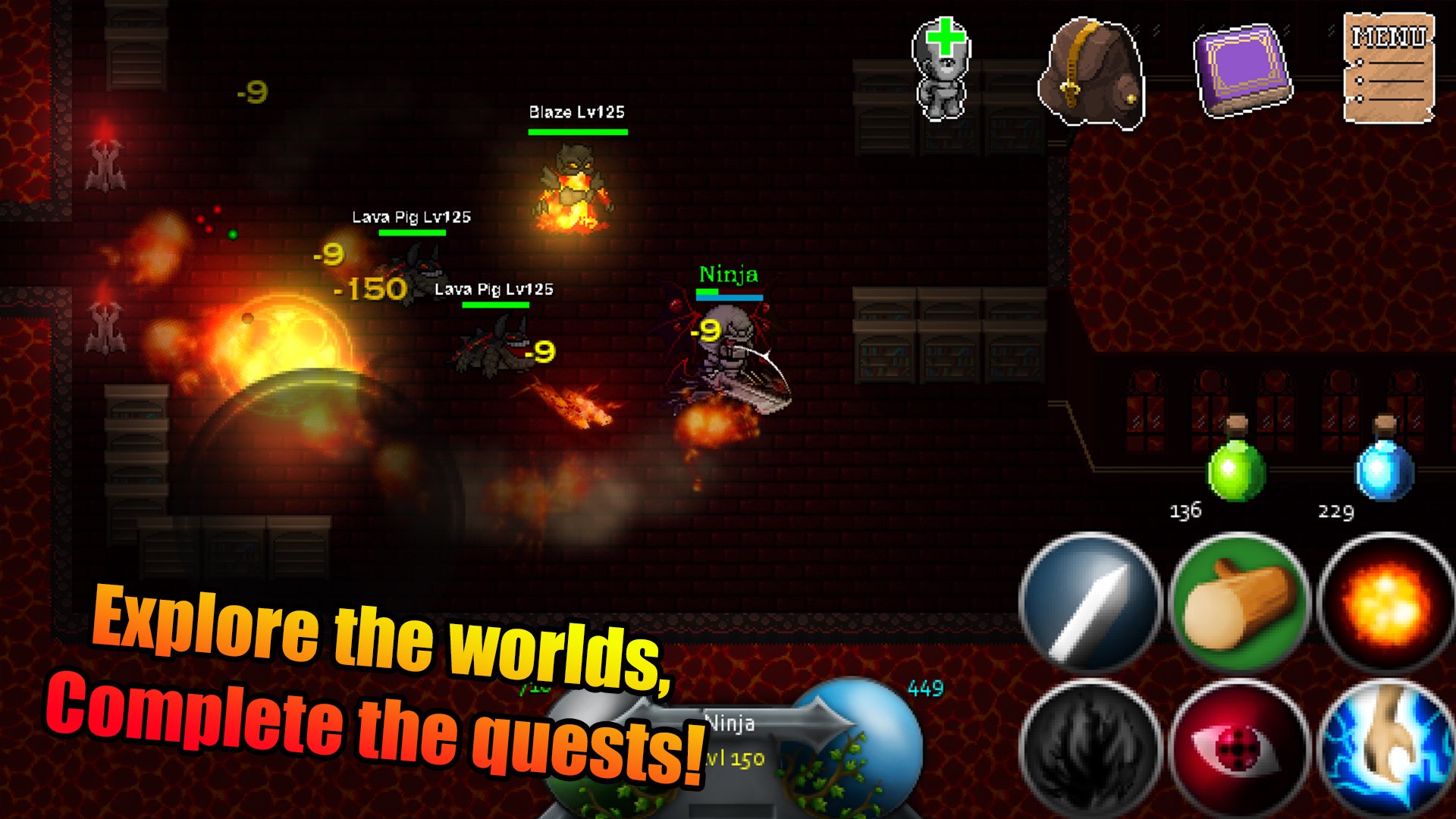
Join the adventure, choose your hero from many classes, Warrior, Knight, Soul Shinigami and Ninja, explore different universes, build your armor, swords, bows. Learn skills and face dangerous enemies.
The game features:
-Singleplayer or Multiplayer online
-Unique worlds to explore
-Challenging bosses and enemies
-Many items, armor, swords, bows, potions
-Crafting
-Classes: Knight, Hero, Ninja, Shinigami
-Mounts
Each world is unique to each class, explore the different world to find class-unique items, face challenging bosses from each universe in this epic adventure!
پیش نظارہ
ٹیگز
کردار ادا کرناایم ایم او آر پی جیمعلومات
ڈویلپر
Gamer Mind
تازہ ترین ورژن
1.1.8
آخری تازہ کاری
2025-04-27
قسم
Role-playing
پر دستیاب ہے۔
Google Play
مزید دکھائیں
پی سی پر گیم لوپ کے ساتھ WOTU Legends: Adventure RPG کیسے کھیلا جائے۔
1. آفیشل ویب سائٹ سے گیم لوپ ڈاؤن لوڈ کریں، پھر گیم لوپ انسٹال کرنے کے لیے exe فائل چلائیں۔
2. گیم لوپ کھولیں اور "WOTU Legends: Adventure RPG" تلاش کریں، تلاش کے نتائج میں WOTU Legends: Adventure RPG تلاش کریں اور "انسٹال کریں" پر کلک کریں۔
3. گیم لوپ پر WOTU Legends: Adventure RPG کھیلنے کا لطف اٹھائیں۔
Minimum requirements
OS
Windows 8.1 64-bit or Windows 10 64-bit
GPU
GTX 1050
CPU
i3-8300
Memory
8GB RAM
Storage
1GB available space
Recommended requirements
OS
Windows 8.1 64-bit or Windows 10 64-bit
GPU
GTX 1050
CPU
i3-9320
Memory
16GB RAM
Storage
1GB available space