
드래곤 베인 PC
PangSky
گیم لوپ ایمولیٹر کے ساتھ PC پر 드래곤 베인 ڈاؤن لوڈ کریں۔
پی سی پر 드래곤 베인
드래곤 베인، جو ڈویلپر PangSky سے آرہا ہے، ماضی میں اینڈرائیڈ سسٹم پر چل رہا ہے۔
اب، آپ پی سی پر 드래곤 베인 آسانی سے GameLoop کے ساتھ چلا سکتے ہیں۔
اسے GameLoop لائبریری یا تلاش کے نتائج میں ڈاؤن لوڈ کریں۔ مزید غلط وقت پر بیٹری یا مایوس کن کالوں پر نظر نہیں ڈالی جائے گی۔
بس بڑی سکرین پر 드래곤 베인 PC کا مفت میں لطف اٹھائیں!
드래곤 베인 تعارف
♣ Visit the Official Cafe now to receive daily Summon Ticket coupons!
♣ Even richer coupon rewards await you on weekends.
♣ Event Period: ~October 8
▶ Game Introduction
- Your legend begins! 'Dragon Bane'
The world where ancient dragons sleep, ‘Dragon Bane’, awakens.
A story of heroes defying fate,
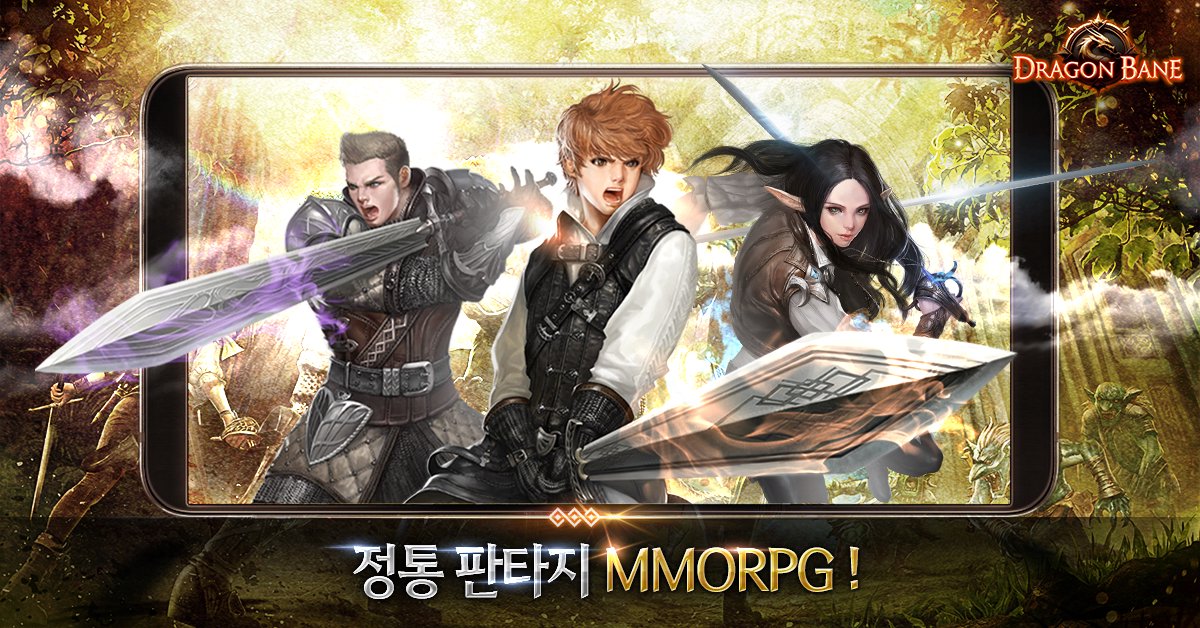
An authentic fantasy RPG blending swords, magic, and strategy!
- Embark on an adventure in a new fantasy world.
From diverse hunting grounds and field bosses to fierce siege battles,
We have captured all the fun of an MMORPG that everyone desires.
- A new system to enjoy as an MMORPG
Compete with other users by creating one of 4 classes and utilizing a convenient system optimized for mobile.
Acquire the ultimate items through the Trading Post and various dungeons,
and experience efficient combat by utilizing transformations and pets! ▶ Official Community
https://cafe.naver.com/dragonrajanew
[Required Permissions]
1. Allow access to storage space (device photos, media, files)
- This permission is required to save files necessary to run the game on your device.
- SD card write/read permissions are requested for resource downloads.
- The access to storage space (device photos, media, files) permission includes the ability to use storage. Without this permission, it is impossible to read or write information necessary for game usage, so this permission is required.
[Optional Access Permissions]
1. Microphone: Used to provide the video attachment feature when contacting Customer Center.
* You can use the game even if you do not agree to the optional permissions.
* After agreeing to access permissions, you can reset or revoke them as follows.
* Minimum Requirements: RAM 4GB
[Android 6.0 or higher]
1. How to revoke permissions by access type: Device Settings > Apps > More (Settings & Controls) > App Settings > App Permissions > Select the relevant permission > Choose to Agree or Revoke permission
2. How to revoke permissions by app: Device Settings > Apps > Select the relevant app > Select Permissions > Choose to Agree or Revoke permission
[Android 6.0 or lower]
Due to the nature of the operating system, it is not possible to revoke permissions by access type. Permissions can only be revoked by deleting the app.
We recommend upgrading your Android version.
----
Customer Center: dbhelp.billiongames@gmail.com
پیش نظارہ

ٹیگز
ایم ایم او آر پی جیروزانہاسٹائلائزڈواحد کھلاڑیحقیقت پسندانہArcherFantasyMedieval-Fantasyمعلومات
ڈویلپر
PangSky
تازہ ترین ورژن
7.8.2
آخری تازہ کاری
2026-11-06
قسم
Role-playing
پر دستیاب ہے۔
Google Play
مزید دکھائیں
پی سی پر گیم لوپ کے ساتھ 드래곤 베인 کیسے کھیلا جائے۔
1. آفیشل ویب سائٹ سے گیم لوپ ڈاؤن لوڈ کریں، پھر گیم لوپ انسٹال کرنے کے لیے exe فائل چلائیں۔
2. گیم لوپ کھولیں اور "드래곤 베인" تلاش کریں، تلاش کے نتائج میں 드래곤 베인 تلاش کریں اور "انسٹال کریں" پر کلک کریں۔
3. گیم لوپ پر 드래곤 베인 کھیلنے کا لطف اٹھائیں۔
Minimum requirements
OS
Windows 8.1 64-bit or Windows 10 64-bit
GPU
GTX 1050
CPU
i3-8300
Memory
8GB RAM
Storage
1GB available space
Recommended requirements
OS
Windows 8.1 64-bit or Windows 10 64-bit
GPU
GTX 1050
CPU
i3-9320
Memory
16GB RAM
Storage
1GB available space