Baby Shark Music Light Tiles PC
Kamran Nagiyev
گیم لوپ ایمولیٹر کے ساتھ PC پر Baby Shark Music Light Tiles ڈاؤن لوڈ کریں۔
پی سی پر Baby Shark Music Light Tiles
Baby Shark Music Light Tiles، جو ڈویلپر Kamran Nagiyev سے آرہا ہے، ماضی میں اینڈرائیڈ سسٹم پر چل رہا ہے۔
اب، آپ پی سی پر Baby Shark Music Light Tiles آسانی سے GameLoop کے ساتھ چلا سکتے ہیں۔
اسے GameLoop لائبریری یا تلاش کے نتائج میں ڈاؤن لوڈ کریں۔ مزید غلط وقت پر بیٹری یا مایوس کن کالوں پر نظر نہیں ڈالی جائے گی۔
بس بڑی سکرین پر Baby Shark Music Light Tiles PC کا مفت میں لطف اٹھائیں!
Baby Shark Music Light Tiles تعارف
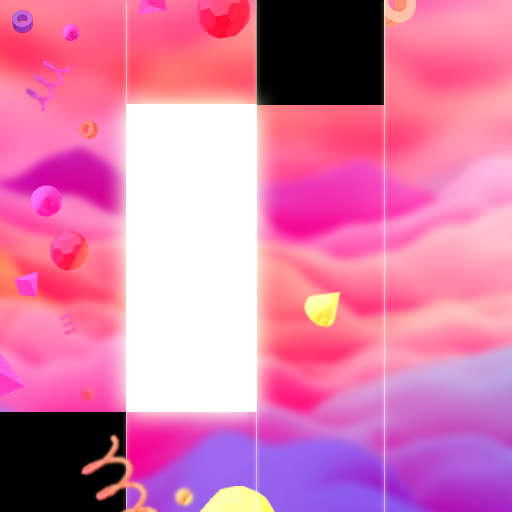
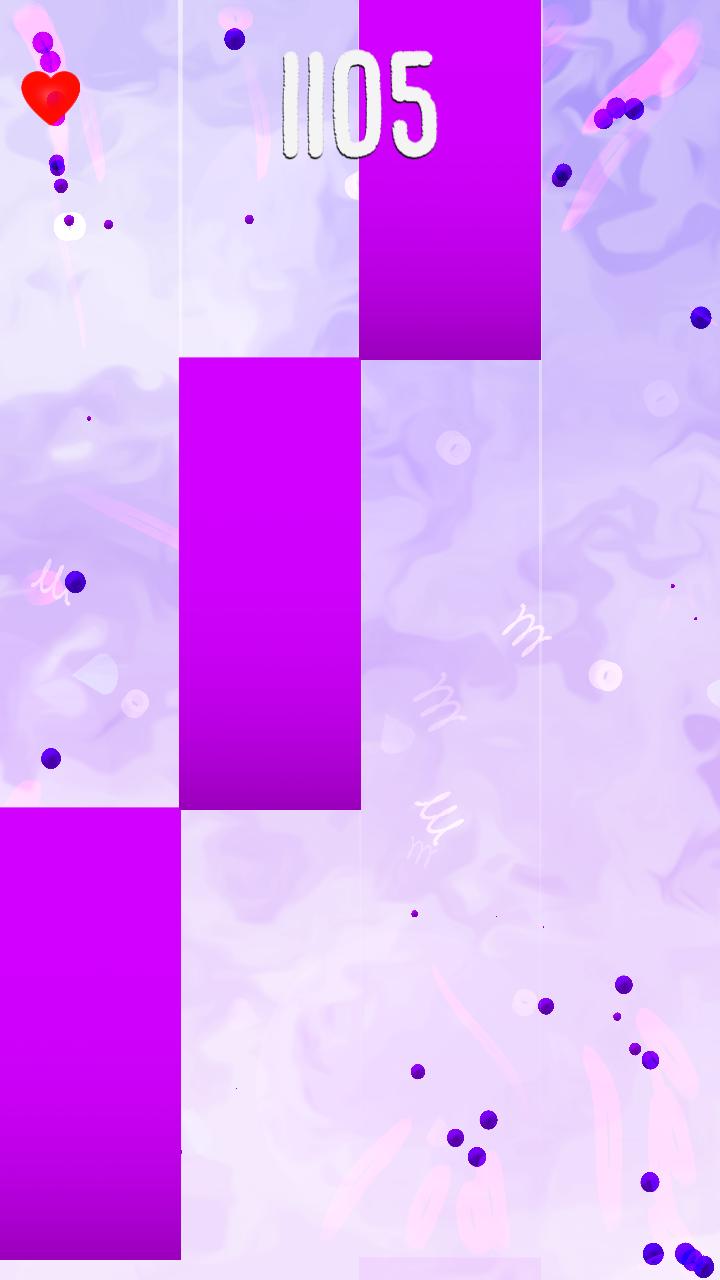
All Your Favorite Tracks In One GAME! Sweet colored musical Backgrounds will Blow You Away! Perfect Synchronization beetween Tapping and Rythm. Never get bored of TURBO GAMEPLAY, try to Keep Up and Beat your friends highscores!
Tired of simple piano games with boring piano music? EDM tracks will bring you joy! Awesome bright tiles will feel like magic. The further you go the more magic appears behind the tiles. Gets crazy with piano keys but EDM Songs!
PERFECT AWESOME GAMEPLAY INCLUDE:
-AWESOME COLORS!!
-Fun Songs
-Unique Effects!
-FAST GAMEPLAY
-Unique and long song list
پیش نظارہ

ٹیگز
پہیلیمعلومات
ڈویلپر
Kamran Nagiyev
تازہ ترین ورژن
1.0
آخری تازہ کاری
2021-09-20
قسم
پہیلی
پر دستیاب ہے۔
Google Play
مزید دکھائیں
پی سی پر گیم لوپ کے ساتھ Baby Shark Music Light Tiles کیسے کھیلا جائے۔
1. آفیشل ویب سائٹ سے گیم لوپ ڈاؤن لوڈ کریں، پھر گیم لوپ انسٹال کرنے کے لیے exe فائل چلائیں۔
2. گیم لوپ کھولیں اور "Baby Shark Music Light Tiles" تلاش کریں، تلاش کے نتائج میں Baby Shark Music Light Tiles تلاش کریں اور "انسٹال کریں" پر کلک کریں۔
3. گیم لوپ پر Baby Shark Music Light Tiles کھیلنے کا لطف اٹھائیں۔
Minimum requirements
OS
Windows 8.1 64-bit or Windows 10 64-bit
GPU
GTX 1050
CPU
i3-8300
Memory
8GB RAM
Storage
1GB available space
Recommended requirements
OS
Windows 8.1 64-bit or Windows 10 64-bit
GPU
GTX 1050
CPU
i3-9320
Memory
16GB RAM
Storage
1GB available space