
Yalla Receiver v2.5 PC
Yalla Internet Limited
گیم لوپ ایمولیٹر کے ساتھ PC پر Yalla Receiver v2.5 ڈاؤن لوڈ کریں۔
پی سی پر Yalla Receiver v2.5
Yalla Receiver v2.5، جو ڈویلپر Yalla Internet Limited سے آرہا ہے، ماضی میں اینڈرائیڈ سسٹم پر چل رہا ہے۔
اب، آپ پی سی پر Yalla Receiver v2.5 آسانی سے GameLoop کے ساتھ چلا سکتے ہیں۔
اسے GameLoop لائبریری یا تلاش کے نتائج میں ڈاؤن لوڈ کریں۔ مزید غلط وقت پر بیٹری یا مایوس کن کالوں پر نظر نہیں ڈالی جائے گی۔
بس بڑی سکرین پر Yalla Receiver v2.5 PC کا مفت میں لطف اٹھائیں!
Yalla Receiver v2.5 تعارف
Note: Yalla receiver uses standard intent methods to receive data from any other app similar to apps like MX player etc. Any third-party app can call the Yalla receiver app by android send intent method and send a valid video URL or IPTV Playlist URL. Other options such as headers can also be sent together when calling Yalla receiver. Yalla receiver will try to parse the incoming data and play the incoming URL If it is a valid video. We would like to clearly mention that we do not offer any channels or IPTV playlists or plugins on our app. We are not responsible for any playback of copyrighted content in our app, since our app is a mere video player that is able to play any entered video URL or playlist. In case of any copyright infringement, please contact the respected apps or broadcasters who use our app to play them. If you are a developer and would like to know the send intent android API use sage, feel free to contact us, and we will guide you with our API usage.
This app doesn't contain any built-in channels, you should have your playlist with TV channels to use this app.
Yalla Receiver is the #1 plugin for casting videos on your TV. This is the receiver for multiple applications. You must install the Yalla Receiver on the mobile app to be able to use this Yalla receiver on TV.
Cast videos, images and audio, live streams, IPTV, and more from the web browser on your mobile phone or tablet to your TV.
1. Download Yalla Receiver for Fire stick at https://YallaReceiver.com
2. Share any of your m3u Playlist links in-app and cast in TV.
3. Let Yalla help you cast those videos to your TV.
4. Enjoy! Please visit http://yallareceiver.com for more information.
SUPPORTED STREAMING DEVICES
Yalla Receiver supports the most popular streaming devices, allowing your TV to stream videos directly from Android Devices.
• Amazon Fire TV and Fire TV Stick.
*If you experience compatibility issues, contact us and include the brand and model number.
SUPPORTED MEDIA
• HLS live streams in M3U8 format, where supported by your streaming device.
• Movies and TV shows.
• MP4 videos.
• Live news and sports.
• Any HTML5 videos*.
• IPTV (M3U8, W3U, RSS).
• Photos.
• Audio files including music.
*Your streaming device must be capable of decoding the video you are playing. Yalla Receiver does not perform any video/audio decoding or transcoding.
Usage of location data and advertising ID:
Please refer to the privacy policy here (https://yallareceiver.com/Privacy.html) to know more about how we use the location data and advertising ID.
Permission to use Camera
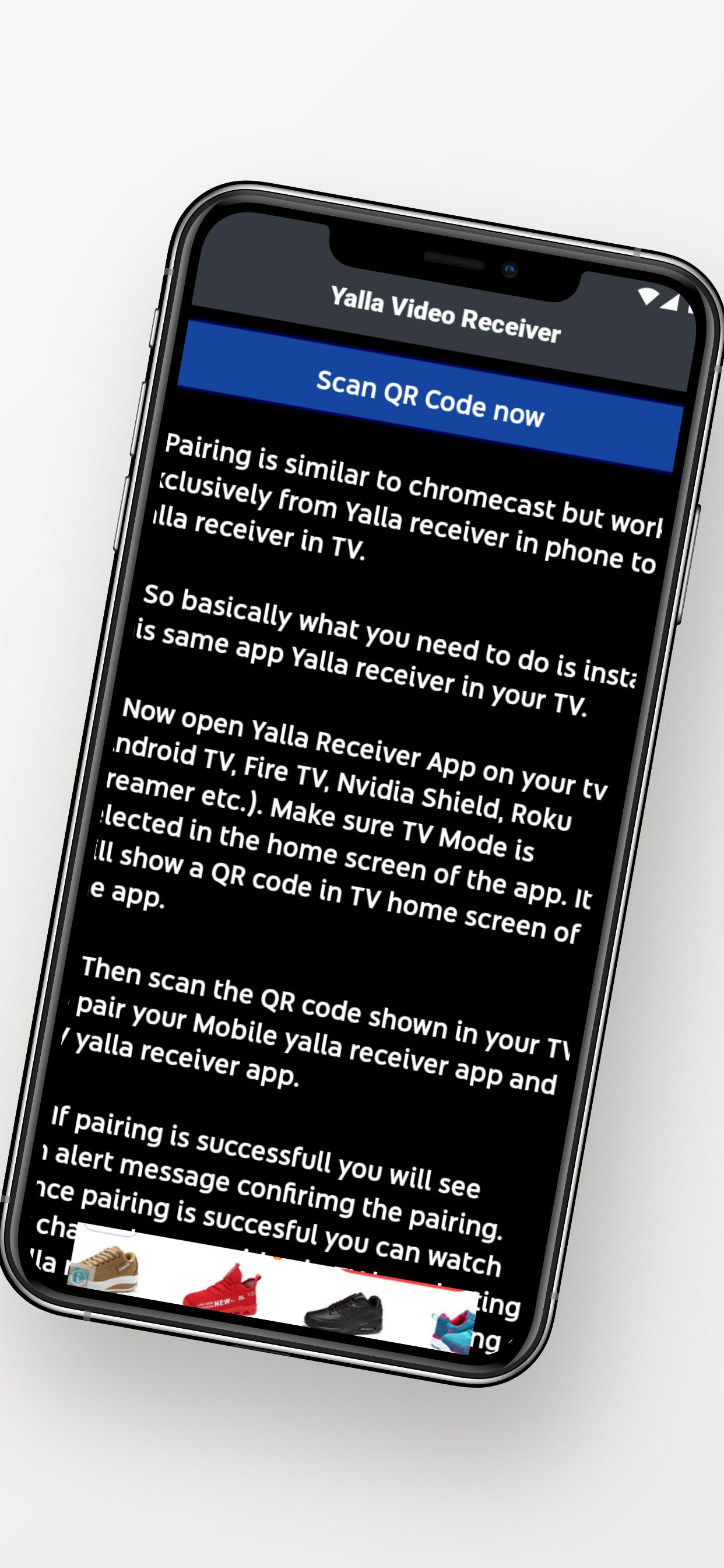
We use camera permission in order to scan the QR code generated by the app, which is nothing but a unique ID that will enable us to pair the app with the same app installed on different devices. The user is solely responsible for using the camera to scan the QR code, and the app will only read QR codes of device IDs which are known to the app. No other camera features are being used by the app.
https://yallareceiver.com/Privacy.html
https://yallareceiver.com/copyright
پیش نظارہ
ٹیگز
پیداواری صلاحیتمعلومات
ڈویلپر
Yalla Internet Limited
تازہ ترین ورژن
2.5
آخری تازہ کاری
2023-01-20
قسم
پیداواری صلاحیت
پر دستیاب ہے۔
Google Play
مزید دکھائیں
پی سی پر گیم لوپ کے ساتھ Yalla Receiver v2.5 کیسے کھیلا جائے۔
1. آفیشل ویب سائٹ سے گیم لوپ ڈاؤن لوڈ کریں، پھر گیم لوپ انسٹال کرنے کے لیے exe فائل چلائیں۔
2. گیم لوپ کھولیں اور "Yalla Receiver v2.5" تلاش کریں، تلاش کے نتائج میں Yalla Receiver v2.5 تلاش کریں اور "انسٹال کریں" پر کلک کریں۔
3. گیم لوپ پر Yalla Receiver v2.5 کھیلنے کا لطف اٹھائیں۔
Minimum requirements
OS
Windows 8.1 64-bit or Windows 10 64-bit
GPU
GTX 1050
CPU
i3-8300
Memory
8GB RAM
Storage
1GB available space
Recommended requirements
OS
Windows 8.1 64-bit or Windows 10 64-bit
GPU
GTX 1050
CPU
i3-9320
Memory
16GB RAM
Storage
1GB available space