
WMS Map Viewer PC
Pantelis Rodis
گیم لوپ ایمولیٹر کے ساتھ PC پر WMS Map Viewer ڈاؤن لوڈ کریں۔
پی سی پر WMS Map Viewer
WMS Map Viewer، جو ڈویلپر Pantelis Rodis سے آرہا ہے، ماضی میں اینڈرائیڈ سسٹم پر چل رہا ہے۔
اب، آپ پی سی پر WMS Map Viewer آسانی سے GameLoop کے ساتھ چلا سکتے ہیں۔
اسے GameLoop لائبریری یا تلاش کے نتائج میں ڈاؤن لوڈ کریں۔ مزید غلط وقت پر بیٹری یا مایوس کن کالوں پر نظر نہیں ڈالی جائے گی۔
بس بڑی سکرین پر WMS Map Viewer PC کا مفت میں لطف اٹھائیں!
WMS Map Viewer تعارف
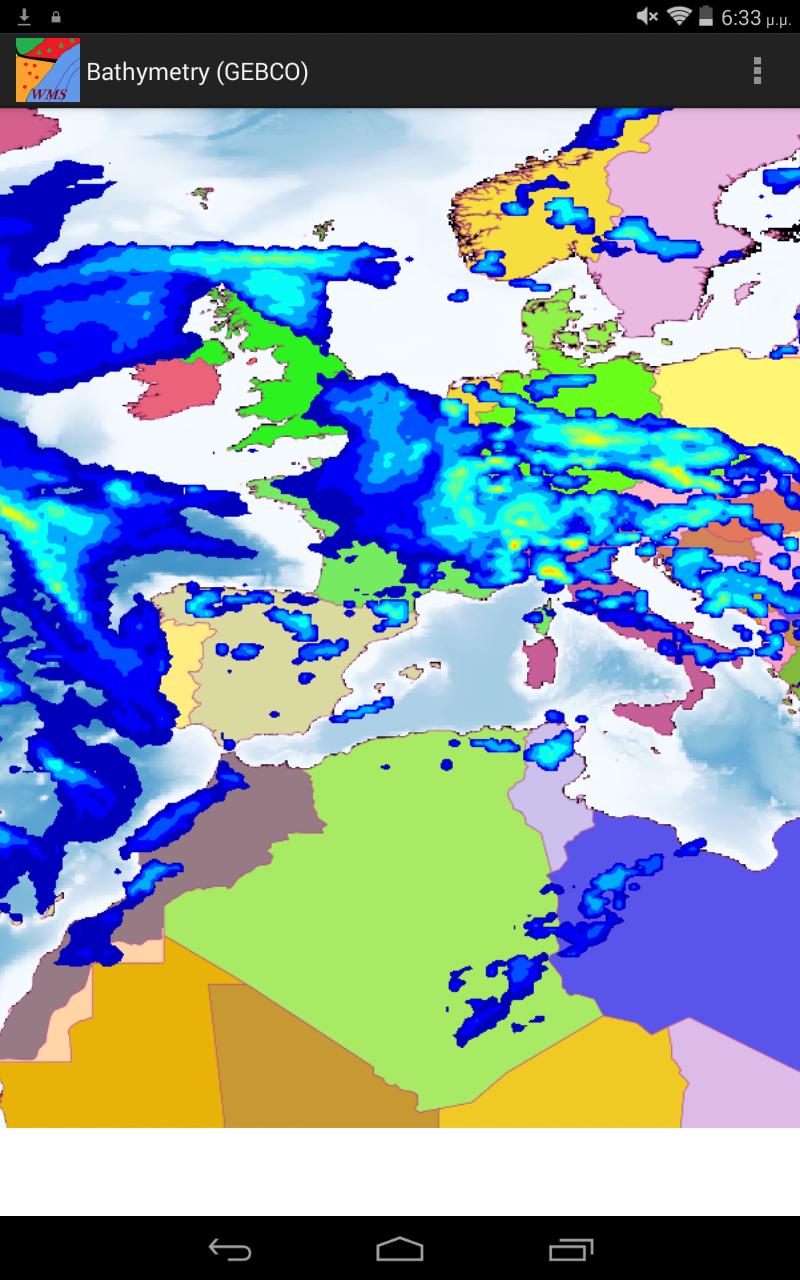
WMS Map Viewer is a viewing application for web maps that use the WMS protocol. The application is compatible with all modern versions of WMS, ensuring an advanced and comfortable user experience.
Store connections to many web map services and while viewing a geographical area switch among them or display them as overlay layers, one over the other in the same map.
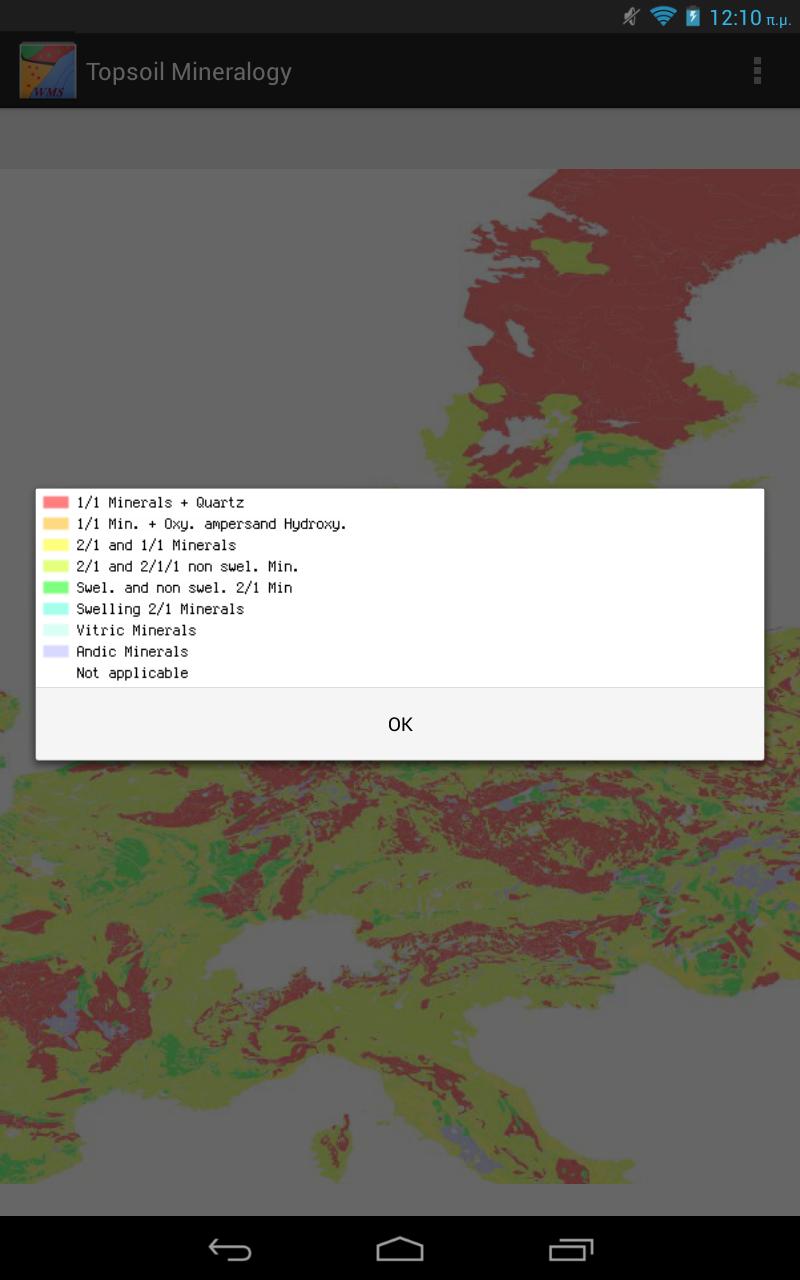
View map legend, if available. Add country borders as overlay on any map that you view.
Clicking on any location on the map to view its coordinates.
Use your GPS receiver to view your current location or to automatically update the location that you view.
Also share your maps on Facebook, Google+ and Twitter.
پیش نظارہ
ٹیگز
پیداواری صلاحیتمعلومات
ڈویلپر
Pantelis Rodis
تازہ ترین ورژن
1.5
آخری تازہ کاری
2017-03-03
قسم
پیداواری صلاحیت
پر دستیاب ہے۔
Google Play
مزید دکھائیں
پی سی پر گیم لوپ کے ساتھ WMS Map Viewer کیسے کھیلا جائے۔
1. آفیشل ویب سائٹ سے گیم لوپ ڈاؤن لوڈ کریں، پھر گیم لوپ انسٹال کرنے کے لیے exe فائل چلائیں۔
2. گیم لوپ کھولیں اور "WMS Map Viewer" تلاش کریں، تلاش کے نتائج میں WMS Map Viewer تلاش کریں اور "انسٹال کریں" پر کلک کریں۔
3. گیم لوپ پر WMS Map Viewer کھیلنے کا لطف اٹھائیں۔
Minimum requirements
OS
Windows 8.1 64-bit or Windows 10 64-bit
GPU
GTX 1050
CPU
i3-8300
Memory
8GB RAM
Storage
1GB available space
Recommended requirements
OS
Windows 8.1 64-bit or Windows 10 64-bit
GPU
GTX 1050
CPU
i3-9320
Memory
16GB RAM
Storage
1GB available space