TTS Reader PC
David Nachmani
گیم لوپ ایمولیٹر کے ساتھ PC پر TTS Reader ڈاؤن لوڈ کریں۔
پی سی پر TTS Reader
TTS Reader، جو ڈویلپر David Nachmani سے آرہا ہے، ماضی میں اینڈرائیڈ سسٹم پر چل رہا ہے۔
اب، آپ پی سی پر TTS Reader آسانی سے GameLoop کے ساتھ چلا سکتے ہیں۔
اسے GameLoop لائبریری یا تلاش کے نتائج میں ڈاؤن لوڈ کریں۔ مزید غلط وقت پر بیٹری یا مایوس کن کالوں پر نظر نہیں ڈالی جائے گی۔
بس بڑی سکرین پر TTS Reader PC کا مفت میں لطف اٹھائیں!
TTS Reader تعارف
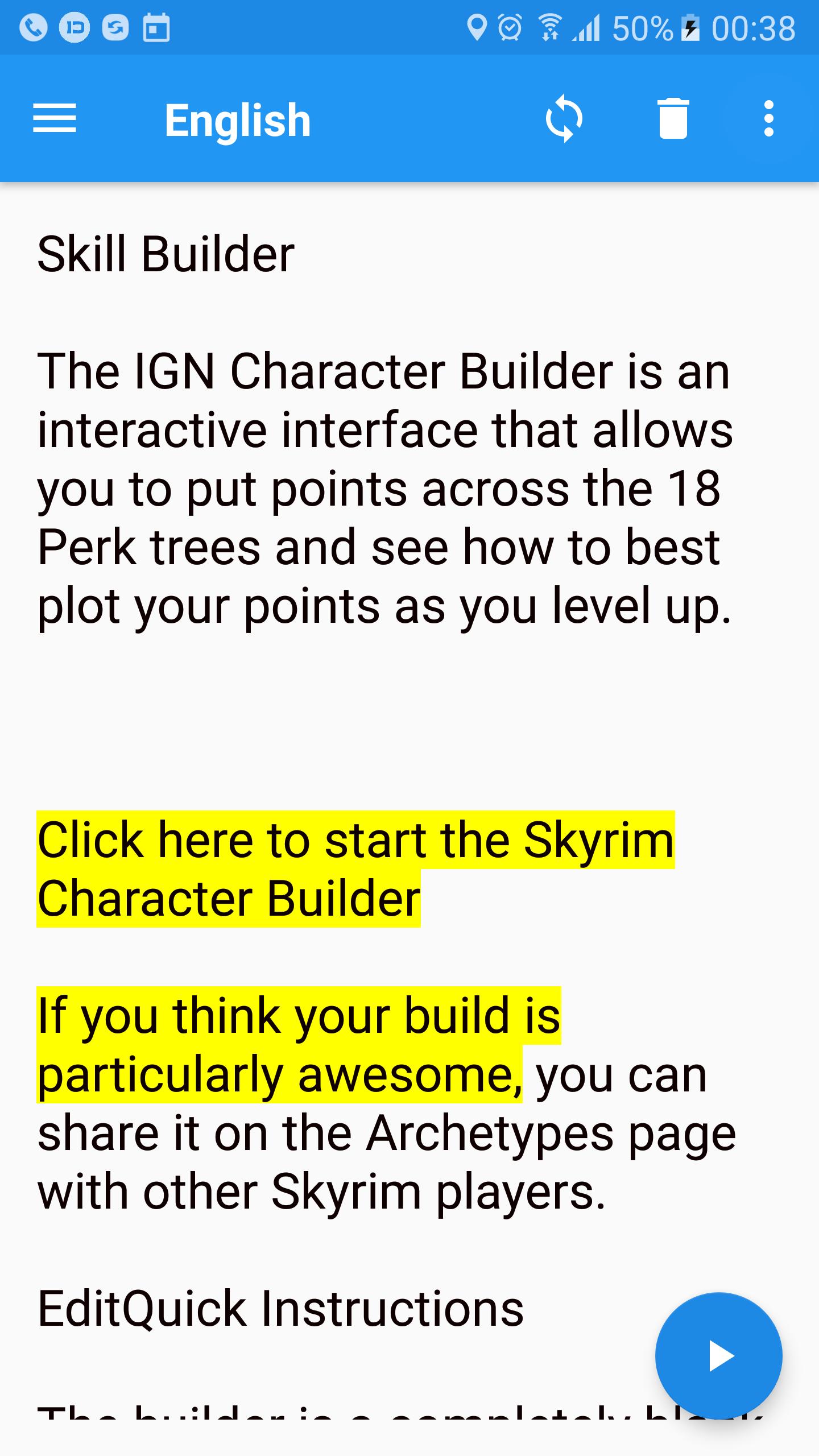
TTS Reader allows you to have any text read out to you simply by marking it and copying it to the clipboard or by sharing text or a webpage to the app.
Main features:
✓ Text to voice spoken out loud.
✓ In the text box, see the text highlighted as it is being spoken, you can choose to start reading anywhere you want with the cursor.
✓ Once enabled, a pop-up player bar that appears when you copy text to the clipboard even when app is closed.
✓ Pause and continue later from where you stopped (beginning of the last sentence spoken).
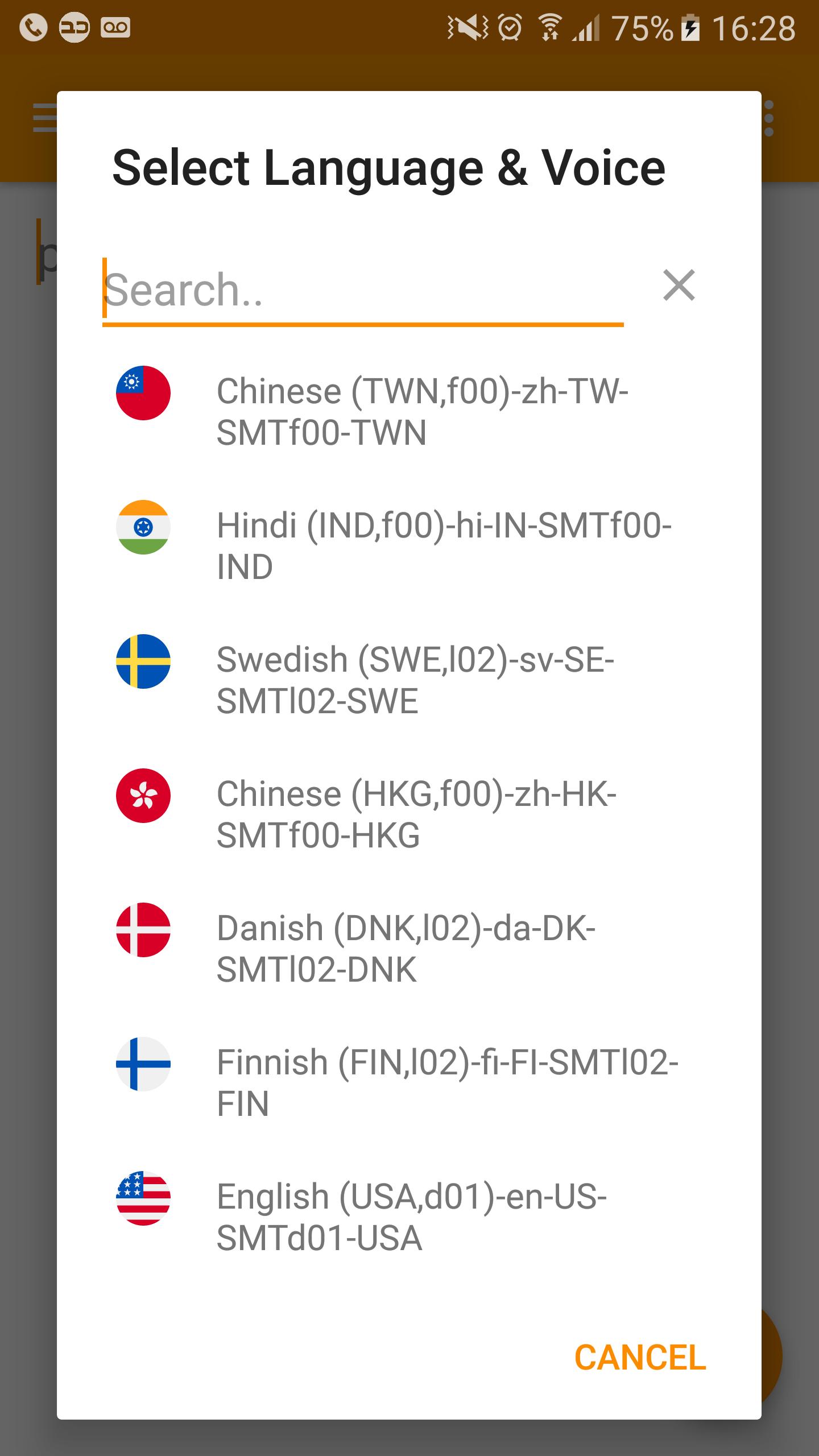
✓ Choose whatever TTS engine and language you want, and switch between them easily.
✓ Customization: Control the speed & pitch of the voice. Set your preferred volume specifically for the app, choose whatever theme color you want for the app.
✓ Export text to WAV audio files and text files. Rename/Delete & Play files from within the app.
✓ Share Audio and text to other apps.
NEW! - OCR technology!
So you can copy any text, and have it read to you, great!! but what about text in images, or text on a piece of paper? now PRO users can have the app read everything. The app uses Google's new vision API Optical Character Recognition (OCR) technology [which currently only reads Latin character text (e.g. English, Spanish, German, French, etc.)] to accomplish this. Best results are obtained with images (since bad camera focus & shaky hands don't play a part), cropping the image will make sure you only get the text you want without any background "Junk".
NOTE! You must have a Text to Speech engine installed on your device for the app to work. If you don't have a TTS engine, you can easily find and download one on google play. Some languages will only work with specific engines.
پیش نظارہ
ٹیگز
پیداواری صلاحیتمعلومات
ڈویلپر
David Nachmani
تازہ ترین ورژن
1.5.9
آخری تازہ کاری
2021-10-25
قسم
پیداواری صلاحیت
پر دستیاب ہے۔
Google Play
مزید دکھائیں
پی سی پر گیم لوپ کے ساتھ TTS Reader کیسے کھیلا جائے۔
1. آفیشل ویب سائٹ سے گیم لوپ ڈاؤن لوڈ کریں، پھر گیم لوپ انسٹال کرنے کے لیے exe فائل چلائیں۔
2. گیم لوپ کھولیں اور "TTS Reader" تلاش کریں، تلاش کے نتائج میں TTS Reader تلاش کریں اور "انسٹال کریں" پر کلک کریں۔
3. گیم لوپ پر TTS Reader کھیلنے کا لطف اٹھائیں۔
Minimum requirements
OS
Windows 8.1 64-bit or Windows 10 64-bit
GPU
GTX 1050
CPU
i3-8300
Memory
8GB RAM
Storage
1GB available space
Recommended requirements
OS
Windows 8.1 64-bit or Windows 10 64-bit
GPU
GTX 1050
CPU
i3-9320
Memory
16GB RAM
Storage
1GB available space