
Tetra4D Reader PC
Tetra 4D
گیم لوپ ایمولیٹر کے ساتھ PC پر Tetra4D Reader ڈاؤن لوڈ کریں۔
پی سی پر Tetra4D Reader
Tetra4D Reader، جو ڈویلپر Tetra 4D سے آرہا ہے، ماضی میں اینڈرائیڈ سسٹم پر چل رہا ہے۔
اب، آپ پی سی پر Tetra4D Reader آسانی سے GameLoop کے ساتھ چلا سکتے ہیں۔
اسے GameLoop لائبریری یا تلاش کے نتائج میں ڈاؤن لوڈ کریں۔ مزید غلط وقت پر بیٹری یا مایوس کن کالوں پر نظر نہیں ڈالی جائے گی۔
بس بڑی سکرین پر Tetra4D Reader PC کا مفت میں لطف اٹھائیں!
Tetra4D Reader تعارف
Welcome to Tetra4D Reader for Android!
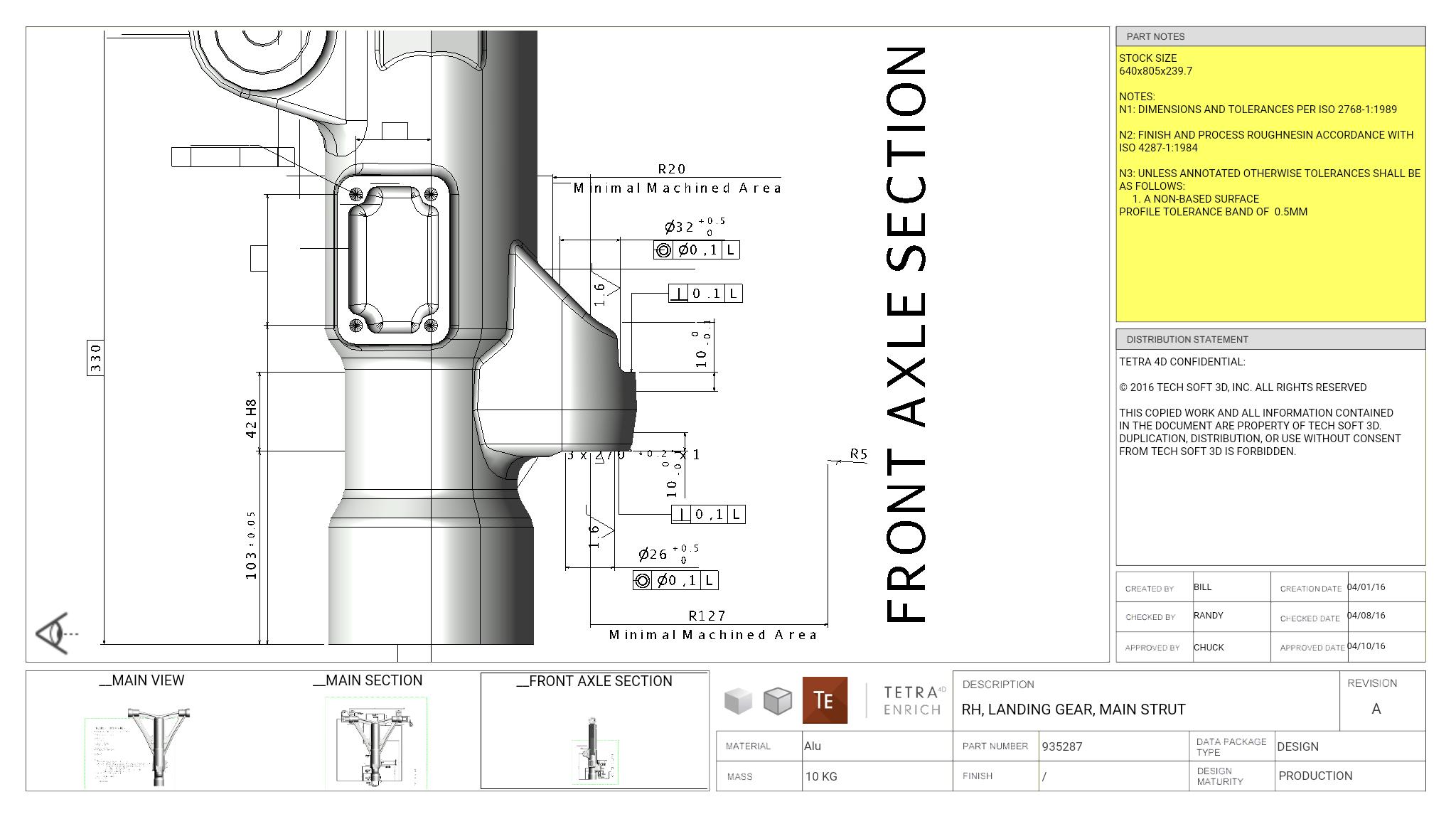
The Tetra4D Reader extends the usefulness of 3D PDF by making it possible to view and interact with 3D PDF documents directly on your tablet or smartphone.
It fully supports 3D PDF documents created by the Tetra4D Enrich and Tetra4D Automate products.
- Multiple pages and multiple 3D annotations documents are supported
- 3D can be accessed in the context of the document (document can be zoomed and paned while 3D annotation is active)
- Widgets (Carousel of views, Lists of parts, Search) and interactivity between 2D and 3D (actions) are fully supported
- Provides standard 3D features: section, projection mode and direct access to the views.
Remark/Limitations:
The 3D PDF documents created by other solutions than Tetra4D are partially supported:
- the 3D annotation only can be activated and is displayed in full screen mode.
- Javascript, if any, is ignored
The 2D PDF documents (PDF documents not containing any 3D annotation) are not supported.
In such a case, Tetra4D Reader proposes to use another application to open it.
Requirements:
The application can be run on Smartphones and tablets, but the user experience is optimal on tablets.
Samples:
Several 3DPDF sample documents created by Tetra4D products are provided within the application (main menu: Samples tab)
Please help us improve this application by sending feedbacks to our support email: 3DPDFReaderforMobile@tetra4d.com
پیش نظارہ
ٹیگز
پیداواری صلاحیتمعلومات
ڈویلپر
Tetra 4D
تازہ ترین ورژن
2018.0.2
آخری تازہ کاری
2018-02-13
قسم
پیداواری صلاحیت
پر دستیاب ہے۔
Google Play
مزید دکھائیں
پی سی پر گیم لوپ کے ساتھ Tetra4D Reader کیسے کھیلا جائے۔
1. آفیشل ویب سائٹ سے گیم لوپ ڈاؤن لوڈ کریں، پھر گیم لوپ انسٹال کرنے کے لیے exe فائل چلائیں۔
2. گیم لوپ کھولیں اور "Tetra4D Reader" تلاش کریں، تلاش کے نتائج میں Tetra4D Reader تلاش کریں اور "انسٹال کریں" پر کلک کریں۔
3. گیم لوپ پر Tetra4D Reader کھیلنے کا لطف اٹھائیں۔
Minimum requirements
OS
Windows 8.1 64-bit or Windows 10 64-bit
GPU
GTX 1050
CPU
i3-8300
Memory
8GB RAM
Storage
1GB available space
Recommended requirements
OS
Windows 8.1 64-bit or Windows 10 64-bit
GPU
GTX 1050
CPU
i3-9320
Memory
16GB RAM
Storage
1GB available space