
SyncGene Contact Calendar Sync PC
4Team Corporation
گیم لوپ ایمولیٹر کے ساتھ PC پر SyncGene Contact Calendar Sync ڈاؤن لوڈ کریں۔
پی سی پر SyncGene Contact Calendar Sync
SyncGene Contact Calendar Sync، جو ڈویلپر 4Team Corporation سے آرہا ہے، ماضی میں اینڈرائیڈ سسٹم پر چل رہا ہے۔
اب، آپ پی سی پر SyncGene Contact Calendar Sync آسانی سے GameLoop کے ساتھ چلا سکتے ہیں۔
اسے GameLoop لائبریری یا تلاش کے نتائج میں ڈاؤن لوڈ کریں۔ مزید غلط وقت پر بیٹری یا مایوس کن کالوں پر نظر نہیں ڈالی جائے گی۔
بس بڑی سکرین پر SyncGene Contact Calendar Sync PC کا مفت میں لطف اٹھائیں!
SyncGene Contact Calendar Sync تعارف
Free Cloud synchronization service to sync your Calendar, Contacts and Tasks with another iPhone, iPad, Mac, iCloud account, as well as Google and Microsoft devices and services.
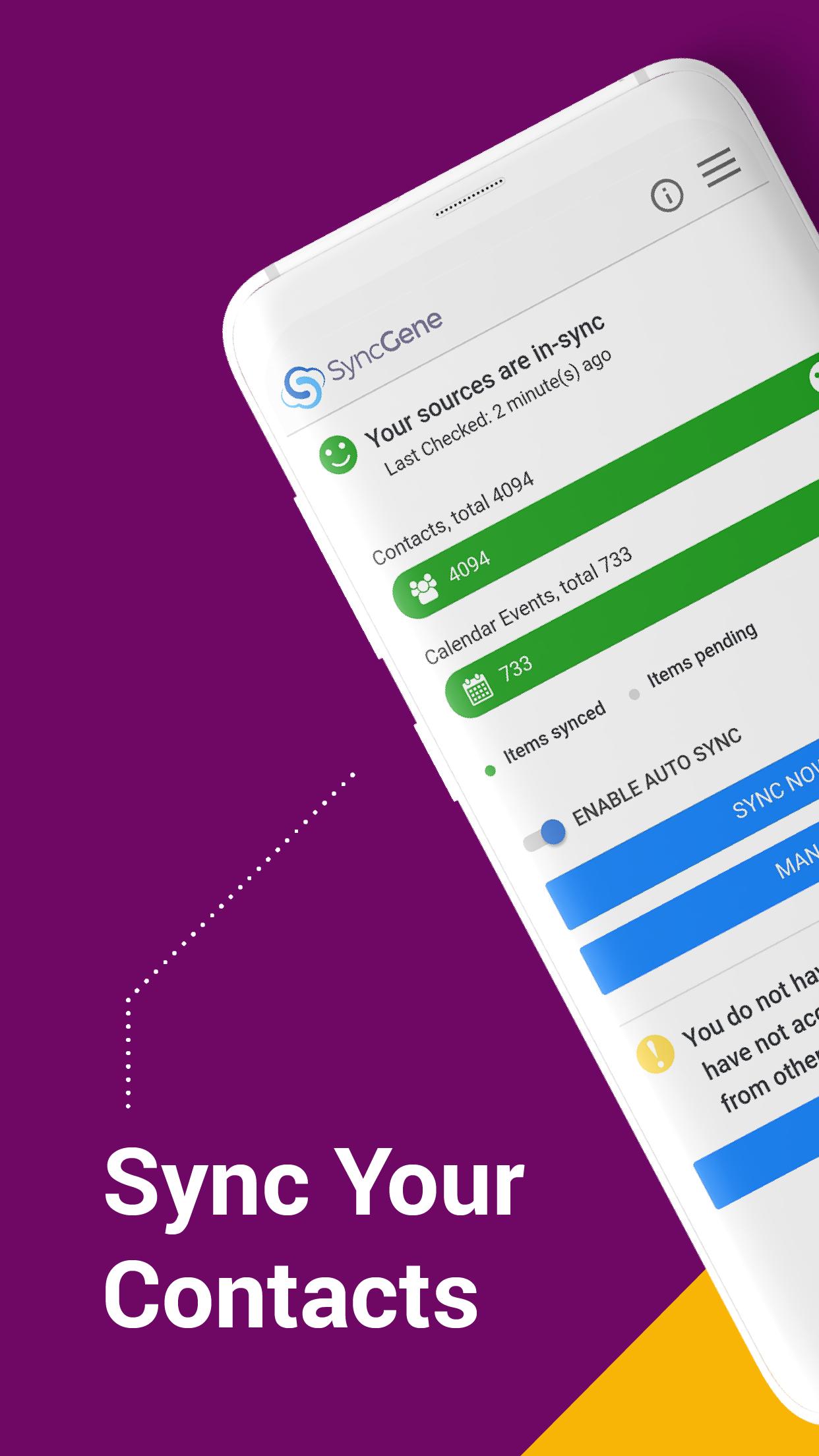
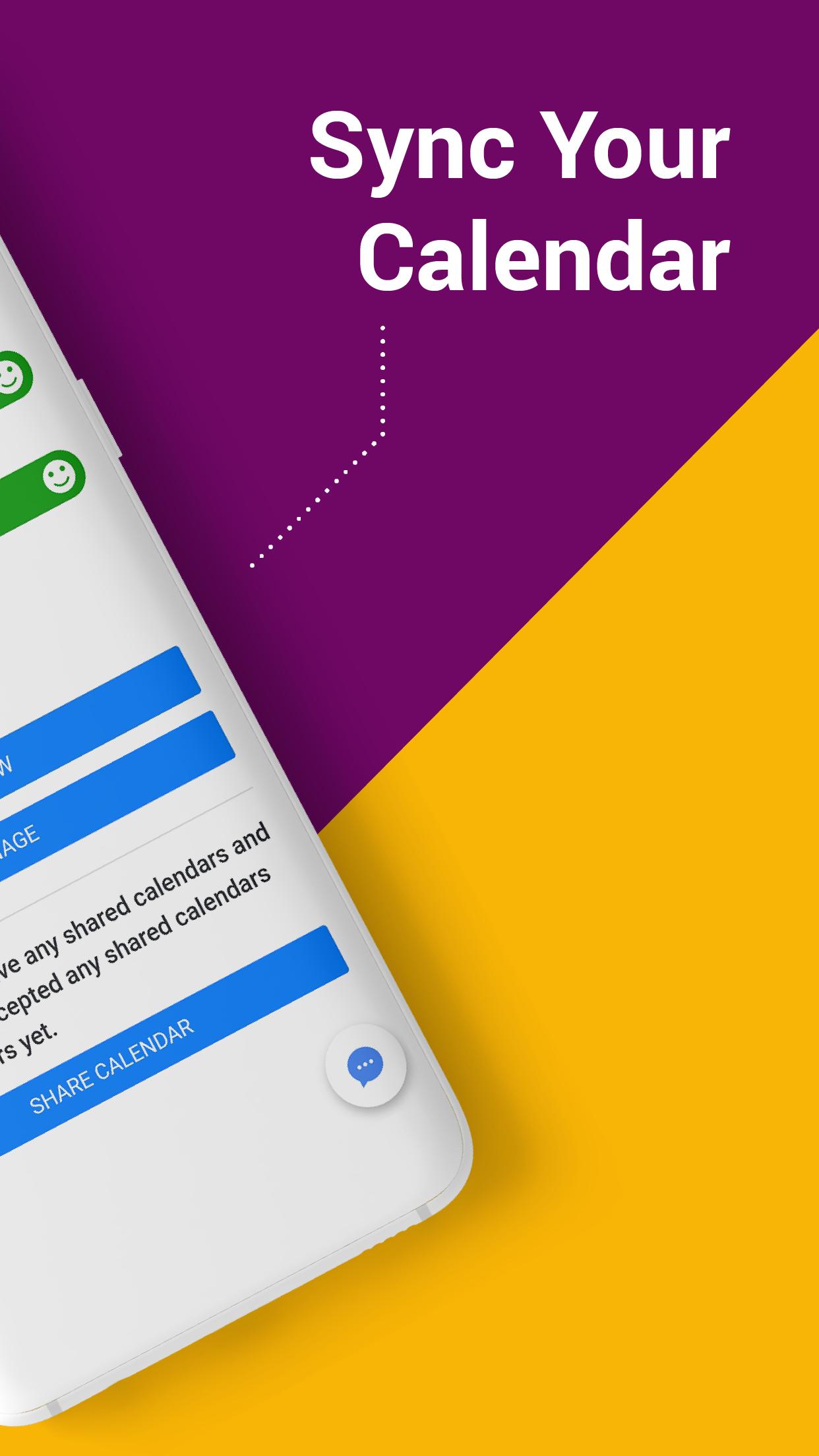
Sync Contacts, Calendar Events, and Tasks between your iPhone/iPad via iCloud with Google Gmail, Outlook 365, Outlook.com, Hotmail and Exchange.
With SyncGene you can sync iCloud Calendar and Contacts with Google Calendar and Gmail Contacts.
You can sync Calendar and Contacts using SyncGene app or online.
Main features of SyncGene sync service:
SYNC CONTACTS, CALENDAR, AND TASKS
Sync Contacts, Calendar Events, and Tasks automatically across multiple devices, email accounts, Web Apps, and services. No more manual exporting, importing, double-entry, and data duplication.
SYNC MULTIPLE SOURCES
One tool to sync iCloud, Google Calendar, Gmail Contacts and Tasks, Outlook.com/Hotmail, Office 365 and Microsoft Exchange sources, and more coming soon. Any changes you make in your Contacts, Calendars and Tasks will appear on all your connected devices and services used.
AUTO & CONSTANT SYNCHRONIZATION
SyncGene stands out for its auto-sync, which is happening in the background. If you change anything in your data, SyncGene will automatically & constantly update all the sources and devices with the latest changes.
MERGE PERSONAL INFORMATION. SAVE YOUR TIME
One Calendar, one Address Book, and one To-do list for your hassle-free management. No more lost, duplicate or incomplete entries.
MAPPING
With SyncGene you can map folders and groups on the “What to sync” page.
Use Folder Mapping to sync data between any chosen Folders or Groups. For example, you can sync your contacts from the “All People” group in Google Contacts with the “Contacts from Google” folder on Microsoft Exchange.
SYNC DIRECTIONS
You also can change sync direction - choose between one-way or two-way sync; & also free to busy sync;
• You can change synchronization “Direction” when there are 2 sources configured.
• To keep things simple, when adding 3rd and more sources it will inherit one-way/two-way settings from the first 2 sources automatically.
• In case you have 3 or more sources and you still need to change sync directions' setup, please contact our support and they will help you.
Compatible with: iPhone, iPad, Mac.
Time saver: easy automation tool for busy people. SyncGene will sync your web apps, email accounts and devices automatically. No need to enter the same information on multiple devices or services. Synchronization is performed without you ever noticing, just set up SyncGene once and you can forget about it.
Safe, secure and reliable: all your data is backed up to your Google Drive and can be easily restored. We never keep your synchronized information. SyncGene is hosted on Microsoft Azure – the most trusted cloud service.
Every SyncGene service user has easy & fast access to our free 5 Star Live Chat and Email support.
پیش نظارہ
ٹیگز
پیداواری صلاحیتمعلومات
ڈویلپر
4Team Corporation
تازہ ترین ورژن
1.9.2
آخری تازہ کاری
2023-07-01
قسم
پیداواری صلاحیت
پر دستیاب ہے۔
Google Play
مزید دکھائیں
پی سی پر گیم لوپ کے ساتھ SyncGene Contact Calendar Sync کیسے کھیلا جائے۔
1. آفیشل ویب سائٹ سے گیم لوپ ڈاؤن لوڈ کریں، پھر گیم لوپ انسٹال کرنے کے لیے exe فائل چلائیں۔
2. گیم لوپ کھولیں اور "SyncGene Contact Calendar Sync" تلاش کریں، تلاش کے نتائج میں SyncGene Contact Calendar Sync تلاش کریں اور "انسٹال کریں" پر کلک کریں۔
3. گیم لوپ پر SyncGene Contact Calendar Sync کھیلنے کا لطف اٹھائیں۔
Minimum requirements
OS
Windows 8.1 64-bit or Windows 10 64-bit
GPU
GTX 1050
CPU
i3-8300
Memory
8GB RAM
Storage
1GB available space
Recommended requirements
OS
Windows 8.1 64-bit or Windows 10 64-bit
GPU
GTX 1050
CPU
i3-9320
Memory
16GB RAM
Storage
1GB available space