Screenshot Maker & Editor App PC
APK Builder
گیم لوپ ایمولیٹر کے ساتھ PC پر Screenshot Maker & Editor App ڈاؤن لوڈ کریں۔
پی سی پر Screenshot Maker & Editor App
Screenshot Maker & Editor App، جو ڈویلپر APK Builder سے آرہا ہے، ماضی میں اینڈرائیڈ سسٹم پر چل رہا ہے۔
اب، آپ پی سی پر Screenshot Maker & Editor App آسانی سے GameLoop کے ساتھ چلا سکتے ہیں۔
اسے GameLoop لائبریری یا تلاش کے نتائج میں ڈاؤن لوڈ کریں۔ مزید غلط وقت پر بیٹری یا مایوس کن کالوں پر نظر نہیں ڈالی جائے گی۔
بس بڑی سکرین پر Screenshot Maker & Editor App PC کا مفت میں لطف اٹھائیں!
Screenshot Maker & Editor App تعارف
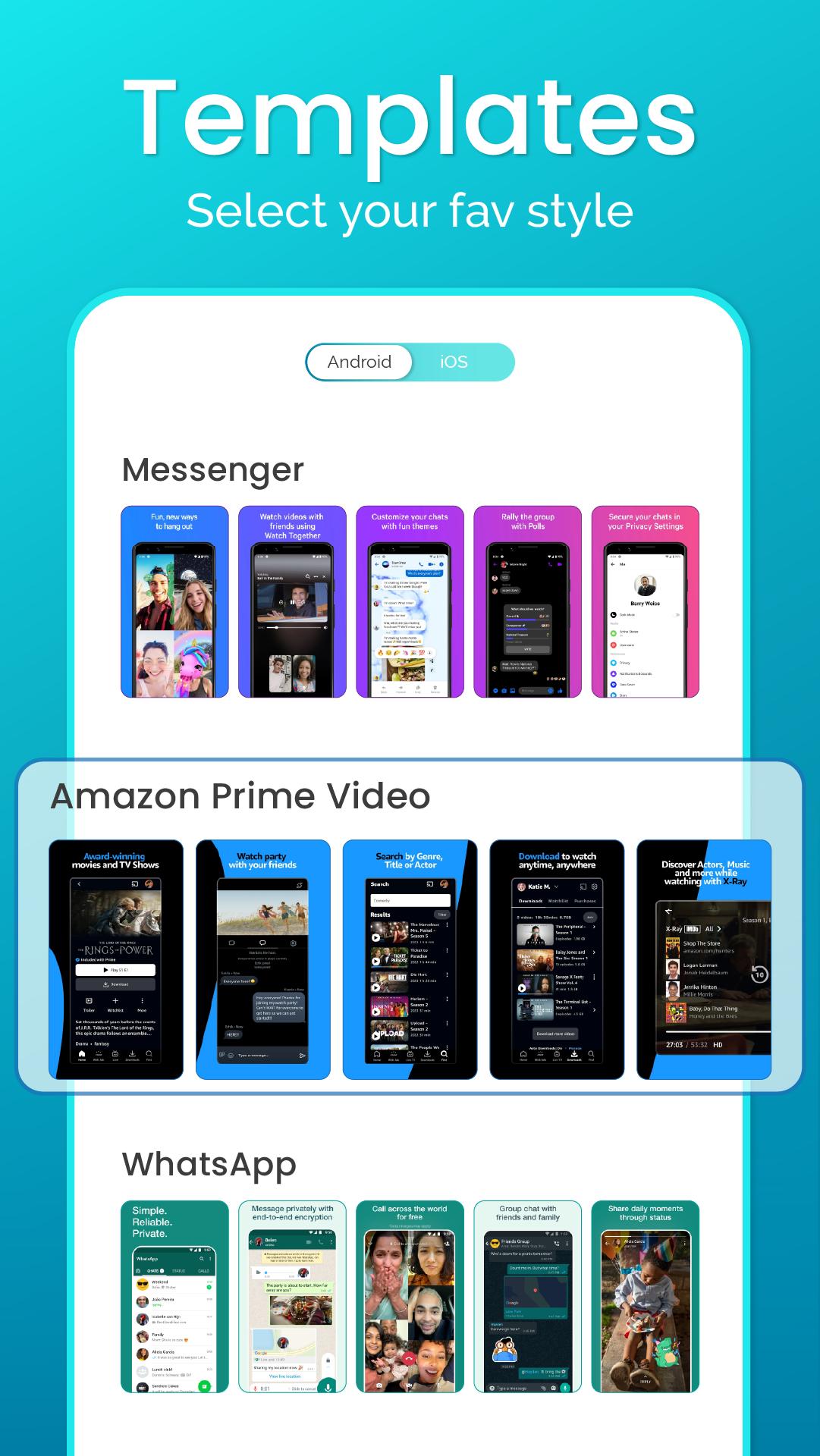
Screenshot Maker and Editor app is a user-friendly tool to make screenshot designs with the latest device mockups. This screenshot editor app provides stunning screenshot templates that help to make screenshots in minutes without hiring any screenshot designer for your app.
With the screenshot maker app, making screenshots has been easier. Using this all-in-one editor app, you can add texts, stickers, and images and make collage, crops and change the background of your choice. You can easily edit texts with stylish fonts, color, opacity, size, etc with the screenshot editor text tool. With the unlimited features, you can just take your screenshots to the next level with this screenshot mobile app.
How can you use this app?
- Select your mockup
- Upload your app screenshot
- Add text on photo to the screenshot template
- Edit screenshot designs with stickers, images, and backgrounds
- Edit texts with color, opacity, etc with all photo editing tools
- Save or download in png or jpg format with your desirable size
- Upload on your app’s store listing
Install this screenshot maker and editor app now, to unlock unlimited features to make, edit and personalize your screenshot easily.
پیش نظارہ

ٹیگز
پیداواری صلاحیتمعلومات
ڈویلپر
APK Builder
تازہ ترین ورژن
4.0.2
آخری تازہ کاری
2023-06-16
قسم
پیداواری صلاحیت
پر دستیاب ہے۔
Google Play
مزید دکھائیں
پی سی پر گیم لوپ کے ساتھ Screenshot Maker & Editor App کیسے کھیلا جائے۔
1. آفیشل ویب سائٹ سے گیم لوپ ڈاؤن لوڈ کریں، پھر گیم لوپ انسٹال کرنے کے لیے exe فائل چلائیں۔
2. گیم لوپ کھولیں اور "Screenshot Maker & Editor App" تلاش کریں، تلاش کے نتائج میں Screenshot Maker & Editor App تلاش کریں اور "انسٹال کریں" پر کلک کریں۔
3. گیم لوپ پر Screenshot Maker & Editor App کھیلنے کا لطف اٹھائیں۔
Minimum requirements
OS
Windows 8.1 64-bit or Windows 10 64-bit
GPU
GTX 1050
CPU
i3-8300
Memory
8GB RAM
Storage
1GB available space
Recommended requirements
OS
Windows 8.1 64-bit or Windows 10 64-bit
GPU
GTX 1050
CPU
i3-9320
Memory
16GB RAM
Storage
1GB available space