Remote for Roku: Remote TV PC
Tele Mobile
گیم لوپ ایمولیٹر کے ساتھ PC پر Remote for Roku: Remote TV ڈاؤن لوڈ کریں۔
پی سی پر Remote for Roku: Remote TV
Remote for Roku: Remote TV، جو ڈویلپر Tele Mobile سے آرہا ہے، ماضی میں اینڈرائیڈ سسٹم پر چل رہا ہے۔
اب، آپ پی سی پر Remote for Roku: Remote TV آسانی سے GameLoop کے ساتھ چلا سکتے ہیں۔
اسے GameLoop لائبریری یا تلاش کے نتائج میں ڈاؤن لوڈ کریں۔ مزید غلط وقت پر بیٹری یا مایوس کن کالوں پر نظر نہیں ڈالی جائے گی۔
بس بڑی سکرین پر Remote for Roku: Remote TV PC کا مفت میں لطف اٹھائیں!
Remote for Roku: Remote TV تعارف
Roku Remote Control TV is a simple and easy to use Roku remote control that works with Roku TV
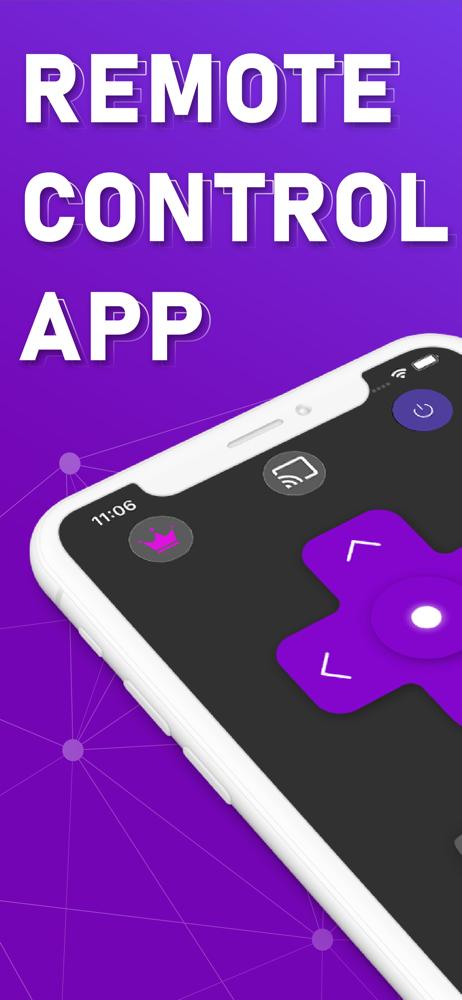
This is a fully functional remote control which gives you the ease of opening apps installed on your Roku TV / devices directly from your Phone.
Requirements
Please note that it’s important to connect your Phone and Roku TV/Devices with the same Wi-Fi network.
Supported Roku Devices
- Streaming Stick Express , Express+, Premiere, Premiere+, Ultra
- Roku TVs Philips, TCL, Hisense, Sharp, Haier, Element, Insignia, Hitachi, RCA Roku TV
Feature List
- No Manual Setups. Automatic Scan of Roku Devices
- All Roku Remote buttons are supported
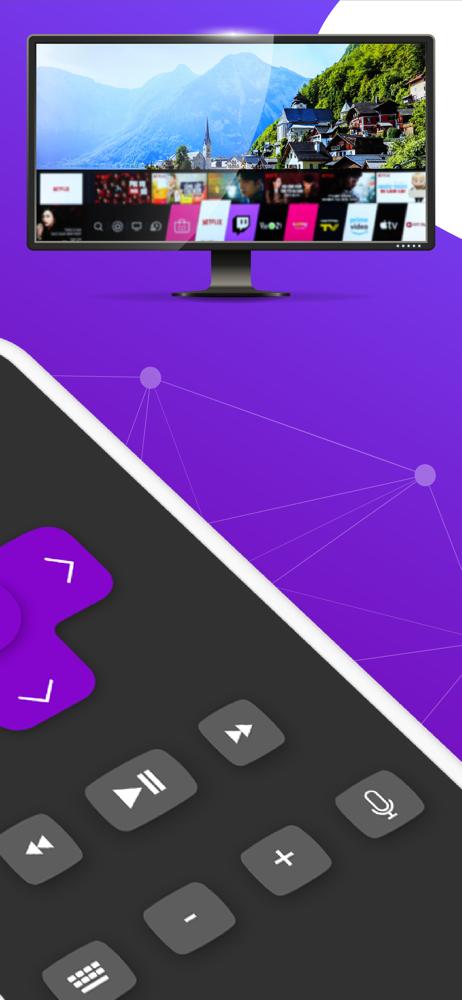
- Access Roku Channels directly from RoSpikes app like YouTube, Netflix, Prime, Hulu etc
- Power ON/OFF and Volume Adjustments
- Toggle Input HDMI Sources
- Shake Phone to Play/Pause
- Realistic Clean UI with Long press support on navigational buttons
Roku Remote Premium features:
- Write Text from Phone to TV directly with inbuilt fast keyboard.
- Touchpad for content navigation.
DISCLAIMER:
We are NOT affiliated with Roku, Inc. and this app is an Unofficial product.
پیش نظارہ
ٹیگز
پیداواری صلاحیتمعلومات
ڈویلپر
Tele Mobile
تازہ ترین ورژن
2.0.0
آخری تازہ کاری
2025-09-19
قسم
پیداواری صلاحیت
پر دستیاب ہے۔
Google Play
مزید دکھائیں
پی سی پر گیم لوپ کے ساتھ Remote for Roku: Remote TV کیسے کھیلا جائے۔
1. آفیشل ویب سائٹ سے گیم لوپ ڈاؤن لوڈ کریں، پھر گیم لوپ انسٹال کرنے کے لیے exe فائل چلائیں۔
2. گیم لوپ کھولیں اور "Remote for Roku: Remote TV" تلاش کریں، تلاش کے نتائج میں Remote for Roku: Remote TV تلاش کریں اور "انسٹال کریں" پر کلک کریں۔
3. گیم لوپ پر Remote for Roku: Remote TV کھیلنے کا لطف اٹھائیں۔
Minimum requirements
OS
Windows 8.1 64-bit or Windows 10 64-bit
GPU
GTX 1050
CPU
i3-8300
Memory
8GB RAM
Storage
1GB available space
Recommended requirements
OS
Windows 8.1 64-bit or Windows 10 64-bit
GPU
GTX 1050
CPU
i3-9320
Memory
16GB RAM
Storage
1GB available space