PDF Reader: PDF Viewer PC
FlexOffice
گیم لوپ ایمولیٹر کے ساتھ PC پر PDF Reader: PDF Viewer ڈاؤن لوڈ کریں۔
پی سی پر PDF Reader: PDF Viewer
PDF Reader: PDF Viewer، جو ڈویلپر FlexOffice سے آرہا ہے، ماضی میں اینڈرائیڈ سسٹم پر چل رہا ہے۔
اب، آپ پی سی پر PDF Reader: PDF Viewer آسانی سے GameLoop کے ساتھ چلا سکتے ہیں۔
اسے GameLoop لائبریری یا تلاش کے نتائج میں ڈاؤن لوڈ کریں۔ مزید غلط وقت پر بیٹری یا مایوس کن کالوں پر نظر نہیں ڈالی جائے گی۔
بس بڑی سکرین پر PDF Reader: PDF Viewer PC کا مفت میں لطف اٹھائیں!
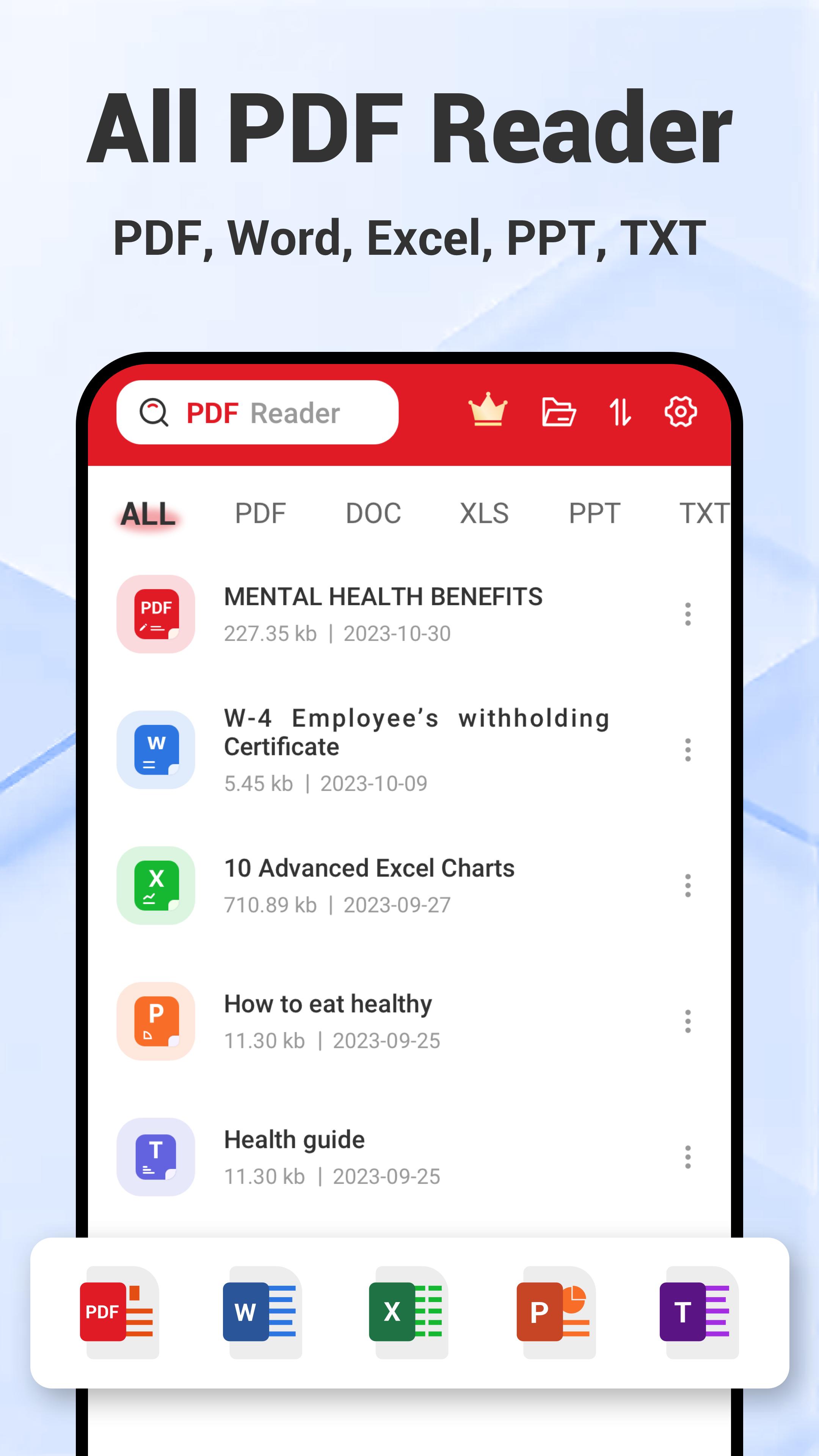
PDF Reader: PDF Viewer تعارف
🎉 Congratulations on discovering the ultimate PDF Reader: PDF Viewer app!
Unlock powerful features to easily view, read, edit, convert, merge, and split your PDF files with this intuitive PDF Reader: PDF Viewer app.
🚀 Ready to explore all the powerful features of our PDF Reader: PDF Viewer app?
PDF Reader
✔ Dark Mode in PDF Reader: Eye-friendly for late-night PDF reading.
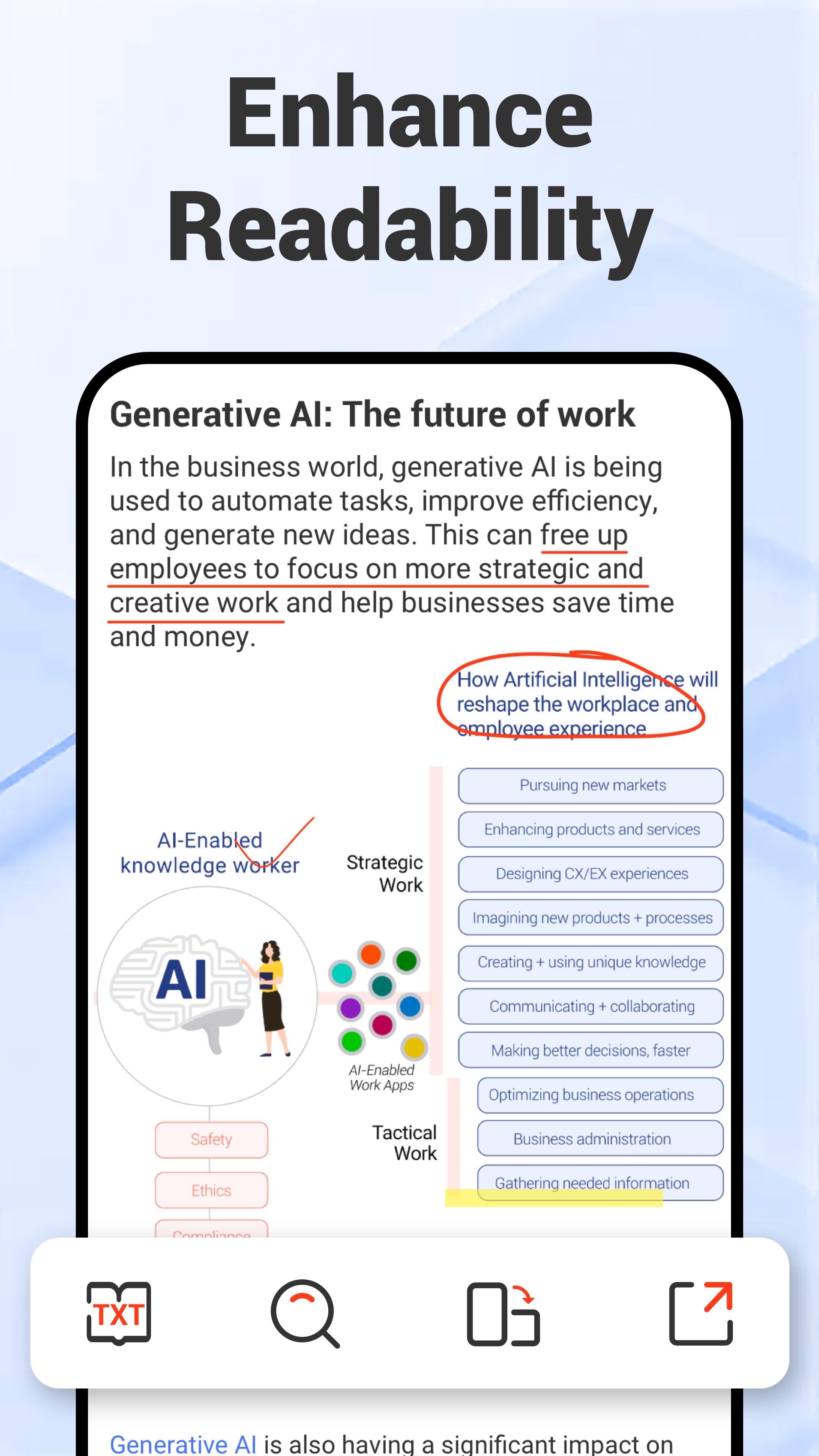
✔ TXT Mode in PDF Viewer: Adjust font size for enhanced readability of your PDF files.
✔ View Mode in PDF Reader: Customize your PDF view between vertical or horizontal orientations, with continuous scrolling or page-by-page options based on your preference.
✔Preview Mode in PDF Viewer: Quickly locate specific pages in your PDF.
PDF Viewer
✔ Go-to-Page in PDF Viewer: Effortlessly jump to any page within your PDF files.
✔ Full-Screen Reading in PDF Reader: Enjoy distraction-free PDF reading.
✔ PDF Rotation in PDF Viewer: Easily rotate PDFs between landscape and portrait modes for optimal viewing.
PDF Editor
✔ Annotation in PDF Editor: Easily highlight, underline, and strikethrough text in your PDFs.
✔ Edit PDF with Doodle: Add your creative touch by drawing directly within PDF editor.
✔Insert Images in PDF Editor: Quickly insert images into your PDFs to enhance visuals.
✔ Edit PDF by Inserting Text: Add text within PDF editor easily for detailed commentary.
✔ PDF Search in PDF Editor: Quickly search for words, phrases, or sentences within your PDF files.
E-Signature
✔ Create E-Signature within PDF Editor: Easily create a handwritten e-signature to sign your PDFs in seconds.
✔ Store Multiple E-Signatures: Securely save multiple e-signatures within PDF editor for yourself and your family.
✔ Apply E-Signature: Effortlessly insert your e-signature into any PDF.
Image to PDF Converter
✔ Effortlessly sort and select JPG files for a seamless image to PDF conversion.
✔ Use an all-in-one image to PDF converter to rotate, crop, and apply filters for perfect results.
✔ Reorder and organize JPG files within the image to PDF converter to create a PDF exactly how you need it.
✔ Simplify image to PDF conversion with user-friendly tools designed for efficiency.
✔ Transform JPG files into professional-looking PDFs effortlessly with our powerful image to PDF converter.
PDF Scanner
✔Scan paper files and convert them to PDF using this powerful PDF scanner.
✔Apply popular filter effects in the PDF scanner to enhance your PDF.
✔The PDF scanner ensures seamless scanning, editing, and converting, making it your on-go scanner.
Merge PDF & Split PDF
✔Split PDF: Easily split PDF files to extract or remove pages
✔ Merge PDF: Quickly merge PDF documents into one file
✔ Reorder and search PDFs for seamless merging or splitting PDFs.
✨Wait, there's more for you!
✔ Open PDFs directly from device storage by setting the PDF Reader as your default PDF viewer.
✔ Access recent PDFs quickly from the widget for easy navigation.
✔ Open PDFs from other apps without any interruptions.
✔ Easily open PDFs from external USB or SD cards.
✔ Share PDFs with anyone for quick access.
✔ Print PDFs conveniently with just a few taps.
🚀 Embark on a journey of effortless PDF management – open and experience the power of our PDF Reader: PDF Viewer today!
پیش نظارہ
ٹیگز
پیداواری صلاحیتمعلومات
ڈویلپر
FlexOffice
تازہ ترین ورژن
1.0.30
آخری تازہ کاری
2025-09-27
قسم
پیداواری صلاحیت
پر دستیاب ہے۔
Google Play
مزید دکھائیں
پی سی پر گیم لوپ کے ساتھ PDF Reader: PDF Viewer کیسے کھیلا جائے۔
1. آفیشل ویب سائٹ سے گیم لوپ ڈاؤن لوڈ کریں، پھر گیم لوپ انسٹال کرنے کے لیے exe فائل چلائیں۔
2. گیم لوپ کھولیں اور "PDF Reader: PDF Viewer" تلاش کریں، تلاش کے نتائج میں PDF Reader: PDF Viewer تلاش کریں اور "انسٹال کریں" پر کلک کریں۔
3. گیم لوپ پر PDF Reader: PDF Viewer کھیلنے کا لطف اٹھائیں۔
Minimum requirements
OS
Windows 8.1 64-bit or Windows 10 64-bit
GPU
GTX 1050
CPU
i3-8300
Memory
8GB RAM
Storage
1GB available space
Recommended requirements
OS
Windows 8.1 64-bit or Windows 10 64-bit
GPU
GTX 1050
CPU
i3-9320
Memory
16GB RAM
Storage
1GB available space