PDF Converter : All File Conve PC
Photo Art Creator
گیم لوپ ایمولیٹر کے ساتھ PC پر PDF Converter : All File Conve ڈاؤن لوڈ کریں۔
پی سی پر PDF Converter : All File Conve
PDF Converter : All File Conve، جو ڈویلپر Photo Art Creator سے آرہا ہے، ماضی میں اینڈرائیڈ سسٹم پر چل رہا ہے۔
اب، آپ پی سی پر PDF Converter : All File Conve آسانی سے GameLoop کے ساتھ چلا سکتے ہیں۔
اسے GameLoop لائبریری یا تلاش کے نتائج میں ڈاؤن لوڈ کریں۔ مزید غلط وقت پر بیٹری یا مایوس کن کالوں پر نظر نہیں ڈالی جائے گی۔
بس بڑی سکرین پر PDF Converter : All File Conve PC کا مفت میں لطف اٹھائیں!
PDF Converter : All File Conve تعارف
PDF Converter : All File Converter
PDF Converter (All Documents Converter) is an easy to use. The simplicity of this app makes it an ultimate PDF Converter for your device.
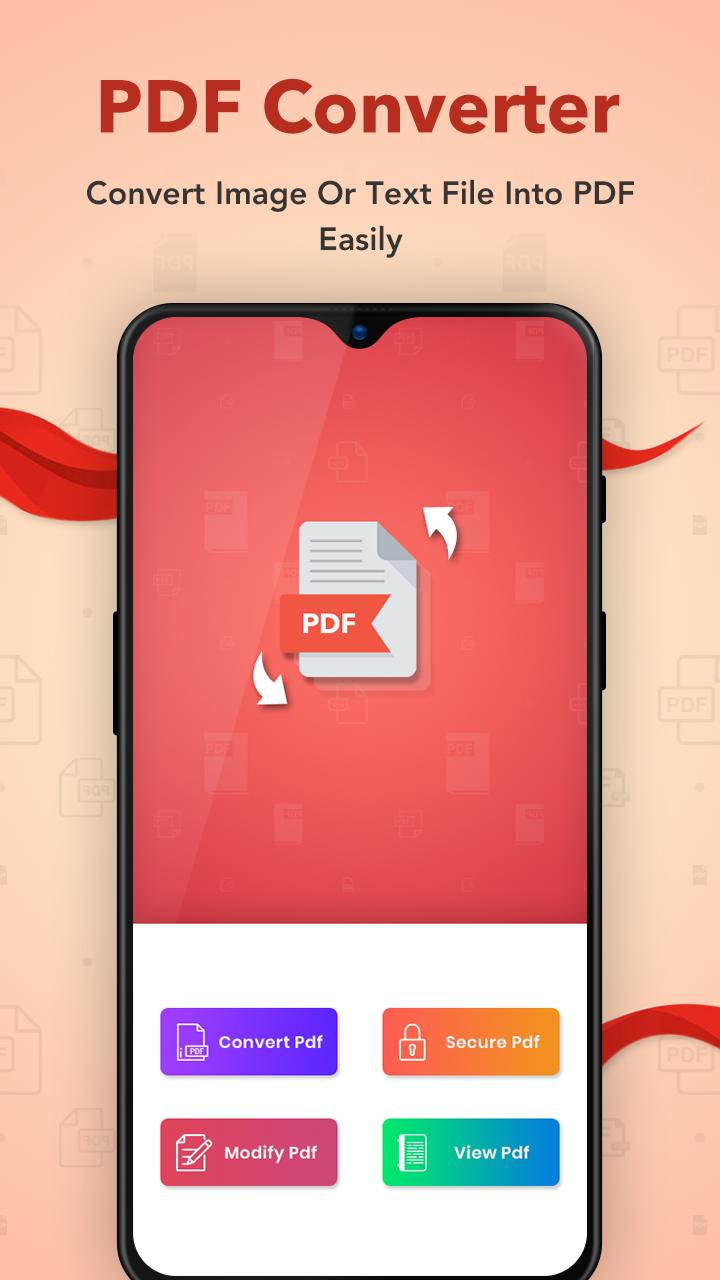
Now you can convert Photos, Documents, Contacts and Text Messages in to PDF Files easily with this pdf converter.
It has a lot of Features which are available for free which are normally available as premium features in other PDF reader and PDF converter app.
All files to PDF Converter is a document converter that allows you to transform files to other extensions or formats. You can easily convert DOC, TXT, PPT, WORD, JPG, PNG, XLS to PDF formats.
Best Feature :
- No need to Internet Connection.
- Smooth and easy to use.
- Nice User Interface and latest material design.
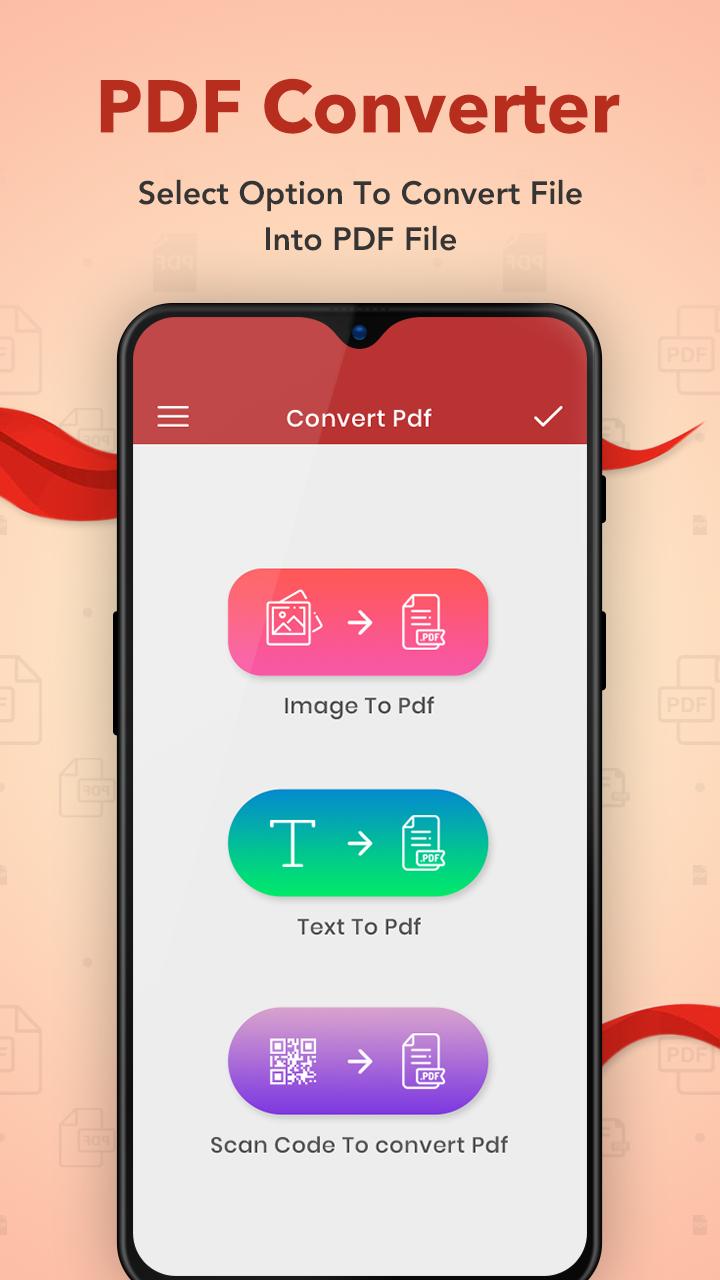
- Convert your Photos and Pictures into pdf with pdf converter.
- Convert your Text Messages into pdf format with pdf converter.
- Convert Documents from MS Office to pdf with pdf converter.
- Takes up only a few seconds.
- No limit on the number of PDFs conversion.
- Image enhancement features.
- Crop images before creating a PDF.
- Scroll PDF pages and zoom in and out.
- Edit your Photo directly.
- View or Delete PDF files.
- Extract images from PDF.
- Split PDF & also Merge PDF.
- Convert text files to PDF.
- Remove pages from PDF.
- Manage your PDF files.
- Share the created PDFs on social network.
- Easily Manage the PDF files.
Download this PDF Reader and PDF Editor free and get many premium features.
Thank you.!!!
پیش نظارہ
ٹیگز
پیداواری صلاحیتمعلومات
ڈویلپر
Photo Art Creator
تازہ ترین ورژن
2.3
آخری تازہ کاری
2023-10-27
قسم
پیداواری صلاحیت
پر دستیاب ہے۔
Google Play
مزید دکھائیں
پی سی پر گیم لوپ کے ساتھ PDF Converter : All File Conve کیسے کھیلا جائے۔
1. آفیشل ویب سائٹ سے گیم لوپ ڈاؤن لوڈ کریں، پھر گیم لوپ انسٹال کرنے کے لیے exe فائل چلائیں۔
2. گیم لوپ کھولیں اور "PDF Converter : All File Conve" تلاش کریں، تلاش کے نتائج میں PDF Converter : All File Conve تلاش کریں اور "انسٹال کریں" پر کلک کریں۔
3. گیم لوپ پر PDF Converter : All File Conve کھیلنے کا لطف اٹھائیں۔
Minimum requirements
OS
Windows 8.1 64-bit or Windows 10 64-bit
GPU
GTX 1050
CPU
i3-8300
Memory
8GB RAM
Storage
1GB available space
Recommended requirements
OS
Windows 8.1 64-bit or Windows 10 64-bit
GPU
GTX 1050
CPU
i3-9320
Memory
16GB RAM
Storage
1GB available space