
Open as App PC
Open as App GmbH
گیم لوپ ایمولیٹر کے ساتھ PC پر Open as App ڈاؤن لوڈ کریں۔
پی سی پر Open as App
Open as App، جو ڈویلپر Open as App GmbH سے آرہا ہے، ماضی میں اینڈرائیڈ سسٹم پر چل رہا ہے۔
اب، آپ پی سی پر Open as App آسانی سے GameLoop کے ساتھ چلا سکتے ہیں۔
اسے GameLoop لائبریری یا تلاش کے نتائج میں ڈاؤن لوڈ کریں۔ مزید غلط وقت پر بیٹری یا مایوس کن کالوں پر نظر نہیں ڈالی جائے گی۔
بس بڑی سکرین پر Open as App PC کا مفت میں لطف اٹھائیں!
Open as App تعارف
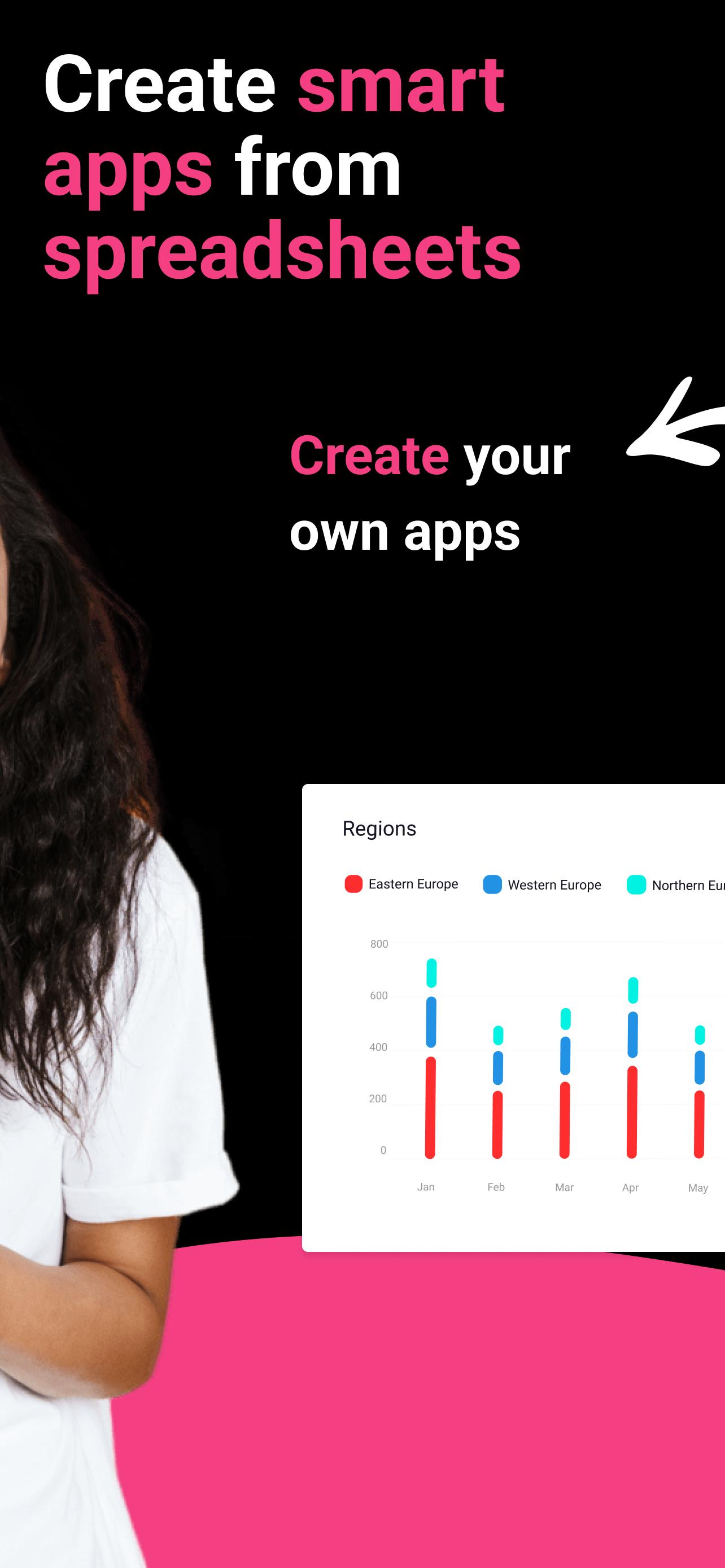
Open as App enables teams to turn spreadsheets into powerful, customizable apps they can use on the go, even offline.
Depending on your business needs, you can now digitize processes, work much faster, avoid human errors, and much more without investing in development. Through our no-code solution, you built your app yourself.
It's easy. All you need is Excel, Google Sheets, or other databases that serve as your app's base. Upload your file or use a template. Open as App will recognize the logic and creates your app automatically. Once you are finished, you publish your app, share it, and work with it in real time on any platform.
Whether you work in Finance, Manufacturing, Health, Education, Insurance, Management, or other, you can create service quotes through your apps and have them signed on the spot, invoices on-site, pricing plans, product catalogs, dashboards, budget reports, finance reports, company performance, contact lists, inventory lists, project lists, time-tracking, recording of billable hours, customer surveys and more.
Start building incredible mobile and web calculators, dashboards, lists, and surveys now!
پیش نظارہ

ٹیگز
پیداواری صلاحیتمعلومات
ڈویلپر
Open as App GmbH
تازہ ترین ورژن
1.113
آخری تازہ کاری
2024-01-28
قسم
پیداواری صلاحیت
پر دستیاب ہے۔
Google Play
مزید دکھائیں
پی سی پر گیم لوپ کے ساتھ Open as App کیسے کھیلا جائے۔
1. آفیشل ویب سائٹ سے گیم لوپ ڈاؤن لوڈ کریں، پھر گیم لوپ انسٹال کرنے کے لیے exe فائل چلائیں۔
2. گیم لوپ کھولیں اور "Open as App" تلاش کریں، تلاش کے نتائج میں Open as App تلاش کریں اور "انسٹال کریں" پر کلک کریں۔
3. گیم لوپ پر Open as App کھیلنے کا لطف اٹھائیں۔
Minimum requirements
OS
Windows 8.1 64-bit or Windows 10 64-bit
GPU
GTX 1050
CPU
i3-8300
Memory
8GB RAM
Storage
1GB available space
Recommended requirements
OS
Windows 8.1 64-bit or Windows 10 64-bit
GPU
GTX 1050
CPU
i3-9320
Memory
16GB RAM
Storage
1GB available space