Notas PC
Victor Manuel Gonzalez Ollervidez
گیم لوپ ایمولیٹر کے ساتھ PC پر Notas ڈاؤن لوڈ کریں۔
پی سی پر Notas
Notas، جو ڈویلپر Victor Manuel Gonzalez Ollervidez سے آرہا ہے، ماضی میں اینڈرائیڈ سسٹم پر چل رہا ہے۔
اب، آپ پی سی پر Notas آسانی سے GameLoop کے ساتھ چلا سکتے ہیں۔
اسے GameLoop لائبریری یا تلاش کے نتائج میں ڈاؤن لوڈ کریں۔ مزید غلط وقت پر بیٹری یا مایوس کن کالوں پر نظر نہیں ڈالی جائے گی۔
بس بڑی سکرین پر Notas PC کا مفت میں لطف اٹھائیں!
Notas تعارف
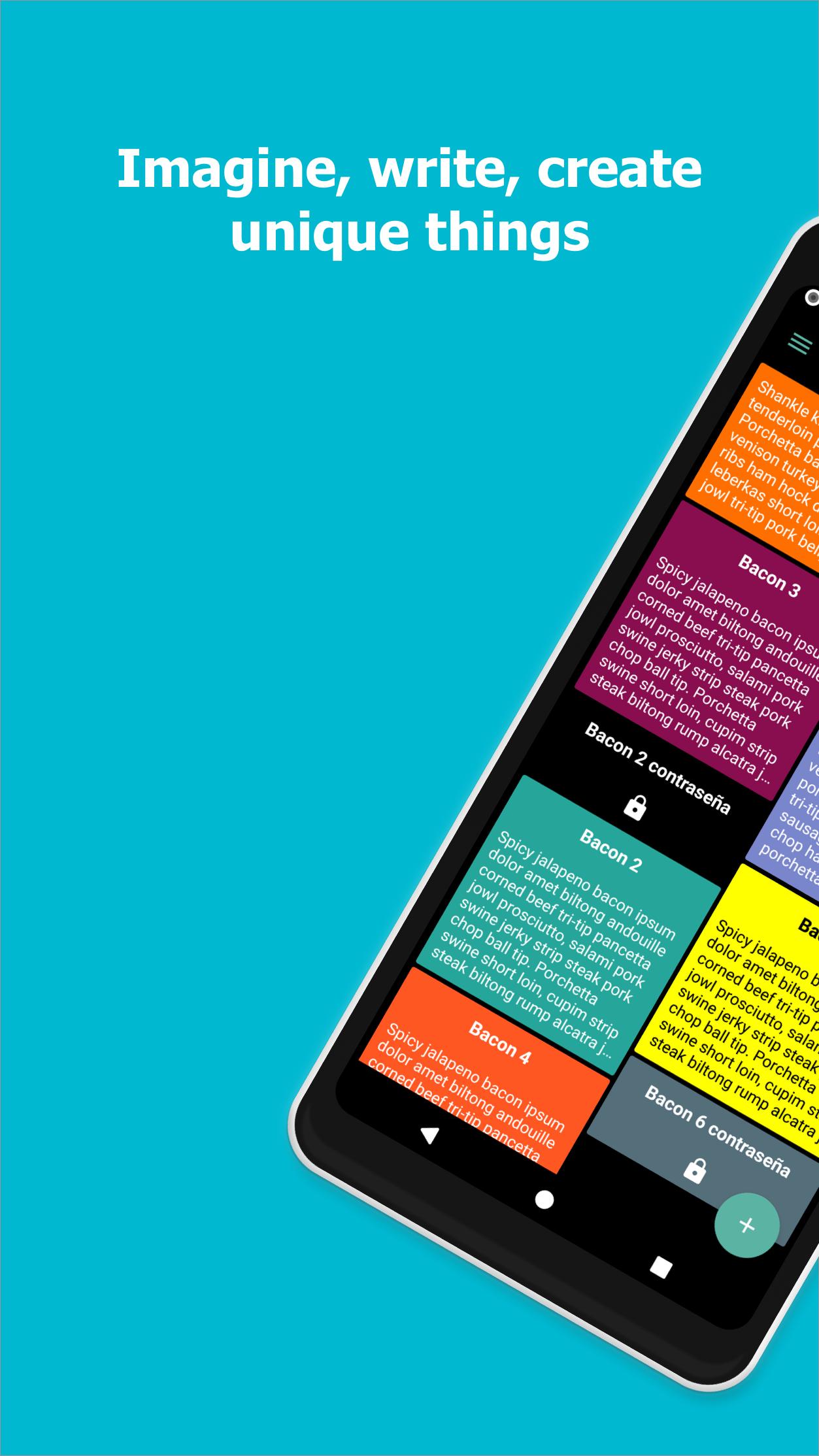
Introducing our innovative digital notebook, a feature-packed note taking app designed to elevate your organizational and creative experiences. Seamlessly merging functionality with aesthetics, our note app caters to your every note-taking need while providing a visually pleasing interface. Whether you're a student, professional, or creative individual, our Notas is tailored to enhance your productivity and creativity.
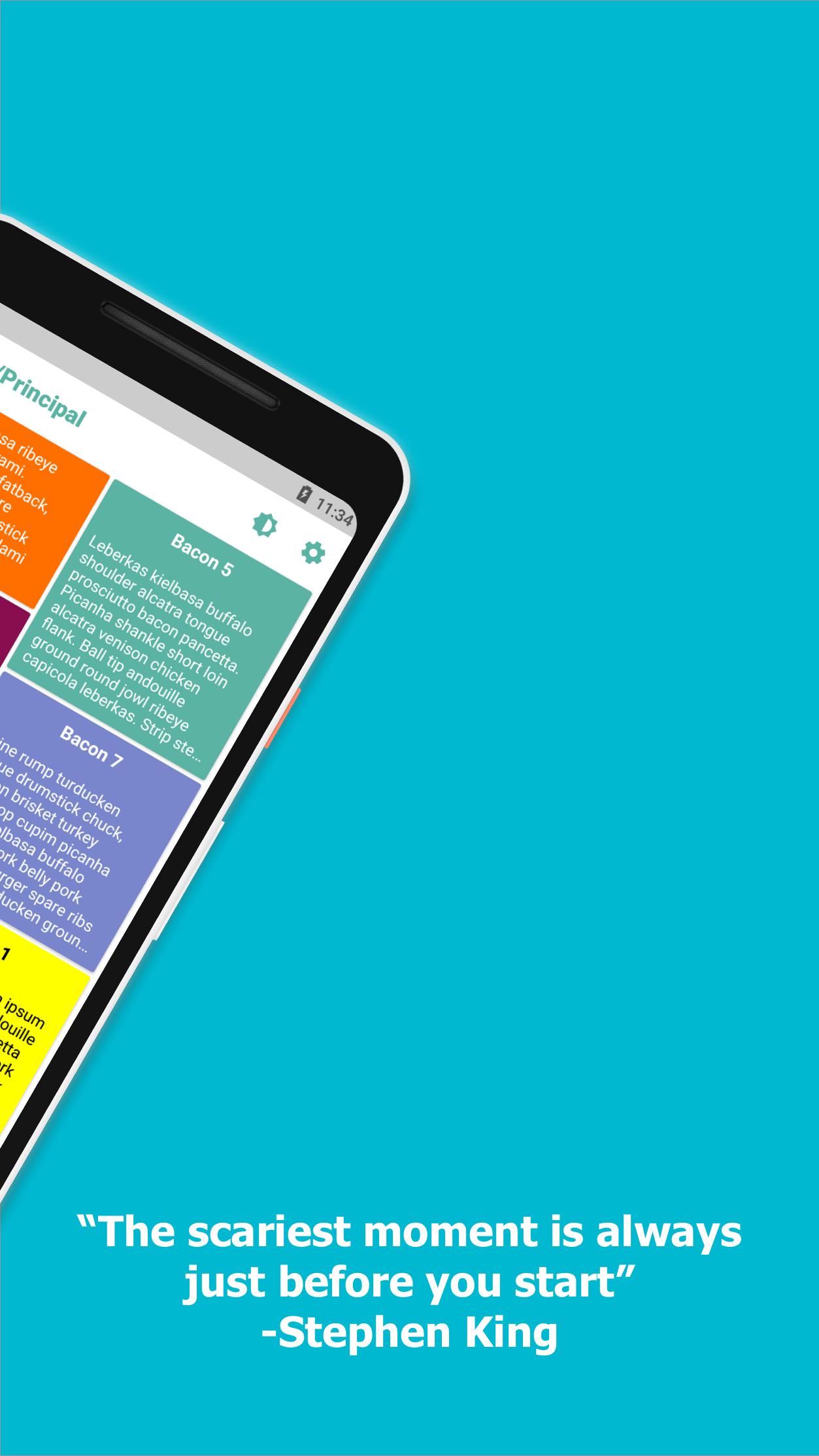
At the core of our productivity app is the ability to create customizable private notes that suit your preferences. Choose from a variety of fonts, background colors, and list types to make your notes uniquely yours. With the option to personalize the app theme and set a home page wallpaper, you can create an environment that sparks creativity and reflects your style.
Taking journaling app to the next level, our software provides a dedicated space for your thoughts and reflections. Capture your daily experiences, milestones, or creative ideas with the journaling app. This function allows you to chronicle your journey conveniently within the app, providing a comprehensive platform for self-expression.
For those who appreciate a touch of charm in their notes, our cute notes feature adds a delightful element to your digital notebook. Choose from a selection of adorable themes and stickers to infuse personality into your notes. Whether you're sharing notes with friends or simply enjoying a burst of creativity, our cute notes feature adds a fun and lighthearted touch.
Never lose track of your notes again with our robust search functionality. Effortlessly find specific notes using keywords, ensuring that you can quickly access the information you need. The search feature enhances the overall efficiency of the app, making it a reliable tool for both personal and professional use.
Taking file attachment to the next level, our note app allows you to seamlessly attach files to your notes. Whether it's images, documents, or other media, our productivity app ensures that all relevant information is consolidated in one place. This feature is especially useful for professionals who need to reference additional materials in their notes.
Privacy is a priority, and our app understands the need for secure note-keeping. With the option to lock private notes, you can protect sensitive information and maintain confidentiality. This adds an extra layer of security, ensuring that your private notes remain inaccessible to unauthorized users.
The best part? Our app is free for all users, offering a comprehensive set of features without any cost. For those seeking an enhanced experience, we also offer a 3-day trial period for the advanced version of the app. Unlock additional features and take your note-taking capabilities to new heights with our premium offering.
In summary, our digital notebook is a versatile and user-friendly note taking app that combines functionality with aesthetics. From customizable and private notes to cute notes and secure locking features, our productivity app caters to a diverse range of users. Download our note app today and experience a new era of digital note-taking.
پیش نظارہ
ٹیگز
پیداواری صلاحیتمعلومات
ڈویلپر
Victor Manuel Gonzalez Ollervidez
تازہ ترین ورژن
4006
آخری تازہ کاری
2024-03-25
قسم
پیداواری صلاحیت
پر دستیاب ہے۔
Google Play
مزید دکھائیں
پی سی پر گیم لوپ کے ساتھ Notas کیسے کھیلا جائے۔
1. آفیشل ویب سائٹ سے گیم لوپ ڈاؤن لوڈ کریں، پھر گیم لوپ انسٹال کرنے کے لیے exe فائل چلائیں۔
2. گیم لوپ کھولیں اور "Notas" تلاش کریں، تلاش کے نتائج میں Notas تلاش کریں اور "انسٹال کریں" پر کلک کریں۔
3. گیم لوپ پر Notas کھیلنے کا لطف اٹھائیں۔
Minimum requirements
OS
Windows 8.1 64-bit or Windows 10 64-bit
GPU
GTX 1050
CPU
i3-8300
Memory
8GB RAM
Storage
1GB available space
Recommended requirements
OS
Windows 8.1 64-bit or Windows 10 64-bit
GPU
GTX 1050
CPU
i3-9320
Memory
16GB RAM
Storage
1GB available space