
Neo Studio 2 PC
NeoLAB Convergence
گیم لوپ ایمولیٹر کے ساتھ PC پر Neo Studio 2 ڈاؤن لوڈ کریں۔
پی سی پر Neo Studio 2
Neo Studio 2، جو ڈویلپر NeoLAB Convergence سے آرہا ہے، ماضی میں اینڈرائیڈ سسٹم پر چل رہا ہے۔
اب، آپ پی سی پر Neo Studio 2 آسانی سے GameLoop کے ساتھ چلا سکتے ہیں۔
اسے GameLoop لائبریری یا تلاش کے نتائج میں ڈاؤن لوڈ کریں۔ مزید غلط وقت پر بیٹری یا مایوس کن کالوں پر نظر نہیں ڈالی جائے گی۔
بس بڑی سکرین پر Neo Studio 2 PC کا مفت میں لطف اٹھائیں!
Neo Studio 2 تعارف
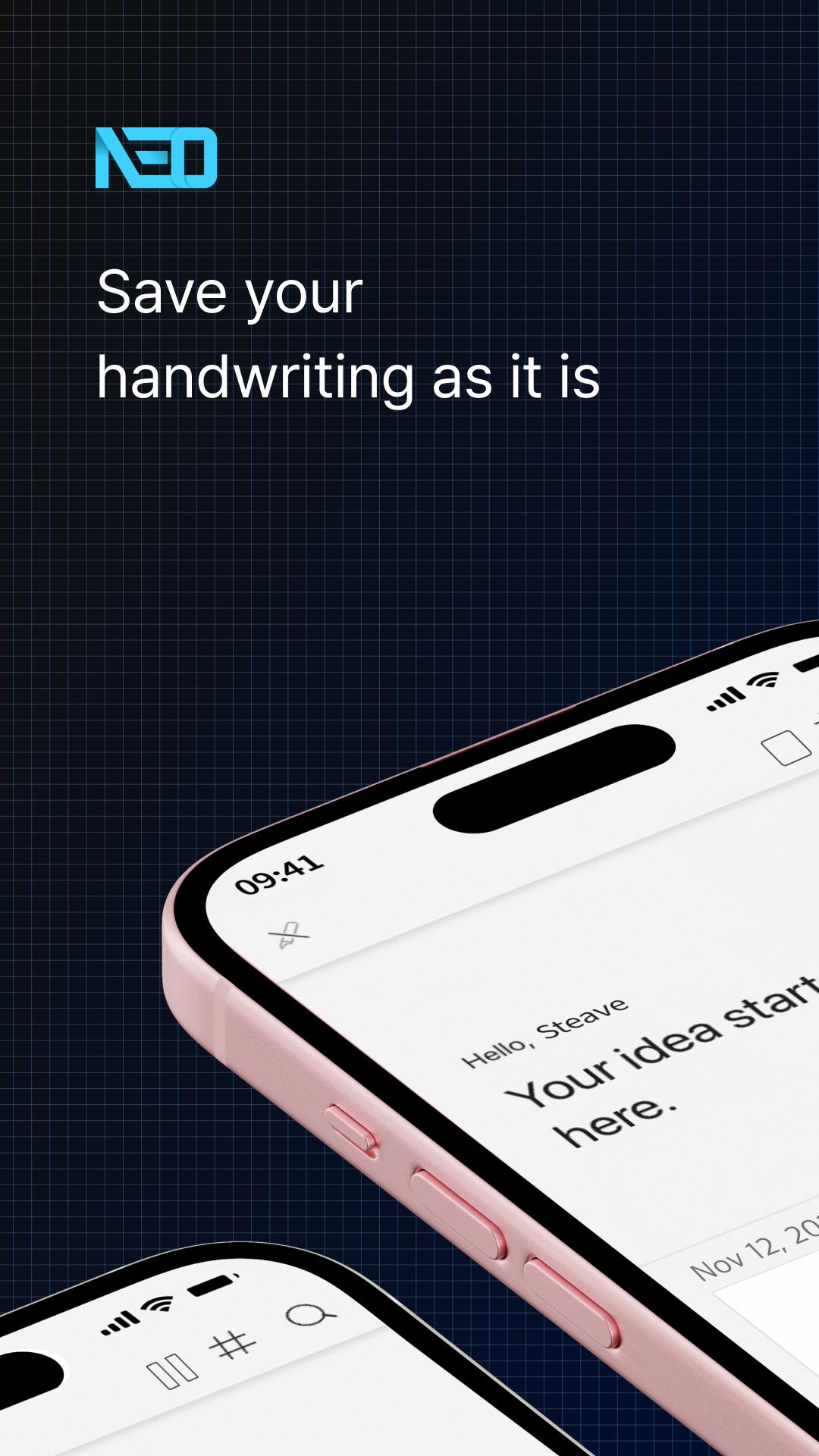
A note-taking app that digitizes handwriting on paper.
Reborn as the dedicated application for Neo Smartpen: Neo Studio 2!
Experience the improved Neo Studio 2 with a more convenient and streamlined note-taking environment, expanding the handwriting paradigm.
#Introduction of Main Features
[Page View]
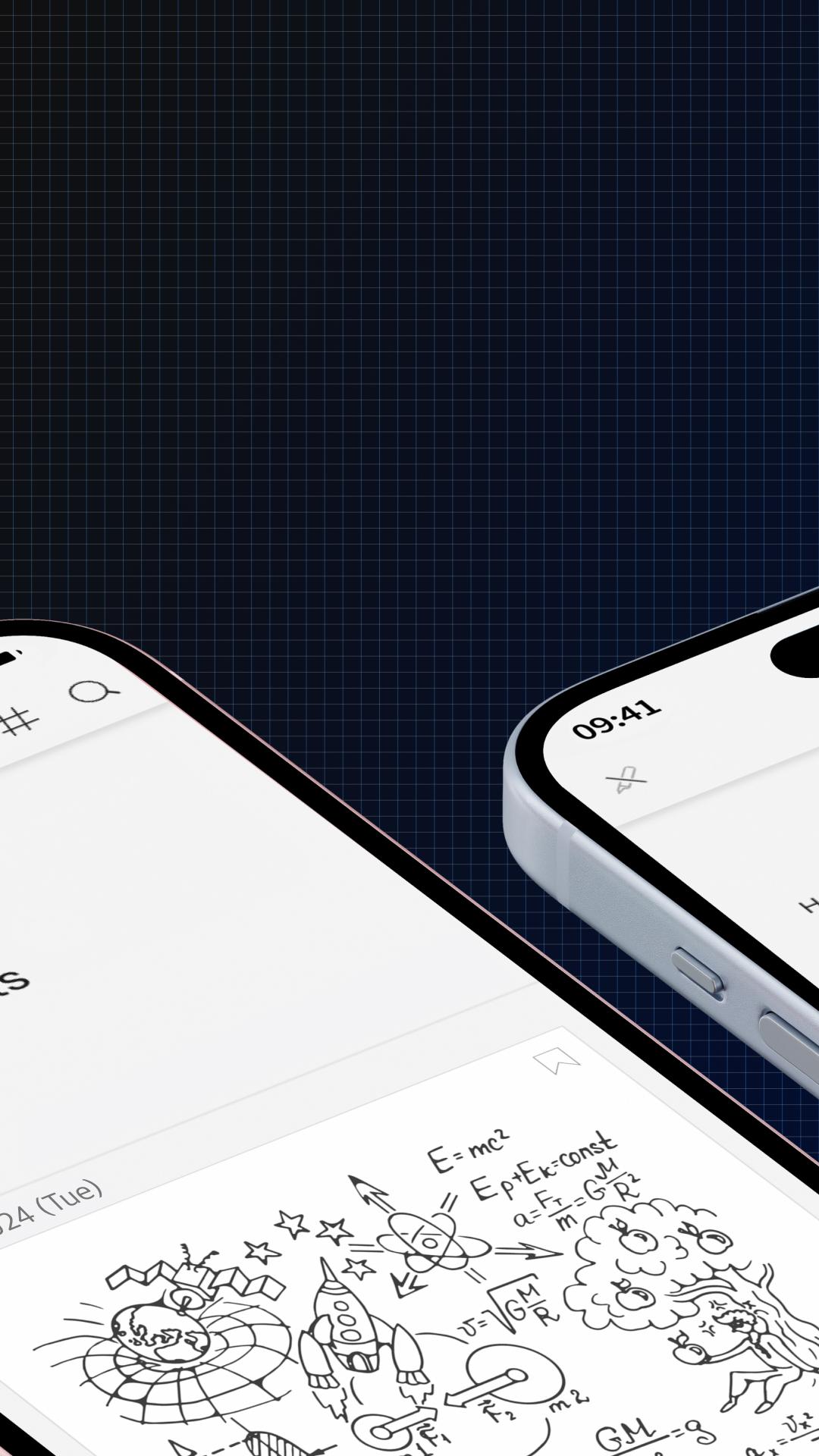
Now you can scroll through the timeline with a single page view. You can easily check your handwritten notes without entering a detailed page.
[Text Extraction]
The previous 'Handwriting Recognition' function has been renamed to 'Text Extraction.' It has also been changed to a button at the bottom right of the handwriting detail page, allowing you to instantly convert your handwritten content into text.
[Lasso Tool]
In the handwriting detail page, you can select specific areas with the Lasso Tool for text extraction or to share only the selected area.
[Split]
Now overlapping handwriting is automatically separated. This addresses the issue of choosing the right time of overlapping notes, allowing you to isolate them and then automatically separate into the same notebook as the first writing.
[Connect Only This Pen]
If other smart pens are on, they may automatically connect to the app, but now you can focus on one pen, adding this feature to boost concentration.
[Synchronization]
Synchronization is now done in real-time without manual intervention, so you can log in with your existing account on any device, and your handwritten data will be reflected automatically.
[Compatible Smartpens for Neo Studio]
Neo Smartpen A1 (NWP-F151), Neo Smartpen R1 (NWP-F40), Neo Smartpen R1(NWP-F45-NC), Neo Smartpen M1 (NWP-F50), Neo Smartpen M1+ (NWP-F51), Neo Smartpen N2 (NWP-F121C), Neo Smartpen dimo (NWP-F30), LAMY Sadari all black ncode (NWP-F80)
[Service Access Permissions Guide]
■ Required Permissions
Nearby device info: Used to search for nearby smartpens via Bluetooth
Audio recording & microphone: Used for the voice recording feature of Neo Studio 2
■ Optional Permissions
Location: Used when connecting the smartpen via Bluetooth
Bluetooth: Used to connect the smartpen and device
Contacts or account info: Used for login and email sending via Google account
Photos & media access: Used to save shared images from pages to your device album
You can use the app without agreeing to optional permissions.
Some features may not work properly if optional permissions are denied.
Neo Studio 2 is available for Android 8.0 / Bluetooth 4.2 and above.
پیش نظارہ
ٹیگز
پیداواری صلاحیتمعلومات
ڈویلپر
NeoLAB Convergence
تازہ ترین ورژن
1.0.20
آخری تازہ کاری
2025-04-24
قسم
پیداواری صلاحیت
پر دستیاب ہے۔
Google Play
مزید دکھائیں
پی سی پر گیم لوپ کے ساتھ Neo Studio 2 کیسے کھیلا جائے۔
1. آفیشل ویب سائٹ سے گیم لوپ ڈاؤن لوڈ کریں، پھر گیم لوپ انسٹال کرنے کے لیے exe فائل چلائیں۔
2. گیم لوپ کھولیں اور "Neo Studio 2" تلاش کریں، تلاش کے نتائج میں Neo Studio 2 تلاش کریں اور "انسٹال کریں" پر کلک کریں۔
3. گیم لوپ پر Neo Studio 2 کھیلنے کا لطف اٹھائیں۔
Minimum requirements
OS
Windows 8.1 64-bit or Windows 10 64-bit
GPU
GTX 1050
CPU
i3-8300
Memory
8GB RAM
Storage
1GB available space
Recommended requirements
OS
Windows 8.1 64-bit or Windows 10 64-bit
GPU
GTX 1050
CPU
i3-9320
Memory
16GB RAM
Storage
1GB available space