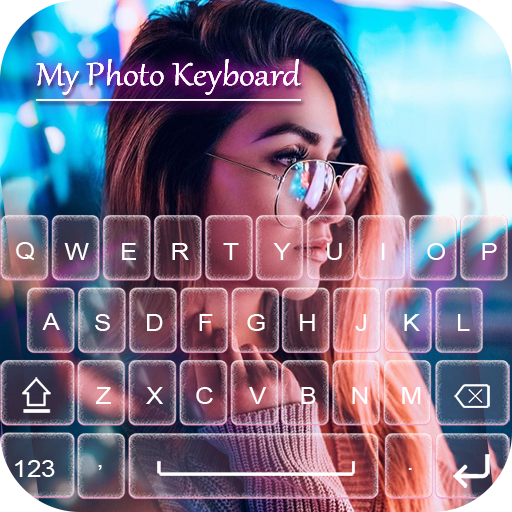
My Photo Keyboard Themes PC
WiFi Password Show Tools
گیم لوپ ایمولیٹر کے ساتھ PC پر My Photo Keyboard Themes ڈاؤن لوڈ کریں۔
پی سی پر My Photo Keyboard Themes
My Photo Keyboard Themes، جو ڈویلپر WiFi Password Show Tools سے آرہا ہے، ماضی میں اینڈرائیڈ سسٹم پر چل رہا ہے۔
اب، آپ پی سی پر My Photo Keyboard Themes آسانی سے GameLoop کے ساتھ چلا سکتے ہیں۔
اسے GameLoop لائبریری یا تلاش کے نتائج میں ڈاؤن لوڈ کریں۔ مزید غلط وقت پر بیٹری یا مایوس کن کالوں پر نظر نہیں ڈالی جائے گی۔
بس بڑی سکرین پر My Photo Keyboard Themes PC کا مفت میں لطف اٹھائیں!
My Photo Keyboard Themes تعارف
Best picture keyboard to set your own photo as keyboard background in your device. Easy to type Urdu and English text with my photo keyboard beautiful fonts and picture keyboard themes. Easy to use custom keyboard background with awesome front keypad characters. Want to decorate your android device, use this free my photo keyboard with amazing new features keyboard 2021. Without changing the keyboard type you can write Urdu and English in any application easily using the new photo keyboard with emoji. Two in one keyboard to write text in Urdu & English on photos. Making post in Urdu and searching content on google with Urdu is no more difficult. Search anything at google in Urdu without any hesitation. It is the most demanding myphoto keyboard to write in multiple languages with single multi featured keypad.
My photo keyboard themes free with stylish backgrounds and cool Emoji’s is an easy typing of Urdu language that make it simple for all Urdu taping keyboard user who want to write English to Urdu and switch between Urdu to English at the same time. Type text by your voice in Urdu English language that contains all Urdu alphabet and English letters. Picture keyboard for android is a customized keyboard with stylish themes, beautiful emoji’s and cool fonts. My photo keyboard is fun for you, if you are one of those who think that phone customization matters.
How to Apply My Photo Keyboard ❤‿❤
- Download and install
- Open Keyboard (My photo keyboard 2021)
- Enable Keyboard (Choose pic keyboard)
- Select Keyboard (Choose myphoto keyboard)
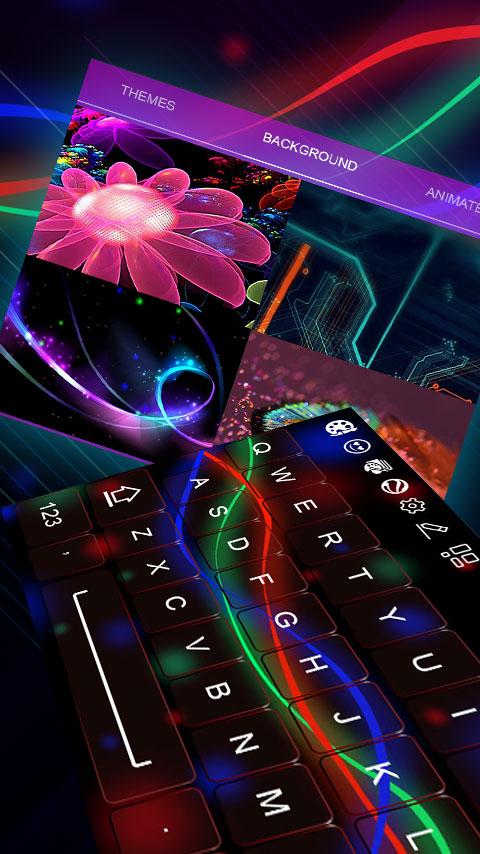
- Select favorite stylish theme of your choice
- Choose background photo or animation
- Pick your favorite key style
-Select your keyboard language
- Check whether you like the final look using preview option
- Click done when you get satisfied
My photo keyboard supports all languages including English, Arabic, Bulgarian, Dutch, French, Finnish, German, Greek, Hindi, Italian, Indonesian, Japanese, Korean, Malay, Russian, Spanish, Thai, Turkish, Ukrainian, Urdu keyboard. We think my photo picture keyboard will be among the top keyboard apps since it contains more than 50+ languages support and thousands of features helps you to change keyboard background, picture keyboard with cute photos, animation, wallpapers, templates and key styles.
New Features
😊 My photo keyboard… (DIY)
😊 Choose your favorite wallpaper background
😊 50+ Languages Support
😊 Next word suggestion
😊 Font color for any keypad theme
😊 Custom font style, color and size
😊 Classy look by choosing own photo, wallpaper, emoji of my photo keyboard background
😊 Works offline most of the time
😊 Keyboard key press settings like sound, vibration, size
😊 Fancy font styles supported
😊 Ability to disable keyboard with single click
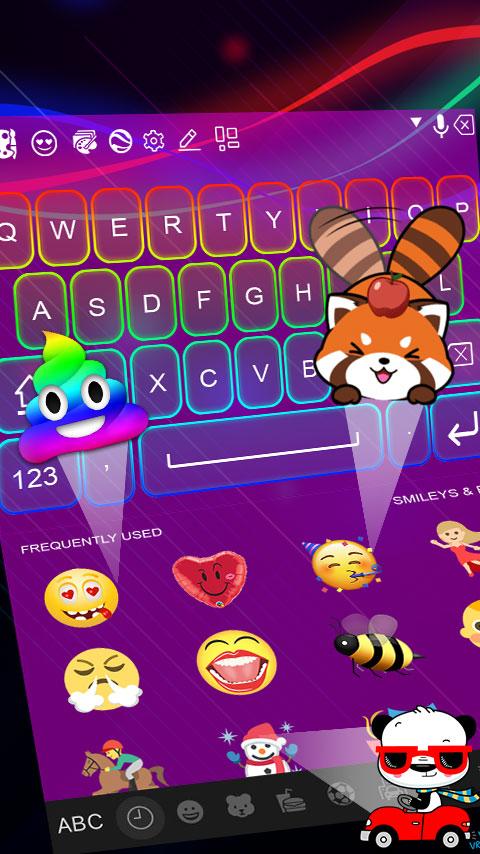
My photo keyboard will meet your everyday language needs and makes you comfortable for communicating with others in your native language. Personalize the appearance of your keypad and let it glitter with cute photos and gif animations. Put on insta custom keyboard skin your choice and start chatting for hours. Customize your phone and set your own photo as keyboard background and change the theme as you wish. Our cute photo keyboard app for smartphones will make you smile every time you pick up you phone to send a message. Smiley faces and love emoji’s that my photo keyboard offers come in handy every time when you use your favorite messaging apps. You find rainbow color photo keyboard theme and luminous designs. It’s the best smart photo keyboard with up-to-date vocabulary and free to download for travelers, businessmen, students, teachers, players, learners, boys and girls.
We hope you like our My Photo Keyboard Theme Changer share it! Give your good suggestions and reviews for more improvements! Thanks!!!
پیش نظارہ
ٹیگز
پیداواری صلاحیتمعلومات
ڈویلپر
WiFi Password Show Tools
تازہ ترین ورژن
1.2.3
آخری تازہ کاری
2023-08-17
قسم
پیداواری صلاحیت
پر دستیاب ہے۔
Google Play
مزید دکھائیں
پی سی پر گیم لوپ کے ساتھ My Photo Keyboard Themes کیسے کھیلا جائے۔
1. آفیشل ویب سائٹ سے گیم لوپ ڈاؤن لوڈ کریں، پھر گیم لوپ انسٹال کرنے کے لیے exe فائل چلائیں۔
2. گیم لوپ کھولیں اور "My Photo Keyboard Themes" تلاش کریں، تلاش کے نتائج میں My Photo Keyboard Themes تلاش کریں اور "انسٹال کریں" پر کلک کریں۔
3. گیم لوپ پر My Photo Keyboard Themes کھیلنے کا لطف اٹھائیں۔
Minimum requirements
OS
Windows 8.1 64-bit or Windows 10 64-bit
GPU
GTX 1050
CPU
i3-8300
Memory
8GB RAM
Storage
1GB available space
Recommended requirements
OS
Windows 8.1 64-bit or Windows 10 64-bit
GPU
GTX 1050
CPU
i3-9320
Memory
16GB RAM
Storage
1GB available space