
Memo Pad – Notepad Quick Notes PC
Babylon apps
گیم لوپ ایمولیٹر کے ساتھ PC پر Memo Pad – Notepad Quick Notes ڈاؤن لوڈ کریں۔
پی سی پر Memo Pad – Notepad Quick Notes
Memo Pad – Notepad Quick Notes، جو ڈویلپر Babylon apps سے آرہا ہے، ماضی میں اینڈرائیڈ سسٹم پر چل رہا ہے۔
اب، آپ پی سی پر Memo Pad – Notepad Quick Notes آسانی سے GameLoop کے ساتھ چلا سکتے ہیں۔
اسے GameLoop لائبریری یا تلاش کے نتائج میں ڈاؤن لوڈ کریں۔ مزید غلط وقت پر بیٹری یا مایوس کن کالوں پر نظر نہیں ڈالی جائے گی۔
بس بڑی سکرین پر Memo Pad – Notepad Quick Notes PC کا مفت میں لطف اٹھائیں!
Memo Pad – Notepad Quick Notes تعارف
Create and search memo pad notes on this easy to use memo pad maker app
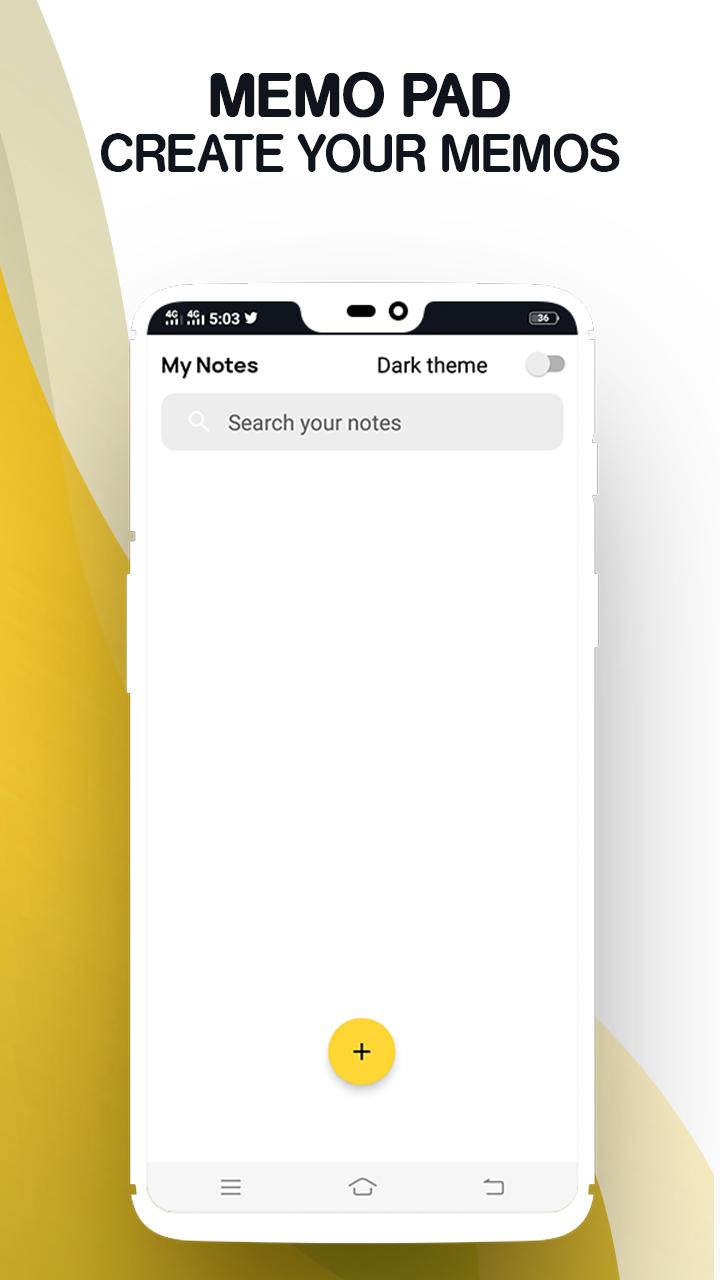
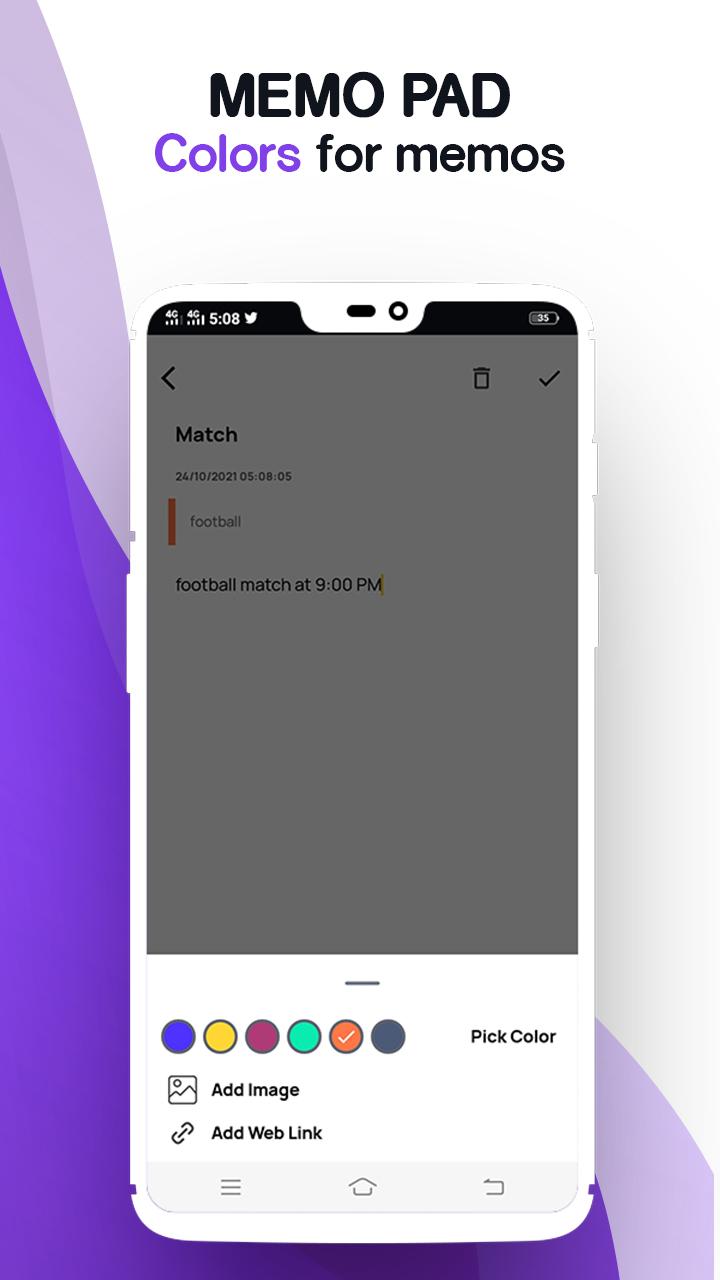
Are you looking for the best free notepad apps to create memo pad notes? How about using a notepad for android, search and save memo notes easily? With this amazing notepad organizer tool, you can not only create daily memos on memo pad but also search notes within seconds. All you need to do after downloading the Memo Pad Plus – Simple Notepad, Take Quick Notes is to tap on the create a new note option and start noting. On top of that, this amazing notepad journal app also comes with optional dark mode theme, where you can take memos on this free app without putting too much stress on your eyes.
Try Memo Pad Plus – Simple Notepad, Take Quick Notes now!
Notepad Free to Make a memo
Are you ready to take daily notes with minimal effort? Whether you want to make a memo of important study points, save memo for task and shopping list reminder or search notes for finding important saved information, this app for Android app is a great pick to meet all your needs. As one of the best free notebook apps, this notepad free app offers you complete freedom to create a new note, search and save memos in a safe place!
Save and Search Notes Quickly
Do you have a habit to make notes of important things and save them in the notepad for android app for safekeeping? If that is the case, this notepad free app is the best pick for you. Ditch all other complicated free notebook apps and switch to a much simpler and efficient memo app. Once you have added the memo in the app, you can use memo pad search bar to search notes quickly.
Easy Notepad Organizer Tool
Will you like to store all your important memos in a single place? Experience the convenience of notepad free app with this notepad journal maker and notepad organizer tool. You can not only sort all your memos in any order you like but also manage whether you want to edit, save, delete or search notes with memo notes maker. Keep all your memo notes inside the notepad organizer tool and save time!
Create a New Note in Dark Theme
Making memos getting too stressful for your eyes? Worry no more! This memo pad app now comes with a dark theme! Make notes in dark theme and save all your memo notes efficiently. Simply switch on the dark theme from the memo pad settings and continue jotting down your important pointers on the app. Create a new note with minimal effort!
Features of Memo Pad Plus – Simple Notepad, Take Quick Notes
• Simple and easy to use free notebook apps UI/UX
• Notepad free memo pad maker to make memos easily
• Hassle free notepad for android users and note lovers
• Notepad organizer tool to save memo note safely
• Search from the search bar and keep all your daily notes in one place
• Dark theme now available in daily notes app!
Download and use Memo Pad Plus – Simple Notepad, Take Quick Notes today!
پیش نظارہ
ٹیگز
پیداواری صلاحیتمعلومات
ڈویلپر
Babylon apps
تازہ ترین ورژن
1.0
آخری تازہ کاری
2021-11-03
قسم
پیداواری صلاحیت
پر دستیاب ہے۔
Google Play
مزید دکھائیں
پی سی پر گیم لوپ کے ساتھ Memo Pad – Notepad Quick Notes کیسے کھیلا جائے۔
1. آفیشل ویب سائٹ سے گیم لوپ ڈاؤن لوڈ کریں، پھر گیم لوپ انسٹال کرنے کے لیے exe فائل چلائیں۔
2. گیم لوپ کھولیں اور "Memo Pad – Notepad Quick Notes" تلاش کریں، تلاش کے نتائج میں Memo Pad – Notepad Quick Notes تلاش کریں اور "انسٹال کریں" پر کلک کریں۔
3. گیم لوپ پر Memo Pad – Notepad Quick Notes کھیلنے کا لطف اٹھائیں۔
Minimum requirements
OS
Windows 8.1 64-bit or Windows 10 64-bit
GPU
GTX 1050
CPU
i3-8300
Memory
8GB RAM
Storage
1GB available space
Recommended requirements
OS
Windows 8.1 64-bit or Windows 10 64-bit
GPU
GTX 1050
CPU
i3-9320
Memory
16GB RAM
Storage
1GB available space