
Mecc Alte App PC
Mecc Alte
گیم لوپ ایمولیٹر کے ساتھ PC پر Mecc Alte App ڈاؤن لوڈ کریں۔
پی سی پر Mecc Alte App
Mecc Alte App، جو ڈویلپر Mecc Alte سے آرہا ہے، ماضی میں اینڈرائیڈ سسٹم پر چل رہا ہے۔
اب، آپ پی سی پر Mecc Alte App آسانی سے GameLoop کے ساتھ چلا سکتے ہیں۔
اسے GameLoop لائبریری یا تلاش کے نتائج میں ڈاؤن لوڈ کریں۔ مزید غلط وقت پر بیٹری یا مایوس کن کالوں پر نظر نہیں ڈالی جائے گی۔
بس بڑی سکرین پر Mecc Alte App PC کا مفت میں لطف اٹھائیں!
Mecc Alte App تعارف
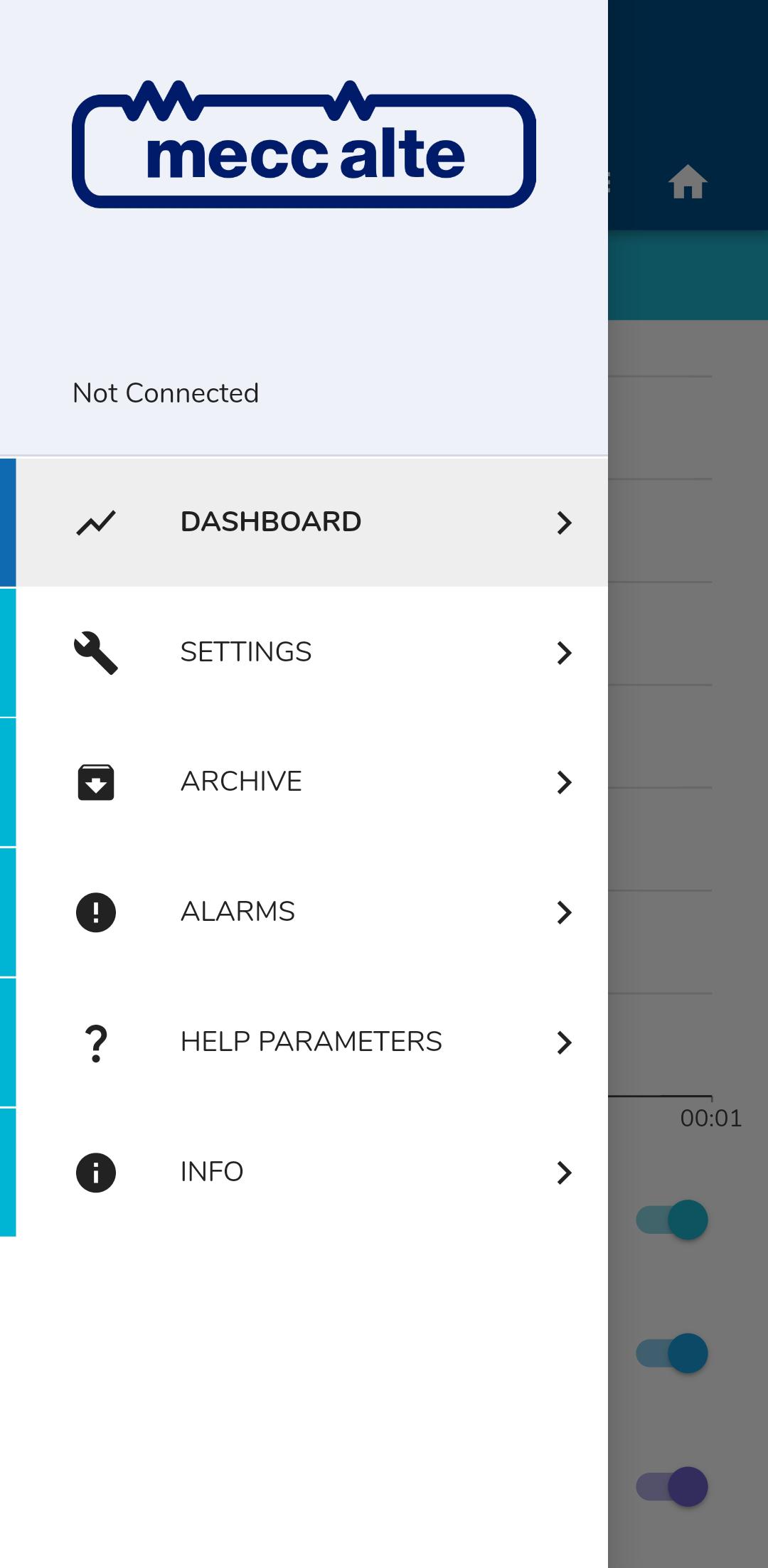
The Mecc Alte App has been designed for those in the power generation sector to monitor alternator performance and turn data into actionable insight.
Through easy navigation and clean design, users can use their mobiles or tablets to review the status of their AVR technology in a safe and convenient way.
The App allows users to set and monitor the AVR, control voltage and frequency, but also provides access to additional services such as the ability to view machine authenticity via the barcode serial number on the name plate of each genuine alternator unit.
All test and quality data of that specific product is made available at the touch of a button to set and evaluate performance metrics. Engineers can also set alarms when the alternator performs outside the set parameters, ensuring timely and efficient diagnostics.
The Mecc Alte App is continuously updated to ensure that all Mecc Alte customers can have access to quality information direct from the manufacturer.
پیش نظارہ

ٹیگز
پیداواری صلاحیتمعلومات
ڈویلپر
Mecc Alte
تازہ ترین ورژن
1.10.2
آخری تازہ کاری
2024-08-01
قسم
پیداواری صلاحیت
پر دستیاب ہے۔
Google Play
مزید دکھائیں
پی سی پر گیم لوپ کے ساتھ Mecc Alte App کیسے کھیلا جائے۔
1. آفیشل ویب سائٹ سے گیم لوپ ڈاؤن لوڈ کریں، پھر گیم لوپ انسٹال کرنے کے لیے exe فائل چلائیں۔
2. گیم لوپ کھولیں اور "Mecc Alte App" تلاش کریں، تلاش کے نتائج میں Mecc Alte App تلاش کریں اور "انسٹال کریں" پر کلک کریں۔
3. گیم لوپ پر Mecc Alte App کھیلنے کا لطف اٹھائیں۔
Minimum requirements
OS
Windows 8.1 64-bit or Windows 10 64-bit
GPU
GTX 1050
CPU
i3-8300
Memory
8GB RAM
Storage
1GB available space
Recommended requirements
OS
Windows 8.1 64-bit or Windows 10 64-bit
GPU
GTX 1050
CPU
i3-9320
Memory
16GB RAM
Storage
1GB available space