ID Photo -Passport Photo Maker PC
Photo Tool Lab
گیم لوپ ایمولیٹر کے ساتھ PC پر ID Photo -Passport Photo Maker ڈاؤن لوڈ کریں۔
پی سی پر ID Photo -Passport Photo Maker
ID Photo -Passport Photo Maker، جو ڈویلپر Photo Tool Lab سے آرہا ہے، ماضی میں اینڈرائیڈ سسٹم پر چل رہا ہے۔
اب، آپ پی سی پر ID Photo -Passport Photo Maker آسانی سے GameLoop کے ساتھ چلا سکتے ہیں۔
اسے GameLoop لائبریری یا تلاش کے نتائج میں ڈاؤن لوڈ کریں۔ مزید غلط وقت پر بیٹری یا مایوس کن کالوں پر نظر نہیں ڈالی جائے گی۔
بس بڑی سکرین پر ID Photo -Passport Photo Maker PC کا مفت میں لطف اٹھائیں!
ID Photo -Passport Photo Maker تعارف
Photo - Passport Photo Maker
Passport Photo Maker (ID Photo Maker Studio) is the best passport size editor app among free passport photo maker, editor and photo print apps. This Passport Size Photo Editor app lets you save money by combining standard passport, ID or VISA photos into single sheet of 3x4, 4x4, 4x6, 5x7 or A4 paper. Then you can order prints from print service providers. Or, you can take your phone to local photo print service providers and get it printed.
ID Photo Editor - Passport Size Photo Maker supports all formats for various uses such as ID card, passport for all countries, visa, driver's license, resume, certificate, social platforms and more! ID Photo detects your portrait automatically, no need for dull cutting and search for accurate specifications. And you can use the ID Photo app to create photos by Self-photographing, take your portraits again and again until you are satisfied. If you need to use ID photos and feel it is too expensive in offline stores, feel free to try this ID Photo.
ID Photo - Passport Size Photo Maker is a passport mobile application which can be used to make photos for identity card, election card, pan card, visa photo, school identification card maker, stamp photo editor, office id card maker, photo card studio and also you can create your own custom photo designs.
Photo ID Maker Studio, Make your photos like professional studios with best editing tools like change picture background color, passport photo in suits, Tilt Image, Brightness, Contrast, Saturation and Exposure etc.
Key Features of ID Photo Editor - Passport Photo Maker :
- App contains all standard printing paper sizes for free (A4, A5, A6, A7, and A8).
- It Contains all standard printing paper sizes such as 4X6, 5X7, 6X8, 8X10, 8X12 or 12X18.
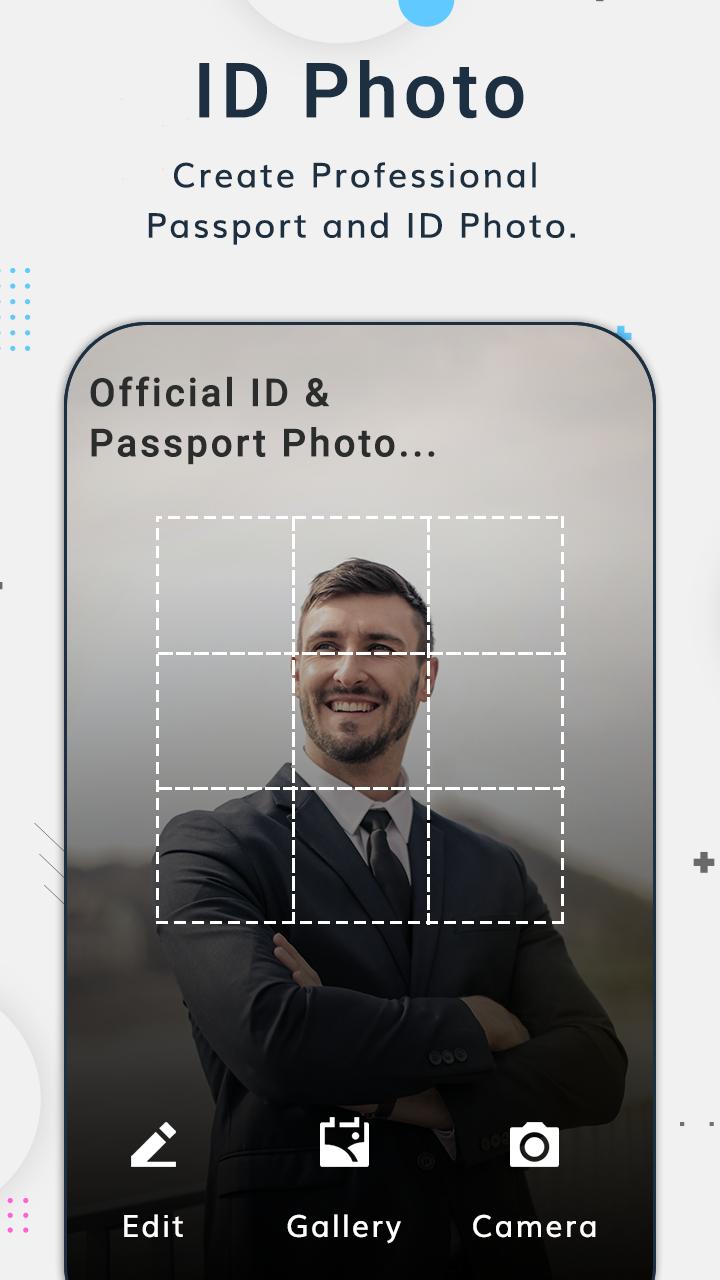
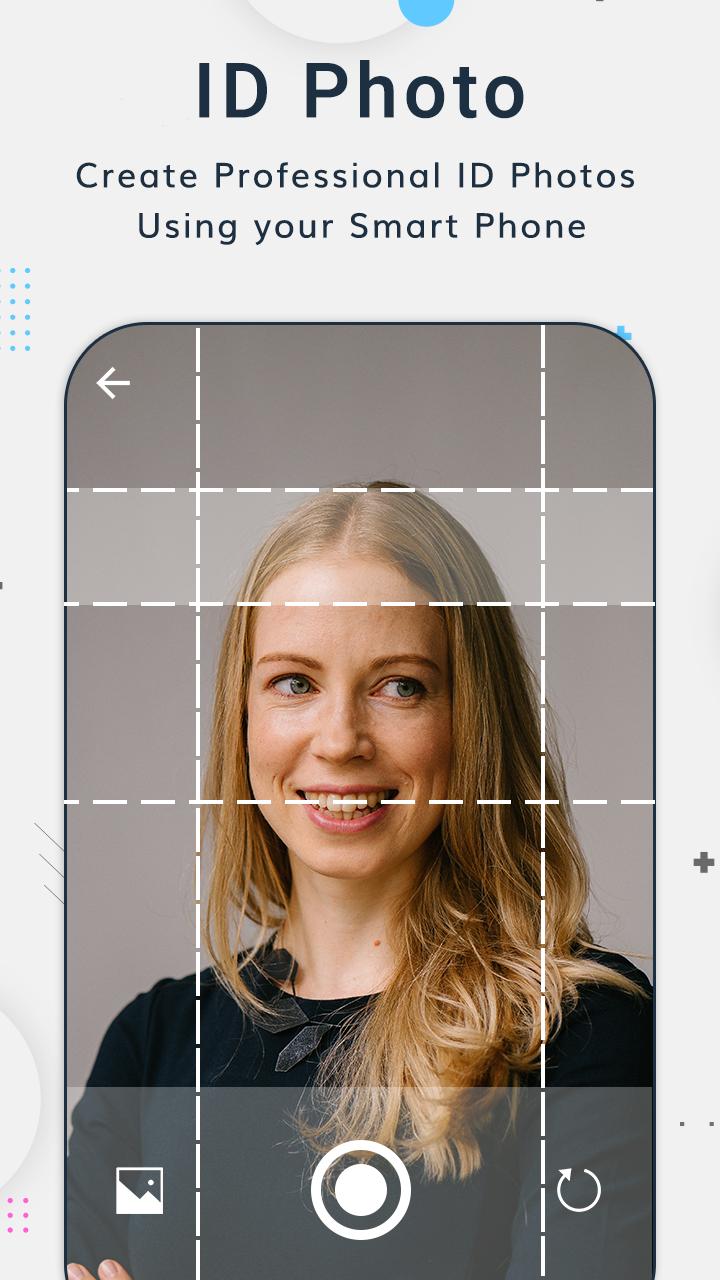
- You can crop your images from your phone gallery & camera pictures.
- Automatically detect your portrait.
- Easily crop, change the background, add annotation.
- You can create professional photos.
- Rotate Left - Right, Horizontal, Vertical the photos as application user wants.
- Improve photos with tone adjustment.
- Click on Bg Changer to crop the image and remove background and to apply background colors.
- Change the border color of the global passport size photo.
- Adjust brightness, contrast, saturation and exposure to envoy passport size photo.
- Save in different formats (jpeg, png, webp) and resolution.
- Share your images using social media.
- Click on print preview button to see the final preview.
- Provide a variety of ID photo sizes, including multi-national passports and visas.
If you have any comments or suggestions regarding this auto passport photo card studio app please send us at phototoollab@gmail.com.
Download and give a review of Passport Size Photo Maker - Passport Photo Creator.
پیش نظارہ
ٹیگز
پیداواری صلاحیتمعلومات
ڈویلپر
Photo Tool Lab
تازہ ترین ورژن
1.2
آخری تازہ کاری
2023-04-12
قسم
پیداواری صلاحیت
پر دستیاب ہے۔
Google Play
مزید دکھائیں
پی سی پر گیم لوپ کے ساتھ ID Photo -Passport Photo Maker کیسے کھیلا جائے۔
1. آفیشل ویب سائٹ سے گیم لوپ ڈاؤن لوڈ کریں، پھر گیم لوپ انسٹال کرنے کے لیے exe فائل چلائیں۔
2. گیم لوپ کھولیں اور "ID Photo -Passport Photo Maker" تلاش کریں، تلاش کے نتائج میں ID Photo -Passport Photo Maker تلاش کریں اور "انسٹال کریں" پر کلک کریں۔
3. گیم لوپ پر ID Photo -Passport Photo Maker کھیلنے کا لطف اٹھائیں۔
Minimum requirements
OS
Windows 8.1 64-bit or Windows 10 64-bit
GPU
GTX 1050
CPU
i3-8300
Memory
8GB RAM
Storage
1GB available space
Recommended requirements
OS
Windows 8.1 64-bit or Windows 10 64-bit
GPU
GTX 1050
CPU
i3-9320
Memory
16GB RAM
Storage
1GB available space