
ID Card Scanner : ID Scanner PC
Zeehik IT Zon
گیم لوپ ایمولیٹر کے ساتھ PC پر ID Card Scanner : ID Scanner ڈاؤن لوڈ کریں۔
پی سی پر ID Card Scanner : ID Scanner
ID Card Scanner : ID Scanner، جو ڈویلپر Zeehik IT Zon سے آرہا ہے، ماضی میں اینڈرائیڈ سسٹم پر چل رہا ہے۔
اب، آپ پی سی پر ID Card Scanner : ID Scanner آسانی سے GameLoop کے ساتھ چلا سکتے ہیں۔
اسے GameLoop لائبریری یا تلاش کے نتائج میں ڈاؤن لوڈ کریں۔ مزید غلط وقت پر بیٹری یا مایوس کن کالوں پر نظر نہیں ڈالی جائے گی۔
بس بڑی سکرین پر ID Card Scanner : ID Scanner PC کا مفت میں لطف اٹھائیں!
ID Card Scanner : ID Scanner تعارف
ID Card Scanner App – Passport Scanner & PDF Scanner
Turn your smartphone into a high-performance ID scanner, license scanner, and PDF converter with the all-in-one ID Card Scanner App – Passport Scanner & PDF Scanner. This powerful app helps you scan ID cards, driver’s licenses, passports, business cards, documents, and convert images to PDF or text quickly and easily.
Whether you need to scan and save ID cards, perform age verification with a bar ID scanner, or digitize contacts using a business card scanner like SamCard, this app gives you a full suite of tools to manage your documents right from your pocket. With just one tap, scan, enhance, convert, and store your important documents securely in PDF or JPEG format.
🔍 All-in-One ID Scanner & PDF Tool
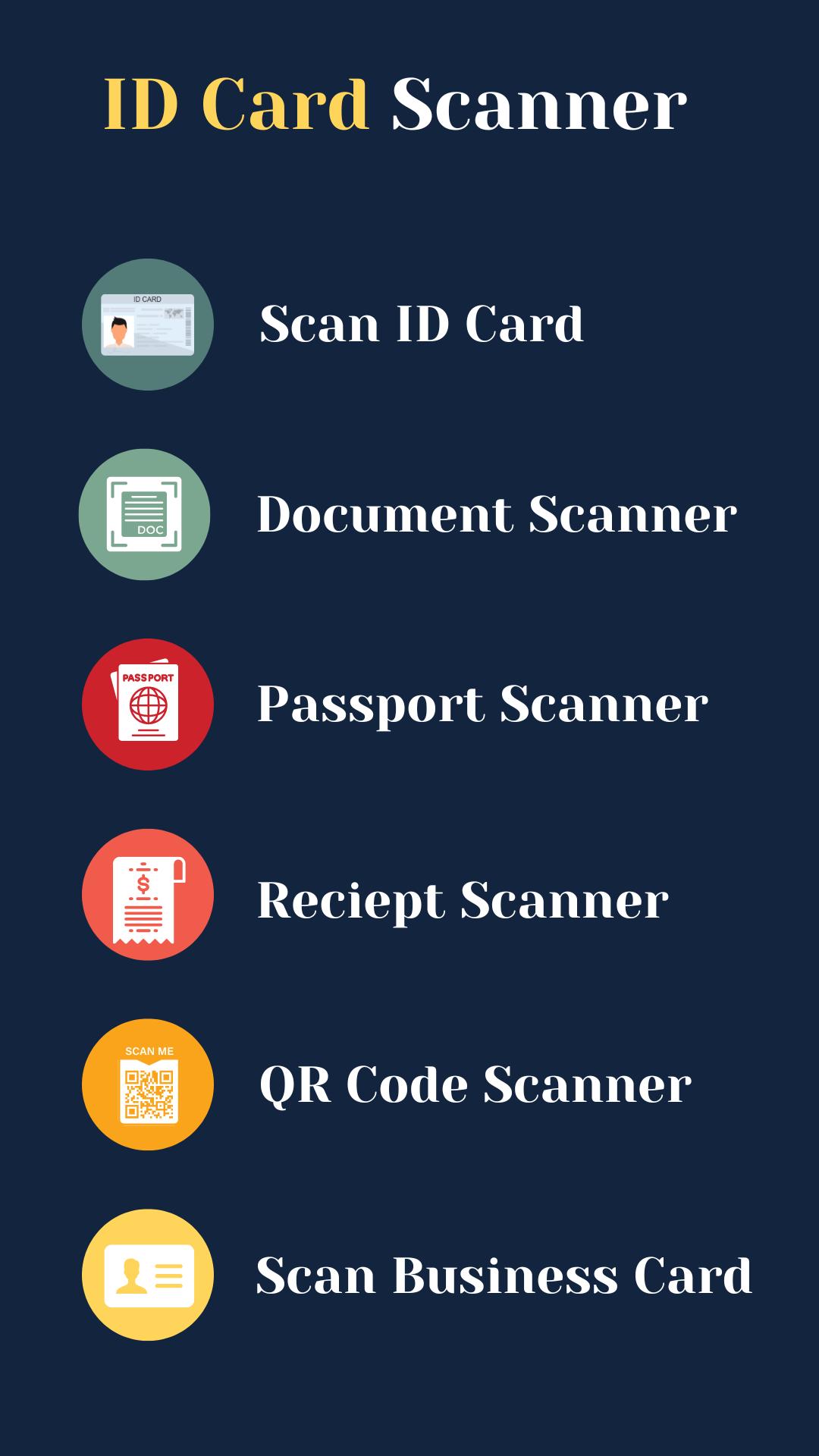
The ID card scanner app is designed to provide fast and accurate scanning of a variety of identity and business documents. Use the app as a:
Drivers license scanner
License scanner for ID verification
Scan ID app to manage and store identity records
Business card scanner to digitize contacts quickly
Passport scanner for travel and record-keeping
Image to text converter for fast OCR scanning
ID scanner PDF tool to convert scanned images into high-quality PDF files
ID barcode scanner for fast barcode and QR code detection
📲 Easy Document Scanning and Management
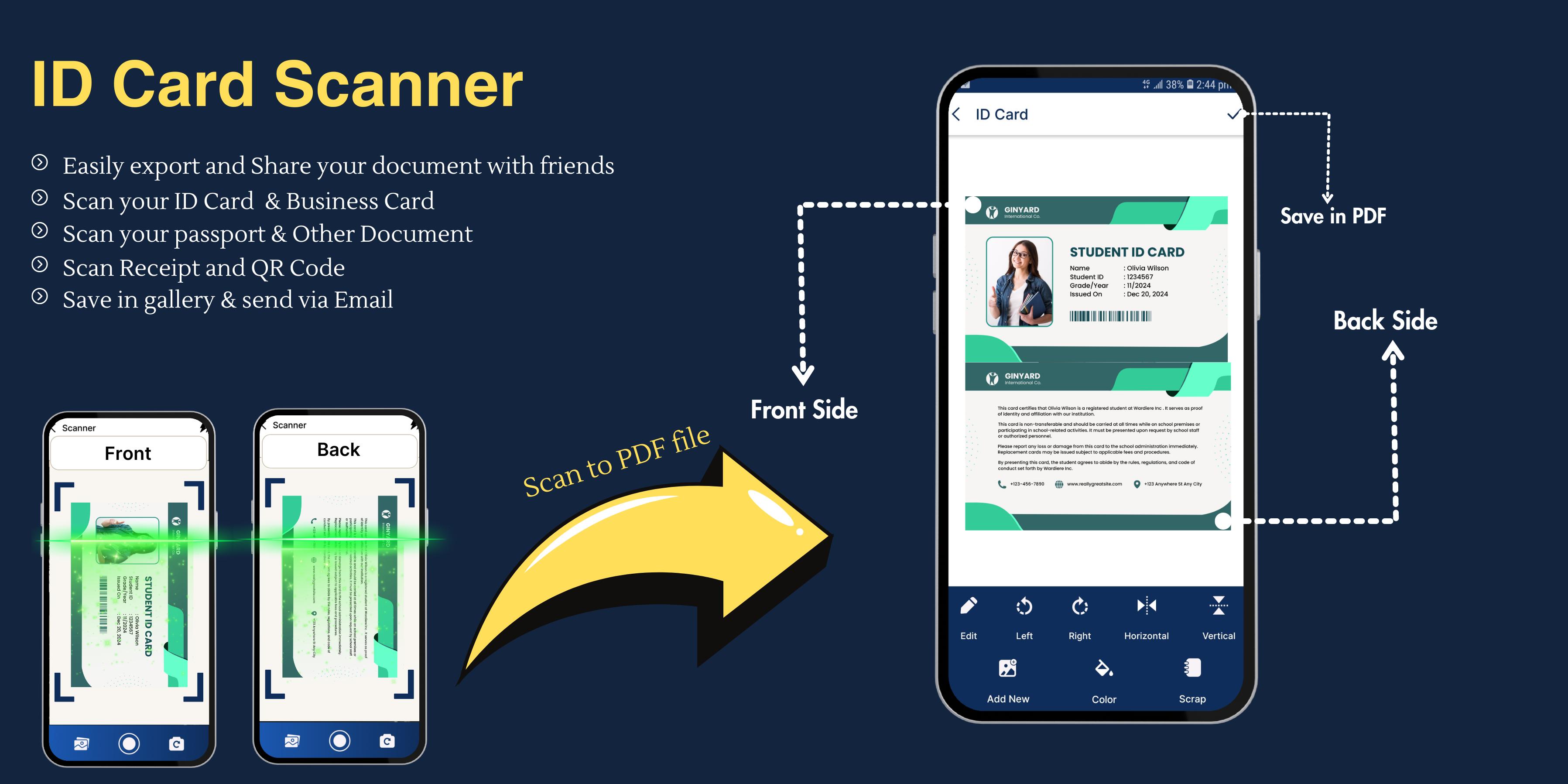
Using your phone’s camera, the ID Scanner App captures sharp images of your documents, IDs, passports, and business cards. With intelligent cropping and image correction features, every scan comes out clean, clear, and professional. You can choose between PDF or JPEG format, and even enable password protection for sensitive files.
The app also functions as a ScanID tool to scan and store visitor or employee ID cards, making it ideal for businesses, events, and institutions. With built-in OCR (Optical Character Recognition), the Image to Text Converter lets you extract editable text from your scans for easy editing, searching, and sharing.
✨ Top Features of ID Card Scanner & Passport Scanner
📄 Scan to PDF: Convert documents, business cards, IDs, and licenses into professional PDFs
🔎 OCR – Image to Text Converter: Extract text from images for editing and copying
🔒 Secure Storage: Protect your PDF documents with passwords
⚙️ Auto Crop & Enhance: Automatic image correction for better readability
🗂️ Smart File Management: Organize, search, and share your scans easily
🆓 ID Scanner Free: Enjoy powerful scanning features with no cost and no watermarks
📷 Multi-Page Scanning: Scan multiple pages into one PDF
🔗 Share Instantly: Share scanned files via email, messaging, or cloud storage
🛠️ Use Cases
Use the license scanner to digitize and manage your driver’s licenses.
Perform age checks at clubs, events, or bars with the bar ID scanner.
Digitize passports for secure travel record storage with the passport scanner.
Scan and convert text from ID cards, receipts, notes, or printed documents using the image to text converter.
Instantly save and organize business contacts with the business card scanner, similar to SamCard.
Scan barcodes and QR codes with the ID barcode scanner for quick data access.
Keep all your identity-related records in one place with the ID scanner app.
📁 Supported Document Types
The ID Card Scanner App – PDF Scanner can scan and manage a wide variety of documents, including:
Driver licenses
National ID cards
Passports
Business cards
Student ID cards
Certificates
Invoices & receipts
Bills and notes
Text documents
Barcodes and QR codes
Simply open the app, choose your scan type, use the camera to capture the image, and let the app do the rest.
📦 Download Now: Scanning Smarter
Download the ID Card Scanner App – Passport Scanner & scan id today and take advantage of the fastest, easiest, and most reliable way to scan IDs, convert to PDF, and digitize documents on Android.
پیش نظارہ
ٹیگز
پیداواری صلاحیتمعلومات
ڈویلپر
Zeehik IT Zon
تازہ ترین ورژن
1.3.3
آخری تازہ کاری
2025-09-23
قسم
پیداواری صلاحیت
پر دستیاب ہے۔
Google Play
مزید دکھائیں
پی سی پر گیم لوپ کے ساتھ ID Card Scanner : ID Scanner کیسے کھیلا جائے۔
1. آفیشل ویب سائٹ سے گیم لوپ ڈاؤن لوڈ کریں، پھر گیم لوپ انسٹال کرنے کے لیے exe فائل چلائیں۔
2. گیم لوپ کھولیں اور "ID Card Scanner : ID Scanner" تلاش کریں، تلاش کے نتائج میں ID Card Scanner : ID Scanner تلاش کریں اور "انسٹال کریں" پر کلک کریں۔
3. گیم لوپ پر ID Card Scanner : ID Scanner کھیلنے کا لطف اٹھائیں۔
Minimum requirements
OS
Windows 8.1 64-bit or Windows 10 64-bit
GPU
GTX 1050
CPU
i3-8300
Memory
8GB RAM
Storage
1GB available space
Recommended requirements
OS
Windows 8.1 64-bit or Windows 10 64-bit
GPU
GTX 1050
CPU
i3-9320
Memory
16GB RAM
Storage
1GB available space