
GoodSync PC
Siber Systems Inc
گیم لوپ ایمولیٹر کے ساتھ PC پر GoodSync ڈاؤن لوڈ کریں۔
پی سی پر GoodSync
GoodSync، جو ڈویلپر Siber Systems Inc سے آرہا ہے، ماضی میں اینڈرائیڈ سسٹم پر چل رہا ہے۔
اب، آپ پی سی پر GoodSync آسانی سے GameLoop کے ساتھ چلا سکتے ہیں۔
اسے GameLoop لائبریری یا تلاش کے نتائج میں ڈاؤن لوڈ کریں۔ مزید غلط وقت پر بیٹری یا مایوس کن کالوں پر نظر نہیں ڈالی جائے گی۔
بس بڑی سکرین پر GoodSync PC کا مفت میں لطف اٹھائیں!
GoodSync تعارف
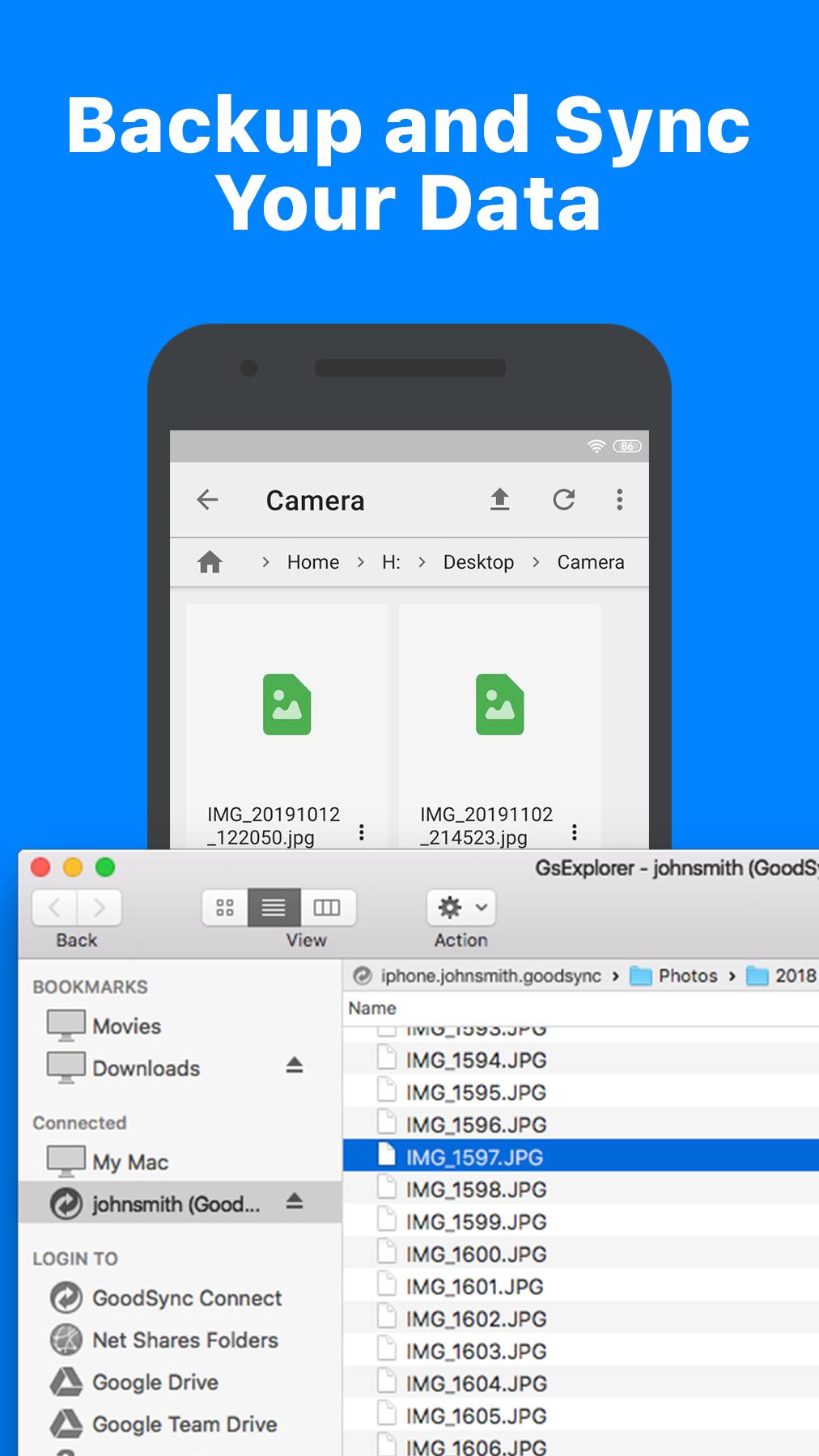
Explore, View, Download files from your desktop computers running GoodSync Connect.
Upload files and entire folders from desktop to your device.
Using included Server, you can also make files on your phone
accessible to GoodSync and GoodSync Explorer on desktop.
File transfer works via WiFi or cellular network, automatically selecting the fastest path.
Features:
* Browsing of online storages such as Google Driver, One Drive, Amazon CD to be added.
* Server accesses files on internal and external SD cards.
* Server does not lock screen, can work in background.
* Can be configured to start on device power on.
* Can be configured to work over Wi-Fi only.
* Supports On File Change Auto Sync performed by desktop client.
پیش نظارہ

ٹیگز
پیداواری صلاحیتمعلومات
ڈویلپر
Siber Systems Inc
تازہ ترین ورژن
12.9.5.5
آخری تازہ کاری
2025-10-15
قسم
پیداواری صلاحیت
پر دستیاب ہے۔
Google Play
مزید دکھائیں
پی سی پر گیم لوپ کے ساتھ GoodSync کیسے کھیلا جائے۔
1. آفیشل ویب سائٹ سے گیم لوپ ڈاؤن لوڈ کریں، پھر گیم لوپ انسٹال کرنے کے لیے exe فائل چلائیں۔
2. گیم لوپ کھولیں اور "GoodSync" تلاش کریں، تلاش کے نتائج میں GoodSync تلاش کریں اور "انسٹال کریں" پر کلک کریں۔
3. گیم لوپ پر GoodSync کھیلنے کا لطف اٹھائیں۔
Minimum requirements
OS
Windows 8.1 64-bit or Windows 10 64-bit
GPU
GTX 1050
CPU
i3-8300
Memory
8GB RAM
Storage
1GB available space
Recommended requirements
OS
Windows 8.1 64-bit or Windows 10 64-bit
GPU
GTX 1050
CPU
i3-9320
Memory
16GB RAM
Storage
1GB available space