Eye break reminder - EyeRelax PC
SaryElgmal
گیم لوپ ایمولیٹر کے ساتھ PC پر Eye break reminder - EyeRelax ڈاؤن لوڈ کریں۔
پی سی پر Eye break reminder - EyeRelax
Eye break reminder - EyeRelax، جو ڈویلپر SaryElgmal سے آرہا ہے، ماضی میں اینڈرائیڈ سسٹم پر چل رہا ہے۔
اب، آپ پی سی پر Eye break reminder - EyeRelax آسانی سے GameLoop کے ساتھ چلا سکتے ہیں۔
اسے GameLoop لائبریری یا تلاش کے نتائج میں ڈاؤن لوڈ کریں۔ مزید غلط وقت پر بیٹری یا مایوس کن کالوں پر نظر نہیں ڈالی جائے گی۔
بس بڑی سکرین پر Eye break reminder - EyeRelax PC کا مفت میں لطف اٹھائیں!
Eye break reminder - EyeRelax تعارف
Eye break reminder - EyeRelax is the best way to let your eyes rest and relax, and for your optic nerve to rest by not being strained by mobile screen.
Do you find yourself staring at the mobile screen for a large part of your day without enough breaks or relaxing your eyes because you simply forgot to rest for a few seconds?
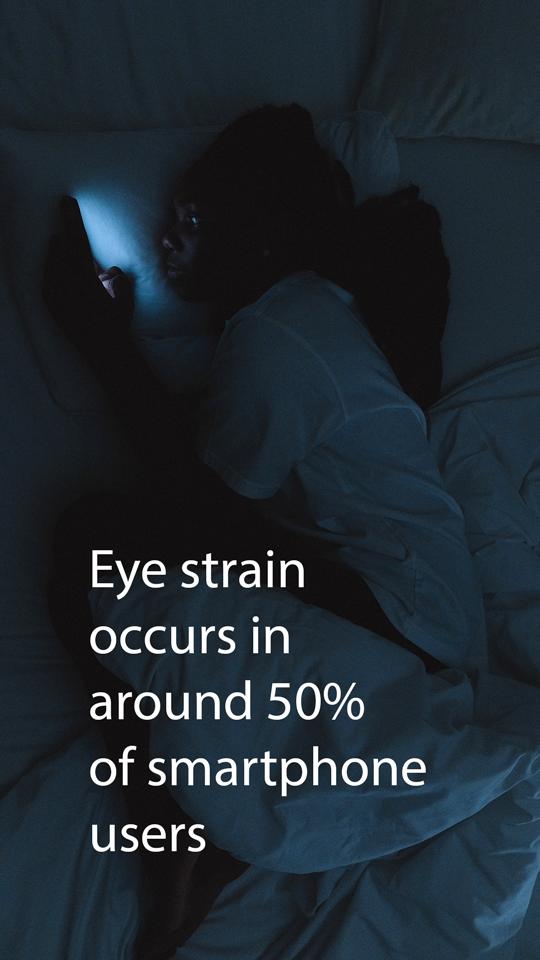
Did you know that experts suggest that DES (Dry Eye Syndrome) occurs in around 50% of smartphone users,Think zombie eyes and you’re there. that make it important to give your eyes periodic breaks from looking at the screen and the harmful light?
We developed EyeRelax just to remind you to take a break and rest your eyes for seconds and continue the fun afterwards.
★How it works★
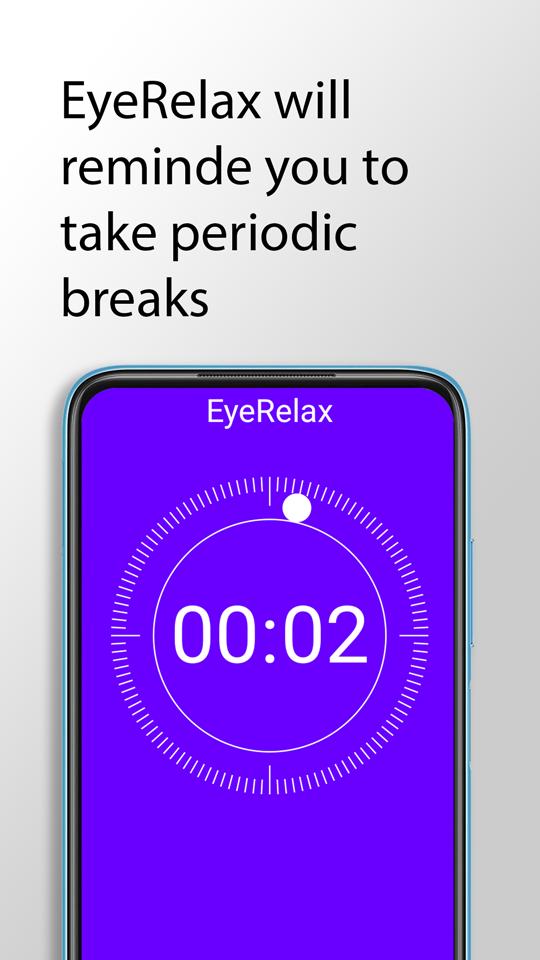
EyeRelax will remind you to take an eye break by showing a screen overlay after you use the phone for a customized number of minutes for a customized number of seconds. Doing so relaxes your eye muscles and gives you more time to complete the fun.
★Features★
Short eye breaks reminder after a preset phone screen time.
Long eye breaks reminder after preset count of short breaks.
Schedule when to automatically turn on/off the breaks reminders.
Download now for free to minimize inevitable digital eye strain 📱
پیش نظارہ
ٹیگز
پیداواری صلاحیتمعلومات
ڈویلپر
SaryElgmal
تازہ ترین ورژن
1.2.1
آخری تازہ کاری
2023-01-22
قسم
پیداواری صلاحیت
پر دستیاب ہے۔
Google Play
مزید دکھائیں
پی سی پر گیم لوپ کے ساتھ Eye break reminder - EyeRelax کیسے کھیلا جائے۔
1. آفیشل ویب سائٹ سے گیم لوپ ڈاؤن لوڈ کریں، پھر گیم لوپ انسٹال کرنے کے لیے exe فائل چلائیں۔
2. گیم لوپ کھولیں اور "Eye break reminder - EyeRelax" تلاش کریں، تلاش کے نتائج میں Eye break reminder - EyeRelax تلاش کریں اور "انسٹال کریں" پر کلک کریں۔
3. گیم لوپ پر Eye break reminder - EyeRelax کھیلنے کا لطف اٹھائیں۔
Minimum requirements
OS
Windows 8.1 64-bit or Windows 10 64-bit
GPU
GTX 1050
CPU
i3-8300
Memory
8GB RAM
Storage
1GB available space
Recommended requirements
OS
Windows 8.1 64-bit or Windows 10 64-bit
GPU
GTX 1050
CPU
i3-9320
Memory
16GB RAM
Storage
1GB available space