Documents Reader - DOC XLS PPT PDF Office Viewer PC
Stepping Forward
گیم لوپ ایمولیٹر کے ساتھ PC پر Documents Reader - DOC XLS PPT PDF Office Viewer ڈاؤن لوڈ کریں۔
پی سی پر Documents Reader - DOC XLS PPT PDF Office Viewer
Documents Reader - DOC XLS PPT PDF Office Viewer، جو ڈویلپر Stepping Forward سے آرہا ہے، ماضی میں اینڈرائیڈ سسٹم پر چل رہا ہے۔
اب، آپ پی سی پر Documents Reader - DOC XLS PPT PDF Office Viewer آسانی سے GameLoop کے ساتھ چلا سکتے ہیں۔
اسے GameLoop لائبریری یا تلاش کے نتائج میں ڈاؤن لوڈ کریں۔ مزید غلط وقت پر بیٹری یا مایوس کن کالوں پر نظر نہیں ڈالی جائے گی۔
بس بڑی سکرین پر Documents Reader - DOC XLS PPT PDF Office Viewer PC کا مفت میں لطف اٹھائیں!
Documents Reader - DOC XLS PPT PDF Office Viewer تعارف
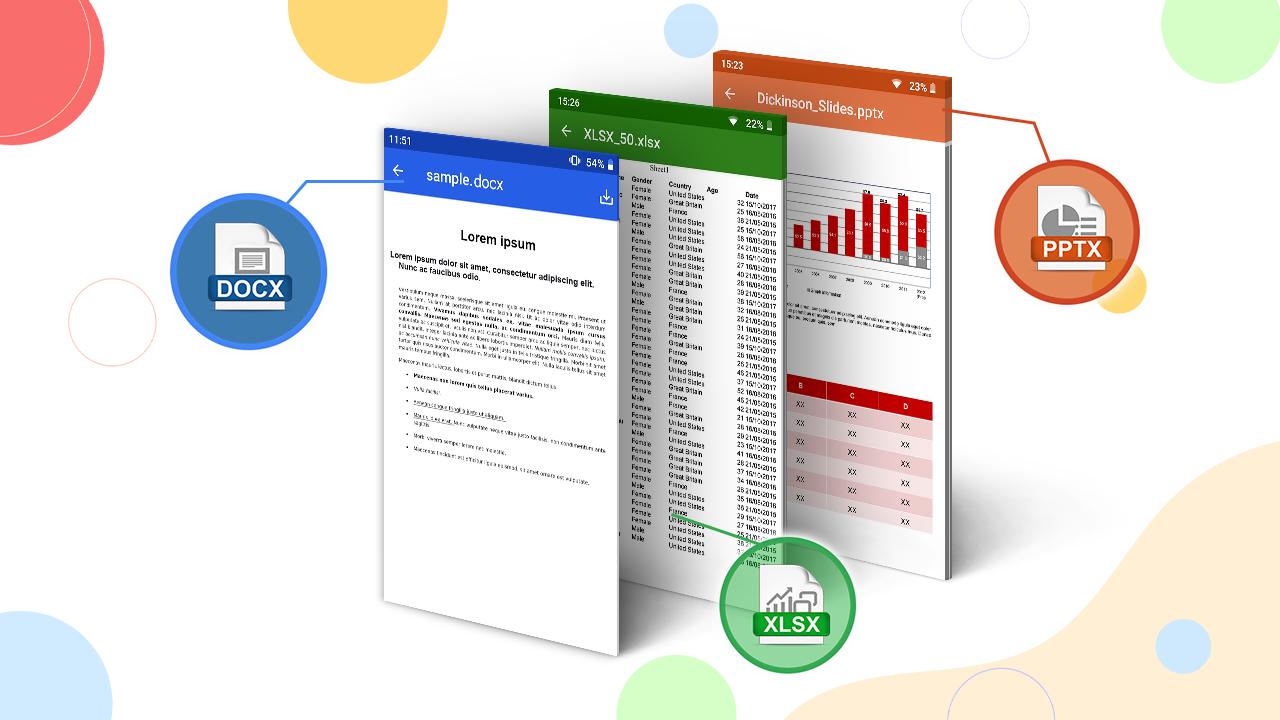
All Documents Reader & Viewer - PDF Converter & Translator: is the best document viewer you have ever used as it opens all types of your office documents, convert’s files to PDF and translates all document in more than 50 languages. It would be very useful for people who just simply want to view documents without any extra heavy features for editing. All Documents Reader & Viewer - PDF Converter & Translator is simple and lightweight documents viewer app. This smart documents reader & viewer consumes less space into your phone. It processes the files in order to quickly open all the documents or view any types of documents. This Documents Reader & Viewer - Converter and translator for android lets you easily view all documents Word, Excel, PowerPoint, Text and PDF files. It also supports multiple documents with office formats including DOC, DOCX, XLS, TXT, XLSX, PPT, PPTX and PDF.
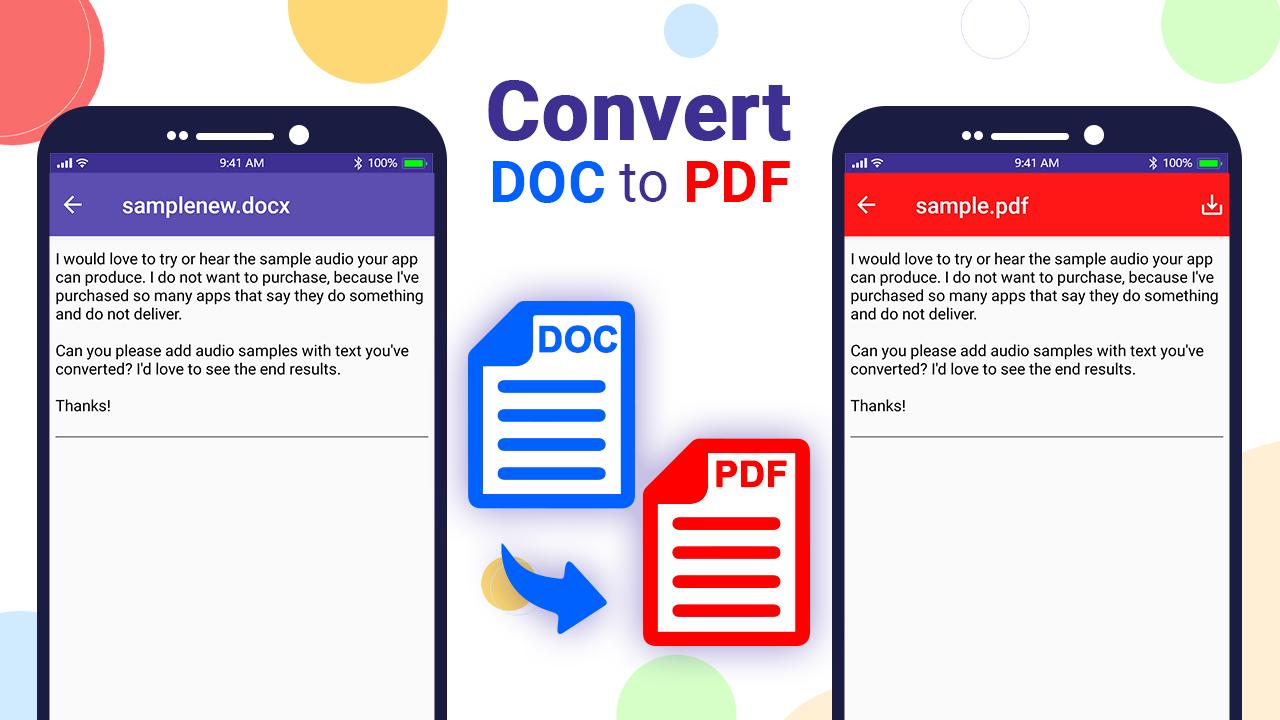
All Documents Reader & Viewer - PDF Converter & Translator also includes PDF converter option that allows you to convert file or document to PDF, XlS & XLSX document to PDF, PPT & PPTx document to PDF document converter, DOC & DOCx document to PDF converter. By using this application you can view your entire office documents on your Cell phone. This docs reader converter and translator app is used to view document, read document, and share all kinds of document files, convert all documents to PDF docs and translate any document to more than 50 languages. It is an android document reader and viewer for reading multiple kinds of files like docx, ppt, excel and xls. Using this documents reader viewer, converter app you can view your lectures in any format of documents and read them easily in your phone this app will just work for you like a portable pocket document reader.
Key features of All Documents Reader & Viewer - PDF Converter & Translator:
• All documents reader and viewer feature lets you Read and View all types of documents in your phone without any hustle.
• PDF Documents Converter feature lets users convert any document in to PDF and quickly view them as PDF, share with users or on social media apps.
• Documents Translator - Supports more than 50 languages for translation of documents and will work offline after downloading individual language once.
• All Documents Reader & Viewer - PDF Converter & Translatortakes only needs a couple of MBs in your phone because this app is light weight.
• It quickly opens document & uses less time and effort.
• Easily search for your documents in the search option.
• Separate list view structure that helps you find any type of document with ease.
• Option to see full path of the files converted to PDF so identifies where the file exists.
• Best feature of quickly open the doc & docx, ppt & pptx, xls & xlsx, pdf and txt file formats.
• All the features of this app are totally free and will always be free.
Through this All Documents Reader & Viewer - PDF Converter & Translator you can view your PPT and PPTX presentations, watch out your class schedule in a document sheet. Open your office tasks notes and school lectures on your phone easily with a click on this application as you can open your data sheets that are made on xls document and word documents, pdf files. In this app Convert documents to PDF format and translating documents is easy and fast and you can use this converter as a fast and easy file converter or you can convert any file of your office type doc to PDF.
NOTE
This app requires internet to perform all the functions properly so please connect to internet while using this app.
All the permissions requested by this app are necessary for it to work efficiently and properly. No personal data is collected or used by the developers. This app contains ads which are necessary to keep us motivated.
For more information about our PRIVACY POLICY please visit: https://steppingforwardprivacy.blogspot.com
پیش نظارہ
معلومات
ڈویلپر
Stepping Forward
تازہ ترین ورژن
1.3
آخری تازہ کاری
2020-09-26
قسم
پیداواری صلاحیت
پر دستیاب ہے۔
Google Play
مزید دکھائیں
پی سی پر گیم لوپ کے ساتھ Documents Reader - DOC XLS PPT PDF Office Viewer کیسے کھیلا جائے۔
1. آفیشل ویب سائٹ سے گیم لوپ ڈاؤن لوڈ کریں، پھر گیم لوپ انسٹال کرنے کے لیے exe فائل چلائیں۔
2. گیم لوپ کھولیں اور "Documents Reader - DOC XLS PPT PDF Office Viewer" تلاش کریں، تلاش کے نتائج میں Documents Reader - DOC XLS PPT PDF Office Viewer تلاش کریں اور "انسٹال کریں" پر کلک کریں۔
3. گیم لوپ پر Documents Reader - DOC XLS PPT PDF Office Viewer کھیلنے کا لطف اٹھائیں۔
Minimum requirements
OS
Windows 8.1 64-bit or Windows 10 64-bit
GPU
GTX 1050
CPU
i3-8300
Memory
8GB RAM
Storage
1GB available space
Recommended requirements
OS
Windows 8.1 64-bit or Windows 10 64-bit
GPU
GTX 1050
CPU
i3-9320
Memory
16GB RAM
Storage
1GB available space