DNC Remote PC
Douglas Rudd
گیم لوپ ایمولیٹر کے ساتھ PC پر DNC Remote ڈاؤن لوڈ کریں۔
پی سی پر DNC Remote
DNC Remote، جو ڈویلپر Douglas Rudd سے آرہا ہے، ماضی میں اینڈرائیڈ سسٹم پر چل رہا ہے۔
اب، آپ پی سی پر DNC Remote آسانی سے GameLoop کے ساتھ چلا سکتے ہیں۔
اسے GameLoop لائبریری یا تلاش کے نتائج میں ڈاؤن لوڈ کریں۔ مزید غلط وقت پر بیٹری یا مایوس کن کالوں پر نظر نہیں ڈالی جائے گی۔
بس بڑی سکرین پر DNC Remote PC کا مفت میں لطف اٹھائیں!
DNC Remote تعارف
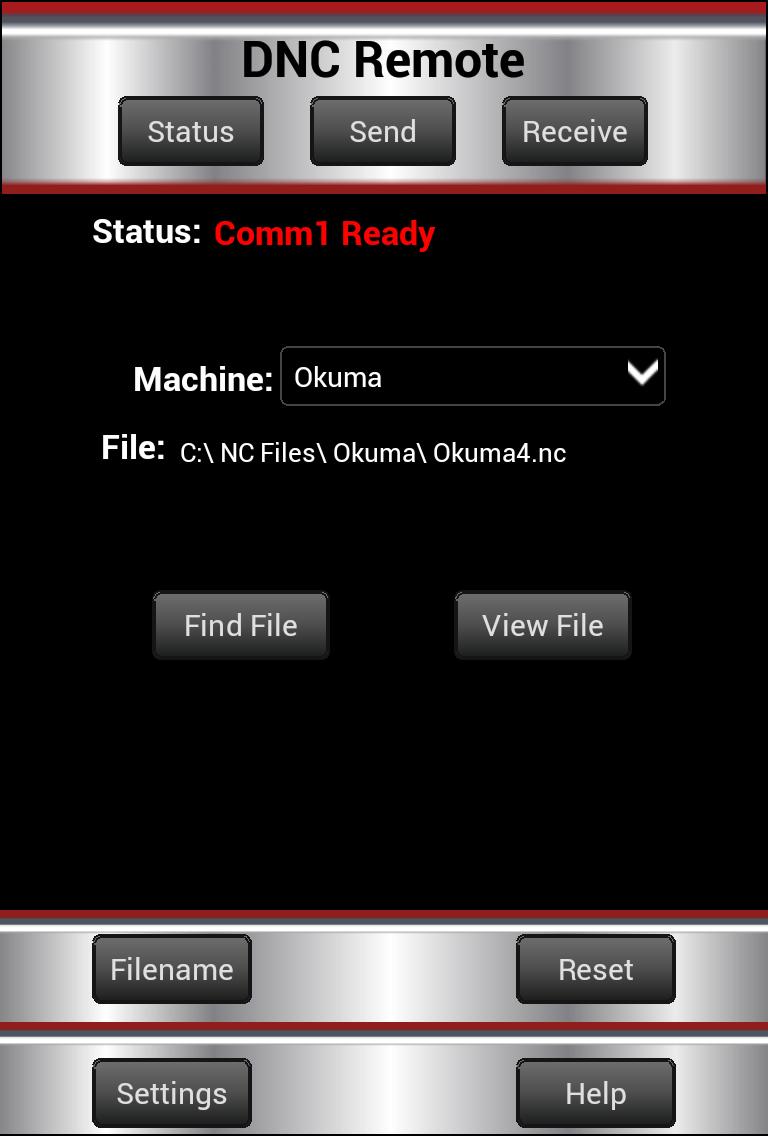
DNC Remote is an app that controls DNC Server over a Wi-Fi connection.
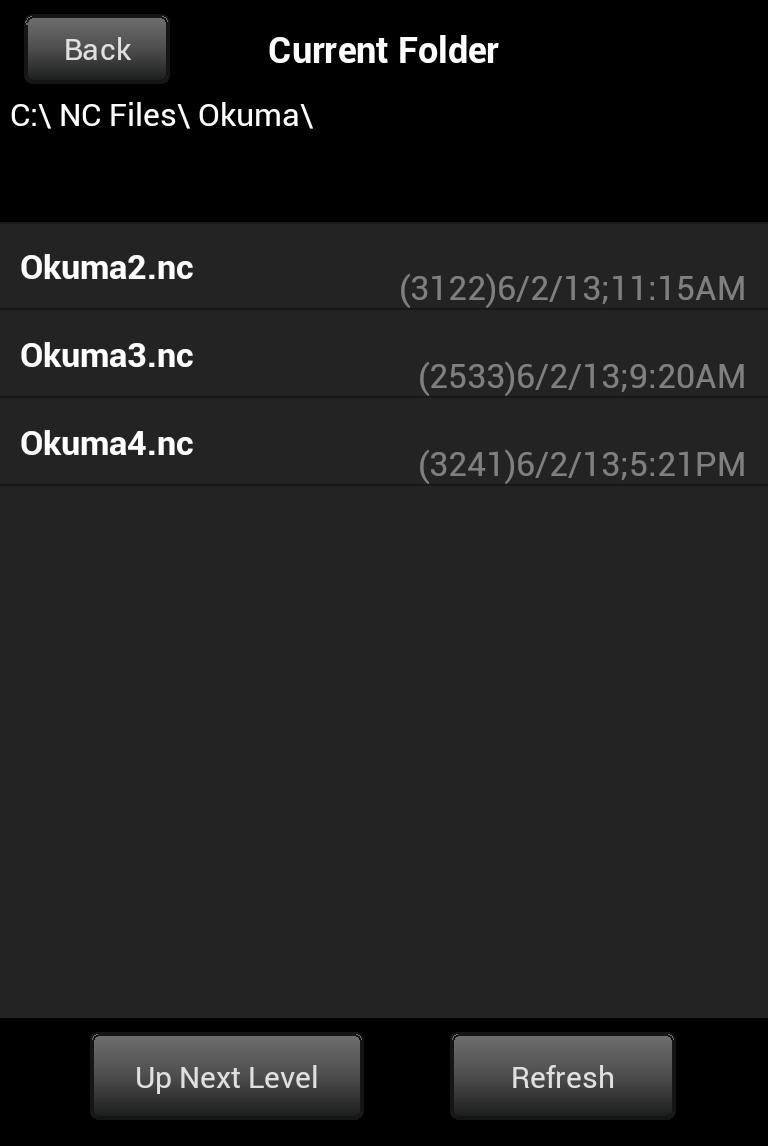
If you have your CNC machines connected using DNC Server and have a wireless router connected to your PC then you can control DNC Server remotely from the machine on the shop floor. With this app you can have a remote control for browsing for files, sending and receiving while at the CNC machine.
No need to walk back and forth to the office for uploading and downloading. Now we can take technology a step further to help us overcome this problem.
This app requires DNC Server ver 4.2.1.0 or newer running on a PC. APK file for earlier versions of Android available at:
www.i-logic.com/dncserver/dncremote.htm
پیش نظارہ
ٹیگز
پیداواری صلاحیتمعلومات
ڈویلپر
Douglas Rudd
تازہ ترین ورژن
2.0.7
آخری تازہ کاری
2024-05-11
قسم
پیداواری صلاحیت
پر دستیاب ہے۔
Google Play
مزید دکھائیں
پی سی پر گیم لوپ کے ساتھ DNC Remote کیسے کھیلا جائے۔
1. آفیشل ویب سائٹ سے گیم لوپ ڈاؤن لوڈ کریں، پھر گیم لوپ انسٹال کرنے کے لیے exe فائل چلائیں۔
2. گیم لوپ کھولیں اور "DNC Remote" تلاش کریں، تلاش کے نتائج میں DNC Remote تلاش کریں اور "انسٹال کریں" پر کلک کریں۔
3. گیم لوپ پر DNC Remote کھیلنے کا لطف اٹھائیں۔
Minimum requirements
OS
Windows 8.1 64-bit or Windows 10 64-bit
GPU
GTX 1050
CPU
i3-8300
Memory
8GB RAM
Storage
1GB available space
Recommended requirements
OS
Windows 8.1 64-bit or Windows 10 64-bit
GPU
GTX 1050
CPU
i3-9320
Memory
16GB RAM
Storage
1GB available space