
Lite Writer: Writing/Note/Memo PC
OneLiteCore
گیم لوپ ایمولیٹر کے ساتھ PC پر Lite Writer: Writing/Note/Memo ڈاؤن لوڈ کریں۔
پی سی پر Lite Writer: Writing/Note/Memo
Lite Writer: Writing/Note/Memo، جو ڈویلپر OneLiteCore سے آرہا ہے، ماضی میں اینڈرائیڈ سسٹم پر چل رہا ہے۔
اب، آپ پی سی پر Lite Writer: Writing/Note/Memo آسانی سے GameLoop کے ساتھ چلا سکتے ہیں۔
اسے GameLoop لائبریری یا تلاش کے نتائج میں ڈاؤن لوڈ کریں۔ مزید غلط وقت پر بیٹری یا مایوس کن کالوں پر نظر نہیں ڈالی جائے گی۔
بس بڑی سکرین پر Lite Writer: Writing/Note/Memo PC کا مفت میں لطف اٹھائیں!
Lite Writer: Writing/Note/Memo تعارف
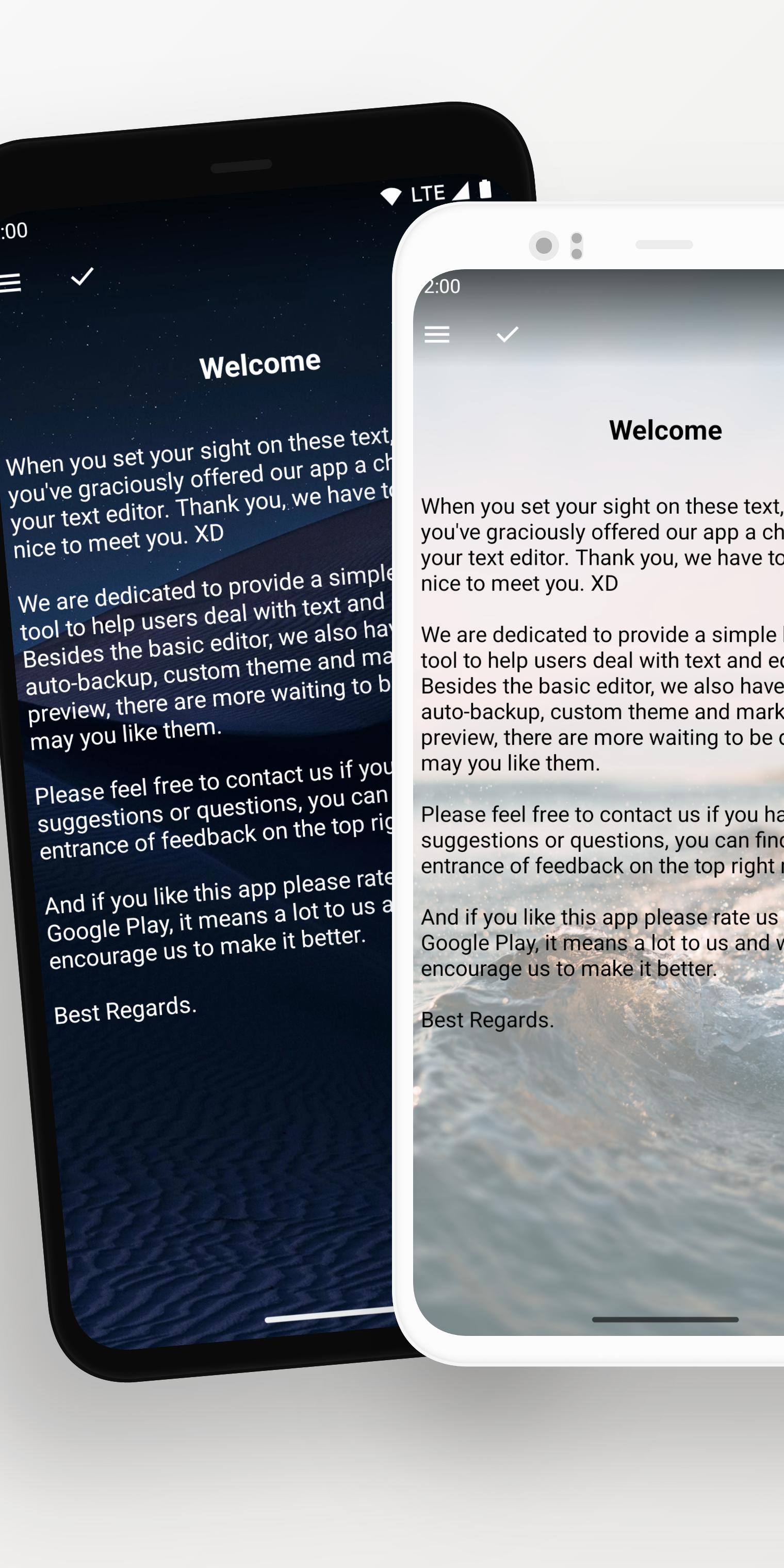
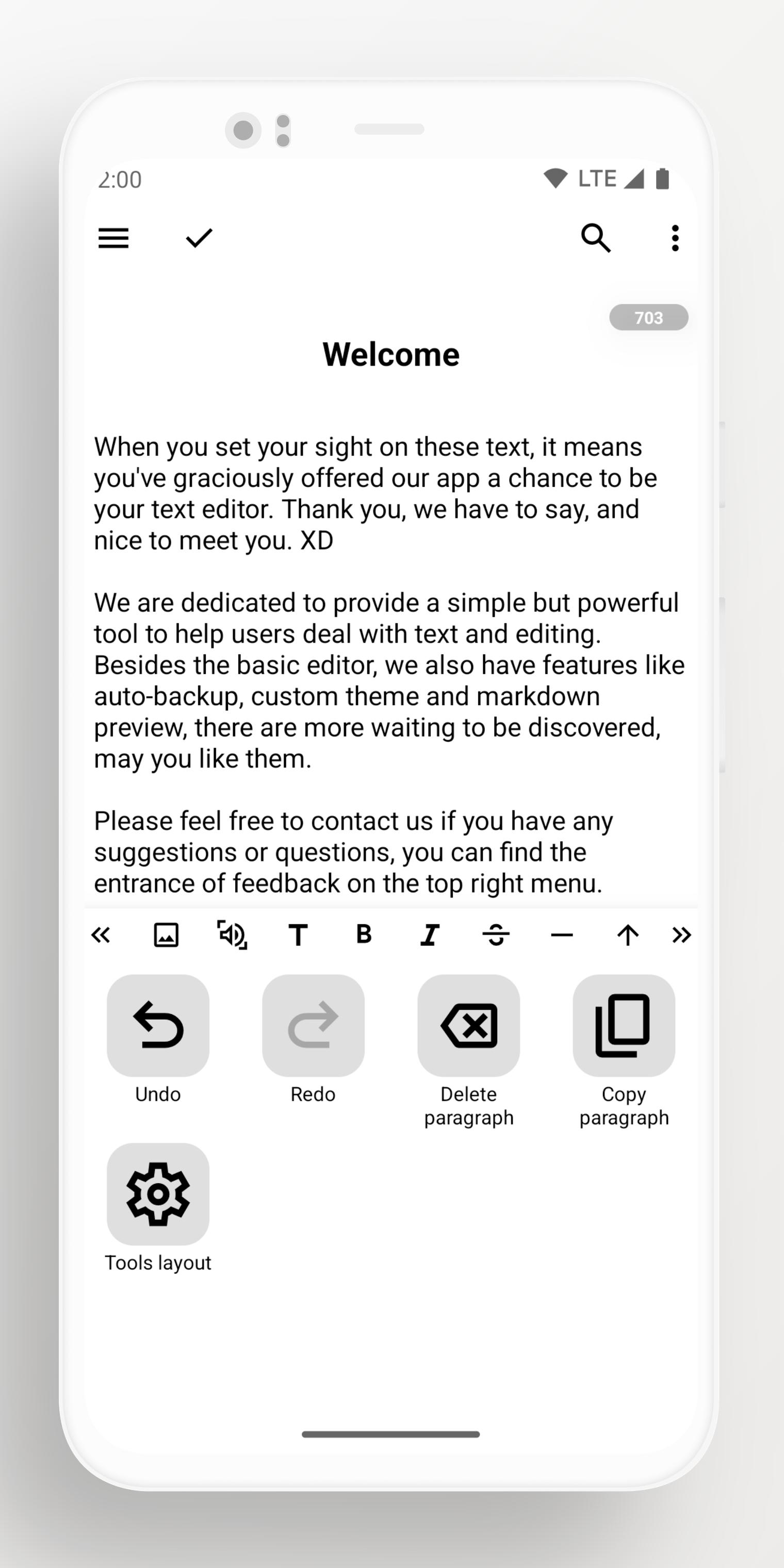
Designed with passion and dedication, Lite Writer is ready to be your best assistant in your creation process of writing your new books and fictions. Either you are a professional writer or a budding novelist or just someone who need a note app to make some notes, Lite Writer is for you!
--- POWERFUL FEATURES ---
Lite Writer offers many essential features to help you write:
📚 File Management and Bookshelf:
- Organize your creation in a folder-file structure
- Personalize book covers
- Streamlined bulk operations
- Intelligent chapter number recognition and sorting
- Mapping your home folder onto your PC and edit them with PC writer software
📝 Instant Note for Instant Inspirations:
- Open a quick note panel from shortcuts
- Pin a note in your notification bar to remind you
- Organize your note files in an easier way
📈 Effortless Word and Character Tracking:
- Monitor character and word count at a glance
- Track word trends over 7 days.
- Floating widget for quick counts
- Full support for CJK characters
🎨 Customization and Inspiring Themes:
- Pure white or black themes
- Night-friendly dark mode
- Vibrant array of free themes
- Import your own wallpapers
💾 Reliable Backup System:
- Auto-backup on Google Drive and WebDav
- Use custom folder to keep local backup files
- Retrieve data from history records and recycle bin
- Seamlessly export all data with a single click
🔐 Security and Privacy:
- Secure your app with fingerprint or a pattern lock
- Automatic locking when idle
- Blur app screenshots in recent tasks
پیش نظارہ
ٹیگز
پیداواری صلاحیتمعلومات
ڈویلپر
OneLiteCore
تازہ ترین ورژن
1.96.5
آخری تازہ کاری
2025-10-22
قسم
پیداواری صلاحیت
پر دستیاب ہے۔
Google Play
مزید دکھائیں
پی سی پر گیم لوپ کے ساتھ Lite Writer: Writing/Note/Memo کیسے کھیلا جائے۔
1. آفیشل ویب سائٹ سے گیم لوپ ڈاؤن لوڈ کریں، پھر گیم لوپ انسٹال کرنے کے لیے exe فائل چلائیں۔
2. گیم لوپ کھولیں اور "Lite Writer: Writing/Note/Memo" تلاش کریں، تلاش کے نتائج میں Lite Writer: Writing/Note/Memo تلاش کریں اور "انسٹال کریں" پر کلک کریں۔
3. گیم لوپ پر Lite Writer: Writing/Note/Memo کھیلنے کا لطف اٹھائیں۔
Minimum requirements
OS
Windows 8.1 64-bit or Windows 10 64-bit
GPU
GTX 1050
CPU
i3-8300
Memory
8GB RAM
Storage
1GB available space
Recommended requirements
OS
Windows 8.1 64-bit or Windows 10 64-bit
GPU
GTX 1050
CPU
i3-9320
Memory
16GB RAM
Storage
1GB available space