s10 Smart flip cover on/off PC
Bruno Alexandre (design-it-now)
گیم لوپ ایمولیٹر کے ساتھ PC پر s10 Smart flip cover on/off ڈاؤن لوڈ کریں۔
پی سی پر s10 Smart flip cover on/off
s10 Smart flip cover on/off، جو ڈویلپر Bruno Alexandre (design-it-now) سے آرہا ہے، ماضی میں اینڈرائیڈ سسٹم پر چل رہا ہے۔
اب، آپ پی سی پر s10 Smart flip cover on/off آسانی سے GameLoop کے ساتھ چلا سکتے ہیں۔
اسے GameLoop لائبریری یا تلاش کے نتائج میں ڈاؤن لوڈ کریں۔ مزید غلط وقت پر بیٹری یا مایوس کن کالوں پر نظر نہیں ڈالی جائے گی۔
بس بڑی سکرین پر s10 Smart flip cover on/off PC کا مفت میں لطف اٹھائیں!
s10 Smart flip cover on/off تعارف
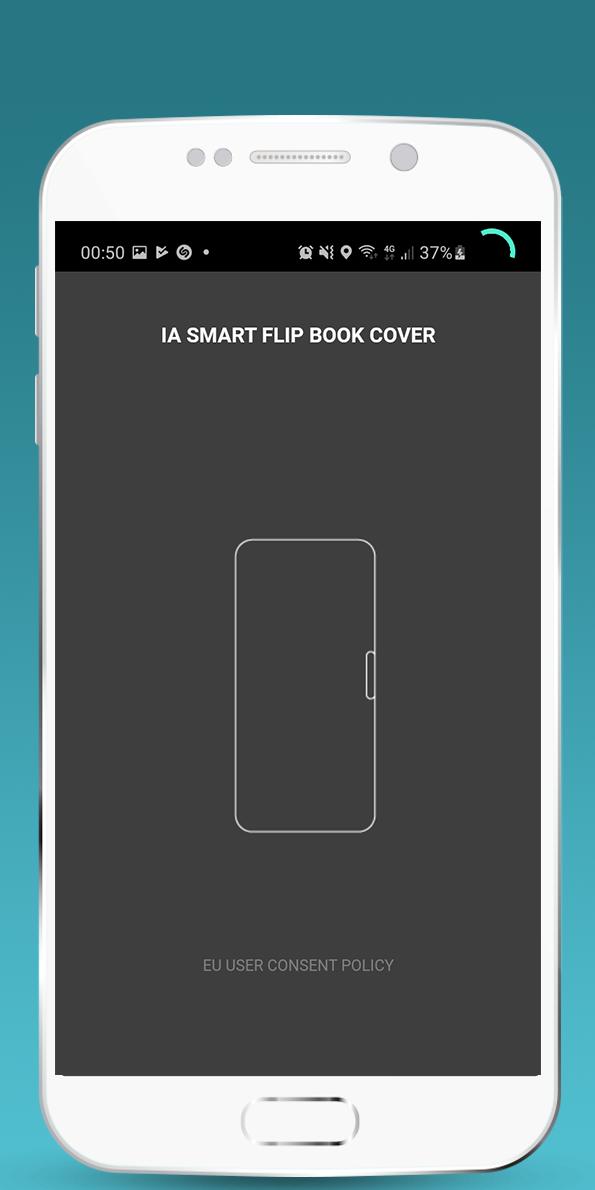
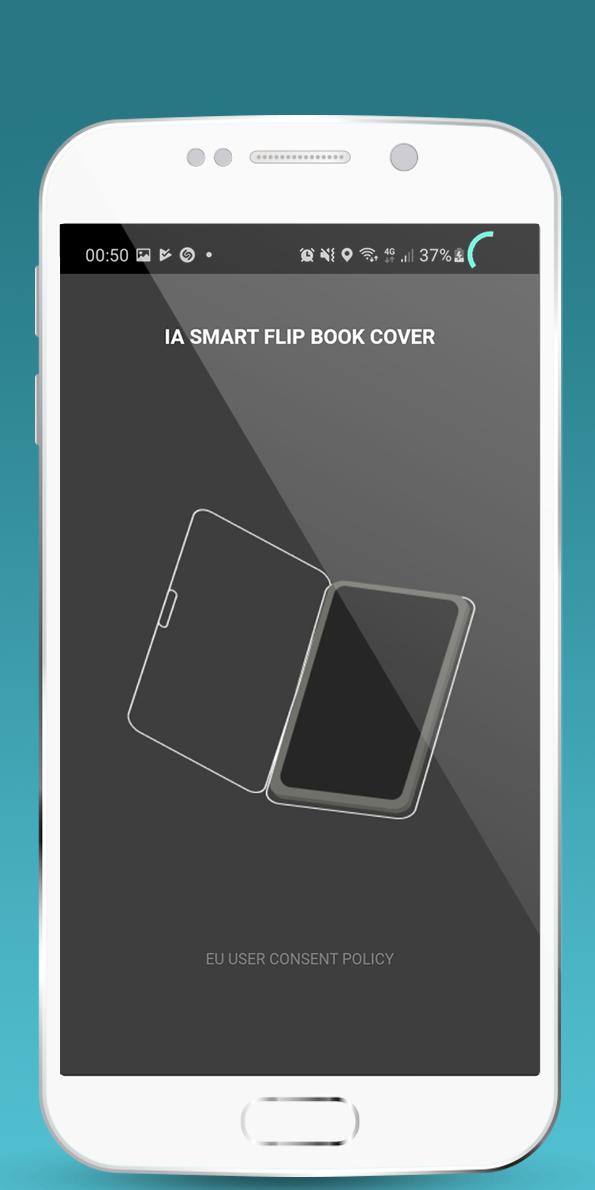
s10 Smart flip cover uses the proximity sensor to control your screen and flashlight.
New feature : Magic Light turns the flashlight on when when you close your flipbook cover
how to use?
Before start check if your phone has a standard proximity sensor
press start to start the proximity sensor monitoring , and use a cover, the screen will turn off
press stop to stop the proximity sensor monitoring
no setup , just install. tested with samsung s10 and works great with universal covers.
پیش نظارہ
ٹیگز
پیداواری صلاحیتمعلومات
ڈویلپر
Bruno Alexandre (design-it-now)
تازہ ترین ورژن
1.5.2
آخری تازہ کاری
2022-12-05
قسم
پیداواری صلاحیت
پر دستیاب ہے۔
Google Play
مزید دکھائیں
پی سی پر گیم لوپ کے ساتھ s10 Smart flip cover on/off کیسے کھیلا جائے۔
1. آفیشل ویب سائٹ سے گیم لوپ ڈاؤن لوڈ کریں، پھر گیم لوپ انسٹال کرنے کے لیے exe فائل چلائیں۔
2. گیم لوپ کھولیں اور "s10 Smart flip cover on/off" تلاش کریں، تلاش کے نتائج میں s10 Smart flip cover on/off تلاش کریں اور "انسٹال کریں" پر کلک کریں۔
3. گیم لوپ پر s10 Smart flip cover on/off کھیلنے کا لطف اٹھائیں۔
Minimum requirements
OS
Windows 8.1 64-bit or Windows 10 64-bit
GPU
GTX 1050
CPU
i3-8300
Memory
8GB RAM
Storage
1GB available space
Recommended requirements
OS
Windows 8.1 64-bit or Windows 10 64-bit
GPU
GTX 1050
CPU
i3-9320
Memory
16GB RAM
Storage
1GB available space