BarTender Mobile App PC
Seagull Scientific, Inc.
گیم لوپ ایمولیٹر کے ساتھ PC پر BarTender Mobile App ڈاؤن لوڈ کریں۔
پی سی پر BarTender Mobile App
BarTender Mobile App، جو ڈویلپر Seagull Scientific, Inc. سے آرہا ہے، ماضی میں اینڈرائیڈ سسٹم پر چل رہا ہے۔
اب، آپ پی سی پر BarTender Mobile App آسانی سے GameLoop کے ساتھ چلا سکتے ہیں۔
اسے GameLoop لائبریری یا تلاش کے نتائج میں ڈاؤن لوڈ کریں۔ مزید غلط وقت پر بیٹری یا مایوس کن کالوں پر نظر نہیں ڈالی جائے گی۔
بس بڑی سکرین پر BarTender Mobile App PC کا مفت میں لطف اٹھائیں!
BarTender Mobile App تعارف
BarTender Mobile App
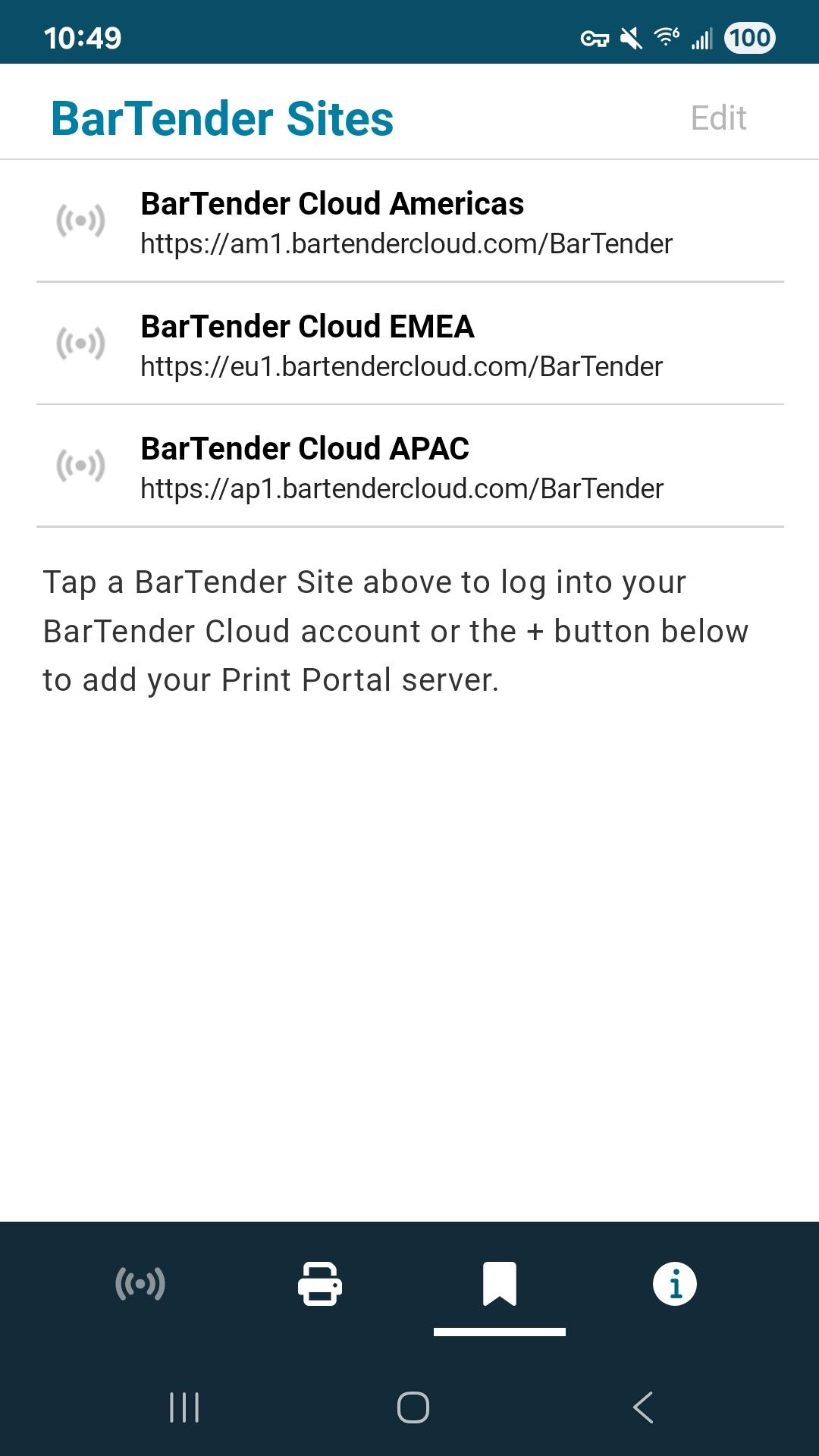
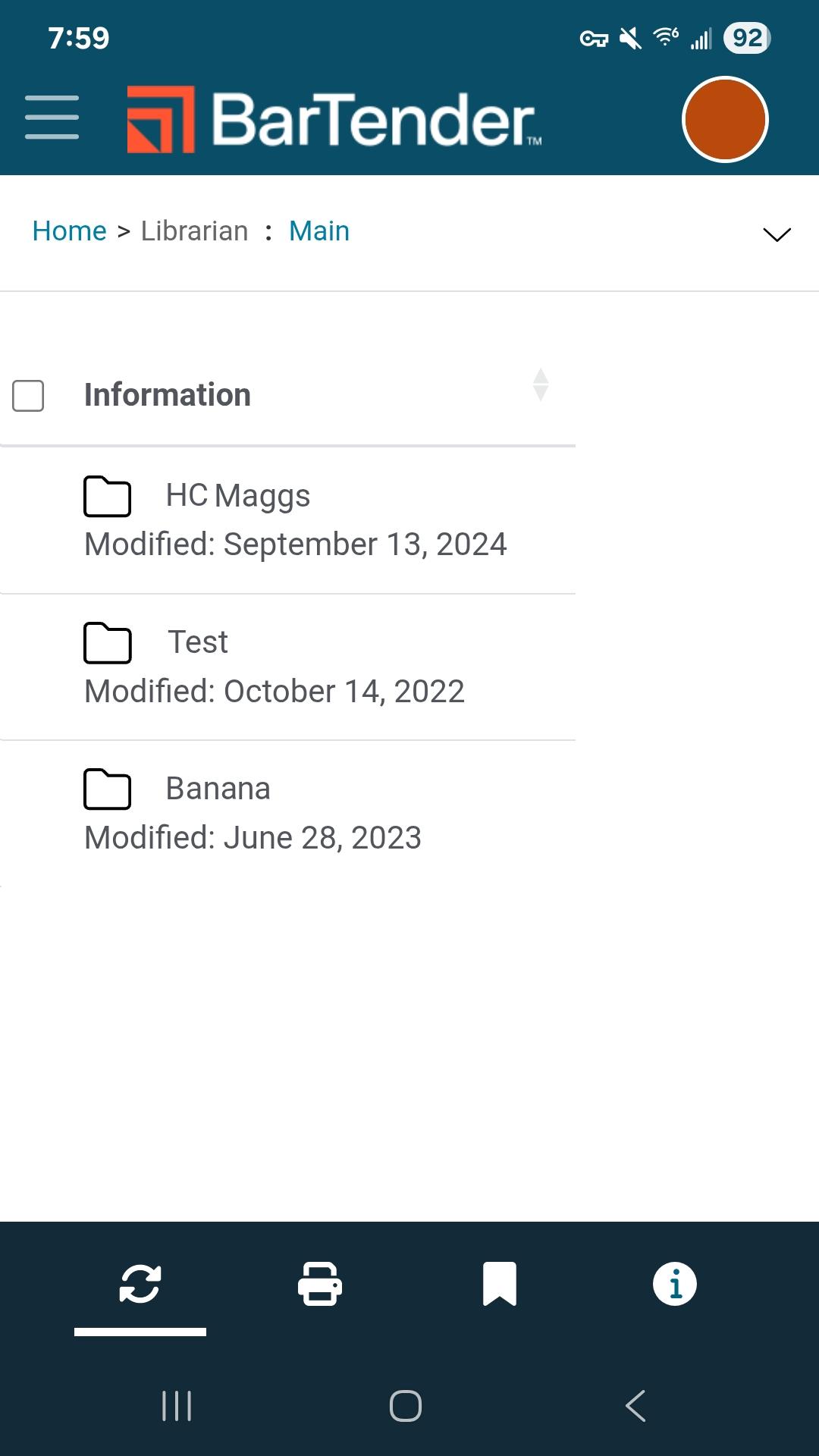
BarTender provides easy, fast and secure mobile printing of documents, barcode labels and RFID tags at your source of work. The app works with active BarTender Print Portal (BarTender 11.4, 2022, 2021) or BarTender Cloud to print existing labels directly from a mobile device.
• Print at the source of work including print operator forms and predefined data entry options
• Select and print your label documents
• Add real-time data
• Centralize label template management
• Automatically discover and connect to any Bluetooth printer
• Maintain mission-critical security
• Enable automatic login
• Configure document folders
• Configure printers
For support, refer to https://support.seagullscientific.com
For information about how to connect to your Print Portal, refer to https://help.seagullscientific.com/BarTenderMobile/
Seagull Software
Developer
پیش نظارہ
ٹیگز
پیداواری صلاحیتمعلومات
ڈویلپر
Seagull Scientific, Inc.
تازہ ترین ورژن
2.2.5
آخری تازہ کاری
2025-08-05
قسم
پیداواری صلاحیت
پر دستیاب ہے۔
Google Play
مزید دکھائیں
پی سی پر گیم لوپ کے ساتھ BarTender Mobile App کیسے کھیلا جائے۔
1. آفیشل ویب سائٹ سے گیم لوپ ڈاؤن لوڈ کریں، پھر گیم لوپ انسٹال کرنے کے لیے exe فائل چلائیں۔
2. گیم لوپ کھولیں اور "BarTender Mobile App" تلاش کریں، تلاش کے نتائج میں BarTender Mobile App تلاش کریں اور "انسٹال کریں" پر کلک کریں۔
3. گیم لوپ پر BarTender Mobile App کھیلنے کا لطف اٹھائیں۔
Minimum requirements
OS
Windows 8.1 64-bit or Windows 10 64-bit
GPU
GTX 1050
CPU
i3-8300
Memory
8GB RAM
Storage
1GB available space
Recommended requirements
OS
Windows 8.1 64-bit or Windows 10 64-bit
GPU
GTX 1050
CPU
i3-9320
Memory
16GB RAM
Storage
1GB available space