
ScreenZen・Screen Time Control PC
screenzen
گیم لوپ ایمولیٹر کے ساتھ PC پر ScreenZen・Screen Time Control ڈاؤن لوڈ کریں۔
پی سی پر ScreenZen・Screen Time Control
ScreenZen・Screen Time Control، جو ڈویلپر screenzen سے آرہا ہے، ماضی میں اینڈرائیڈ سسٹم پر چل رہا ہے۔
اب، آپ پی سی پر ScreenZen・Screen Time Control آسانی سے GameLoop کے ساتھ چلا سکتے ہیں۔
اسے GameLoop لائبریری یا تلاش کے نتائج میں ڈاؤن لوڈ کریں۔ مزید غلط وقت پر بیٹری یا مایوس کن کالوں پر نظر نہیں ڈالی جائے گی۔
بس بڑی سکرین پر ScreenZen・Screen Time Control PC کا مفت میں لطف اٹھائیں!
ScreenZen・Screen Time Control تعارف
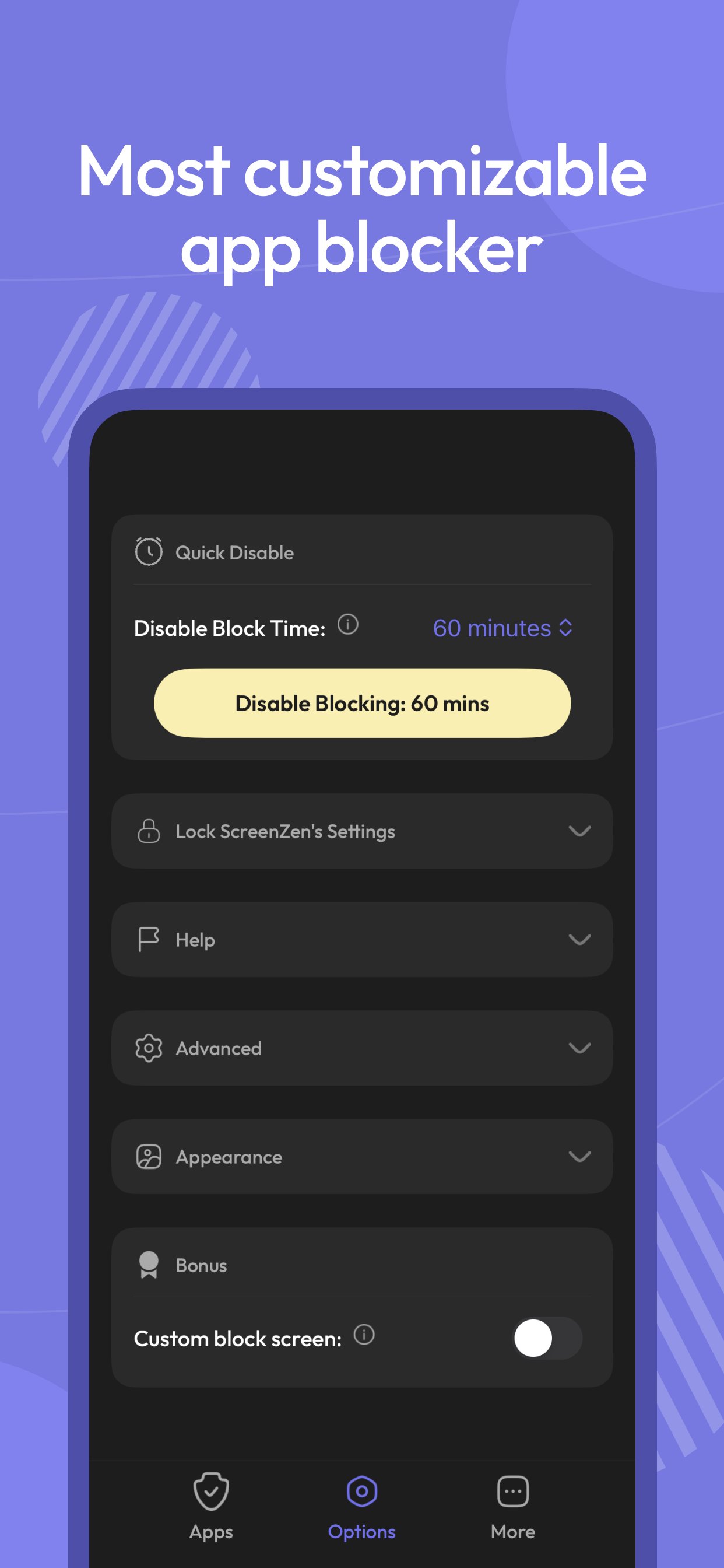
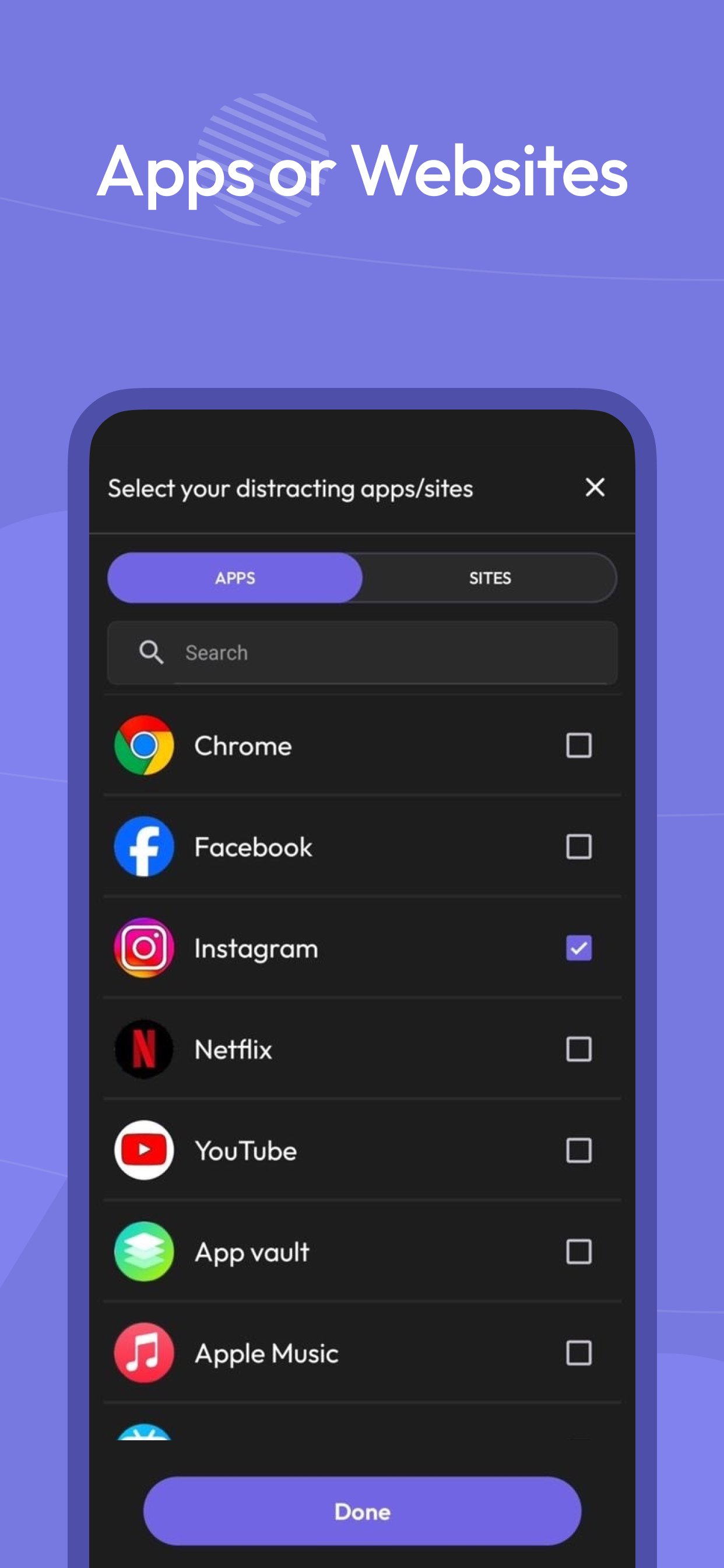
Multiple strategies to control your screen time, block apps and websites, and stay focused. Regain your freedom.
Pause before opening apps or websites:
Take a moment before launching a distracting app. The wait time can increase with each use, helping you build intention — a technique also seen in apps like Opal.
Interrupt your scrolling:
Limit your time on distracting apps to short bursts so you don’t get pulled in. If you’ve tried tools like Opal, this approach will feel familiar.
Set usage goals:
Define daily limits per app — and optionally block access when you hit your target.
Customize by day and time:
Flexible settings for different days of the week and hours of the day, tailored per app.
Mindful prompts before opening apps:
Messages like “Is this important?” encourage reflection — a small but powerful habit, also appreciated by users of focus-first apps like Opal.
See only the screen time that matters:
Track your time on distracting apps only. Productive tools like Google Maps won’t distort your stats.
ScreenZen uses Accessibility permissions to block websites.
پیش نظارہ
ٹیگز
پیداواری صلاحیتمعلومات
ڈویلپر
screenzen
تازہ ترین ورژن
1.54
آخری تازہ کاری
2025-12-17
قسم
پیداواری صلاحیت
پر دستیاب ہے۔
Google Play
مزید دکھائیں
پی سی پر گیم لوپ کے ساتھ ScreenZen・Screen Time Control کیسے کھیلا جائے۔
1. آفیشل ویب سائٹ سے گیم لوپ ڈاؤن لوڈ کریں، پھر گیم لوپ انسٹال کرنے کے لیے exe فائل چلائیں۔
2. گیم لوپ کھولیں اور "ScreenZen・Screen Time Control" تلاش کریں، تلاش کے نتائج میں ScreenZen・Screen Time Control تلاش کریں اور "انسٹال کریں" پر کلک کریں۔
3. گیم لوپ پر ScreenZen・Screen Time Control کھیلنے کا لطف اٹھائیں۔
Minimum requirements
OS
Windows 8.1 64-bit or Windows 10 64-bit
GPU
GTX 1050
CPU
i3-8300
Memory
8GB RAM
Storage
1GB available space
Recommended requirements
OS
Windows 8.1 64-bit or Windows 10 64-bit
GPU
GTX 1050
CPU
i3-9320
Memory
16GB RAM
Storage
1GB available space